
Remove Any Background in One Click
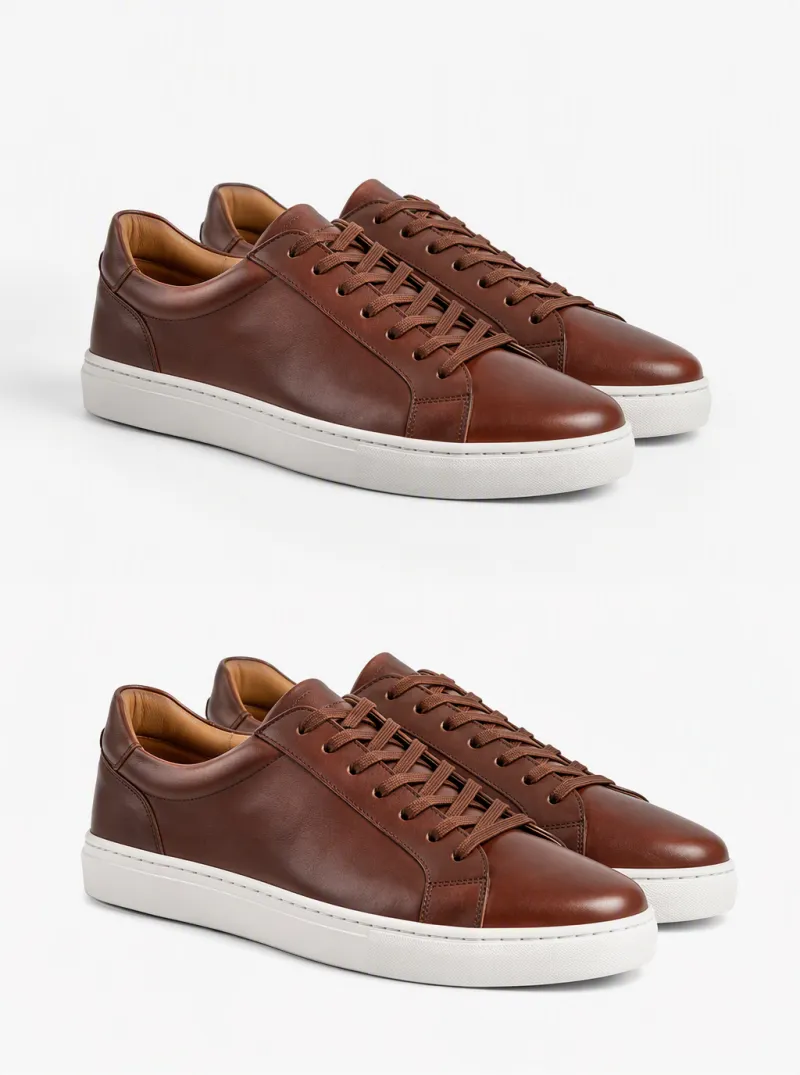
Transparent PNG, white backdrop, or a new scene.




Remove Any Background in 3 Steps
Upload your photo
Works with JPG, PNG, and WebP — even quick phone photos give clean results.
Pick the output you want
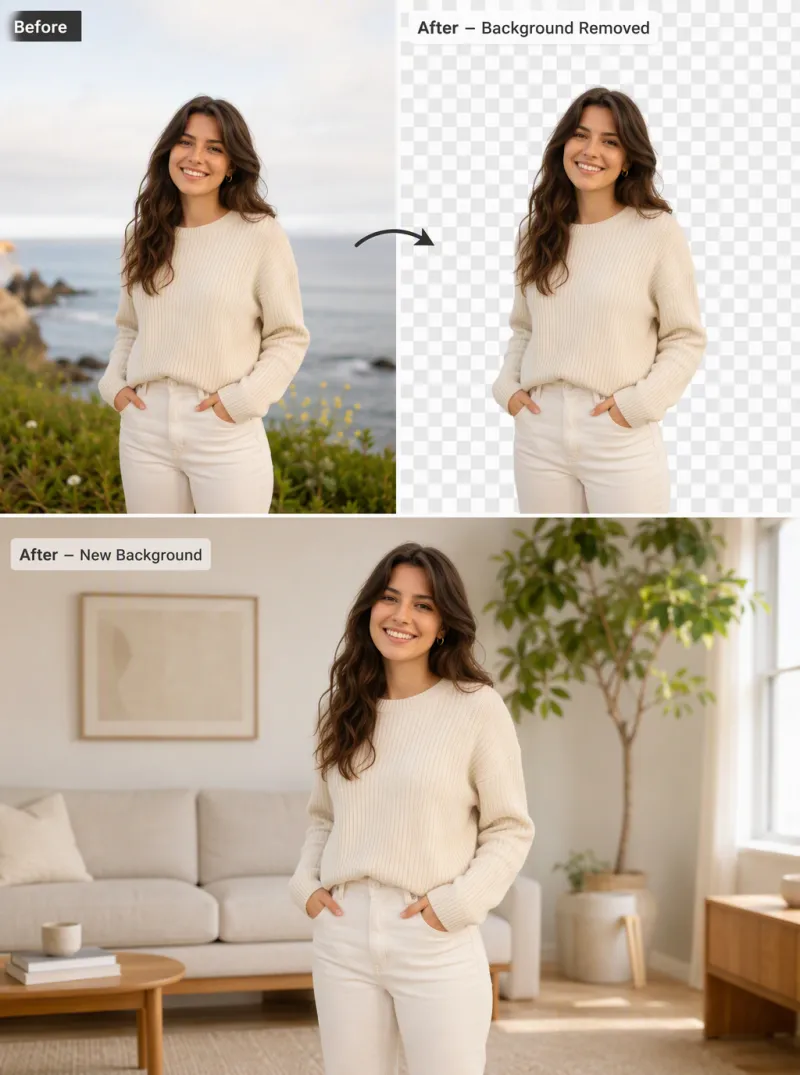
Choose a transparent PNG, a solid white background, or describe a brand-new scene.
Download and use it anywhere
A pixel-precise cutout is ready in seconds — for e-commerce, social media, or any design tool.
Background Removal That Handles the Hard Cases
Pixel-perfect edge detection
Hair, fur, lace, and semi-transparent fabric are cut out to the pixel — no jagged edges, no manual masking.

Transparent PNG in one click
Get a clean, transparent-background PNG ready to drop into any layout, listing, or design file.

Or replace it with any scene
Describe a new backdrop and iMini AI blends your subject into it naturally — no compositing skills required.

Trusted by sellers and creators worldwide
"Every product photo gets a clean cutout in seconds now. What used to take a full afternoon in Photoshop takes minutes."
"The edge detection on hair and fabric is the best I've used — nothing else handles fine detail this cleanly."
"Replacing the background with a described scene instead of just removing it saves an entire compositing step."
AI Remove Background — FAQ
Tips for better AI image editing



Cut out backgrounds on iMini AI
Export transparent PNGs or place subjects into new scenes — alongside other image editing tools.
Start free. No credit card required.