
Edit Exactly One Part of Any Photo
Select or describe a region. Only that area changes.
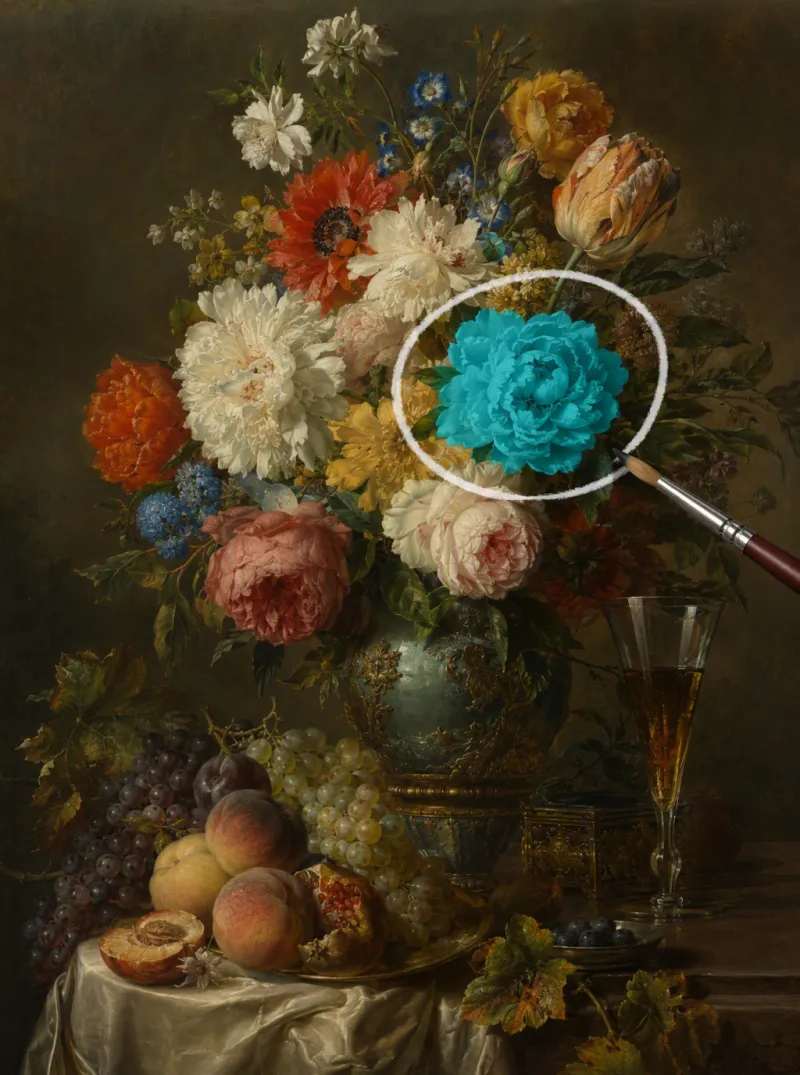
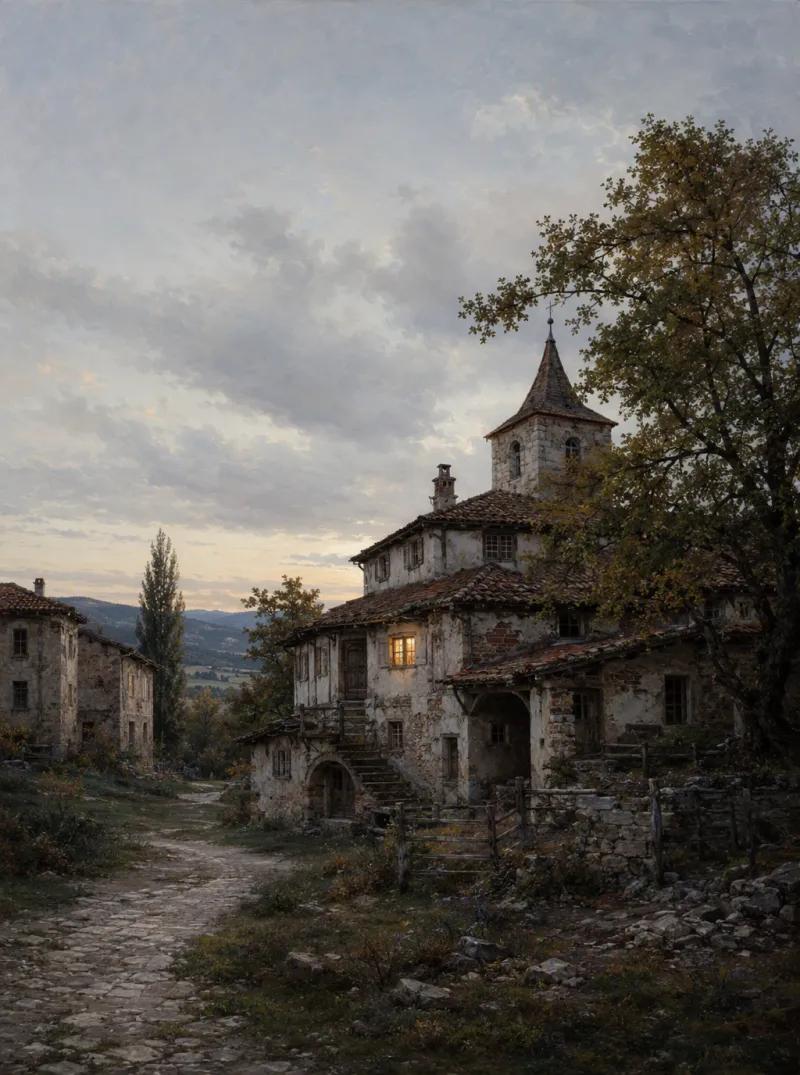
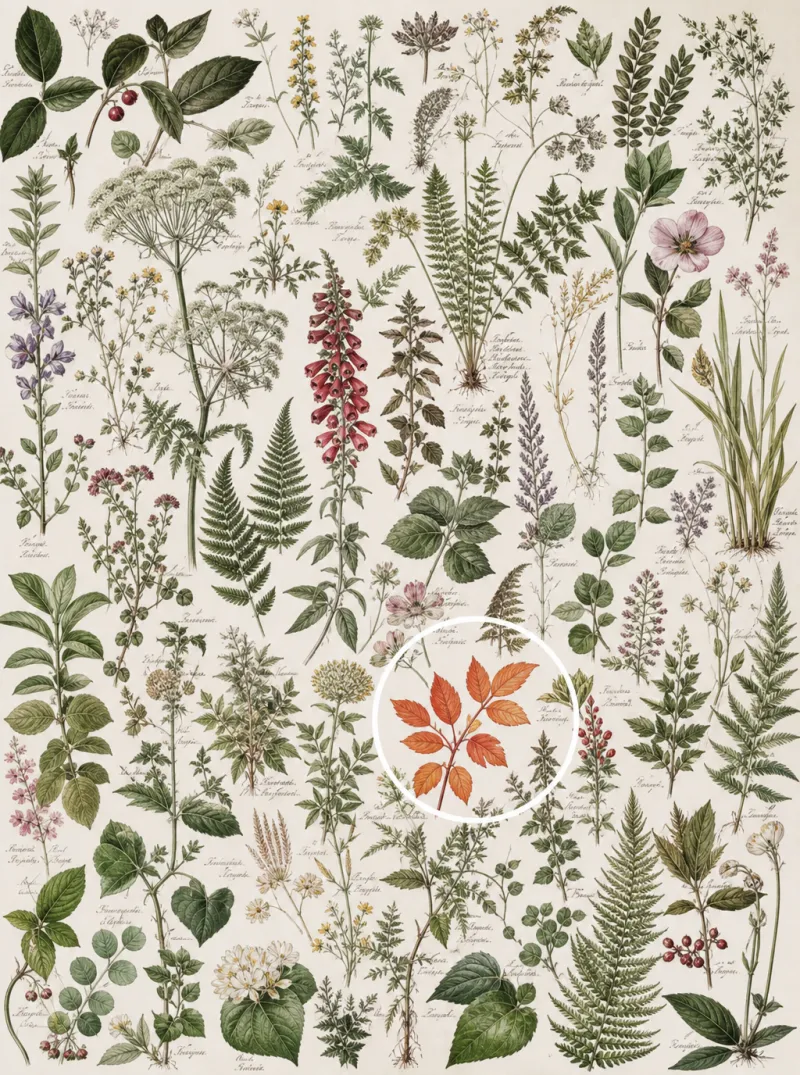
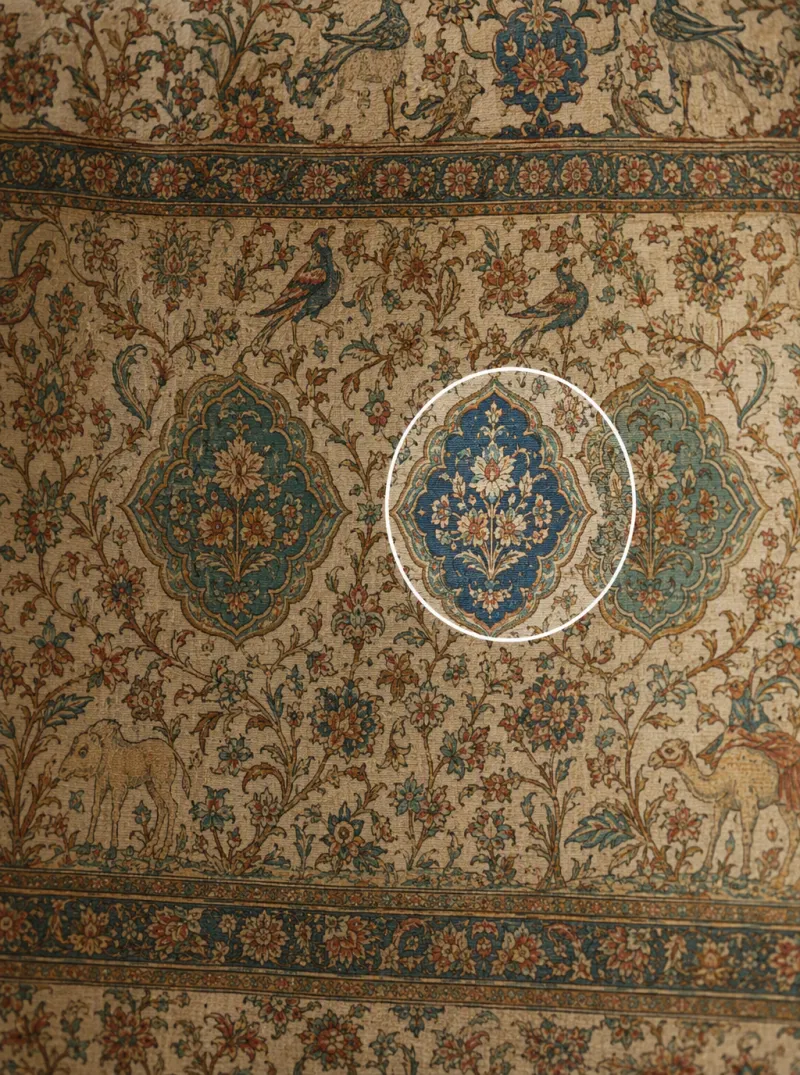
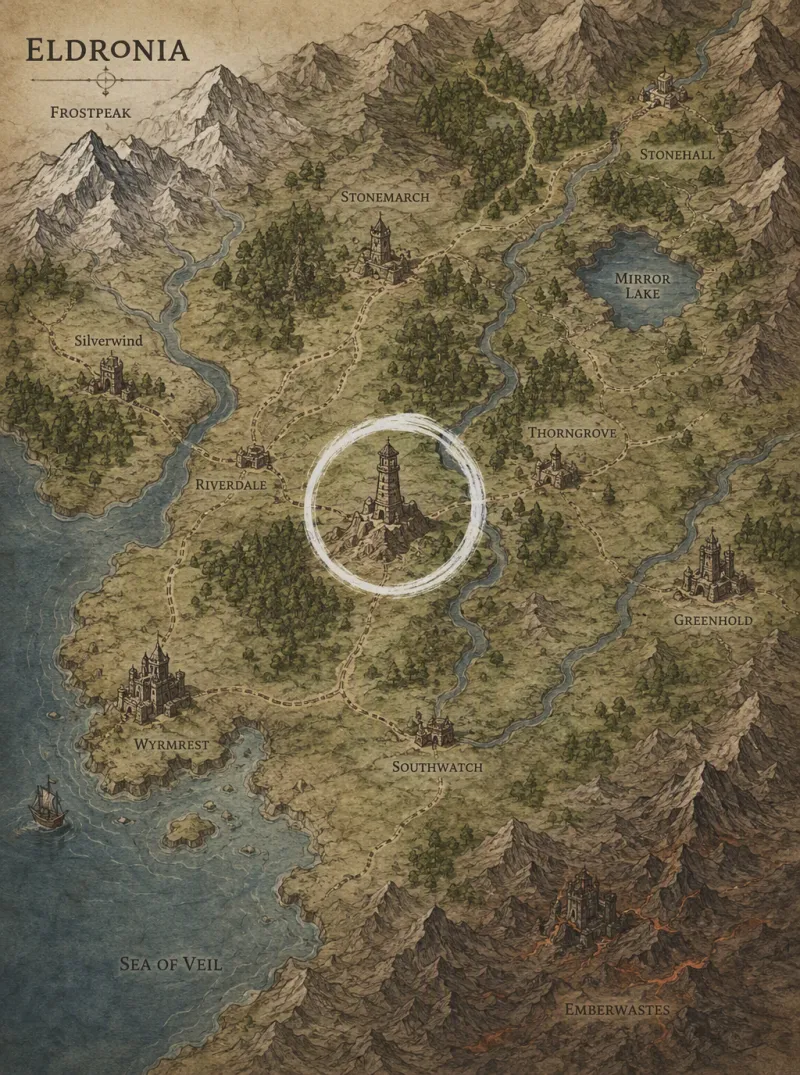

Make a Precise Edit in 3 Steps
Upload and select the area
Upload your photo and mark or describe the exact region you want to change — a shirt, a sign, a shadow, anything.
Describe the exact change
Tell iMini AI what that region should become. Everything outside the selection is left completely untouched.
Get a seamless result
The edited area blends naturally with the rest of the photo — no visible seams, no extra retouching needed.
Local Edits Without Redoing the Whole Photo
Pixel-precise targeting
Select a small region — a logo, a wrinkle, a background object — and edit only that, down to the pixel.
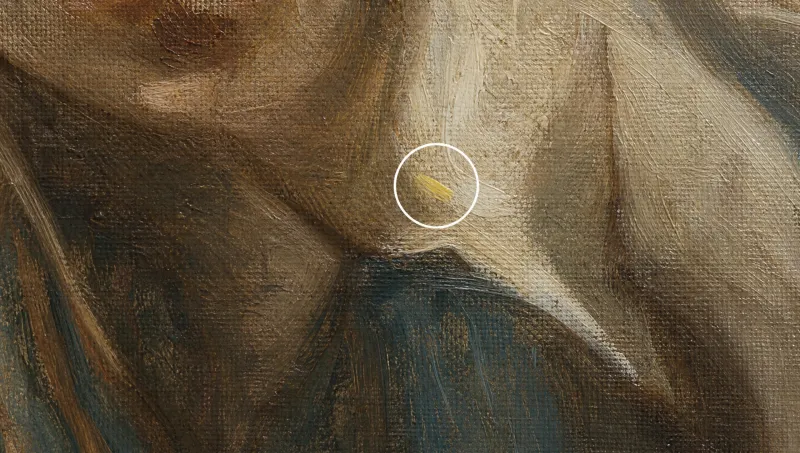
Rest of the photo stays untouched
iMini AI edits inside your selection only. Lighting, color, and composition everywhere else stay exactly as they were.

Iterate in seconds
Not quite right? Refine the same region again immediately — no re-uploading, no starting over.
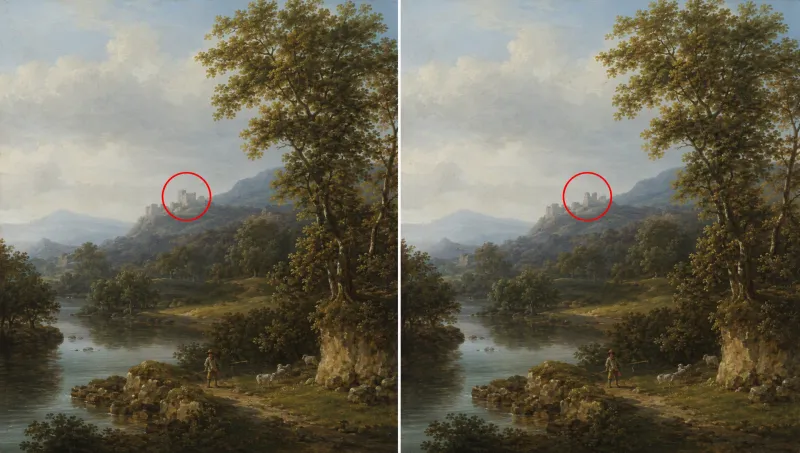
Trusted by retouchers and marketers worldwide
"I used to mask every region by hand in Photoshop. Now I just describe the change and only that part of the photo moves."
"We needed to swap one product color across dozens of catalog shots without touching the backgrounds. This did it in minutes."
"Removing a stray cable or fixing a wall stain without disturbing the rest of the room shot is exactly what I needed."
AI Precise Edit — FAQ
Tips for better AI image editing


Try precise local edits on iMini AI
Change one region without regenerating the whole image — alongside other image tools in one workspace.
Start free. No credit card required.