
Remove Unwanted Objects from Any Photo
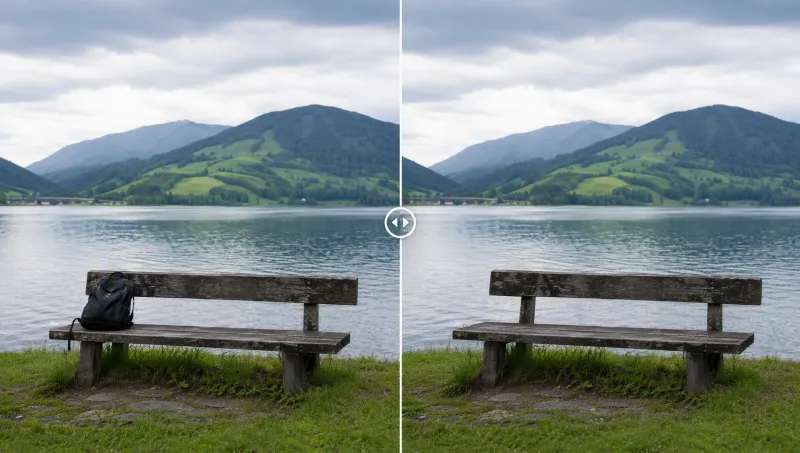
Clean erasure with natural background fill.
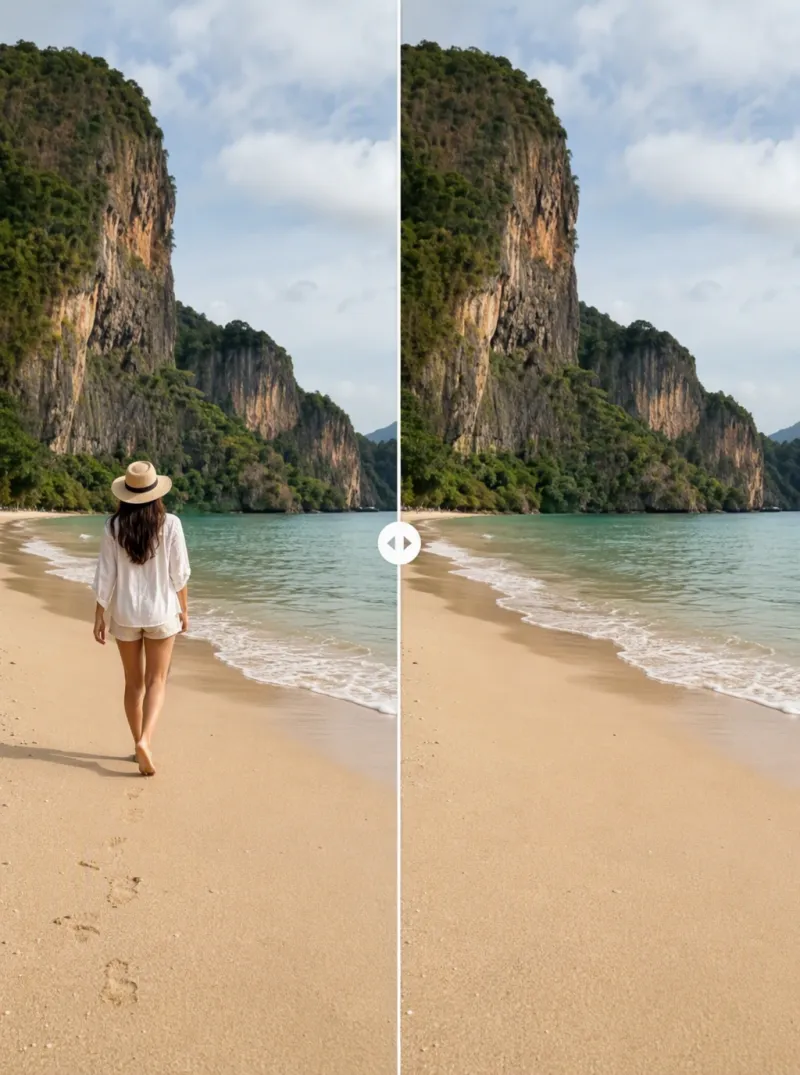
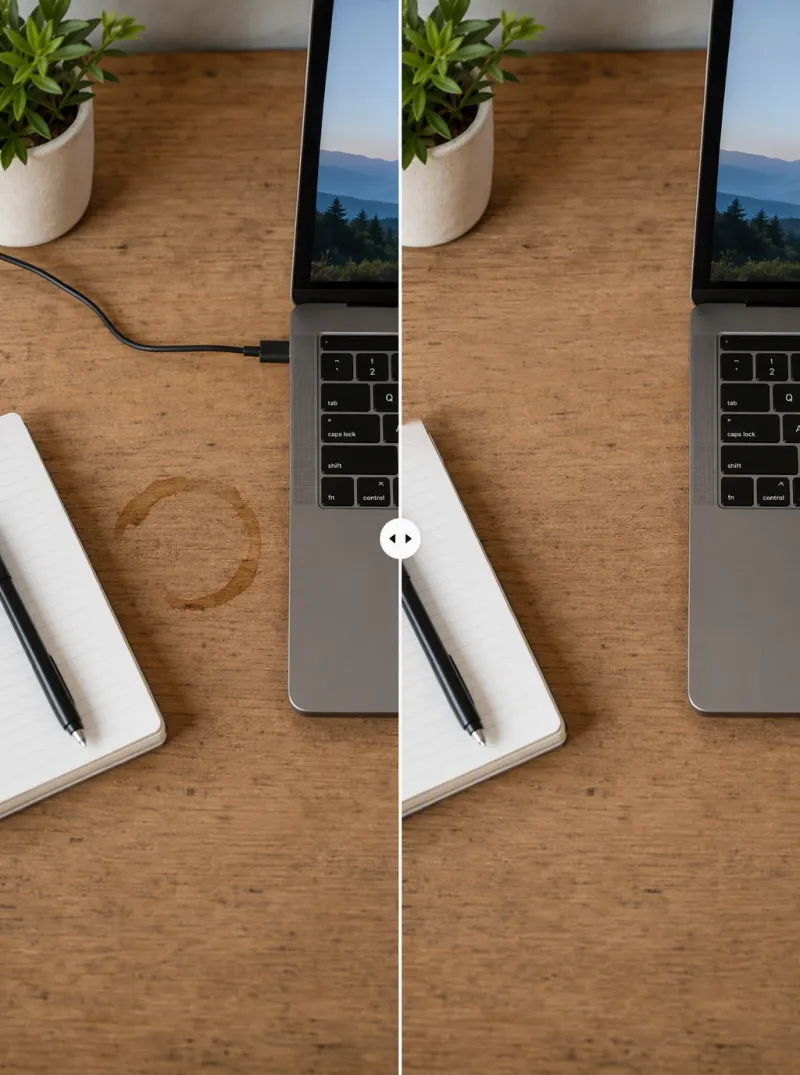
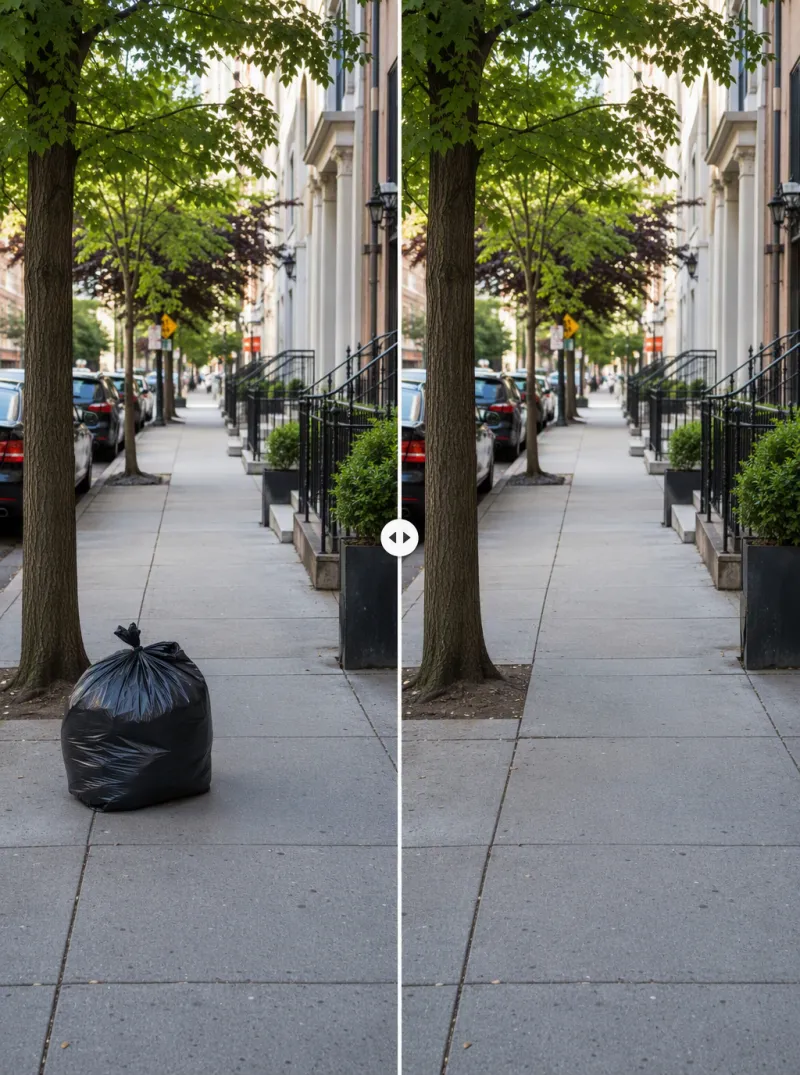
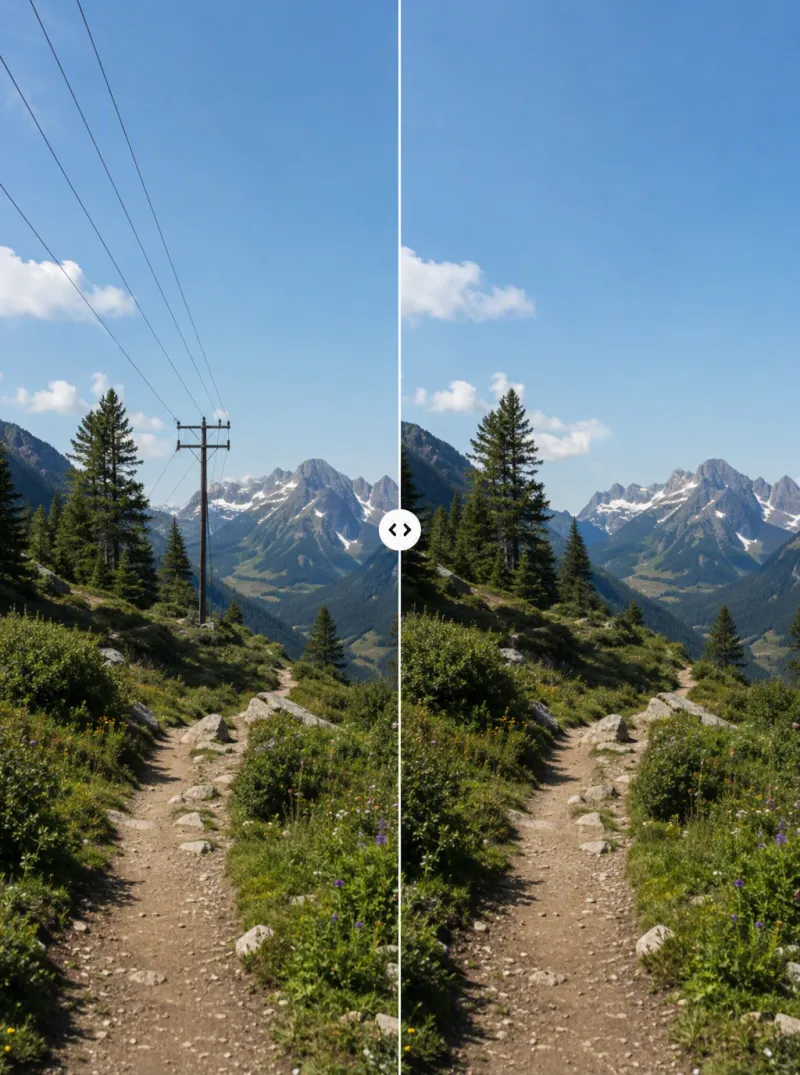
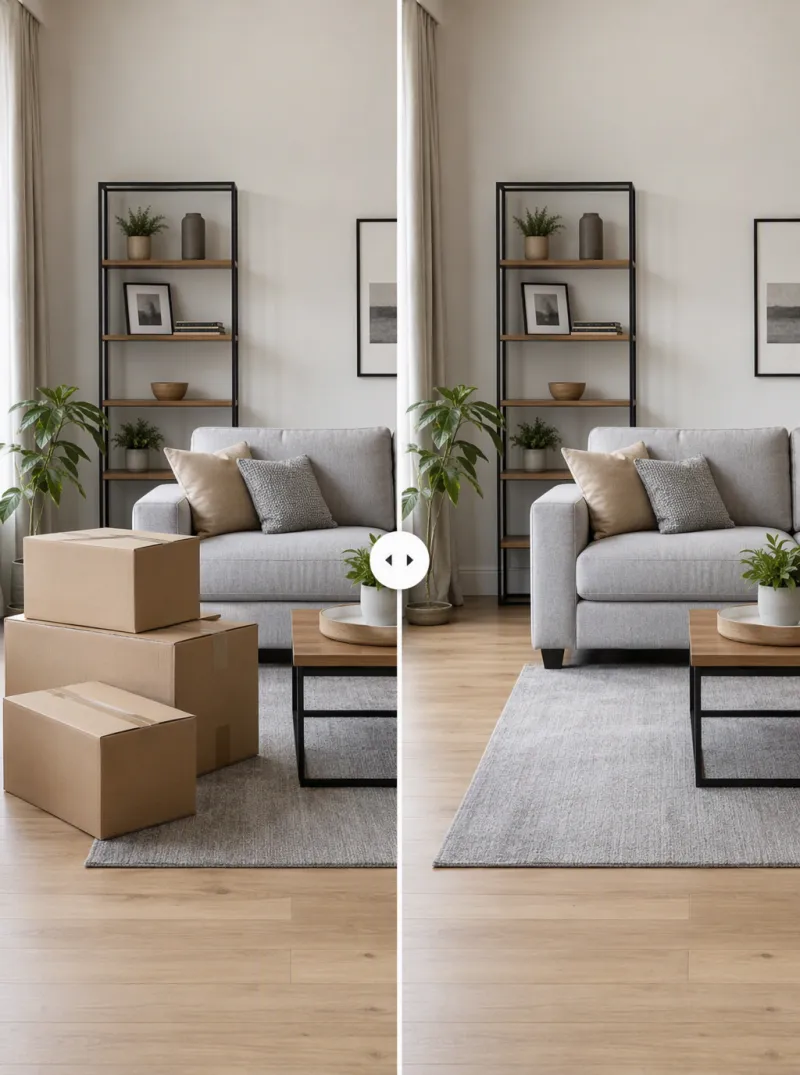
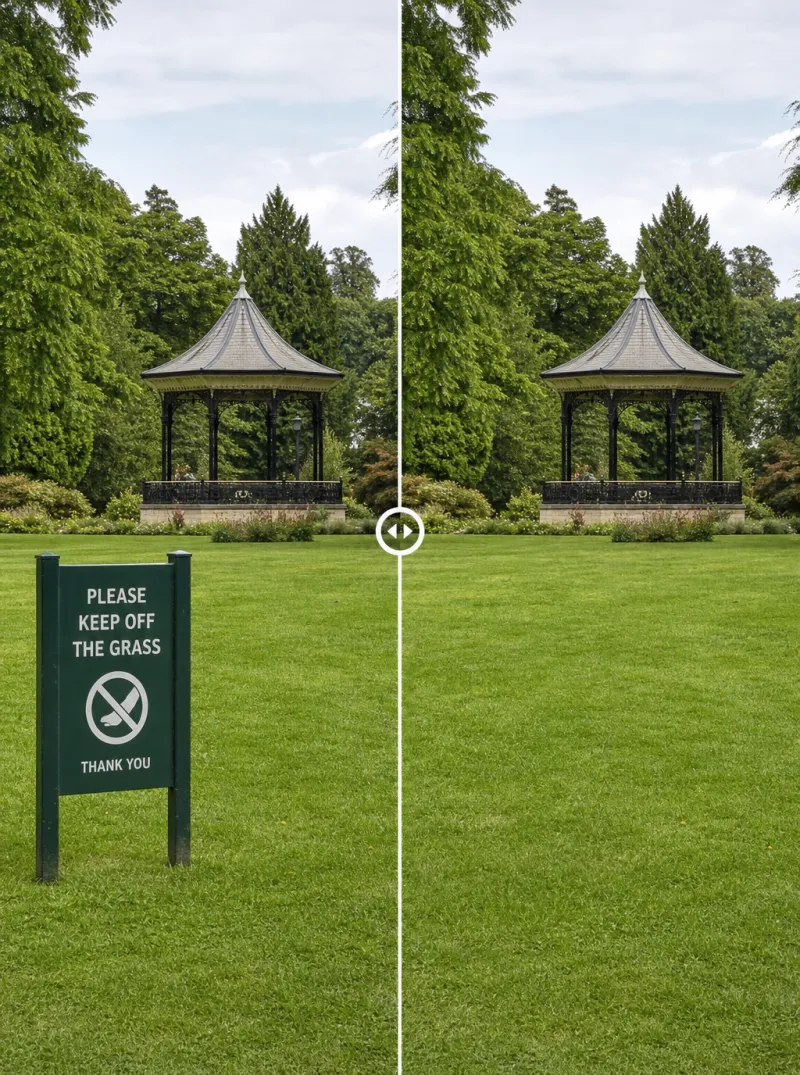
Remove Any Object in 3 Steps
Upload your image
Any photo — a portrait, a product shot, or a scenic photo with something you want gone.
Mark or describe what to remove
Circle the object or simply describe it — a passerby, a cable, a watermark, a stray reflection.
Get the cleaned result
iMini AI fills the removed area with matching background detail — no patchy edges, no visible retouching.
Clean Photos Without the Manual Retouching
One-click object erasure
Select or describe any unwanted object, person, or text and iMini AI removes it in one pass.
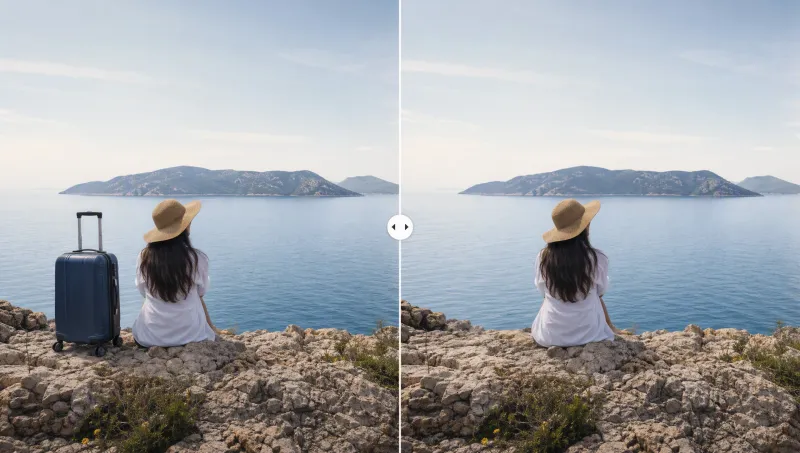
Background filled in naturally
The space left behind is reconstructed with matching texture, lighting, and perspective — no visible patch.
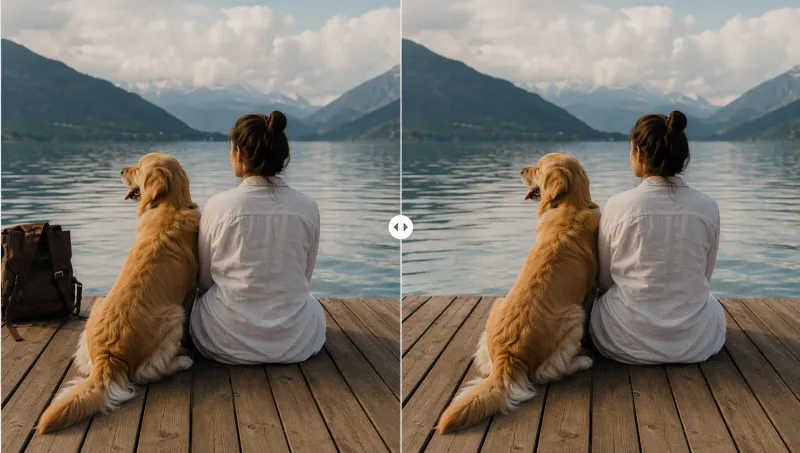
Remove watermarks, text, and blemishes
From stray timestamps to logo watermarks and skin blemishes, get a clean, distraction-free photo.
Trusted by photographers and creators worldwide
"Tourists in the background of every landmark shot used to ruin my photos. Now they're gone in seconds."
"Stray cords, personal items, cluttered counters — cleaned out of every listing photo before I upload them."
"Removing old watermarks from stock footage frames used to take forever in Photoshop. This does it instantly."
AI Object Removal — FAQ
Tips for better AI image editing



Clean up photos on iMini AI
Remove unwanted objects and fill the background naturally — in the same workspace as your other image tools.
Start free. No credit card required.