
Compose Photos From Layers
Adjust one layer at a time instead of starting over.
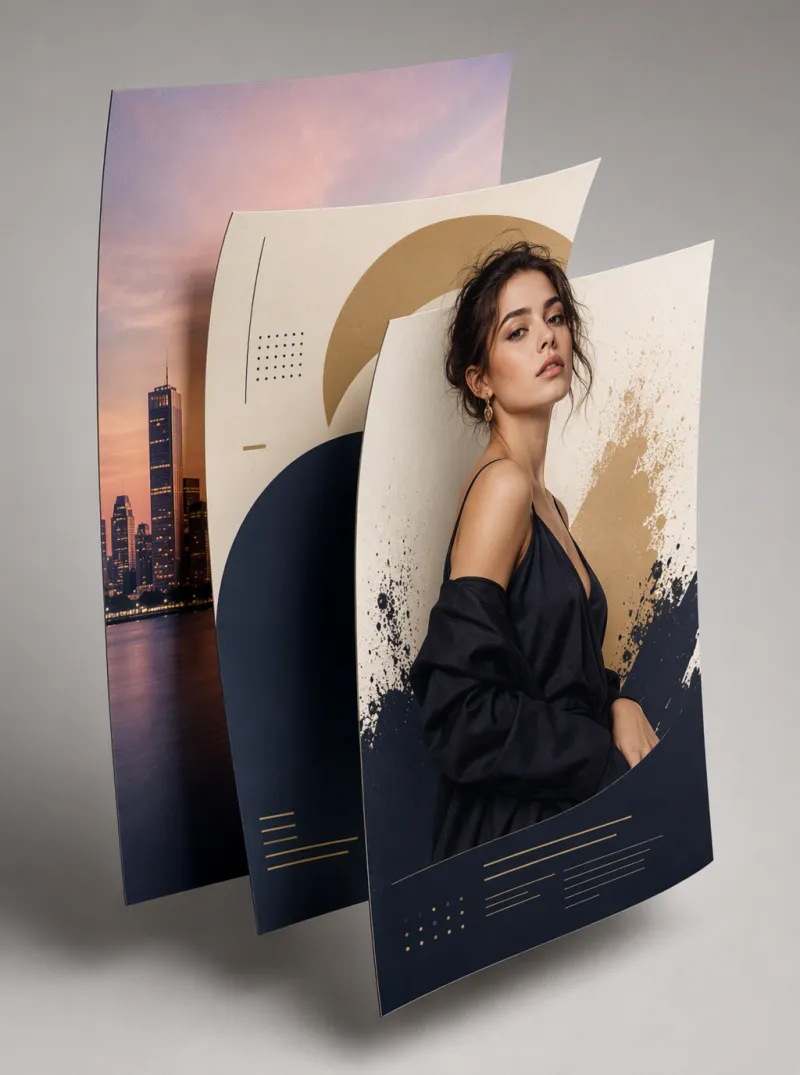
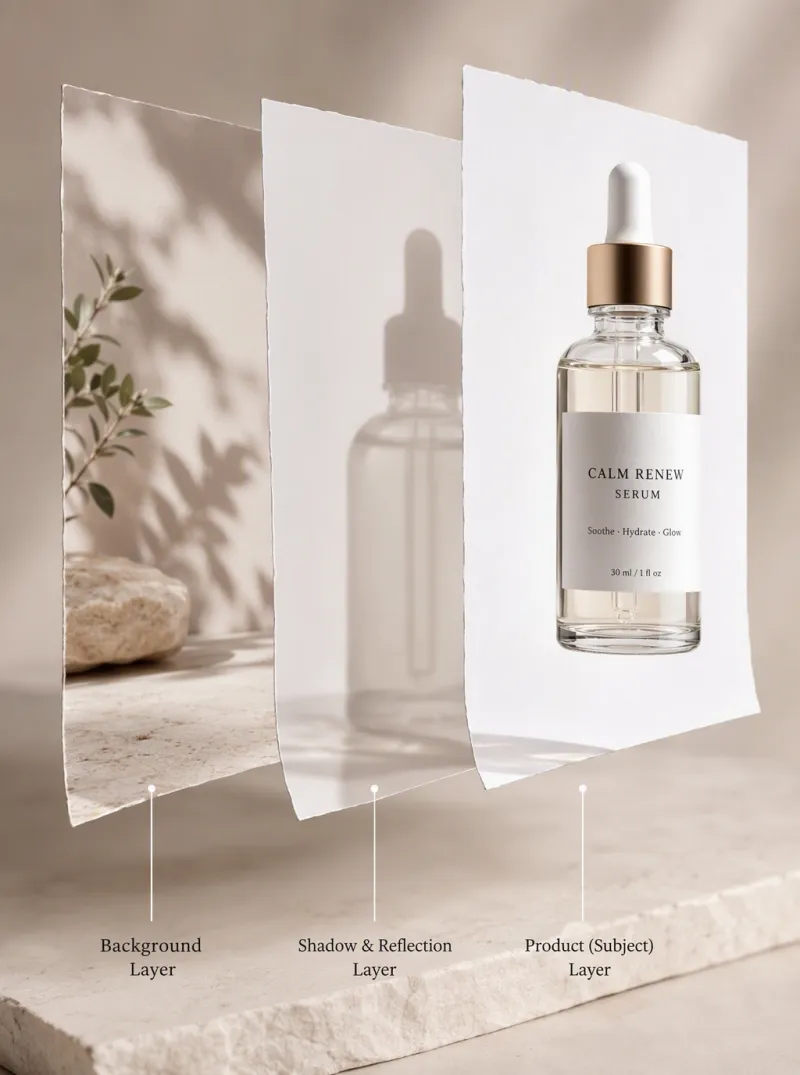

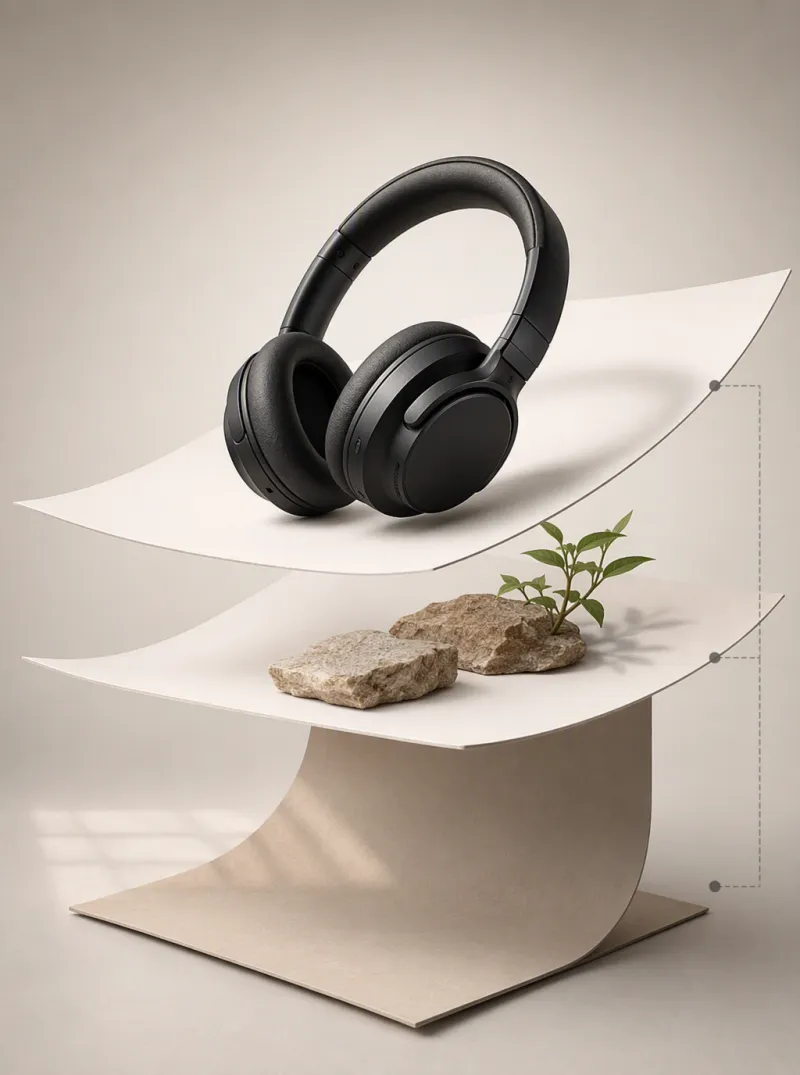
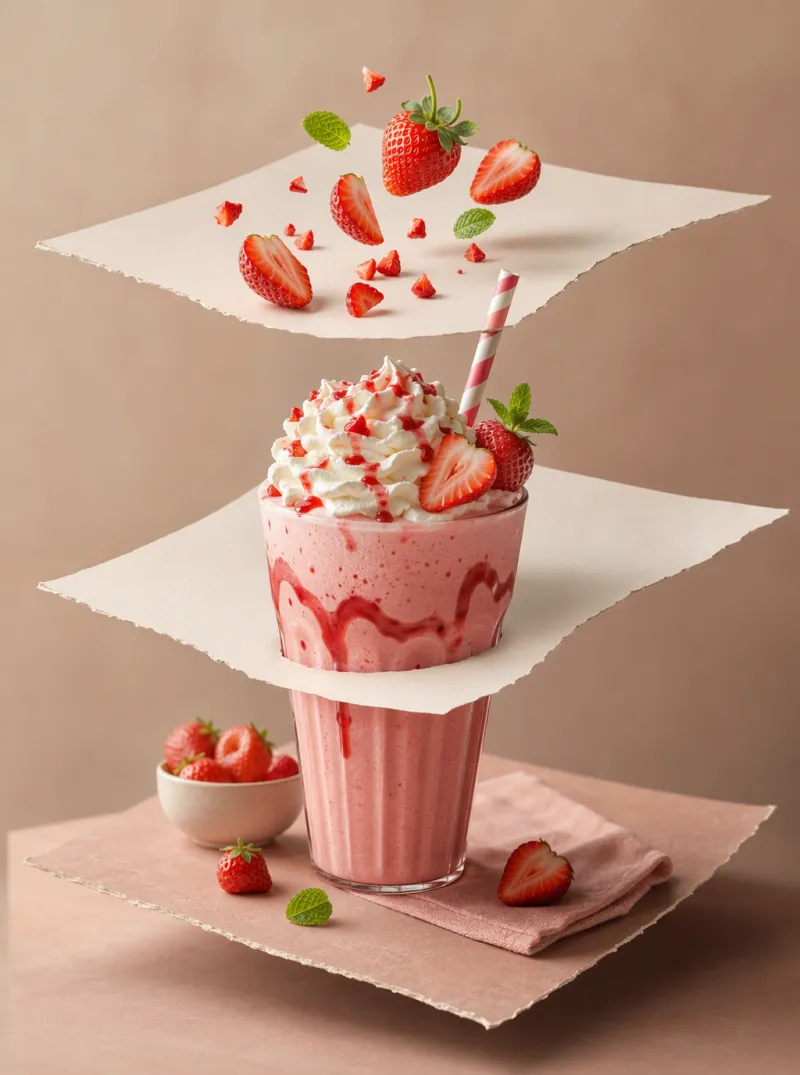
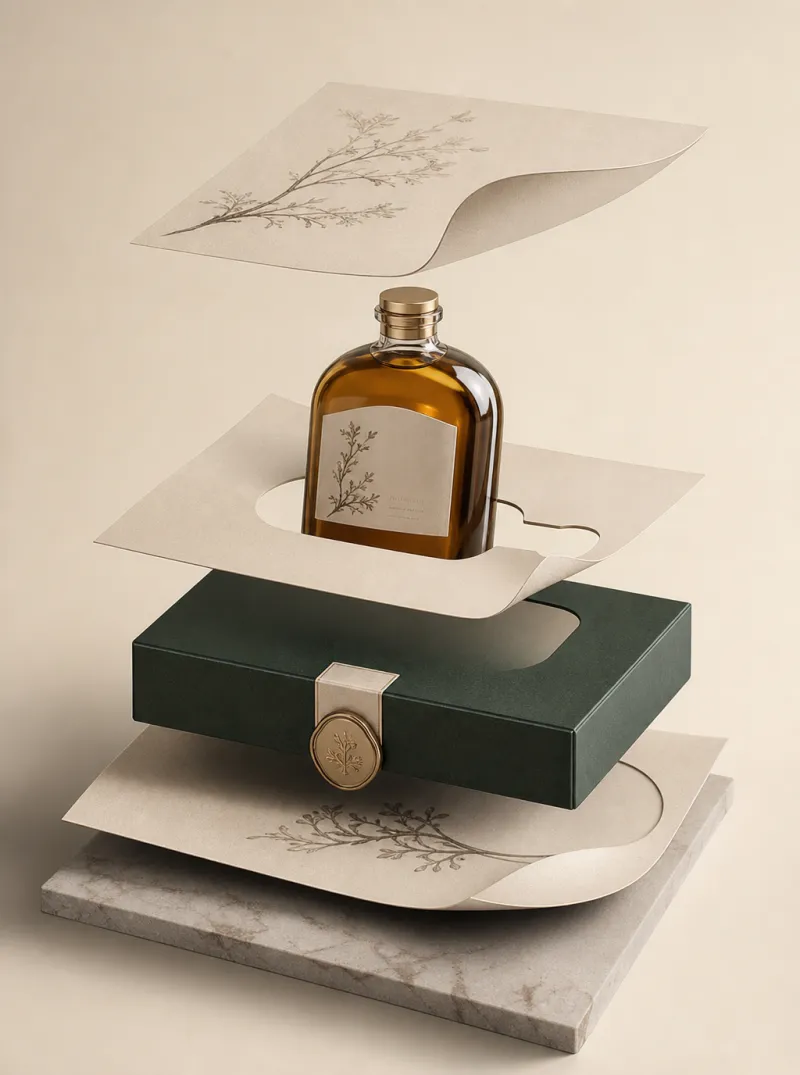
Compose a Layered Image in 3 Steps
Upload your base image
Start from a photo, a blank canvas, or a previous composition.
Add and describe each layer
Add a subject, object, background, or text layer and describe how it should look and sit in the scene.
Export the composited result
iMini AI blends every layer into one natural, cohesive image — flattened and ready to use.
Composition Without Compositing Software
Layer as many elements as you need
Add subjects, objects, backgrounds, and text as independent layers, then let iMini AI merge them into one coherent photo.
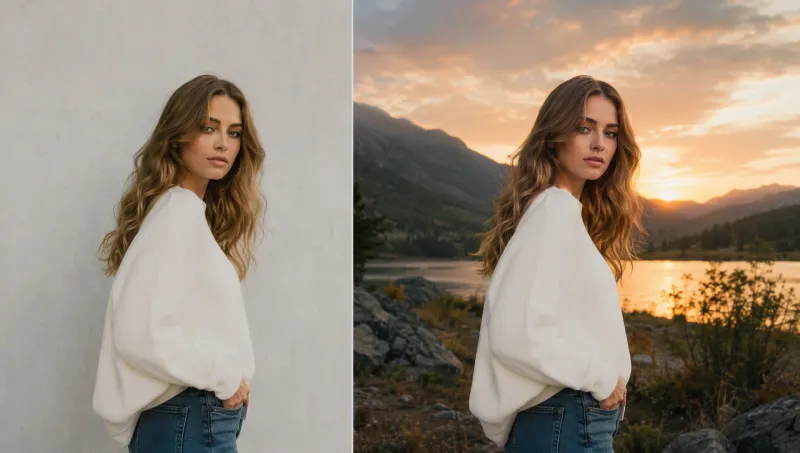
Natural blending, every time
Lighting, shadows, and perspective are automatically matched across layers — no manual masking or color correction.

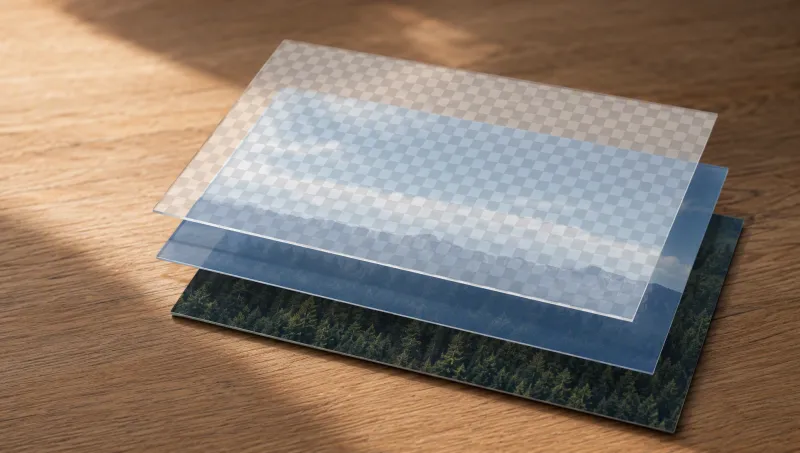
Adjust one layer without touching the rest
Change the position, scale, or content of a single element while every other layer stays exactly as composed.
Trusted by designers and creators worldwide
"I build campaign visuals from separate product, model, and background layers in minutes instead of hours in Photoshop."
"Swapping one layer — a prop, a background — without rebuilding the whole composite has saved us so much revision time."
"It genuinely understands how layers should sit together — shadows and perspective just line up."
AI Image Layer — FAQ
Tips for better AI image editing


Compose with layers on iMini AI
Adjust subjects and backgrounds as separate layers — next to expand, remove, and upscale tools.
Start free. No credit card required.