
Expand Any Photo Beyond Its Frame
Outpaint the edges and reframe to a new aspect ratio.
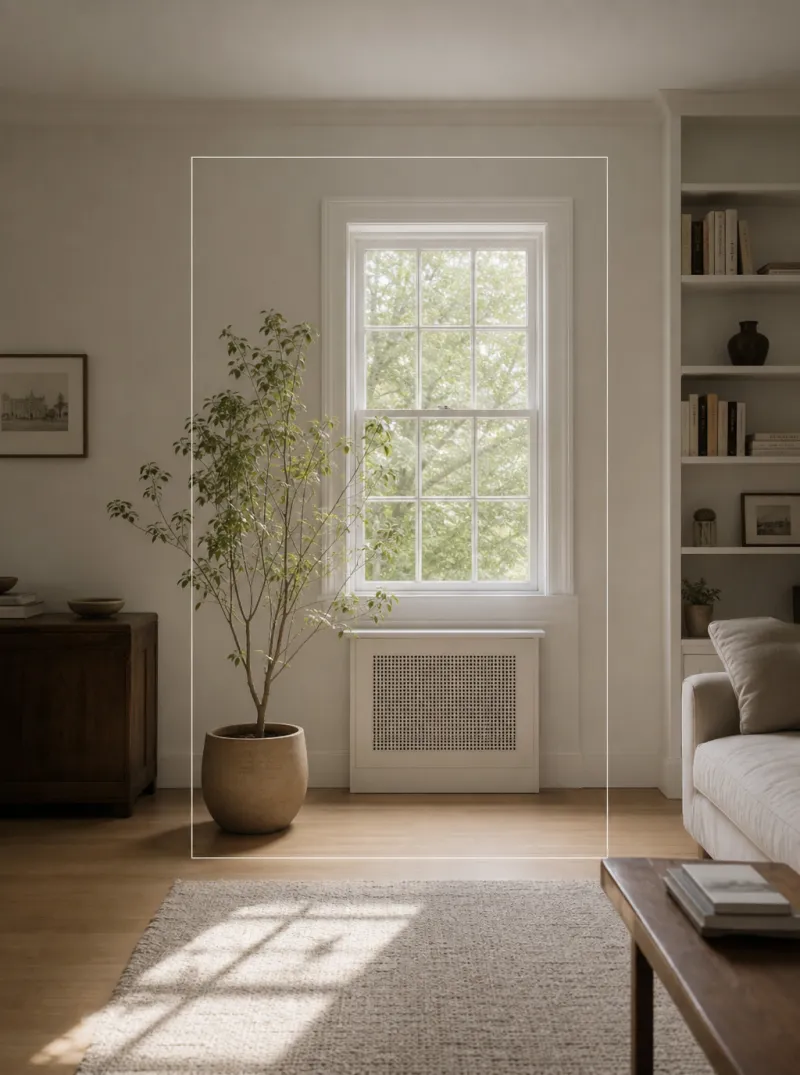
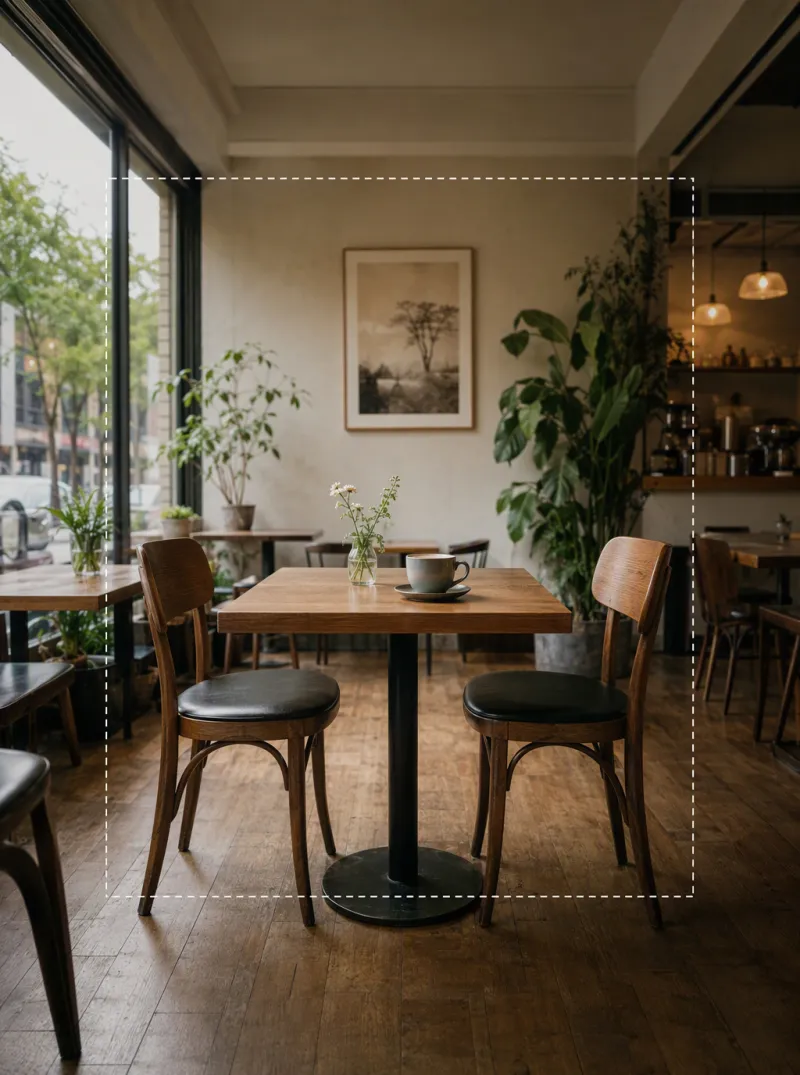
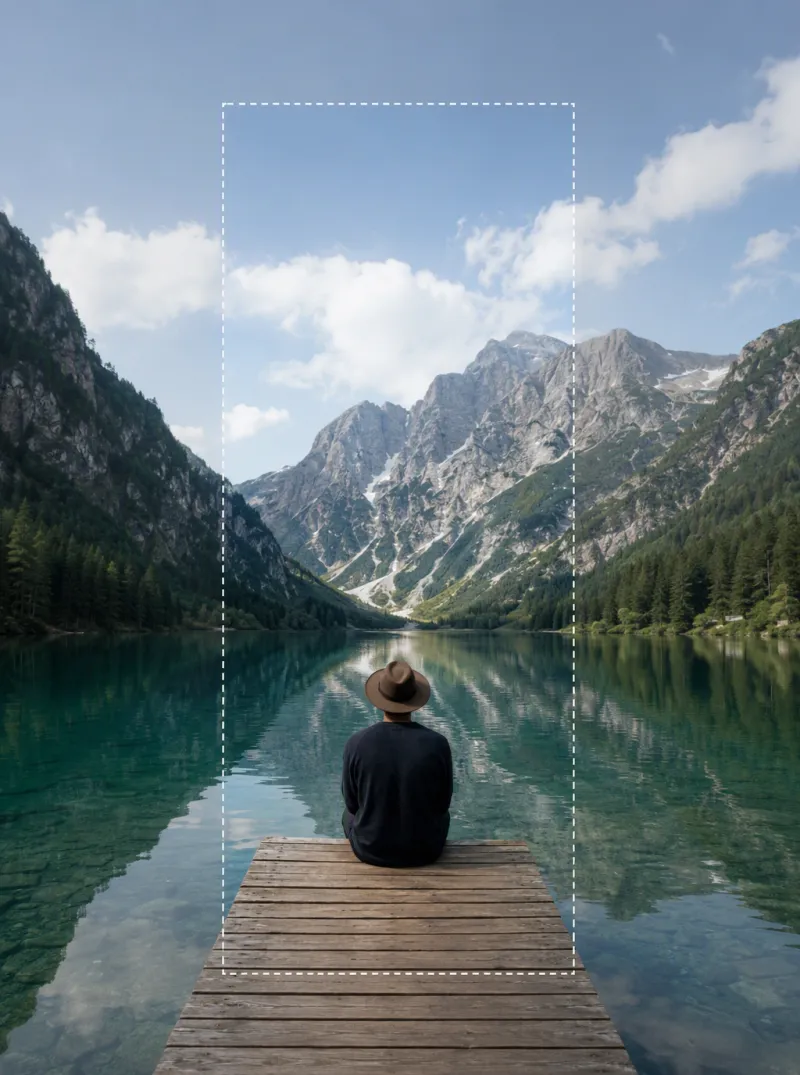

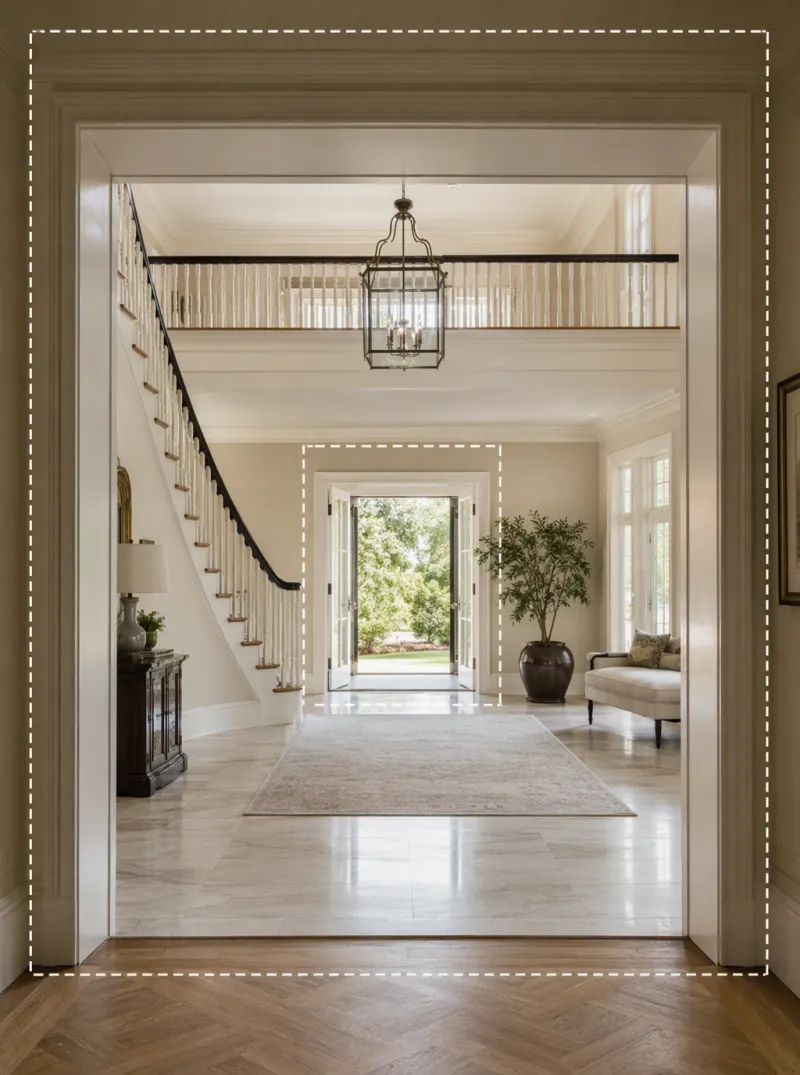
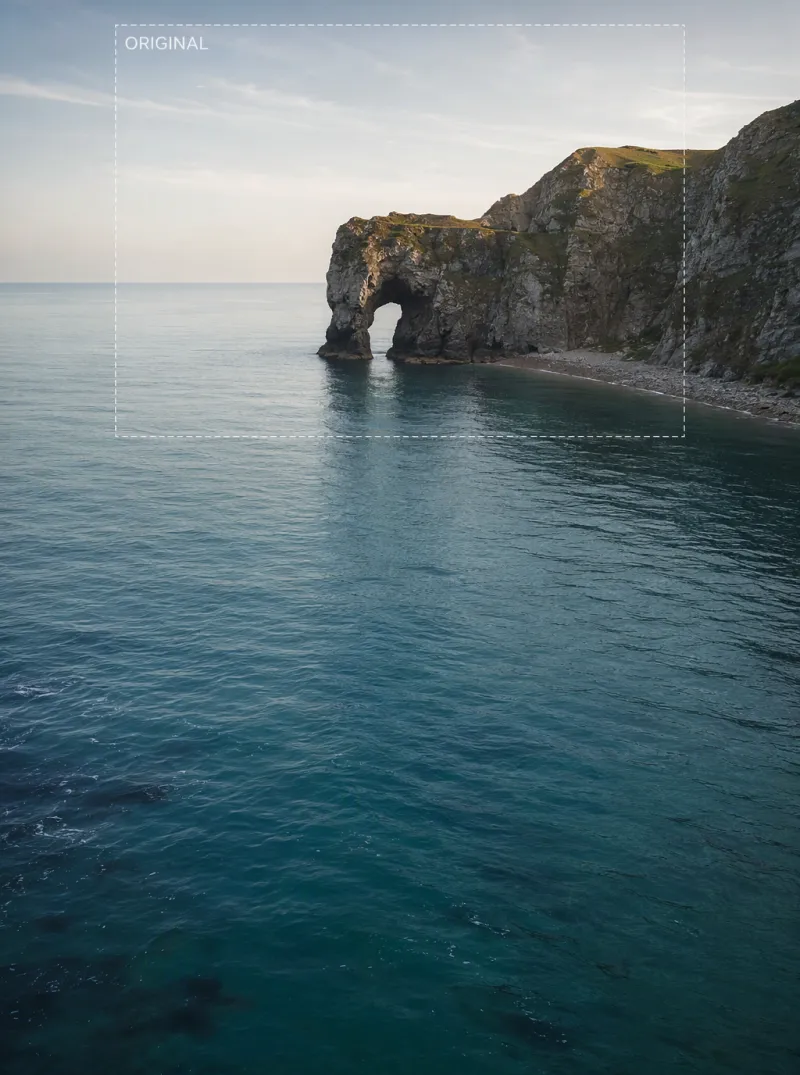
Expand a Photo in 3 Steps
Upload your image
Any photo works — a portrait, product shot, or landscape with a background worth extending.
Choose the new canvas size
Pick a target aspect ratio or drag the canvas outward in the direction you want to extend.
Get a seamless expanded image
iMini AI generates new background content that matches the lighting, texture, and perspective at the edges.
Reframe Without Losing the Original Shot
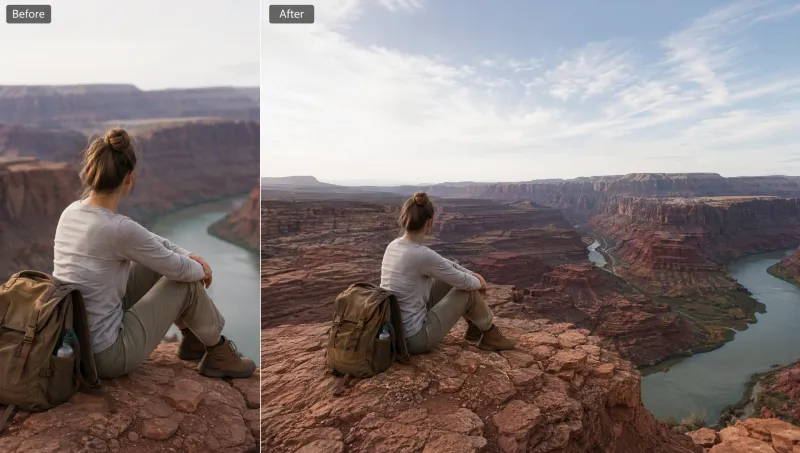
Extend the background naturally
iMini AI generates new scenery beyond your photo's original edges, matching light and texture so nothing looks stitched.
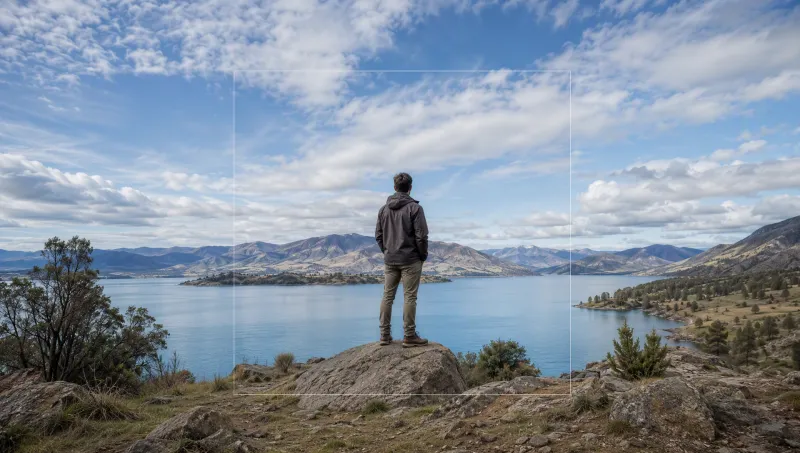
Fit any layout instantly
Turn a square photo into a widescreen banner or a landscape shot into a vertical story — without cropping out your subject.
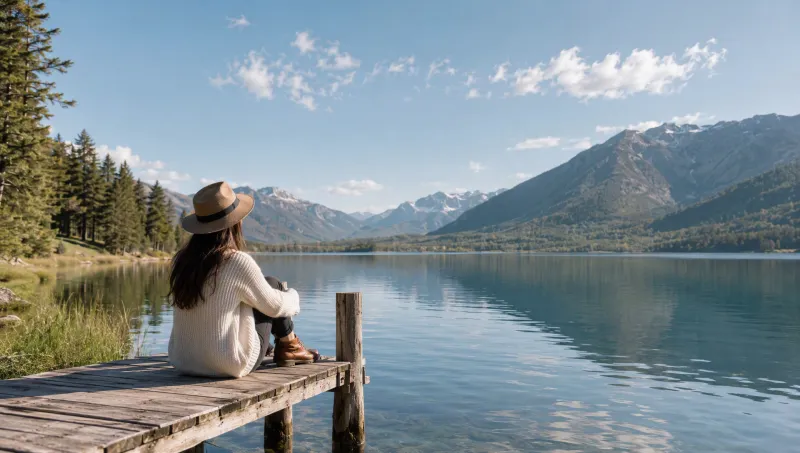
No visible seams
The expanded area blends into the original photo so precisely that viewers can't tell where the real photo ends.
Trusted by designers and marketers worldwide
"I reframe the same photo shoot for square, story, and banner formats in seconds instead of re-shooting for each platform."
"Extending a background to fit a billboard crop used to mean starting over. Now I just expand the canvas."
"My product photos never quite fit the banner slots on marketplaces. Expand solved that completely."
AI Image Expand — FAQ
Tips for better AI image editing
Expand and reframe on iMini AI
Outpaint beyond the original crop and match the aspect ratio you need for posts or listings.
Start free. No credit card required.