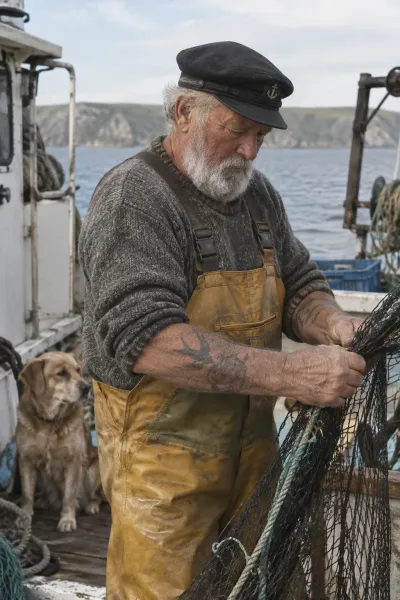
Subjects stay recognizable
Reference-led transformations better retain a person's, pet's or product's distinctive features.
OpenAI · GPT Image 2.5 · Released September 8, 2026
iMini AI ·
OpenAI's new image family focuses on precise edits, recognizable reference subjects and steadier multi-turn refinement. Choose Flare for speed or Sunburst when tighter control matters more.
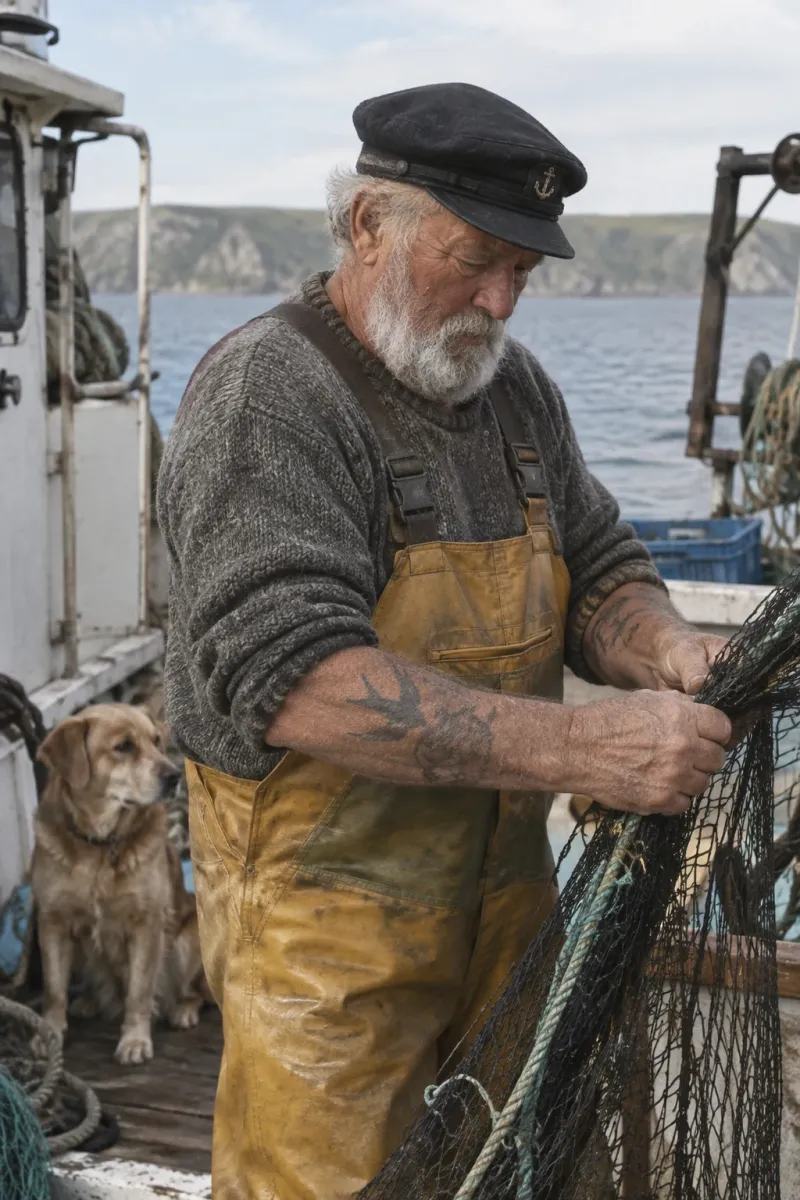

GPT Image 2.5 is OpenAI's September 2026 image generation and editing family. The API ships two real model IDs—not a single bare gpt-image-2.5 model: gpt-image-2.5-flare for fast, high-volume work and gpt-image-2.5-sunburst for demanding quality and precision.
Reference-led transformations better retain a person's, pet's or product's distinctive features.
Change a product, background or line of copy while preserving the surrounding composition and treatment.
Earlier edits are more likely to survive later instructions without cumulative quality loss.
OpenAI says generated outputs continue to include C2PA metadata and invisible watermarking.
| Decision | GPT Image 2.5 Flare | GPT Image 2.5 Sunburst |
|---|---|---|
| Role | Default choice for most applications | Precision-first premium workflow |
| Quality target | Comparable to GPT Image 2 in the prompting guide | Higher image quality than GPT Image 2 |
| Latency | Speed-optimized | Longer generation times |
| Best for | Social, prototypes, visual search and volume | Campaign finals, product imagery and complex edits |
Precision editing
GPT Image 2.5 image editing is designed around a harder production problem: make the requested change while keeping the subject, pose, product geometry, background and approved earlier edits stable. These official OpenAI before/after examples show what that means in practice.
The outfit changes while the person's face, expression, hair, pose, museum setting and camera framing remain recognizable.
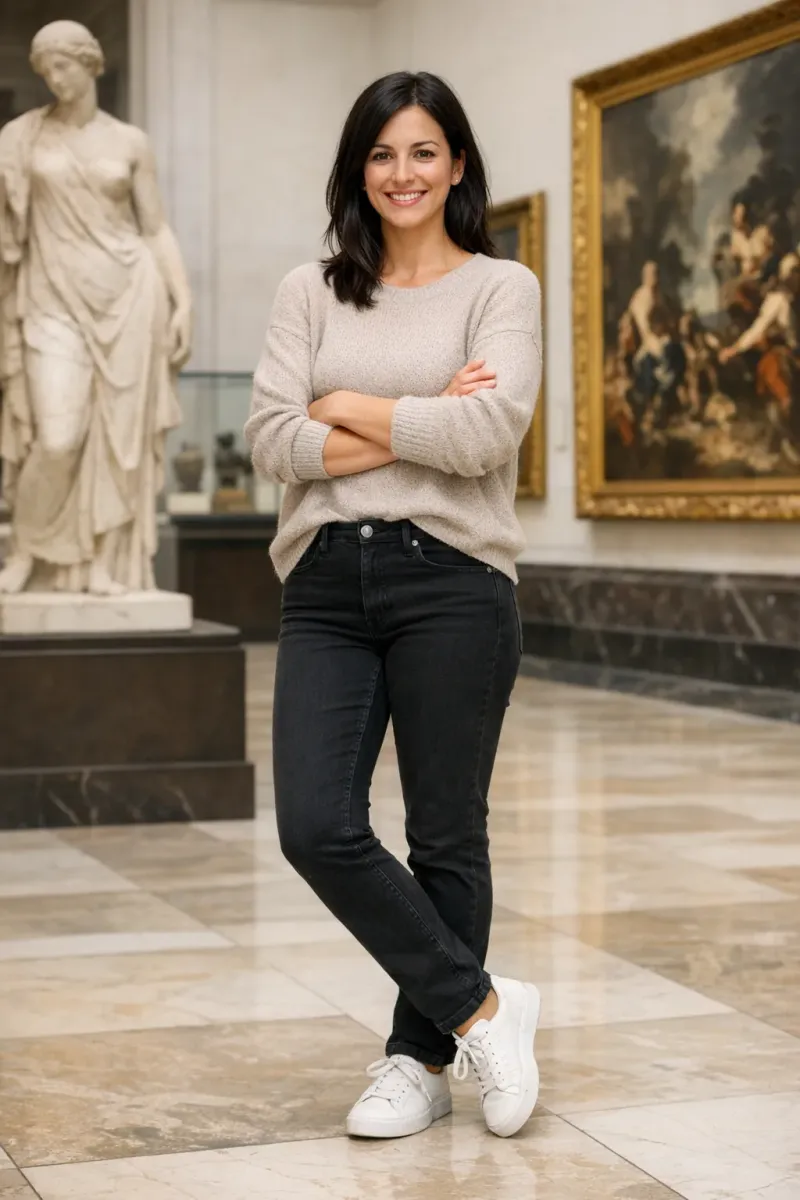
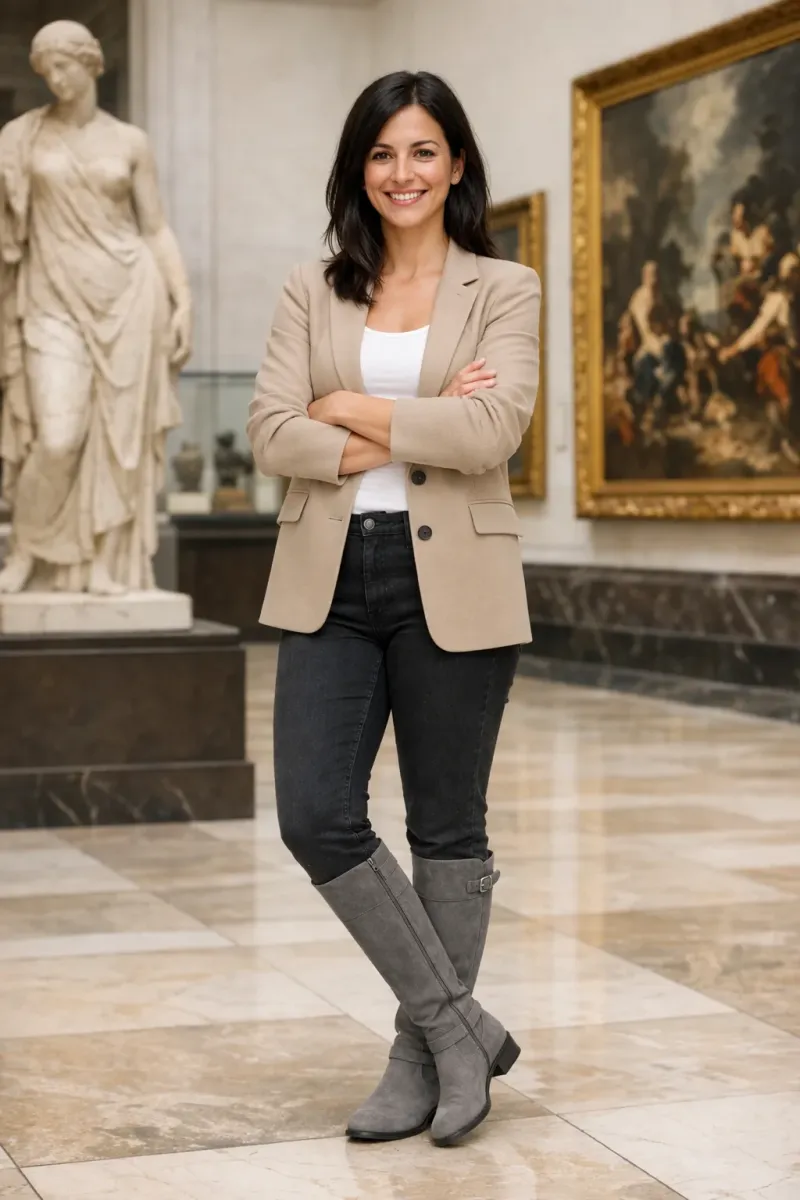
Editing pattern: name the garment change, then lock face, body, pose, background, camera and lighting.
A distracting flower is removed without asking the model to redesign the person or surrounding composition.


Editing pattern: identify the exact object and require every unrelated region to stay unchanged.
The shampoo bottle becomes a transparent production asset while its shape, cap, label and proportions stay intact.
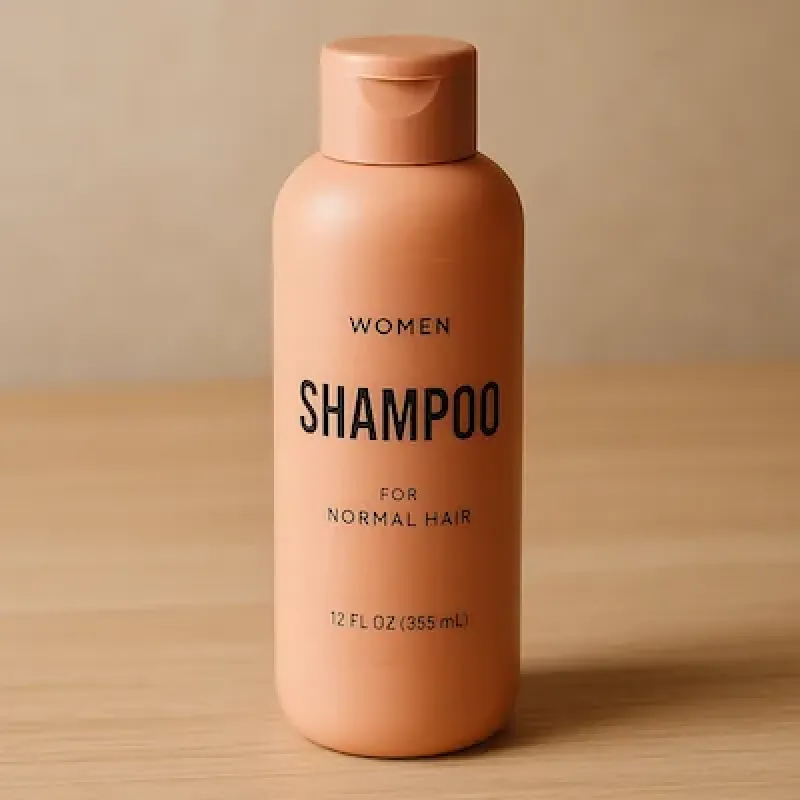
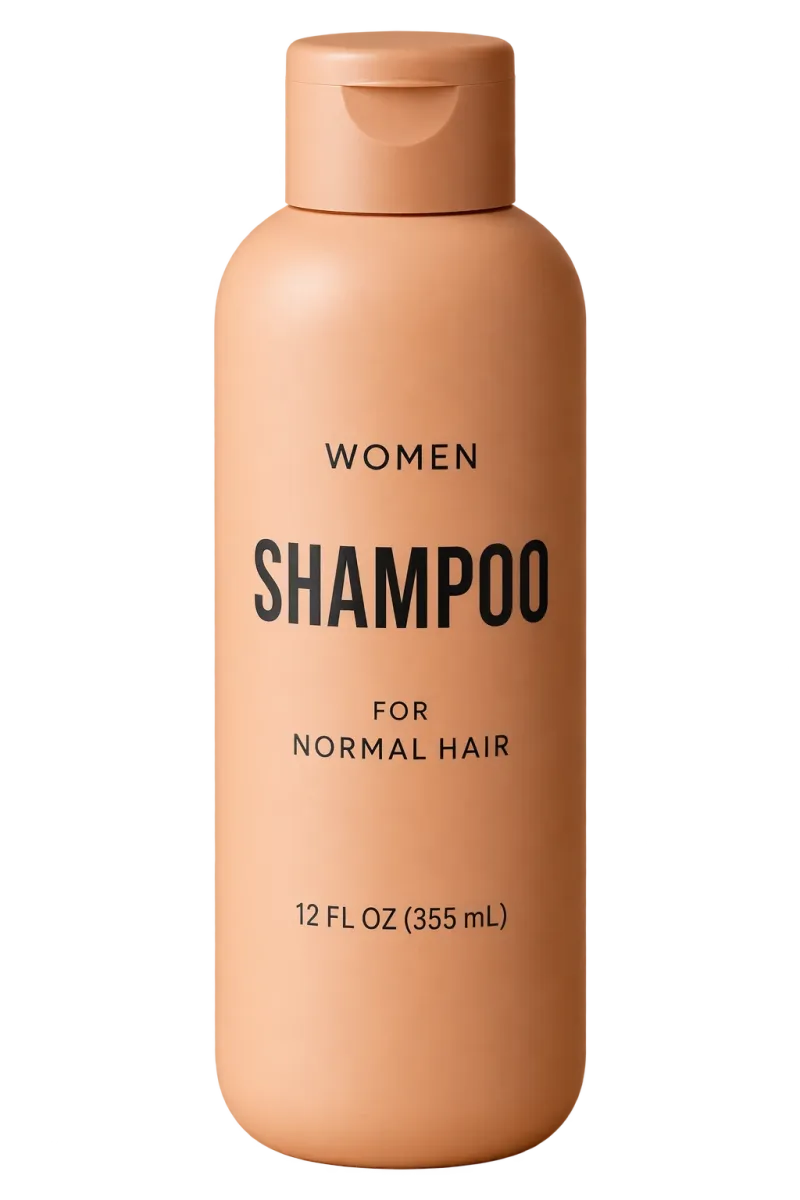
Editing pattern: request alpha transparency, crisp edges and explicit preservation of geometry and label details.
OpenAI documents masks as guidance, not an exact boundary. Subject preservation can improve consistency, but faces, text, labels and position-sensitive layouts still need review. In multi-turn work, repeat what must remain fixed and change one variable per turn.
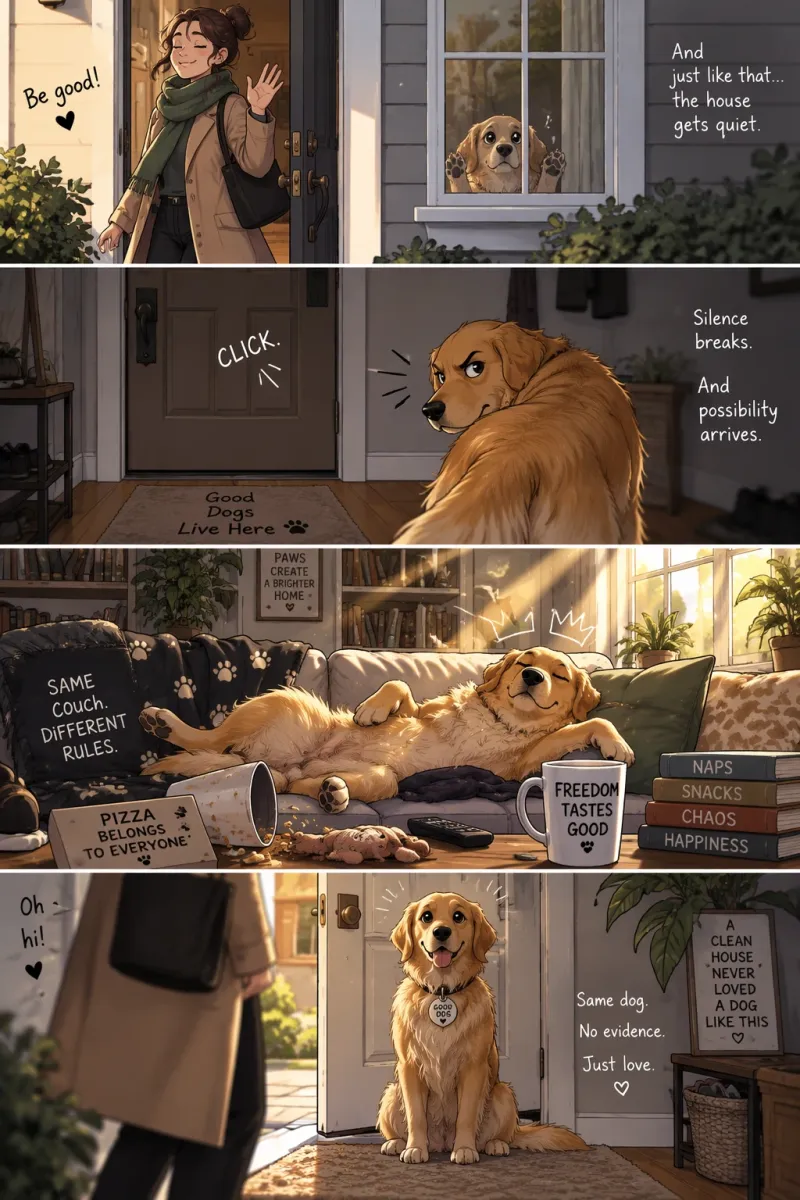
Outputs from OpenAI's prompting guide, selected to show both generation and edit-oriented work.

Use this as a starting decision map, then test your own prompts, references, size and quality settings.
| Dimension | 2.5 Flare | 2.5 Sunburst | GPT Image 2 |
|---|---|---|---|
| Design priority | Speed and scale first | Quality and control first | Previous general model |
| Speed profile | Fastest 2.5 option | Longer generation | Baseline |
| Official quality positioning | Comparable to GPT Image 2 | Higher than GPT Image 2 | Established GPT Image 2 quality |
| Precise editing | Improved | Tightest control | Strong, earlier generation |
| Subject preservation | Improved | Improved, quality-first | Baseline |
| Maximum output | Up to 3,840 px; >2560×1440 experimental | Up to 3,840 px; >2560×1440 experimental | Up to 3,840 px; >2560×1440 experimental |
| Start here when | Latency or volume matters | Final-image precision matters | A validated existing workflow already works |
GPT Image 2.5 is most differentiated when an image must survive careful revision—not just look good on the first generation.
Carry recognizable people, products and pets into new scenes, styles and compositions.
State what changes and what must remain fixed; masks guide the edit but are not a hard pixel boundary.
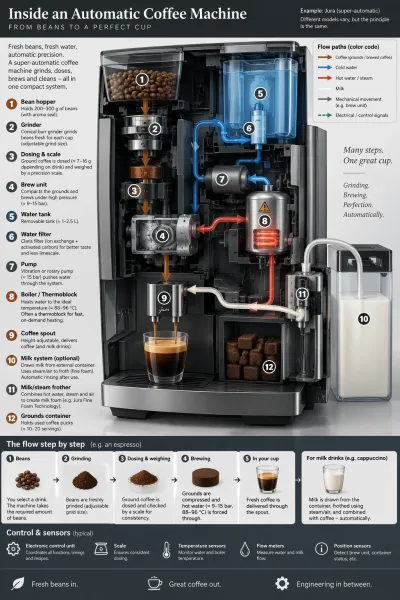
Build ads, UI concepts, slides and infographics, then verify every label before publishing.
Generate or extract isolated products and logos with PNG or WebP alpha output.
These jobs align directly with OpenAI's launch claims and official examples.
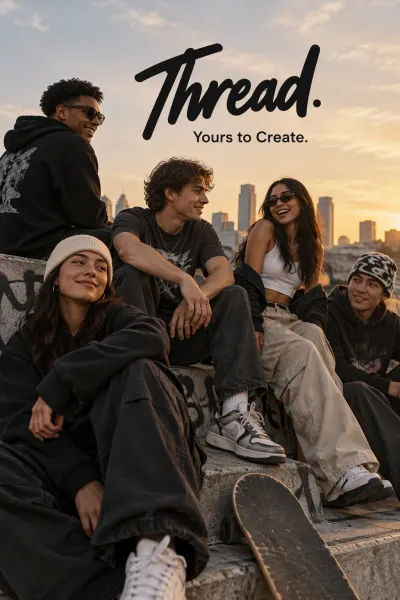
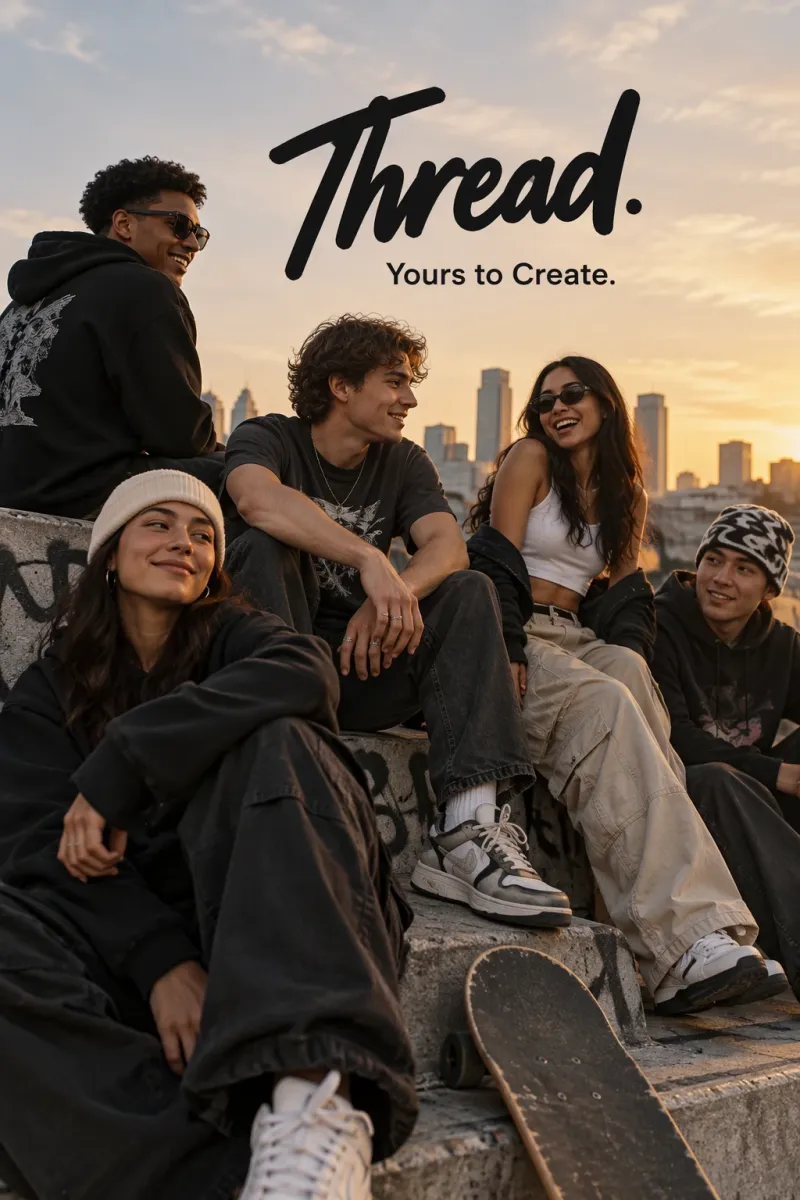
Render a defined tagline and visual direction, then revise one element without rebuilding the layout.
Create reusable marks, polished product imagery and transparent cutouts.
Translate structured information into a clear visual hierarchy; fact-check the content afterward.
Change clothing or context while explicitly locking face, pose, proportions, lighting and background.
Turn a sequence of visual beats into readable panels with a consistent narrative flow.
Create realistic interface previews with practical hierarchy, spacing and readable UI elements.
Teams whose bottleneck is revision quality, production speed or keeping a visual system consistent.
Iterate campaigns and branded series without restarting after every change.
Preserve products and labels across cutouts, scenes and localized variants.
Choose Flare for throughput or Sunburst when premium edit control justifies more time.
Start with Flare for speed; establish Sunburst quality first when requirements are demanding.
For edits, identify the target change and repeat the identity, layout and brand constraints to preserve.
Check text, factual labels, subject identity and edge quality. Change one variable per turn.
The useful pattern is explicit change plus explicit preservation—not a longer list of adjectives.
Replace only the clothing. Preserve the subject's exact face, expression, hairstyle, skin tone, body shape, pose and proportions. Keep the background, camera angle and lighting unchanged. Fit the new garments naturally with realistic fabric and shadows. Add no text, logos or accessories.
Create a polished contemporary streetwear campaign. Render the tagline “Yours to Create.” exactly once, clearly and legibly. Use natural poses, strong color direction and premium fashion photography. Add no other text, logos or watermarks.
Isolate the product on a fully transparent background. Preserve its geometry and label exactly. Center it with crisp alpha edges and no halo, scenery, checkerboard, added shadow or restyling. Output PNG or WebP with transparency.
What the official documentation confirms—and what it does not.
Enter a prompt or upload a reference image, then select GPT Image 2.5 to generate or edit.
Use GPT Image 2.5 for freeOpens the iMini GPT Image 2.5 workspace.