In-image text you can actually ship
Posters, icon sets, UI mockups, and packaging—letterforms must survive generation. Blurry type voids the whole ad mockup. At small sizes, pull quality to high.
OpenAI · Image Generation API · April 23, 2025
OpenAI's April 2025 image model—the same capability behind ChatGPT image generation, opened to developers as gpt-image-1. Text in posters and UI actually works; alpha mask editing, transparent PNG, and low / medium / high quality tiers you pick per generation. Three sizes, no thinking path: a mature baseline, and the version worth benchmarking before migrating to GPT Image 2.
Posters, icon sets, UI mockups, and packaging—letterforms must survive generation. Blurry type voids the whole ad mockup. At small sizes, pull quality to high.
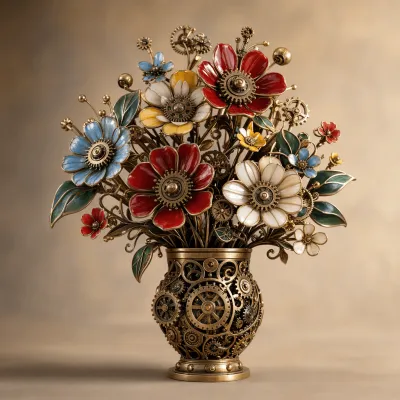
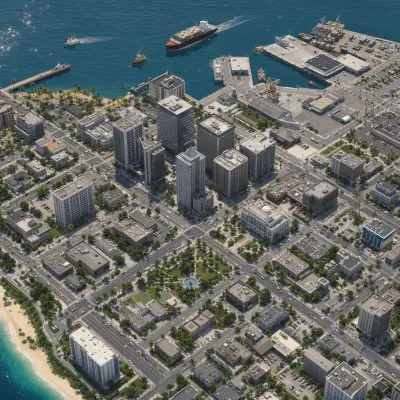
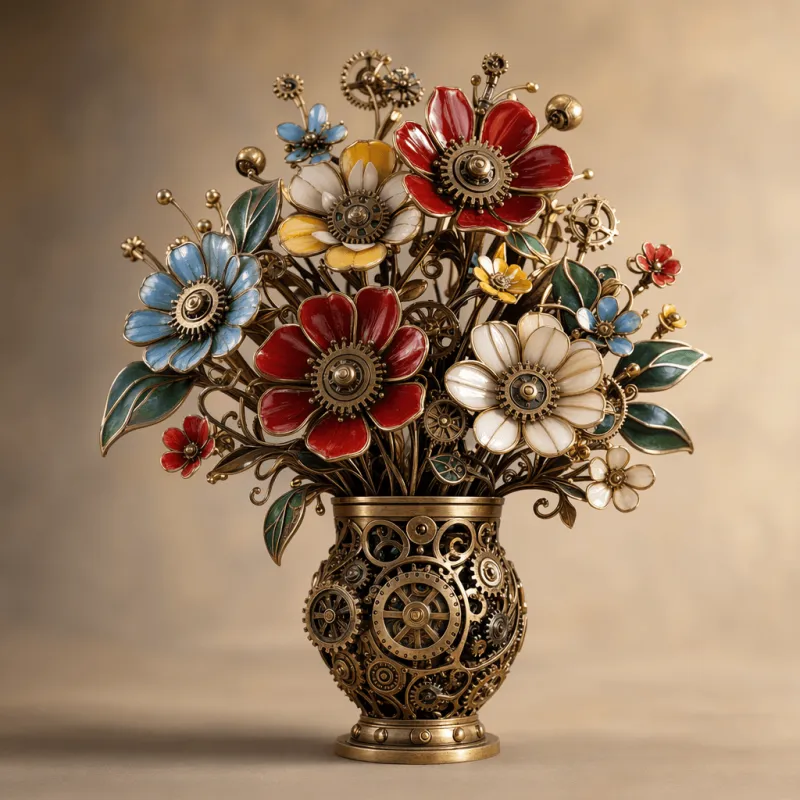
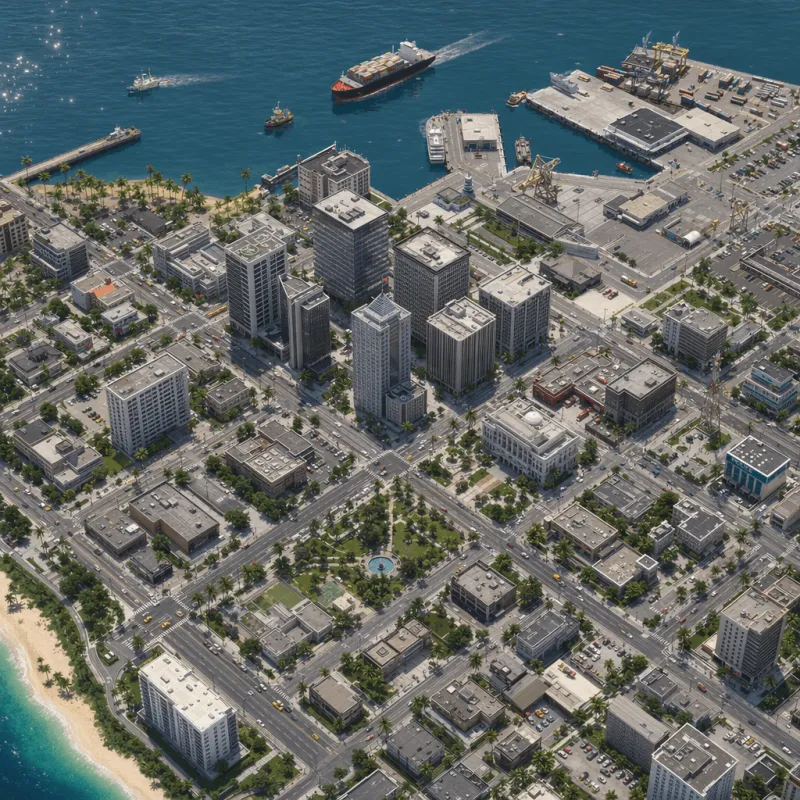
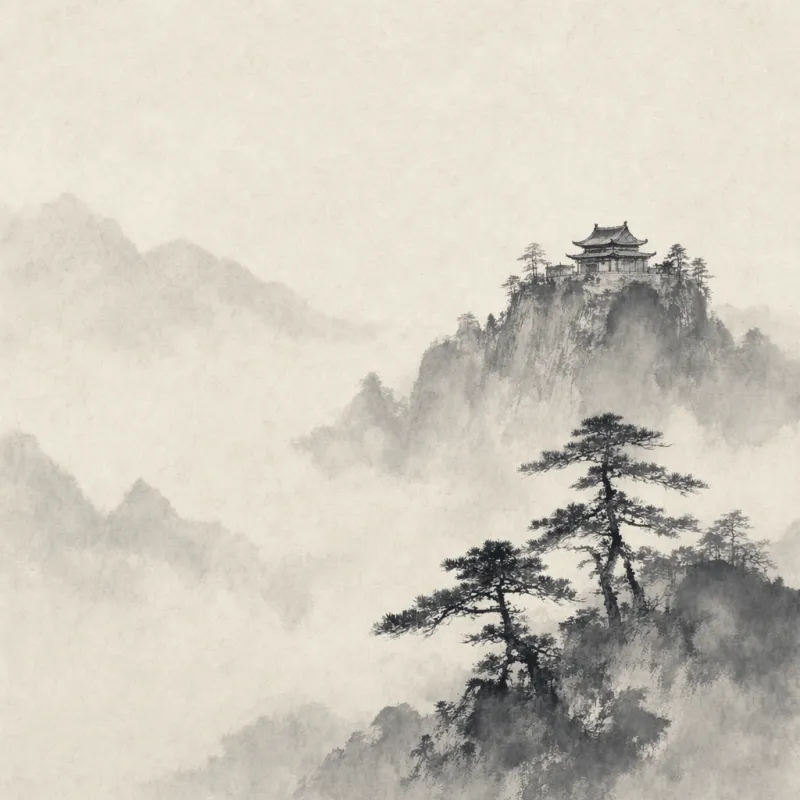
Photoreal product stills, ink-wash temples, 3D city panoramas, mechanical still life, flat graphic posters—same interface, same prompt habits, switch by changing words.
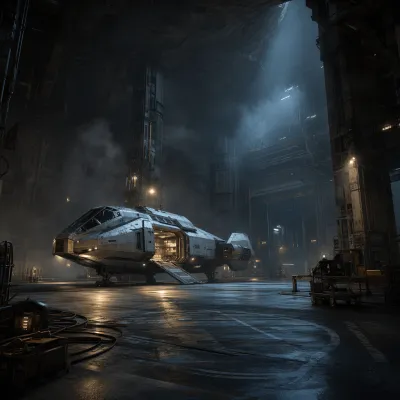
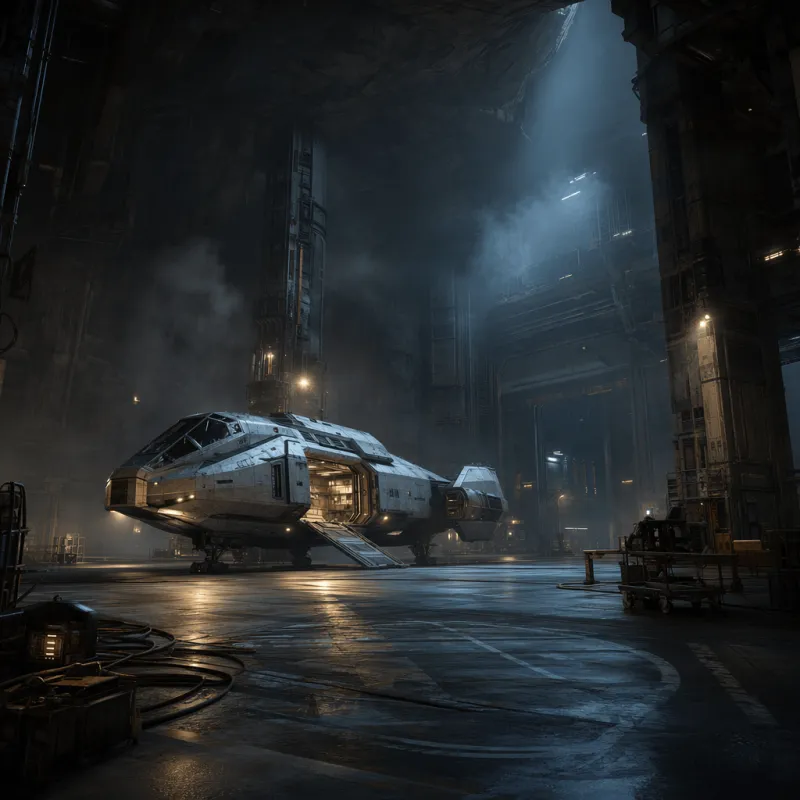
Solid world knowledge keeps environments, props, and multi-object compositions coherent—hangars look designed, kiosks look installed.
Size, quality tier, output format and compression, transparency, moderation level, multi-image input, and mask-based editing—the knobs you actually need on a deadline.
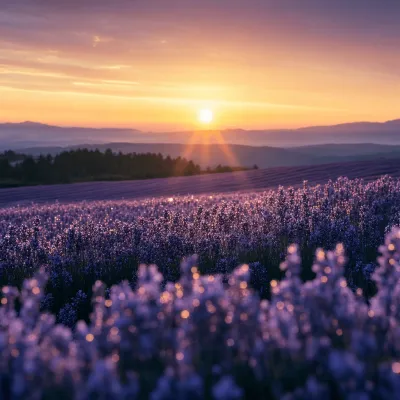
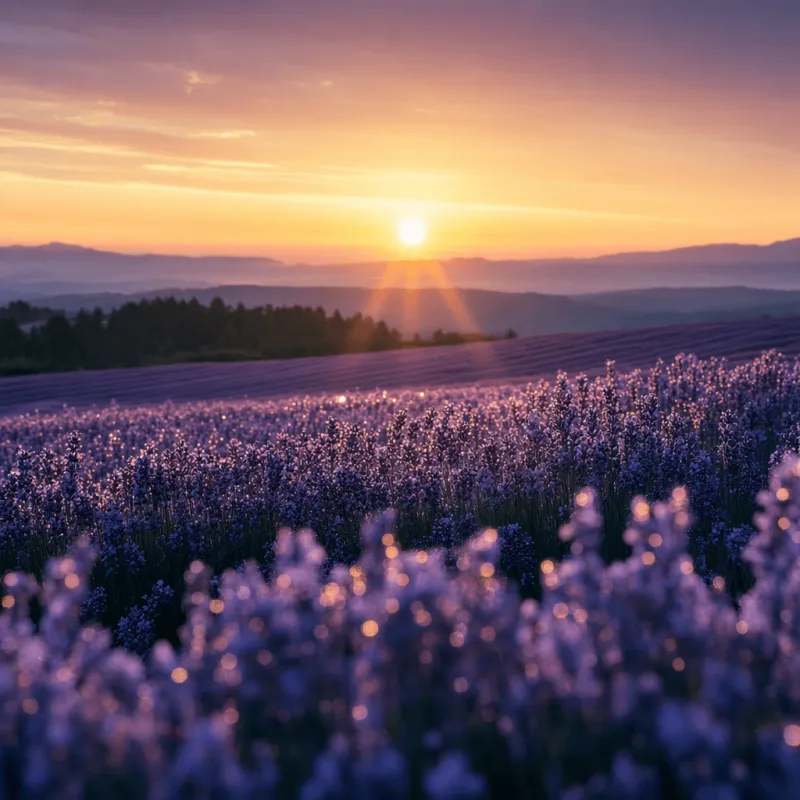
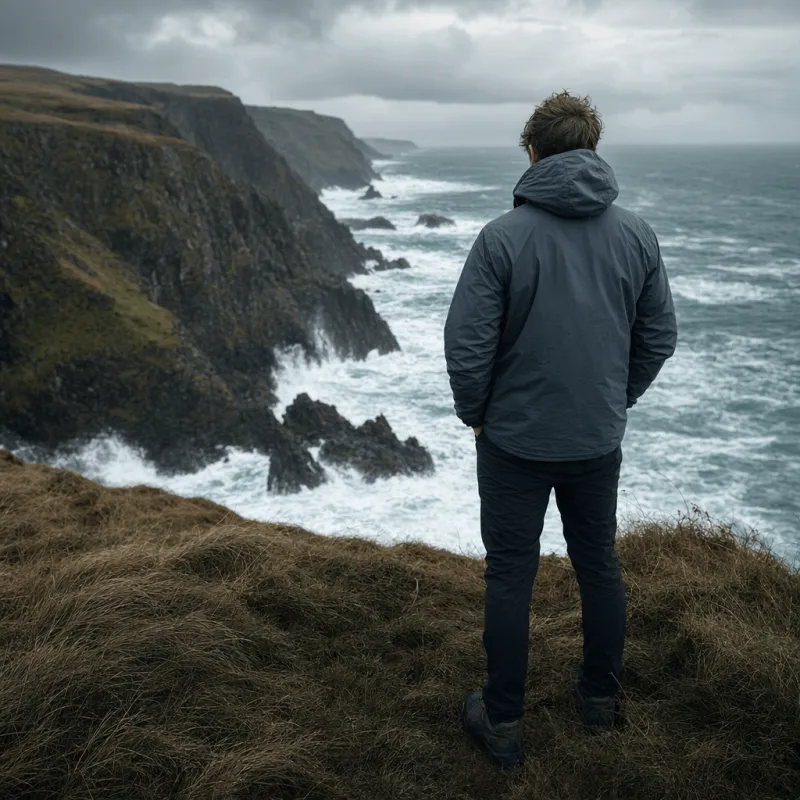
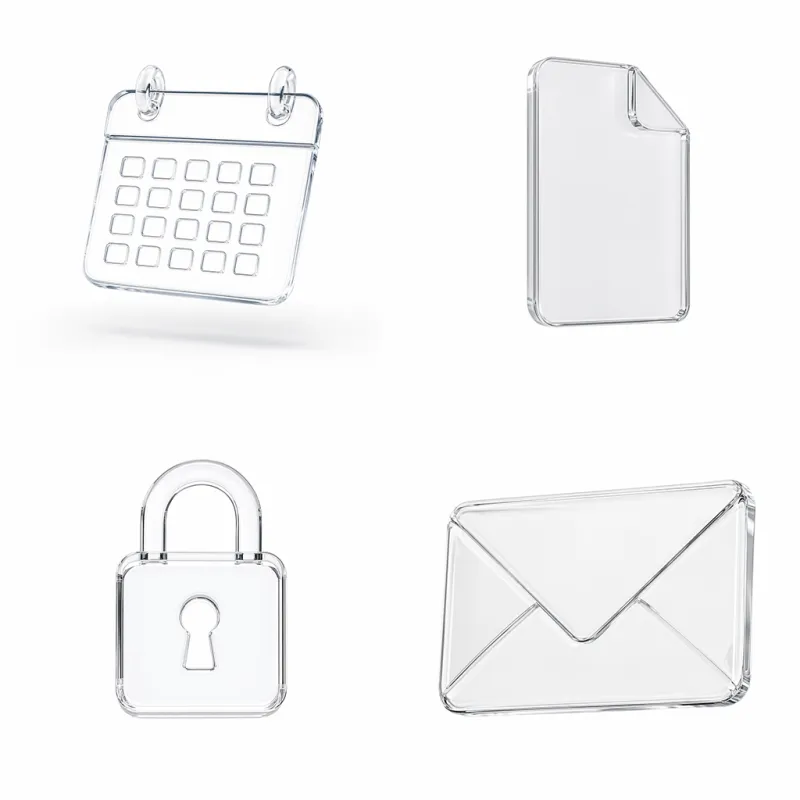
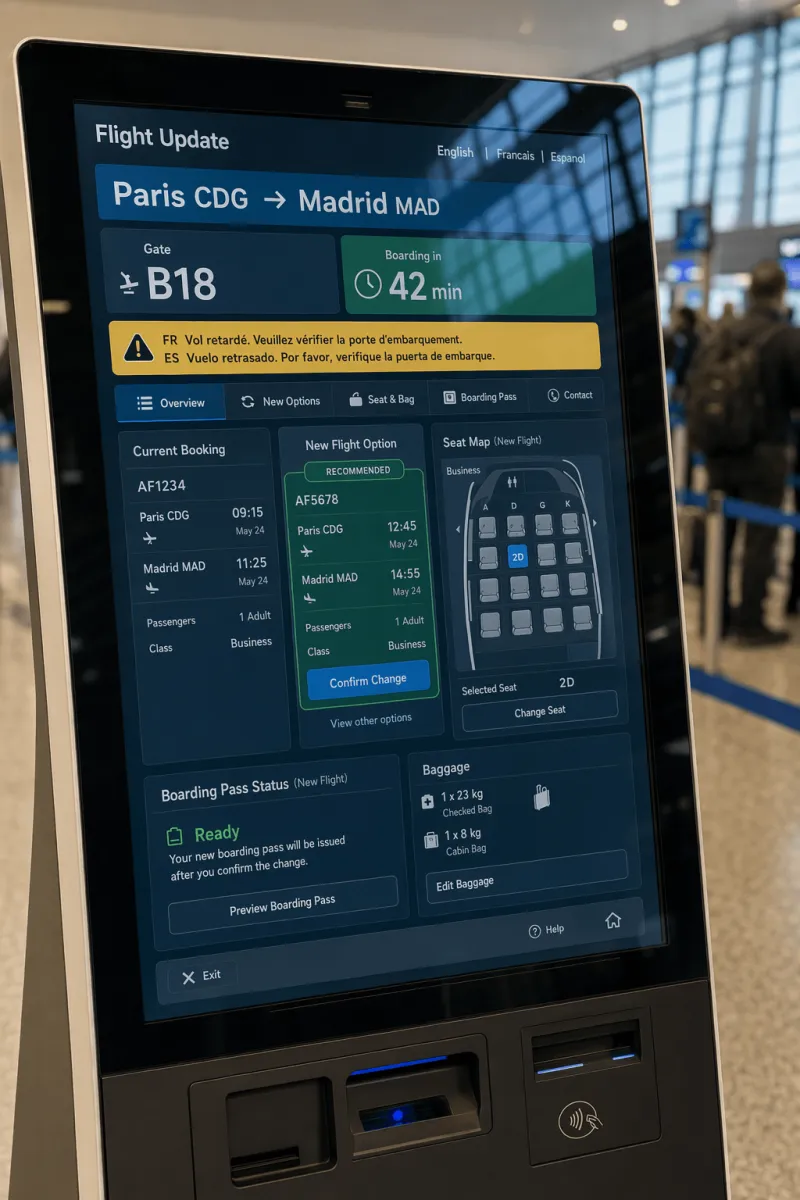
Sci-fi hangar, mechanical bouquet, lavender field, isometric city, ink-wash temple, portrait, clean icon poster, airport kiosk UI—each from OpenAI's official documentation gallery.
This 2025 ChatGPT-aligned baseline vs. OpenAI's GPT Image 2, Google's Nano Banana Pro, and Imagen 4 Ultra—where it still holds, and where newer models have moved on.
| Dimension | GPT Image 1 | GPT Image 2 | Nano Banana Pro | Imagen 4 Ultra |
|---|---|---|---|---|
| Max resolution | Fixed presets, ~1K–1.5K class | Native 4K (3840×2160) | Up to 4K | Up to 2K |
| In-image text | Strong · posters, UI, packaging | Short copy readable · localization | Multilingual long copy readable | Short copy usable |
| Edit & mask | Edit + alpha mask | High-fidelity edit + identity hold | Local edit · lighting · DOF · color grade | Text-to-image only |
| Size flexibility | Three official presets | Any size ≤3:1 (side ×16) | Social to print ratios covered | Standard aspect ratios |
| Reasoning / Thinking path | No thinking path | Images 2.0 Thinking | Gemini reasoning + web search | No thinking path |
| Cost / quality control | low / medium / high / auto | low / medium / high | No public quality tiers | Pick by tier: Ultra / standard / Fast |
| Speed profile | Very fast at quality:low | Instant fast gen + quality tiers | Quality-first Pro channel | Slowest · quality-first |
| Default pick | Compatibility & legacy alignment | OpenAI default for new projects | Premium typography & final polish | Strictest prompt adherence |
The April 2025 pitch still holds: text, style range, mask editing, transparent backgrounds, and quality tiers you set per generation.
Headlines, labels, and UI fields stay readable. At small sizes, quality:high is the line between draft and deliverable—small type collapse makes kiosk and poster concepts unusable.
Photoreal, illustration, isometric 3D, ink wash, flat graphics—change style by changing words, not models.
Mask the region to replace, then describe the full finished image—not just the masked patch. That habit alone fixes most edit failures.
PNG and WEBP with real alpha channels—product cutouts and sticker sets go straight into compositing pipelines.
low / medium / high / auto trade compute for fidelity without changing canvas size. Explore at low, promote winners to high.
Hangars, kiosks, storefronts, and brand contexts feel plausible—enough for ad drafts and presentation decks.
OpenAI's official documentation gallery was built to show exactly these jobs—product, typography, UI, people, and everything in between.
Product shots, mechanical still life, and material-forward hero visuals for e-commerce drafts and packaging concepts.
Ad graphics and icon sets—headline hierarchy and clean shapes must survive rendering. Blurry type voids the poster.
Flight information screens, interface mockups, and wayfinding displays with high-contrast panels and readable gate text. Blurry fields make concepts unreviewable.
Cliffside portraits and editorial people shots for mood boards, decks, and concept frames.
Sci-fi hangars and built environments with enough structural logic for early production reference.
Sunrise lavender fields and similar background plates—what used to be a stock photo license fee.
Miniature city panoramas and isometric scenes for explainers, game pitches, and product metaphors.
Traditional and painterly textures—misty temples, brush grain—styles photoreal models often flatten.
You wired ChatGPT-aligned generation in 2025, or you want to map gpt-image-1 controls before migrating.
Official gpt-image-1 surface—size, quality, mask, transparency—without opening an OpenAI org first.
Ad stills and campaign concepts in the browser, picking the tier that matches finish level needed.
Product and packaging visuals, including transparent cutouts ready for compositing.
Cross-style rapid tests—winners hand off to GPT Image 2 for final resolution and edit fidelity.
Covers, sticker sets, and series illustration with tiers and cost suited to high update frequency.
Mask edits on signed-off frames instead of re-generating whole concepts for every note.
Enter iMini's image workspace and select GPT Image 1—same account and credits as GPT Image 2 and other models.
State subject, style, in-image text in quotes, and orientation. For edits describe the full finished image—not just the masked region.
Explore at low quality in volume, promote survivors to high, then download—or run the same prompt on GPT Image 2 to see the upgrade gap.
Close to official gallery deliverables. Hover for full text, one-click copy, run directly on iMini. Chinese prompts supported.
Studio product photo of a matte ceramic mug on linen, soft window light, shallow depth of field, brand wordmark on packaging sharp and crisp, commercial catalog style, no watermark.
Minimal event poster, bold sans-serif headline "SUMMER NIGHTS", indigo gradient, clean geometric shapes, high contrast, print-ready layout, letterforms sharp and readable.
Candid portrait on a cliffside trail, golden hour light, 85mm feel, natural skin texture, soft background blur, editorial travel magazine composition.
Airport flight information kiosk UI mockup, high-contrast panels, clear wayfinding icons, realistic screen glare, gate and flight text sharp and readable, front product view.
Worth reading before generating: free credits, how to choose vs. GPT Image 2, sizes and quality tiers.
 Nano Banana ProGemini 3 Pro Image · premium 4KImagen 4 UltraStrictest Imagen prompt alignmentSeedream 5.0 ProDesign-aware · dense layout
Readable in-image text · mask editing · quality tiers—compare side-by-side with GPT Image 2 and Nano Banana Pro.
Generate free on iMiniNo OpenAI API key—your iMini account is enough.


.png.png!w640_webp)