
Nano Banana — Google's everyday fast image channel
Low-latency generation
Natural-language edits
Multi-image compositing
~10 aspect ratios
What is Nano Banana?
Nano Banana is Gemini 2.5 Flash Image, released by Google on August 26, 2025—the first everyday fast image channel in the Banana family. It reached general availability on October 2, 2025, with ~10 aspect ratios added. Google highlights multi-image compositing, cross-frame character consistency, natural-language local edits, and scene generation powered by Gemini world knowledge. It is not Nano Banana 2 (fast 4K) or Nano Banana Pro (studio-grade finishing). Use it to iterate before direction is locked; upgrade to 2 for 4K and stronger instruction following, or Pro for print-ready typography and 14-reference collages. Blurry type, drifting characters, or mismatched scenes—one bad frame slows an entire social or catalog set. Nano Banana exists to cut that trial cost first.
Developer
Google
Release
2025-08-26 · GA 2025-10-02
Aspect ratios
~10 ratios · social to wide format
Positioning
Low latency · high-throughput drafts
Reference images
Multi-image compositing · up to ~3 per run
On iMini
Browser · free credits
Low-latency everyday drafts
Try dozens of prompts in a morning before locking direction—you don't need to burn Pro credits on every first pass. Once direction is right, upgrade to Nano Banana 2 or Pro instead of betting first drafts on a slow channel.

Natural-language local edits
Change clothing, backgrounds, or objects in one sentence without a full re-roll. One wrong edit round means redoing the whole catalog or social set.
Multi-image compositing & character lock
Blend multiple references into one frame with consistent faces and outfits across a series. One drifting character breaks the story or campaign IP.
Ten aspect ratios out of the box
From square feeds to 9:16, 16:9, and 21:9—same prompt, different ratios, less crop rework. Wrong aspect ratio can invalidate an entire ad batch.
What the model actually delivers
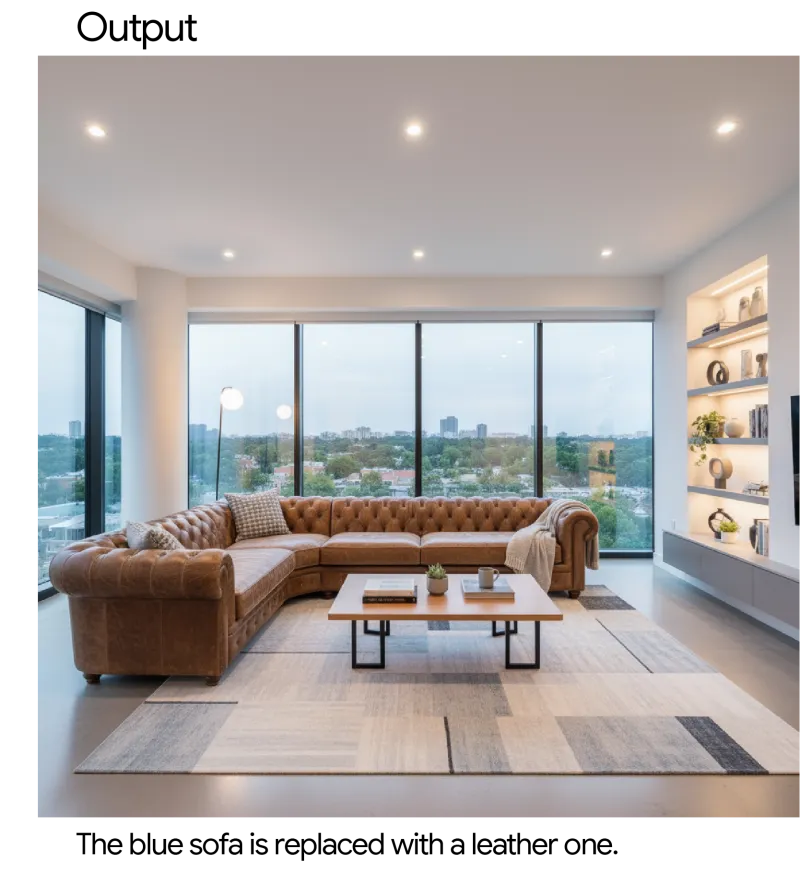
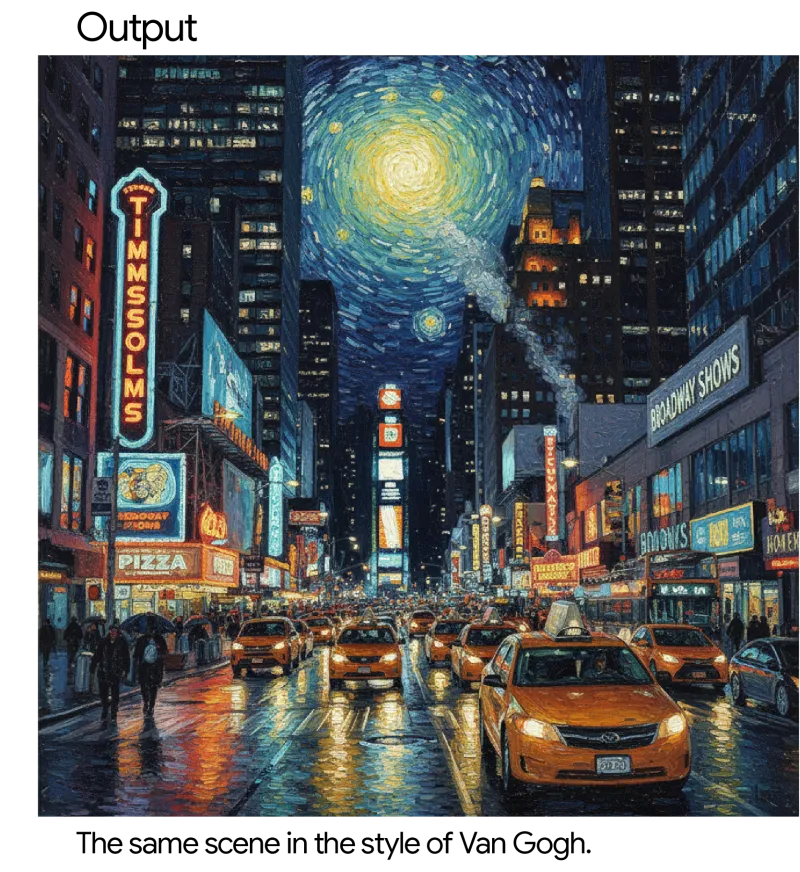
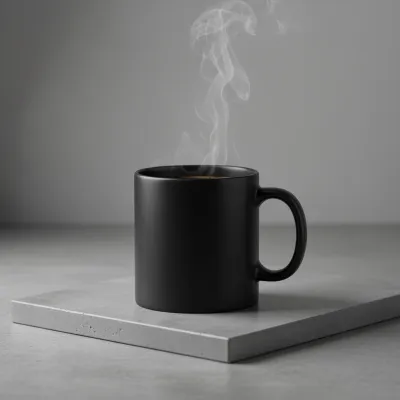
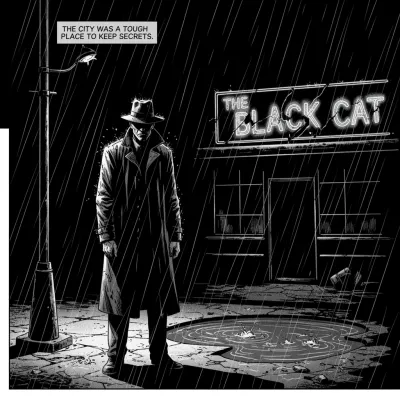
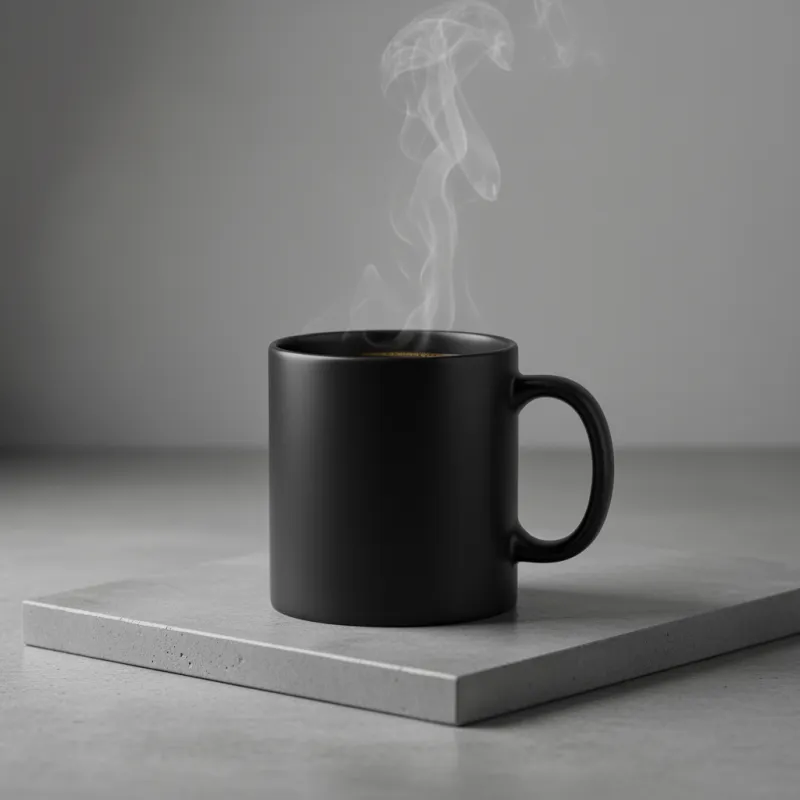
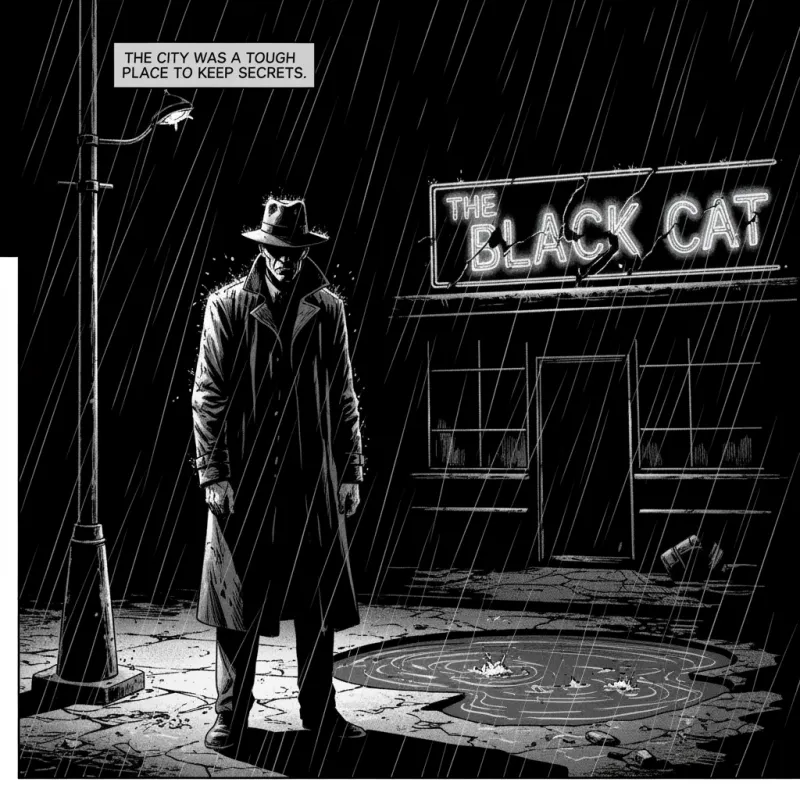
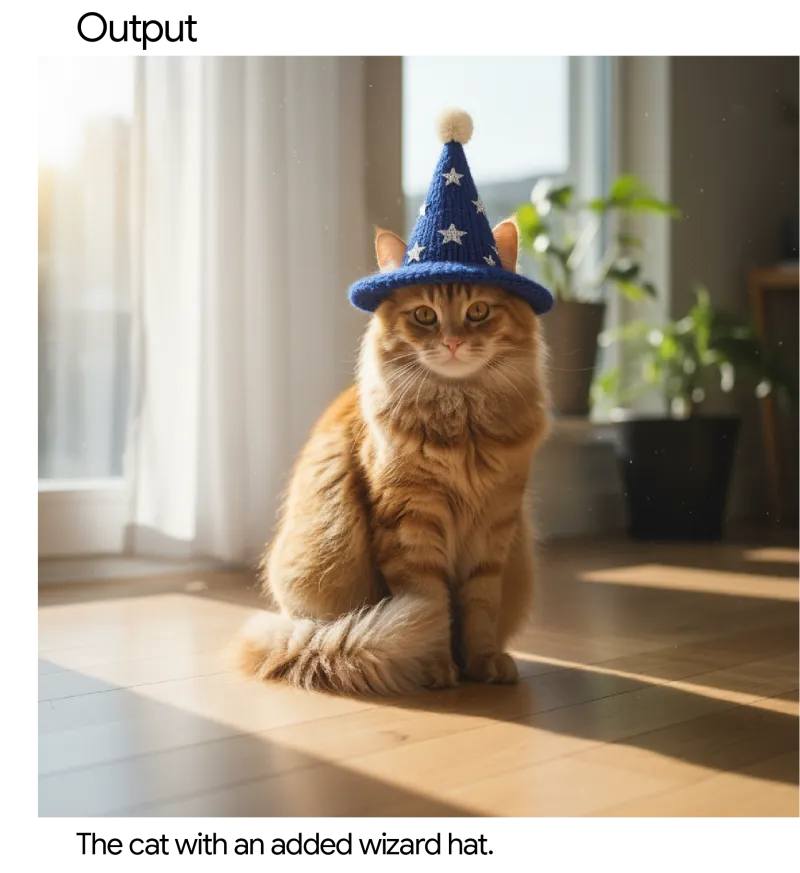
Photoreal portraits, e-commerce stills, noir storyboards, in-image logo type—samples from Google's Gemini 2.5 Flash Image prompt guide, not a slide deck collage.
Compare with today's top models
Nano Banana (Gemini 2.5 Flash Image) vs. Nano Banana 2, Nano Banana Pro, and GPT Image 2—resolution, text, speed, reasoning, references, editing, cost posture, and who should default to what.
Low-latency generation, natural-language edits, multi-image compositing, character consistency, multiple aspect ratios, and world-knowledge scenes.
Fast draft channel
Explore direction in volume before finalizing—betting first drafts on a slow channel wastes time and credits.
Conversational local edits
Change clothing, backgrounds, or objects in natural language. One full re-roll breaks catalog or social set rhythm.
Multi-image compositing
Blend product, people, and scene references into one frame. Mismatched references ruin the whole composite.
Scene swaps & detail changes
Swap product backgrounds or outfit scenes without reshooting. One drifting scene breaks the whole shelf set.
Character consistency
Hold faces and outfits steady across a series. One drifting character voids the storyboard set.
Multi-ratio & style range
Photo, illustration, and graphic styles in one interface—pick feed to widescreen ratios upfront, less second-pass cropping.
One model, eight production workflows
From social covers to product scene swaps—matching Google's launch demos. What used to require reshoots or manual retouching now starts as reviewable output from one prompt.
Social covers & feeds
Square and vertical covers to test direction first. Wrong aspect or subject means redoing the whole ad batch.
In-app edit mockups
Same tasks as conversational edit UIs—local changes must still read as the original subject.
Product scene swaps
Same product in café, outdoor, or shelf backgrounds. One drifting scene breaks the catalog set.
Natural-language local edits
Change clothing, props, or background details in one sentence. One off-round means redoing the variant set.
Character-locked narrative frames
Keep characters consistent across tutorial or story series. One drifting face breaks continuity on teaching pages.
Campaign & blog visuals
Launch and event stills for reviewable direction first. Style drift breaks brand set cohesion.
Concept & pitch frames
Fast concept boards for early direction. Wrong direction? Swap prompts here before final polish.
Playful memes & demo frames
Low-cost tests for fun compositions and exaggerated variants. One bad frame is cheap; upgrade when satisfied.
While deliverables are still finding direction, the difference is: cheap prompt swaps, local edits without full re-rolls, and when to upgrade to 2 / Pro—these default to Nano Banana first.
Creators & solo publishers
Covers, thumbnails, and series images at volume first. Polishing every frame kills update cadence.
Marketing & growth
Ad stills and campaign mockups in the browser, then decide which lines upgrade to Pro for final.
E-commerce & brand DTC
Product hero scene swaps and seasonal reskins. Reshooting every market blows schedule and budget.
Students & learners
Homework and presentation visuals fast. Free credits to learn prompt structure first.
Founders & product teams
Landing pages and demo assets for discussion before design polish.
Agencies & production shops
Client drafts side-by-side with competitor models—fewer full redo rounds.
Three steps to run Nano Banana
Step 1
Open the Nano Banana entry
Select Nano Banana in iMini's image workspace—same account as Nano Banana 2 and Pro.
Step 2
Structure prompts by deliverable
State subject, local edits, and aspect ratio. Attach references when locking character identity.
Step 3
Generate, iterate, upgrade
Download winners, or compare side-by-side with Nano Banana 2 / Pro / GPT Image 2 on iMini before upgrading.
4 ready-to-use prompts
Close to official demo scenarios. Hover for full text, one-click copy, run directly on iMini. Chinese prompts supported.
Social cover
A square Instagram cover: sunny city rooftop breakfast, warm film look, clear subject, leave safe zone at top for a short headline.
Local edit
Keep the person's face and pose unchanged. Swap only the coat to a red trench coat and the background to a rainy Tokyo street. Natural lighting—do not repaint the whole face.
Product scene swap
Place this sneaker on a modern café wooden table, soft side light, preserve shoe material and logo, e-commerce still-life composition, 16:9.
Character lock
Same teenage boy in a blue hoodie in three scenes: reading in a library, cycling through a park, outside a convenience store at night—keep face and hairstyle consistent across all three.