Finished look comes first
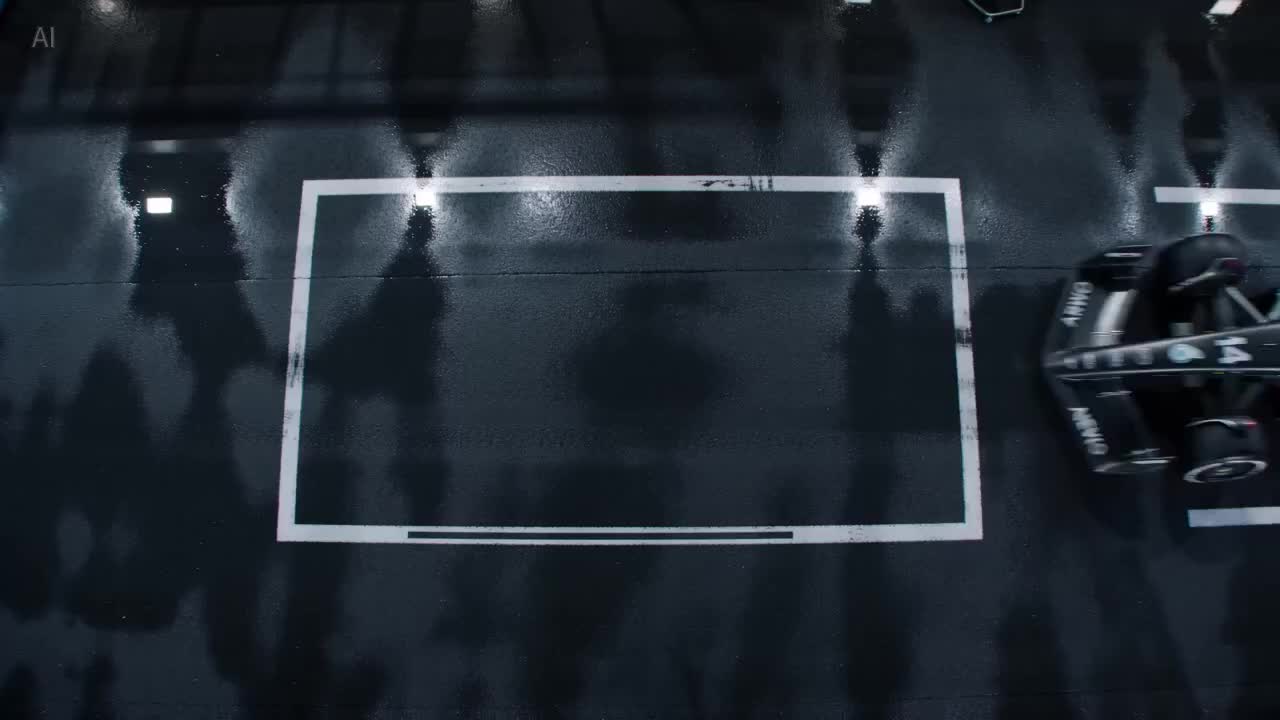
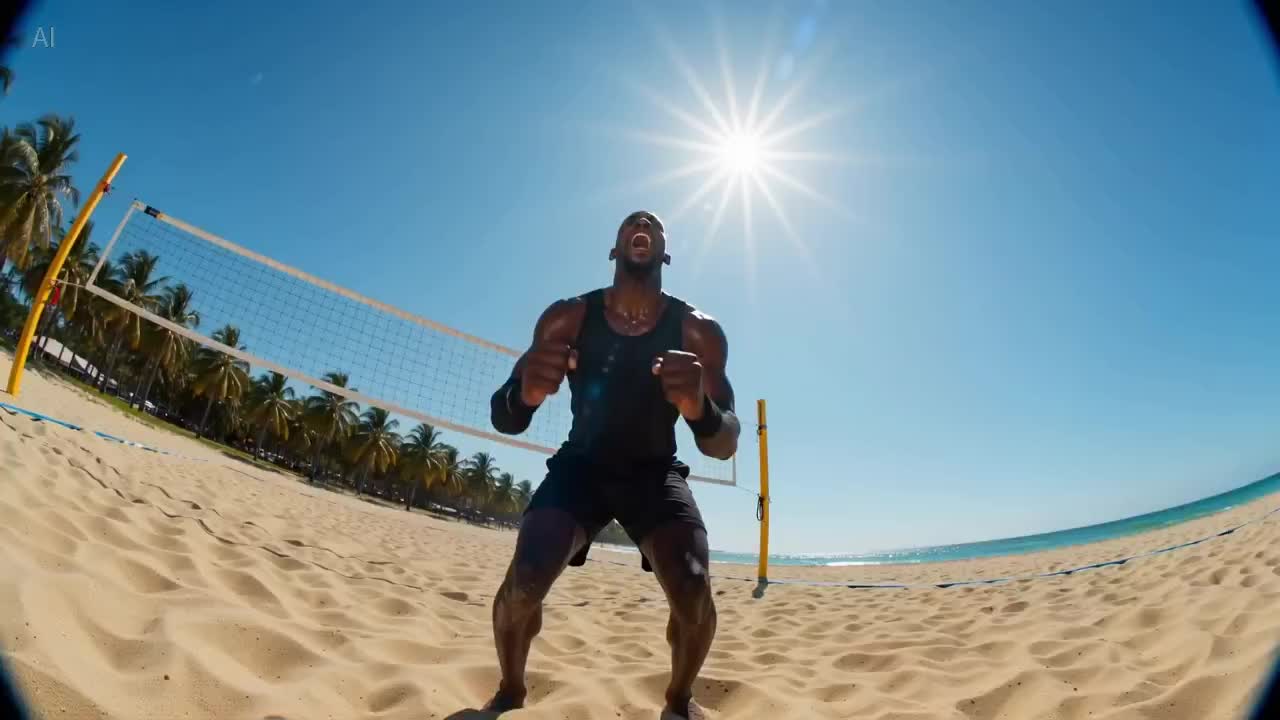
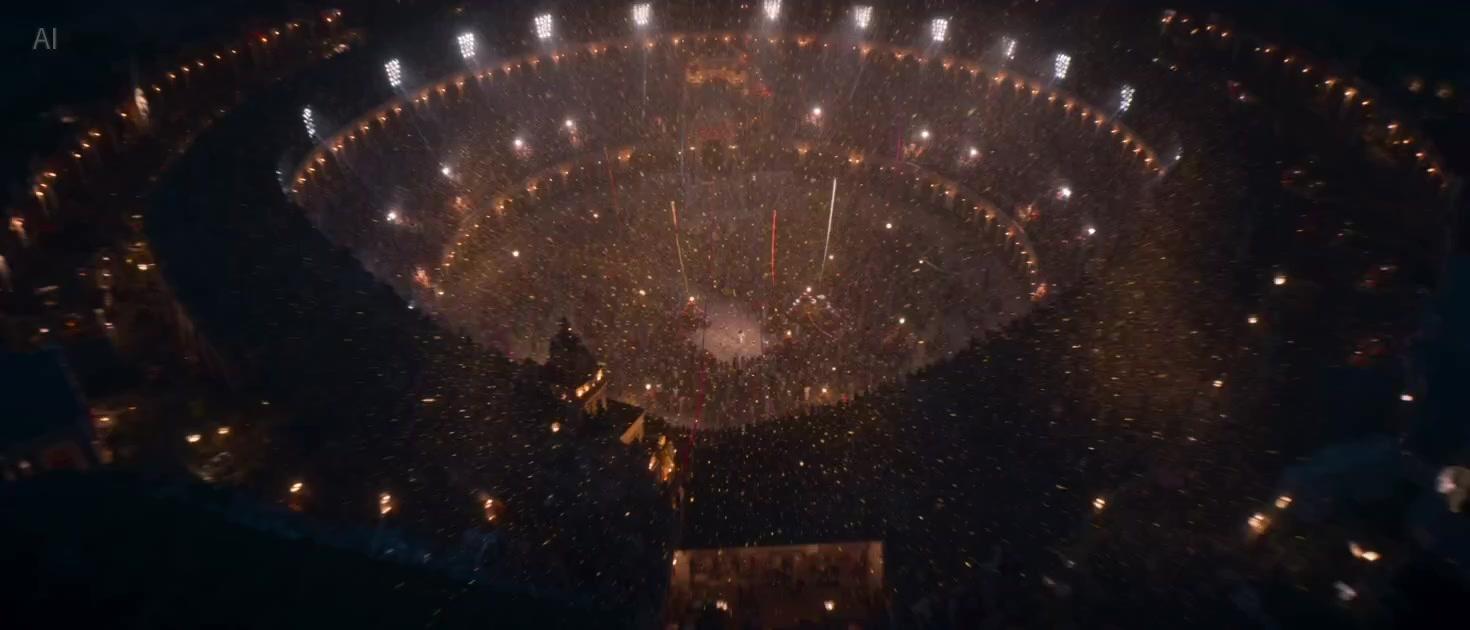
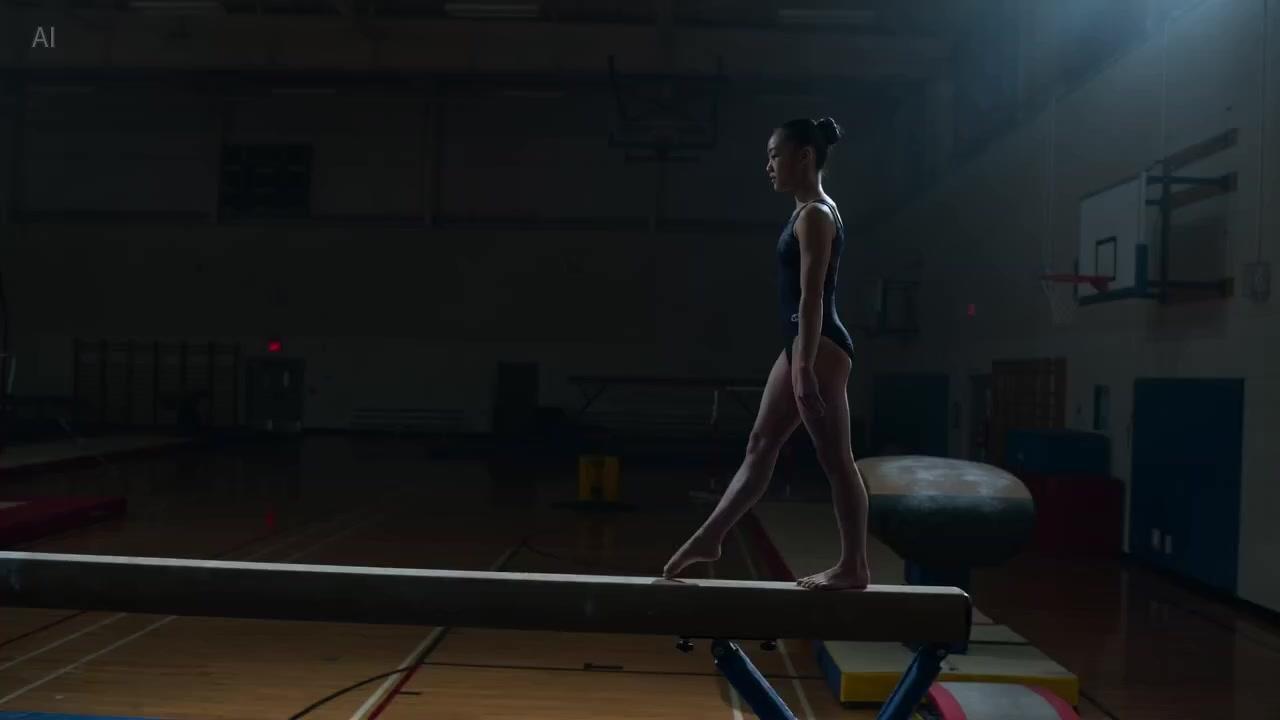
Suited to ad hero visuals with high demands on resolution, texture, and lighting. Get the frame to hold up visually first, then layer in camera work and narrative.
ByteDance · Seedance Pro
Seedance Pro is the tier within iMini's Seedance family that leans toward a higher finished look. It's built for ad hero visuals, brand KV motion versions, and deliveries more sensitive to resolution, texture, and lighting — get the visual quality right first, then work on pacing and narrative. The exact clip length and reference capability follow the current workspace tier; for longer single-pass narrative, compare against Seedance 2.5. Select Seedance Pro in the iMini video workspace to use it.
Suited to ad hero visuals with high demands on resolution, texture, and lighting. Get the frame to hold up visually first, then layer in camera work and narrative.
When a static key visual needs a short motion extension, the Pro tier is better at carrying that texture into video, reducing the 'watchable but not deliverable' preview feeling.
Choose Pro when visual quality matters most; compare against Seedance 2.5 when you need a ~30-second single pass and multi-reference narrative.
Clip length, reference limits, and export spec follow the currently enabled workspace capability. Test a full clip at the target resolution before finalizing.
All related Seedance options. The differences come down to visual-quality focus, clip length, and whether look or narrative length matters more.
| Dimension | Seedance Pro | Seedance 2.0 | Seedance 2.5 |
|---|---|---|---|
| Clip length | See workspace | Common few-second to ten-second-class range | ~30s native single-pass |
| Resolution | Higher-quality finished tier | HD / higher tiers | HD tiers available |
| Native audio | See workspace | See workspace | See workspace |
| Multimodal refs | Text / image (by tier) | Text · image · audio-visual multi-reference | Full-modality, multi-reference (official ~50) |
| Motion & physics | Prioritizes visual quality & finished look | Prioritizes narrative consistency | Prioritizes consistency over longer passages |
| Prefer when | Ad hero visuals and brand KV motion | Brand ads and narrative clips | Generating a full ad segment / short-drama beat in one pass |
The delivery is most sensitive to resolution and finished look, and the hero visual's texture has to hold up first.
Multi-reference narrative clips and brand-ad structure come first.
You need a longer single pass to tell a full ad segment or short-drama beat in one go.
Three steps from opening the workspace to exporting a finished clip.
Go to iMini video creation and select Seedance Pro.
Describe texture, lighting, and shot clearly; include any KV stills as references.
Test a full clip at the target resolution tier, and export once the look holds up.
Quotas, positioning, and model selection.
A higher finished look. Open the video workspace to use it — no separate vendor API key needed.
No separate vendor API key needed.