
Test more options before polish
Check subject, framing, palette, and text placement first—before spending a higher-fidelity pass on the wrong idea.
iMini · Nano Banana 2 family · Lite
Built for quick drafts, social creatives, product concepts, and light edits at 1K. Generate up to four images per run; move to Nano Banana 2 or Nano Banana Pro when you need higher resolution or final polish.
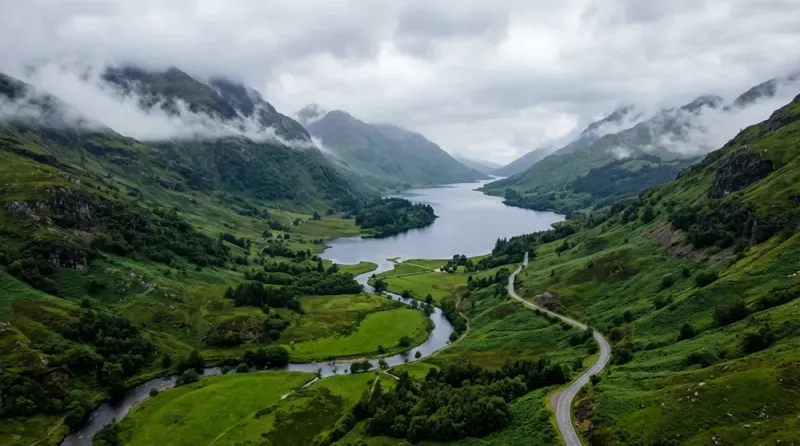
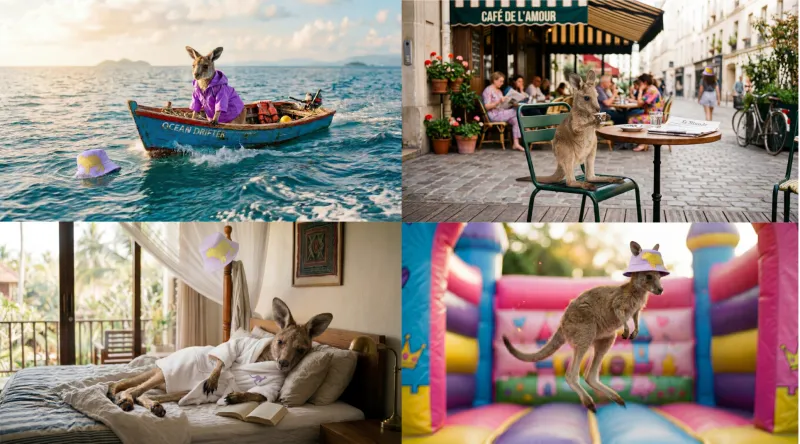
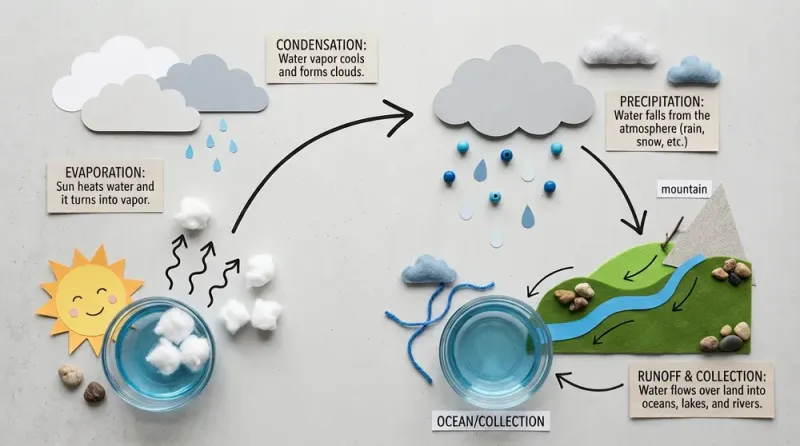
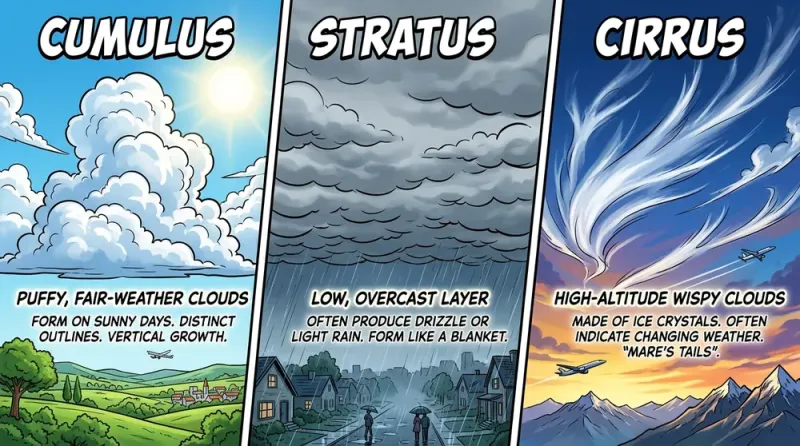
Nano Banana 2 Lite is the lightweight tier in iMini’s Nano Banana 2 family. It favors speed and cost over the higher-resolution range of Nano Banana 2. It supports text-to-image, quick edits, 1K output, 1–4 images per run, and portrait, square, landscape, and ultra-wide ratios in the workbench. Use Lite to explore options in volume; upgrade after subject, framing, and copy layout are settled.
Check subject, framing, palette, and text placement first—before spending a higher-fidelity pass on the wrong idea.
Generate a small set in one go, compare side by side, and keep only the options worth refining.
Change one instruction and regenerate. Useful for social variants, product concepts, and campaign exploration.
Lite is a 1K drafting tier. Switch to Nano Banana 2 or Pro for larger delivery files, denser type, or final finish.
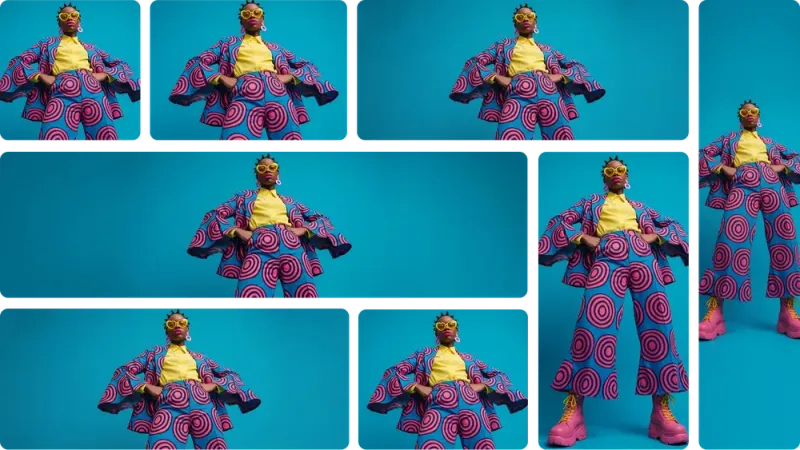
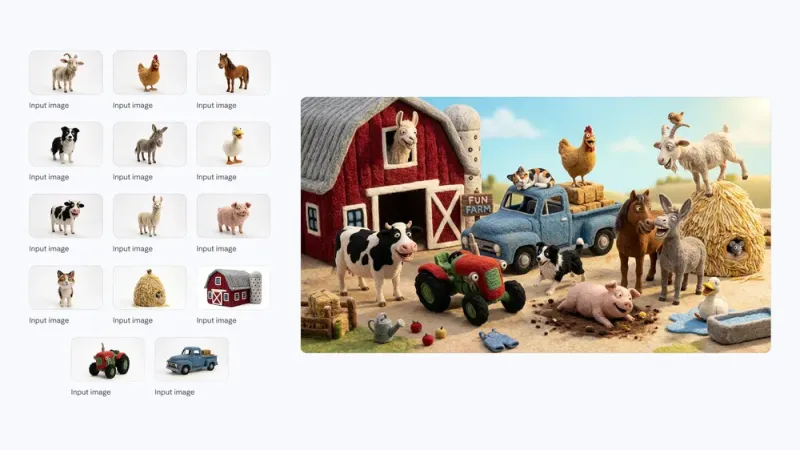
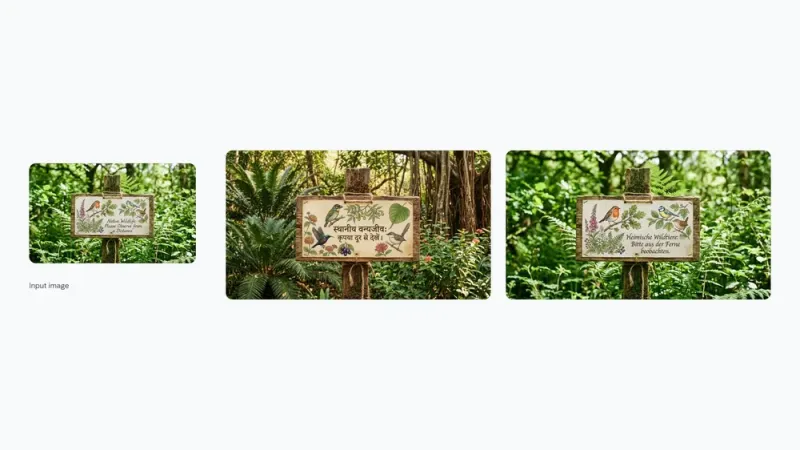
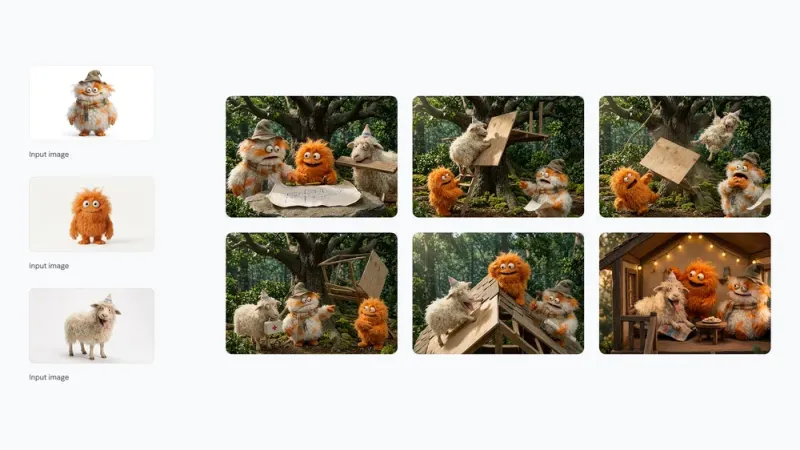
These family examples show the kinds of work you can explore on Lite. Resolution and detail follow the Lite setting; results vary with prompt and references.
Pick by stage: Lite for volume and speed, Nano Banana 2 for higher-resolution everyday delivery, Pro or GPT Image 2 for demanding final polish.
| Dimension | Nano Banana 2 Lite | Nano Banana 2 | Nano Banana Pro | GPT Image 2 |
|---|---|---|---|---|
| Positioning | Lightweight volume tier | Fast everyday tier | Studio-finish tier | High-control generate & edit |
| Output | 1K | Up to 4K | High-resolution delivery | Native 4K workflows |
| Speed | Fastest, lower-cost iteration | Fast, wider delivery range | Quality-first pass | Instant and Thinking modes |
| Best stage | Drafts, variants, quick edits | Everyday production | Final brand and typography | Precise layouts and complex edits |
| Best default for | High-volume concept exploration | Speed–resolution balance | Maximum family finish | Text-heavy or tightly controlled assets |
Use it when volume and turnaround matter more than maximum resolution and micro-detail.
Turn subject, setting, style, and ratio into options you can review—without waiting on a final-quality run.
Adjust color, framing, wardrobe, background, or campaign details and compare the next result right away.
Explore square posts, portrait stories, landscape banners, and ultra-wide frames from the same idea.
Request up to four images so reviewers see more composition choices before picking a winner.
Best when several workable options beat one expensive first attempt.
Test hooks, crops, seasonal palettes, and 1:1 or 9:16 layouts before you schedule.
Explore lighting, casting, props, and art direction before locking a production route.
Place products in lifestyle settings and shortlist backgrounds before a higher-resolution delivery pass.
Prototype language, color, scenery, and cultural-detail changes for market review.
Start Nano Banana 2 Lite from this page. No separate vendor API key is required.
State the subject, composition, visual style, required text, and target aspect ratio.
Create up to four options, keep the best one, and change tiers only when the final file needs it.
Each prompt names the deliverable and composition so Lite can return usable options quickly.
Create four clean 1:1 product-ad directions for a citrus sparkling water can on pale stone, hard noon sunlight, crisp shadow, yellow and cobalt palette, clear empty area for a short headline.
Design a bold 4:5 summer music poster concept, coral and electric blue, one central dancer silhouette, large readable headline “NIGHT WAVE”, simple sponsor area at the bottom.
Cinematic 9:16 street-fashion portrait at blue hour, silver jacket, wet pavement reflections, 50mm lens feel, natural skin texture, confident editorial pose.
Create a cohesive set of four square social visuals for a productivity app launch: warm off-white background, black typography blocks, lime accent, one simple device mockup per frame.
Resolution, editing, tier choice, and access—before you generate.
Use the fast 1K tier, compare up to four options, and upgrade only the result that needs a final pass.
Generate free on iMini No separate vendor API key required.


