Characters in the Same Frame Group Photo and Crossover Scene AI Image Generator
Ever imagined your favorite characters uniting in one epic group photo? Discover how crossover scene magic brings them together today!
Sign up to unlock daily free generations
Characters in the Same Frame Group Photo and Crossover Scene Gallery
THREE SIMPLE STEPS TO CREATE
FREQUENTLY ASKED QUESTIONS
How can I make the art style and proportions of two characters consistent and harmonious?
Add to the instructions 'unified art style (such as 'consistent Disney animation style' or 'consistent Japanese anime flat color style')' and 'character proportion coordination ('the body proportions of two characters fit the same scene')
What reference images need to be provided to make the character more accurate?
Provide 2-3 high-definition original images per IP, showing the front / side / full body (avoid fan art). If there are scene images in the same style, they can also be included (to facilitate background adaptation).
The background and characters in the generated image don't match. How can I modify the prompt to adjust this?
Add a description of the background and the relationship between the characters in the instructions (for example, 'Character A and Character B appear together in the school playground, with the track/basketball hoop in the background matching the characters' school outfits').
Why choose iMini AI?
One Max membership delivers productivity close to 4 regular employees - creating 70 presentations monthly. slides creation, deep research, report writing take only ~10 mins, saving 5 hrs on average.
How to use iMini AI?
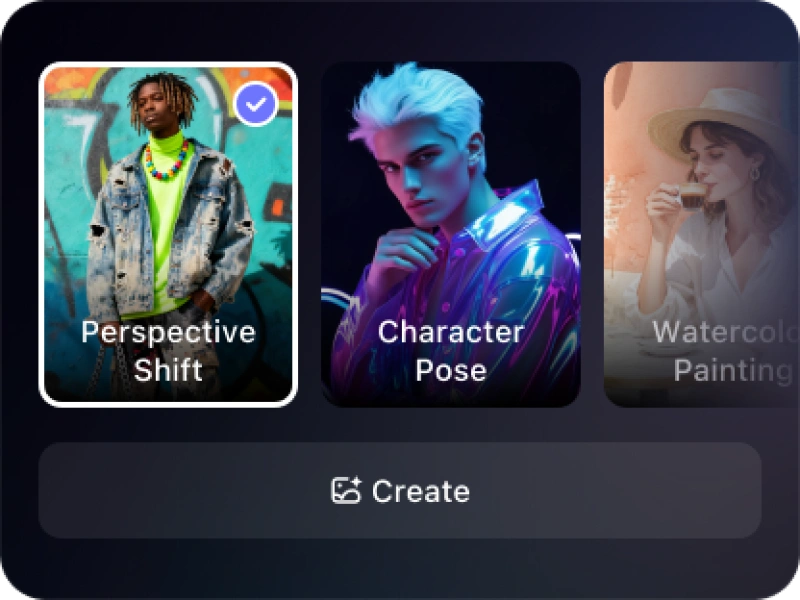
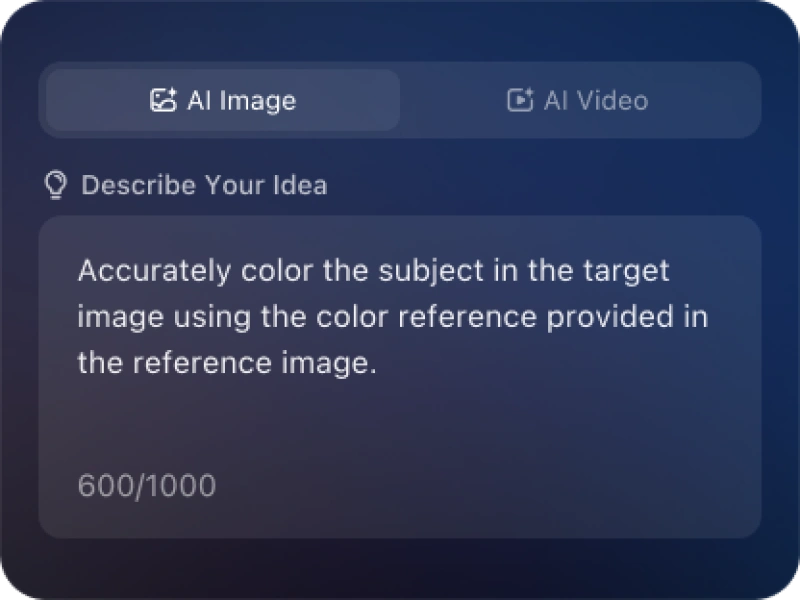
Describe your idea or choose from iMini’s ready-to-use templates to generate stunning images or videos in seconds. iMini AI is built for everyone — simple, smart, and effortless to use.