

Cozy & Magical Snow Scene Illustration Winter Wonderland Forest Landscape Art AI Image Generator
Easy-to-use Snow scene illustration AI image Generator: Create high-quality custom winter scenes instantly for designers & creative projects.
Sign up to unlock daily free generations
Cozy & Magical Snow Scene Illustration Winter Wonderland Forest Landscape Art GALLERY
THREE SIMPLE STEPS TO CREATE
FREQUENTLY ASKED QUESTIONS
What is iMini AI?
iMini is your personal Al assistant. It supports LLM conversations, and can generate slides, Al-powered docs, images/videos with one prompt-saving hours per project and boosting productivity.
What are the advantages of iMini AI?
It aggregates full-category Agent services with the innovative "Super iMini Agent" model. All needs are solved via one chat interface, no tool switching required.
How to use iMini AI?
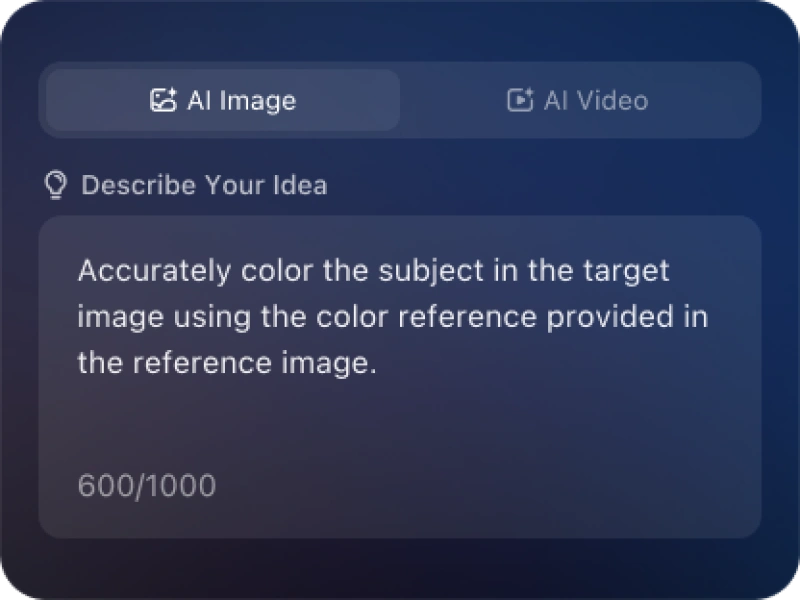
Describe your needs in text (e.g., "Create a new energy slide with market data"), send it, and iMini generates results quickly—simple to operate.
Why choose iMini AI?
One Max membership delivers productivity close to 4 regular employees - creating 70 presentations monthly. slides creation, deep research, report writing take only ~10 mins, saving 5 hrs on average.
What is a Cozy & Magical Snow Scene Illustration Winter Wonderland Forest Landscape Art AI Generator?
A Cozy & Magical Snow Scene Illustration Winter Wonderland Forest Landscape Art AI Generator is a specialized artificial intelligence tool designed to create original, artistic illustrations of winter landscapes. Instead of manually painting, you describe your vision using text (a “prompt”), and the AI generates images featuring snow-covered scenes, from cozy cabins and festive villages to majestic icy mountains and fantastical winter wonderlands, in various artistic styles.
What artistic styles can I create for my snow scene illustration?
Realistic & Photographic: Hyper-detailed, like a nature photo.
Watercolor & Gouache: Soft blends, visible brushstrokes, a traditional feel.
Oil Painting: Rich textures, impasto effects, classic fine art.
Digital Painting & Concept Art: Dynamic, used for games or book covers.
Anime/Studio Ghibli-inspired: Whimsical, colorful, and atmospheric.
Children’s Book Illustration: Simple, charming, and story-driven.
Can I generate a series of consistent illustrations (like for a storybook)?
Achieving perfect character/scene consistency across multiple images is a current challenge for most public AI generators. However, you can maintain style consistency by using the same detailed style description and color palette in every prompt. For a coherent storybook, many illustrators use AI to generate varied scene concepts and character ideas, then refine and unify them using digital art software.
How can I make my AI-generated snow scene look more unique and less “AI-like”?
Use Unusual Perspectives: Try “bird’s eye view of a snowed-in village” or “macro shot of frost on a berry.”
Combine Unexpected Elements: “A steampunk airship docked at a snowy alpine outpost.”
Reference Specific Artists: “In the style of Thomas Kinkade’s cozy lighting but with a desolate mood.”
Post-Process: Use editing software (like Photoshop) to adjust colors, add manual details, or combine parts of multiple AI generations.