
GPT Image 2 —
AI Images with Perfect Text
Posters, product shots, multilingual signage — all rendered cleanly, first try. The image model that finally ships for commercial work, now inside your iMini AI workspace.
GPT Image 2 is live — no setup, no waitlist
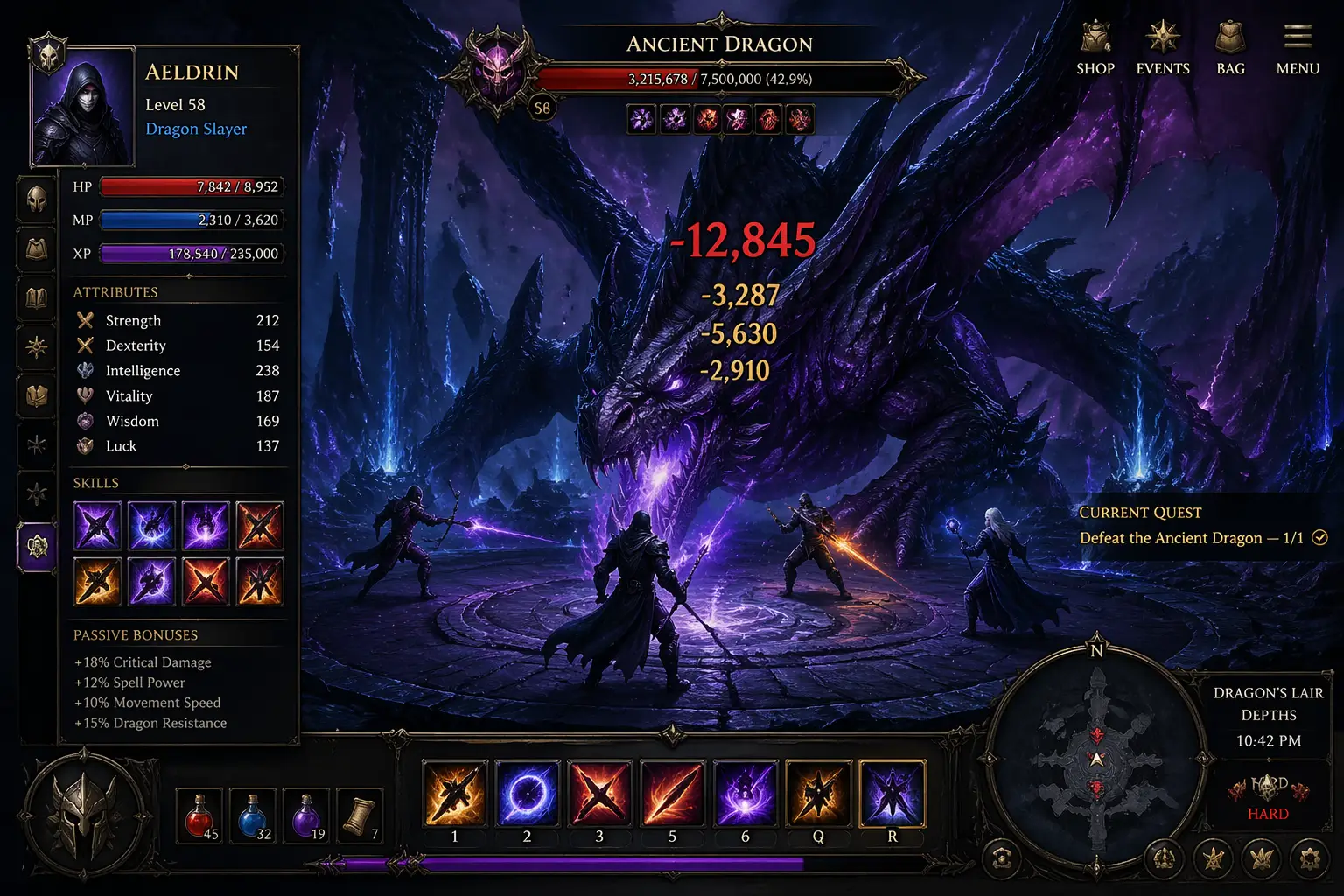
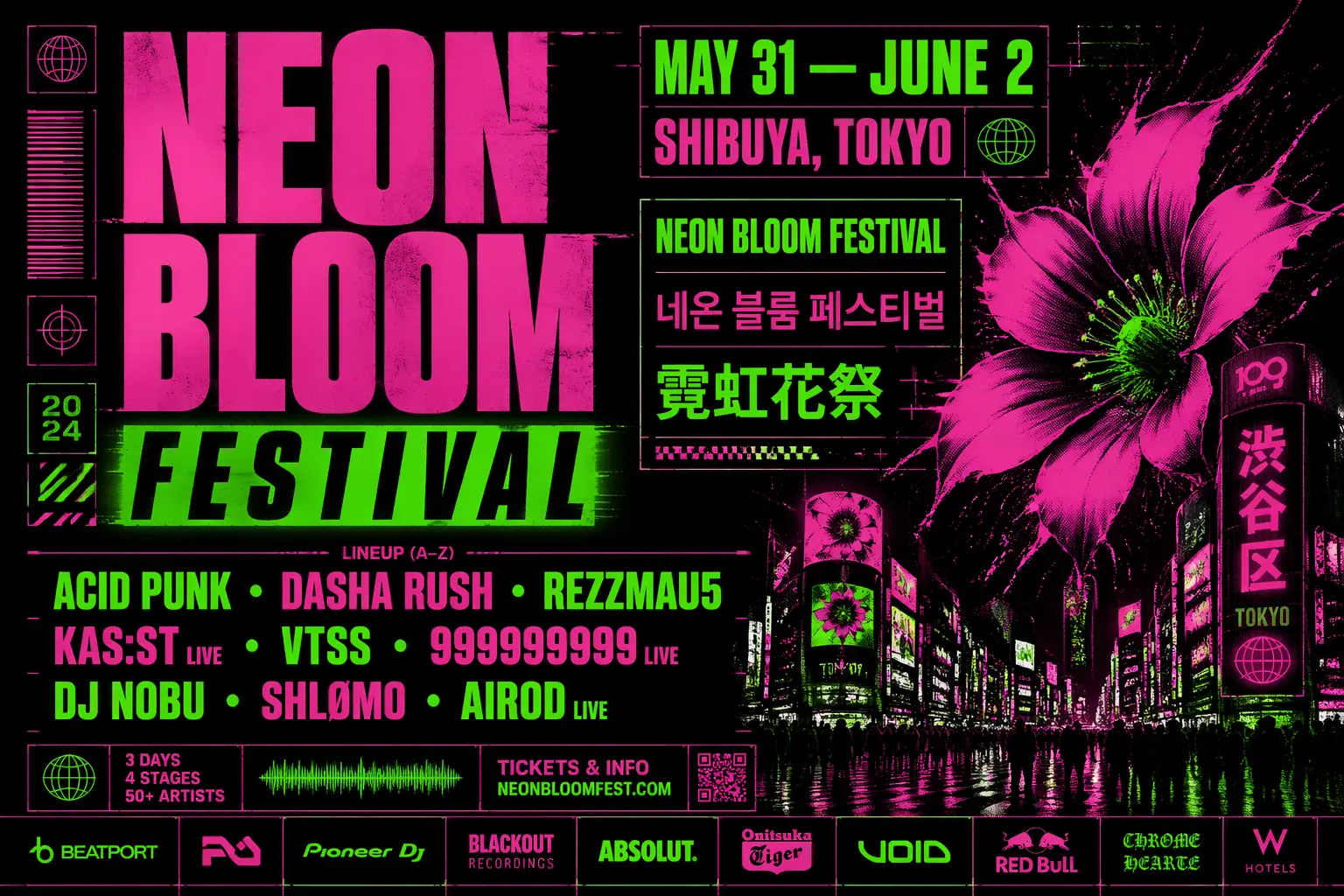
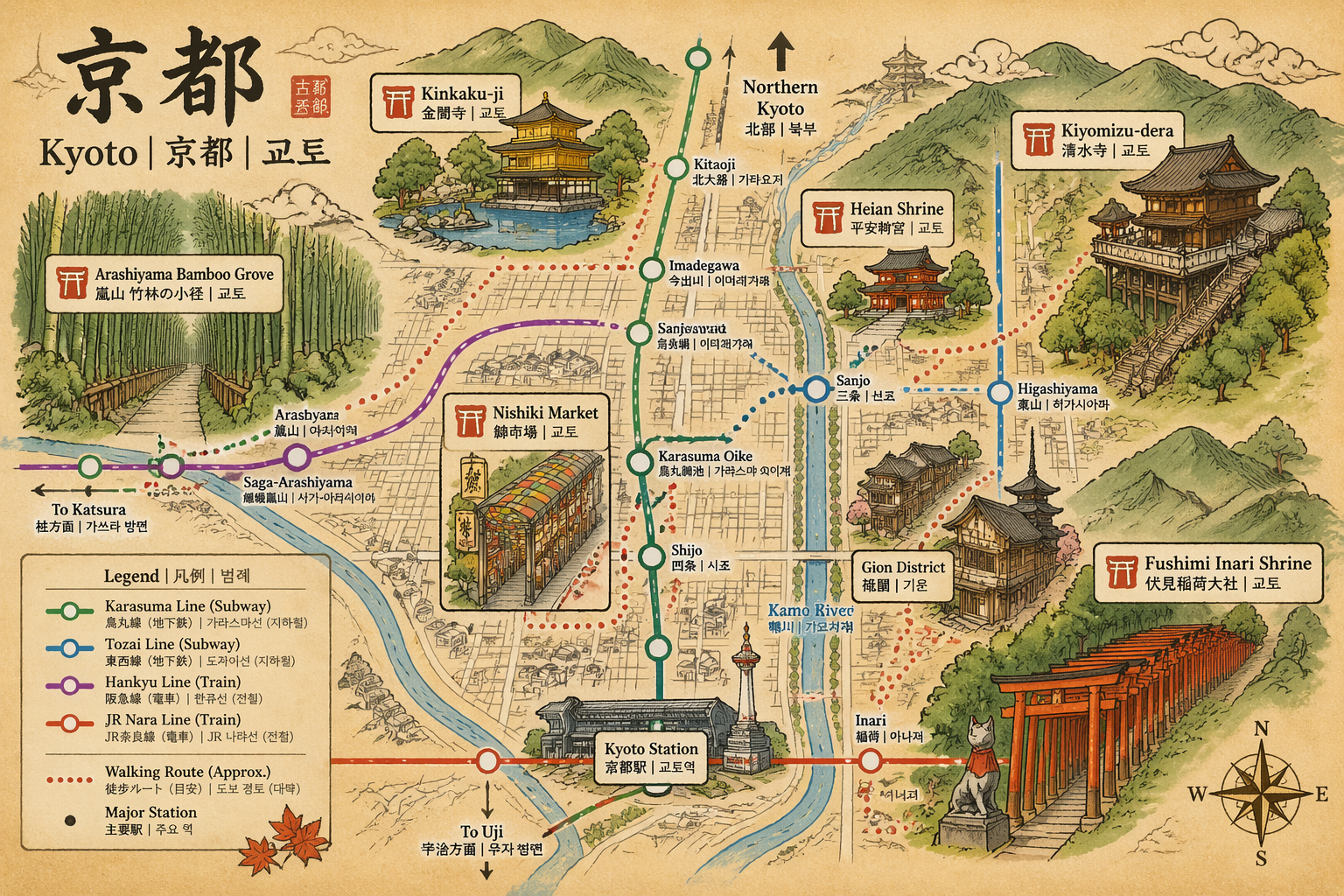
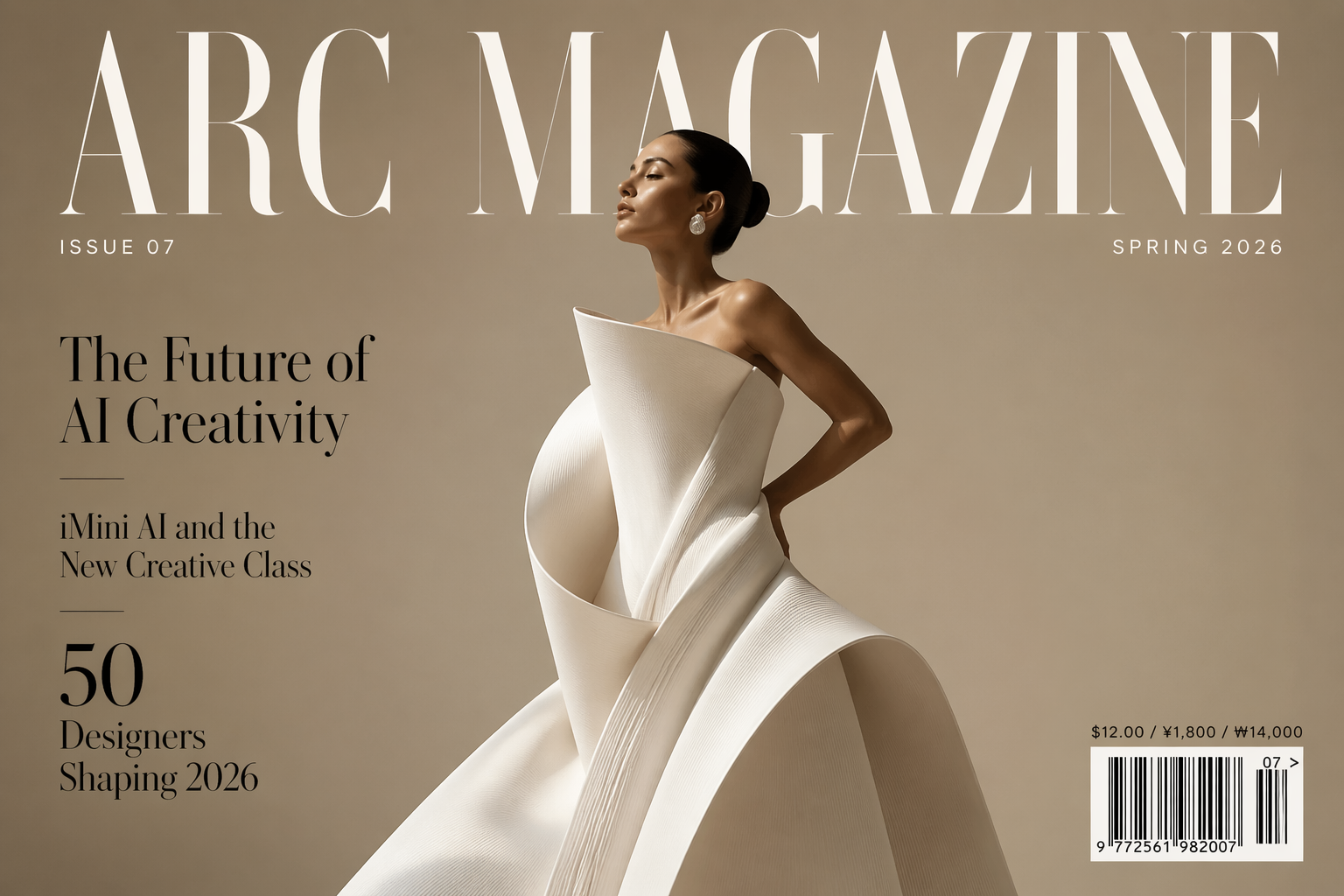
Three steps to your best image yet
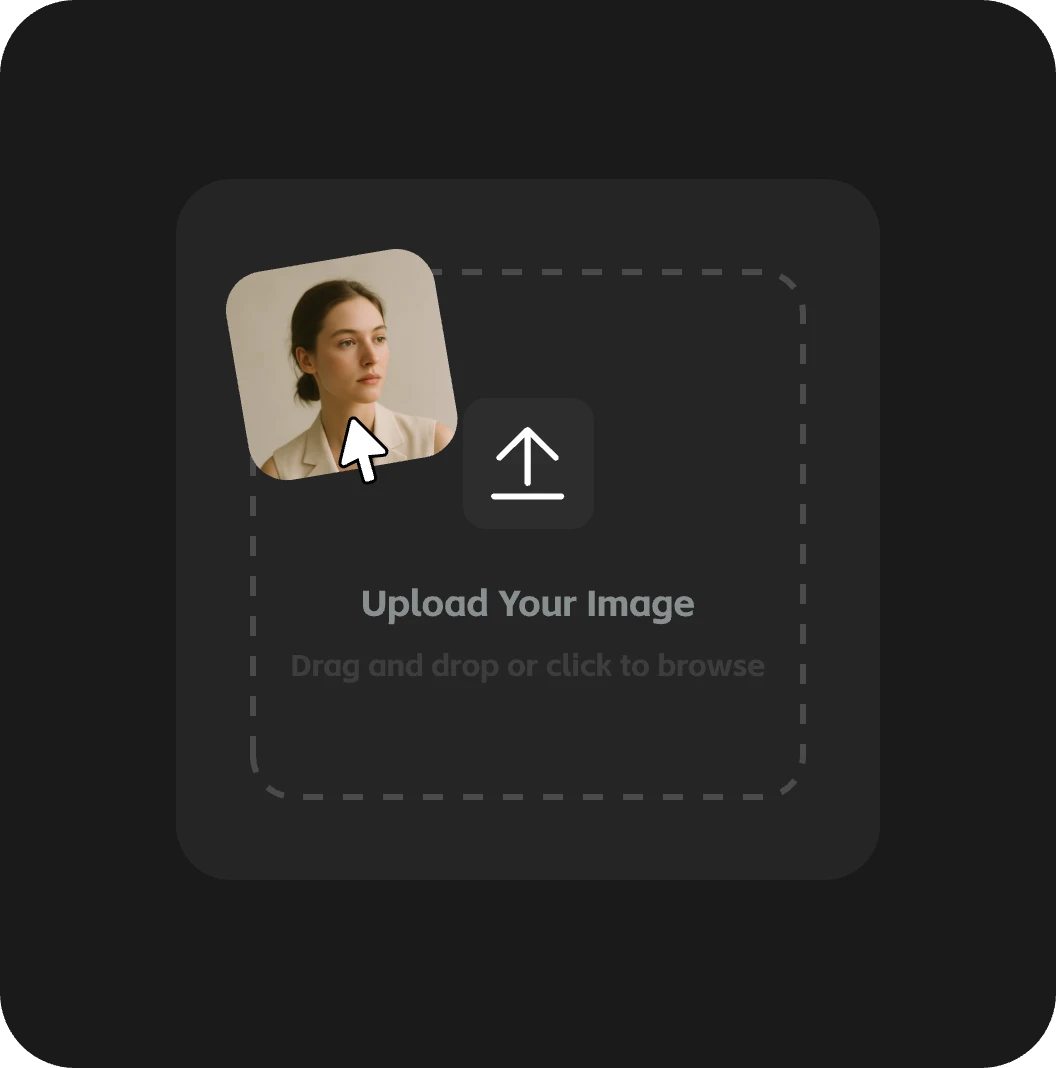
Step 01
Upload Image
Optionally upload an image to define style, character, or scene direction.
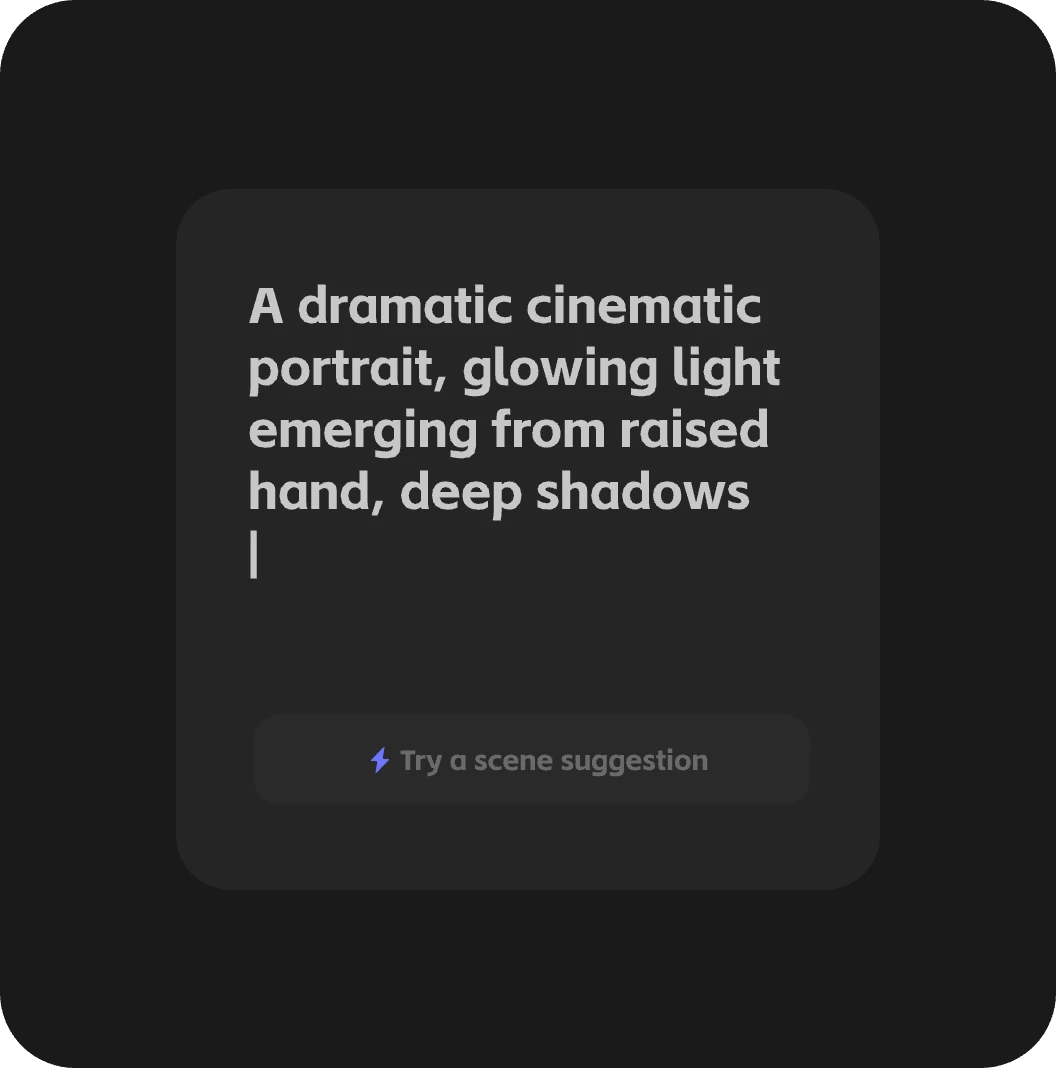
Step 02
Enter Prompt
Describe your scene. The model accurately handles signage, packaging, multilingual text, and complex layouts.
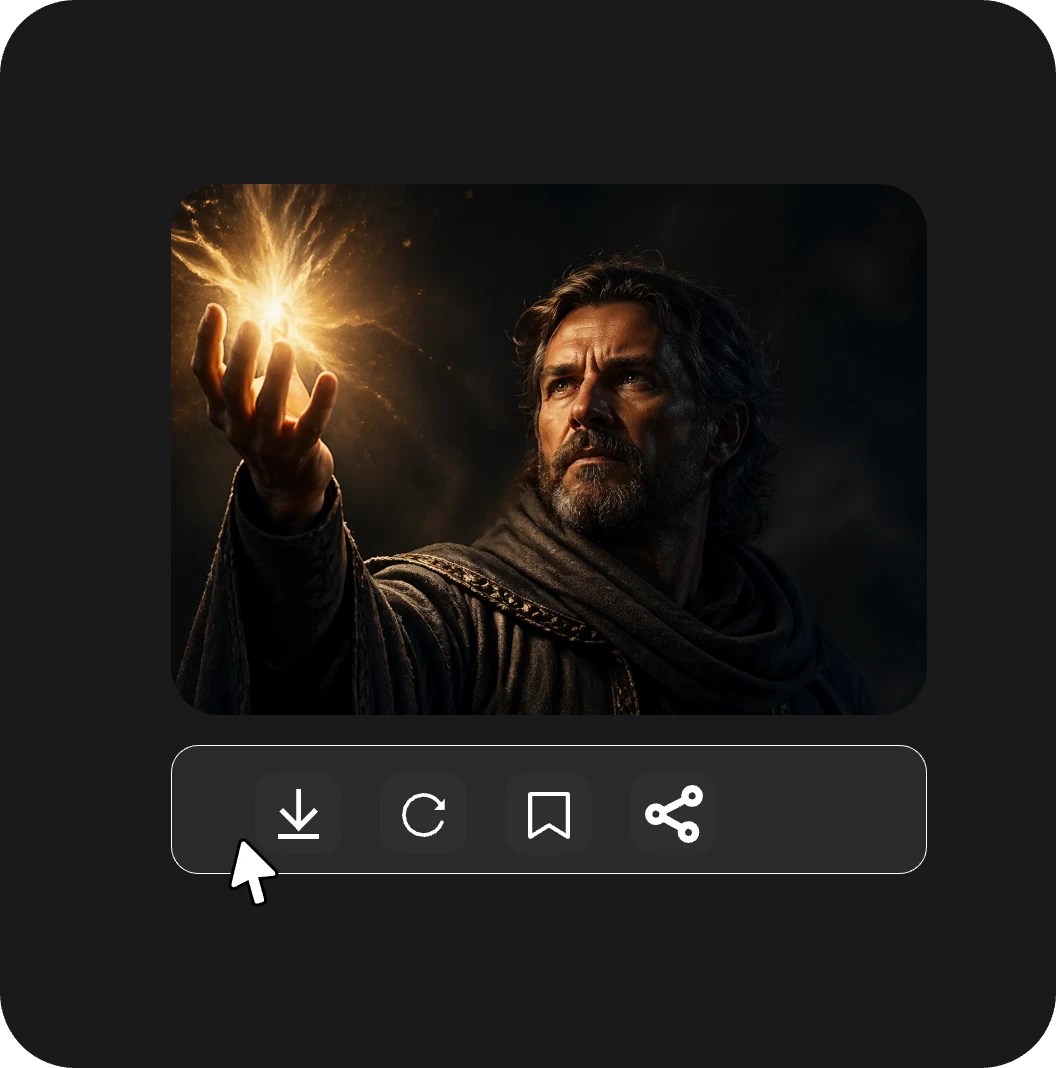
Step 03
Generate Output
Click generate using the GPT Image 2 model. Download production-ready images instantly.
A New Ceiling for AI Image Generation
Studio-grade output, not AI output
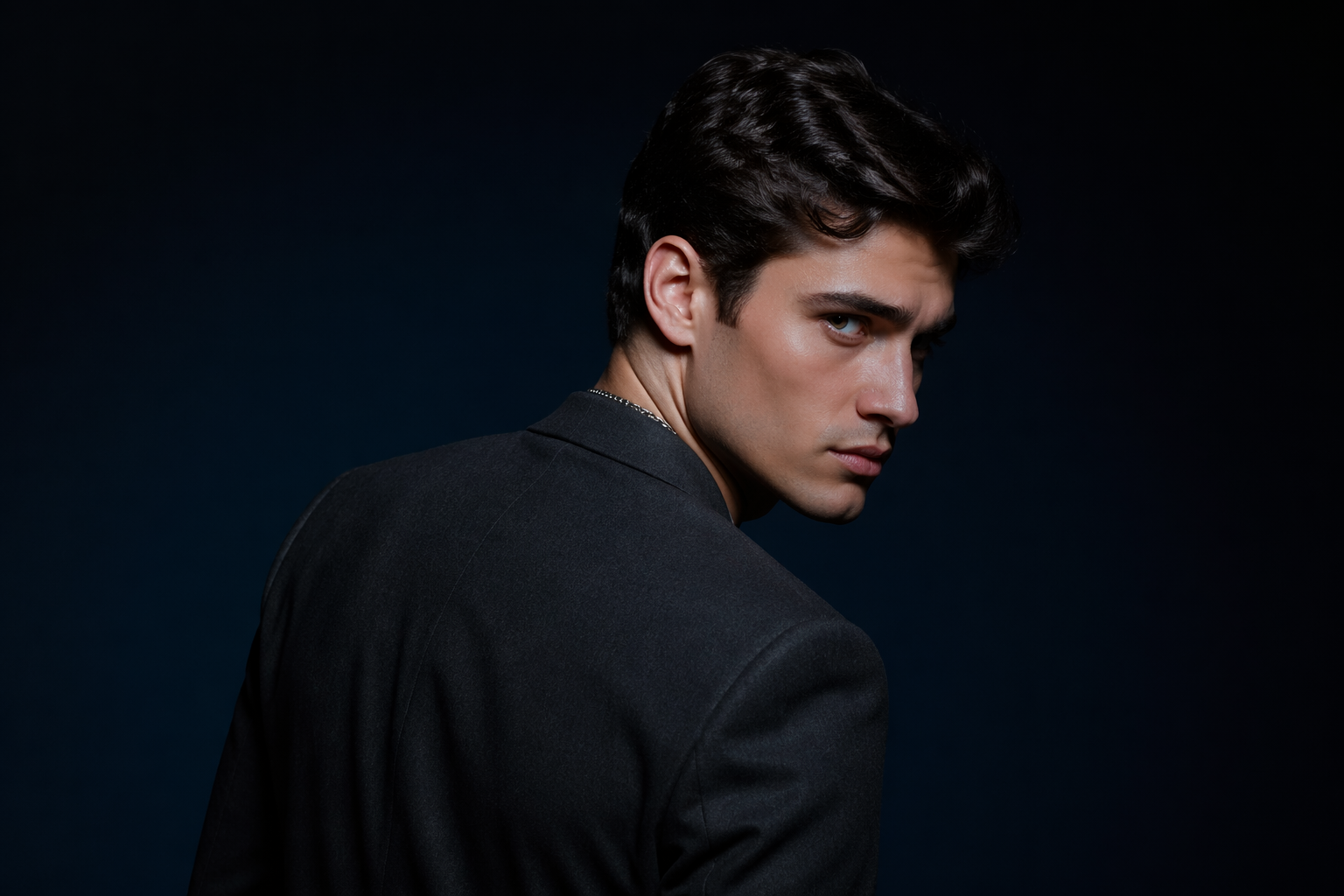
Natural lighting, true-to-life colors, and realistic skin, materials, and weight. The warm tint and generic AI look of earlier models are gone—replaced by photorealistic, studio-quality images generated at native 4K in seconds.
Text that ships, not text that breaks
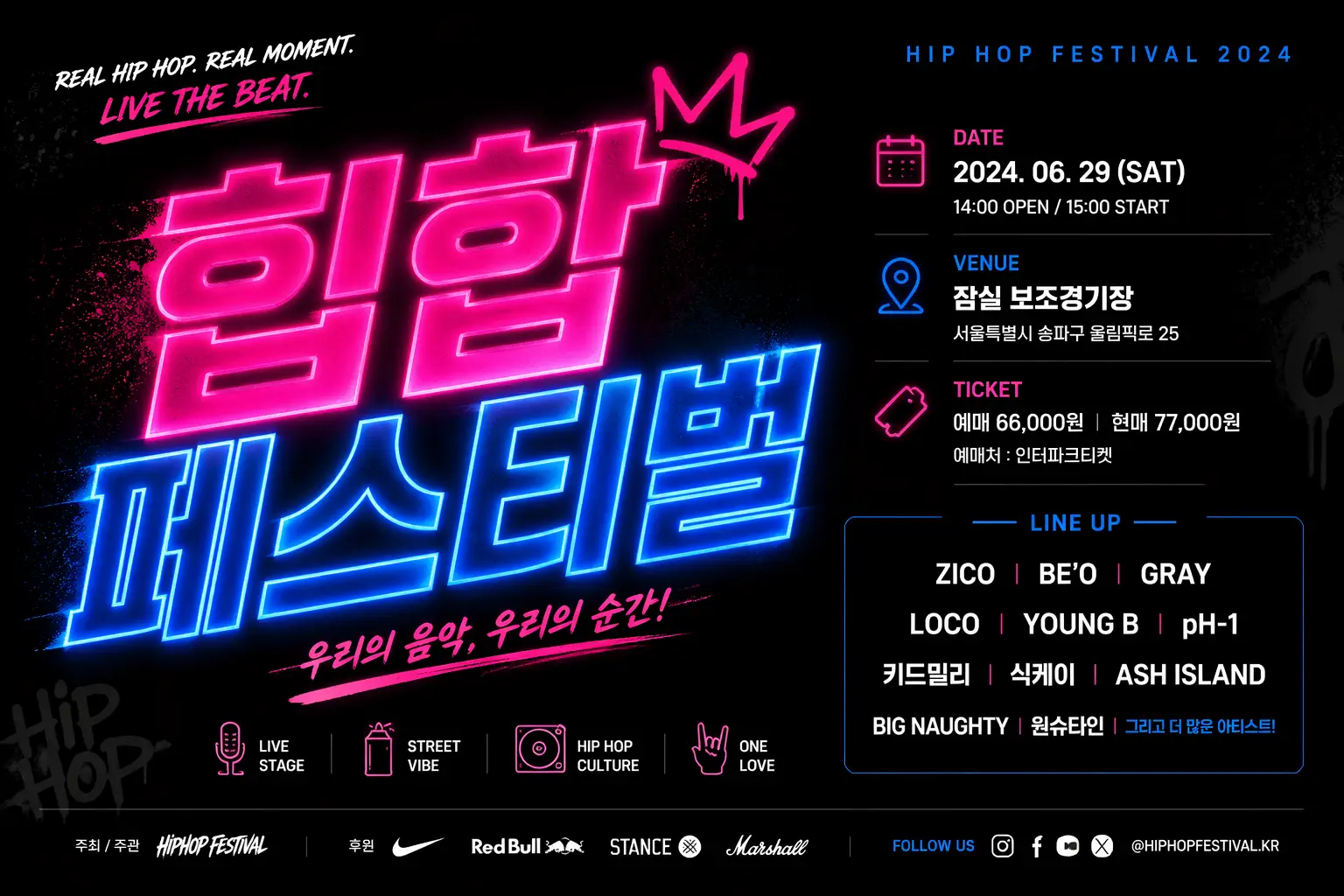
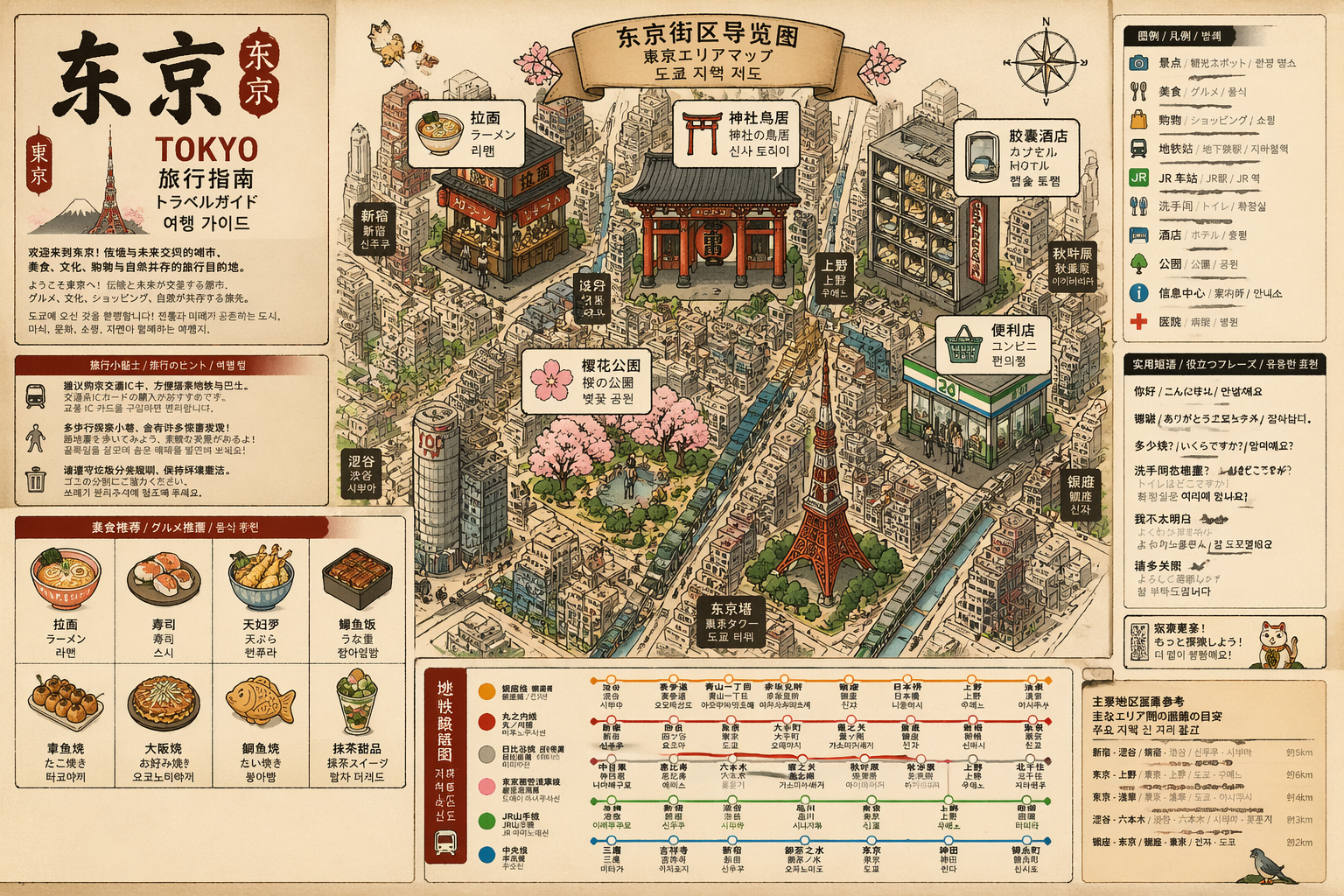
Posters, packaging, UI mockups, and signage rendered pixel-perfect on the first try. Multilingual text—including Chinese, Japanese, Korean, and Latin scripts—is cleanly rendered on curves, small sizes, and dense layouts.
Same character, every shot
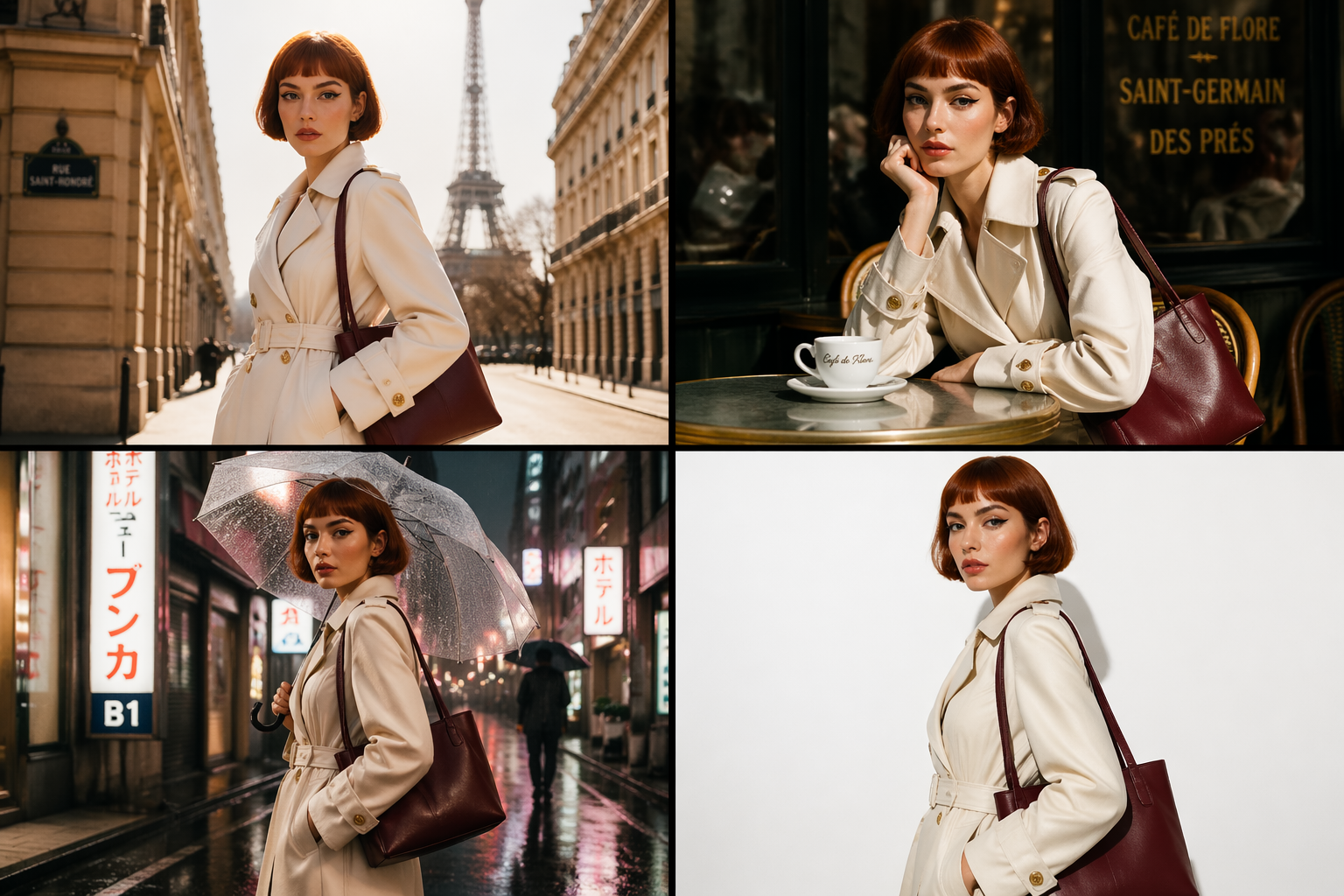
Maintain character, product, or brand consistency across AI storyboards, marketing variations, and multi-shot sequences. Facial features, clothing, proportions, and details stay consistent while other elements vary.
Trusted by creators worldwide
"It's gone from a side tool to something I rely on daily. The speed is insane, and the quality is more than enough for professional work."
"We delivered a client project two days early thanks to iMini AI. The visuals blew them away — they assumed we had a full design team."
"For quick creative requests and even serious commercial work, iMini AI is my go-to. Nothing else comes close on the quality-to-speed ratio."
"I had a high-stakes pitch in 48 hours. With iMini AI, I delivered polished visuals and still had energy left — something that never happened before."
"One client asked how large my team was. It was just me using iMini AI — I delivered a campaign in three days instead of a week."
"I used to only take small branding jobs. With iMini AI, I confidently take on big projects and always deliver on time. It changed my career trajectory."
Everything you need to know about GPT Image 2
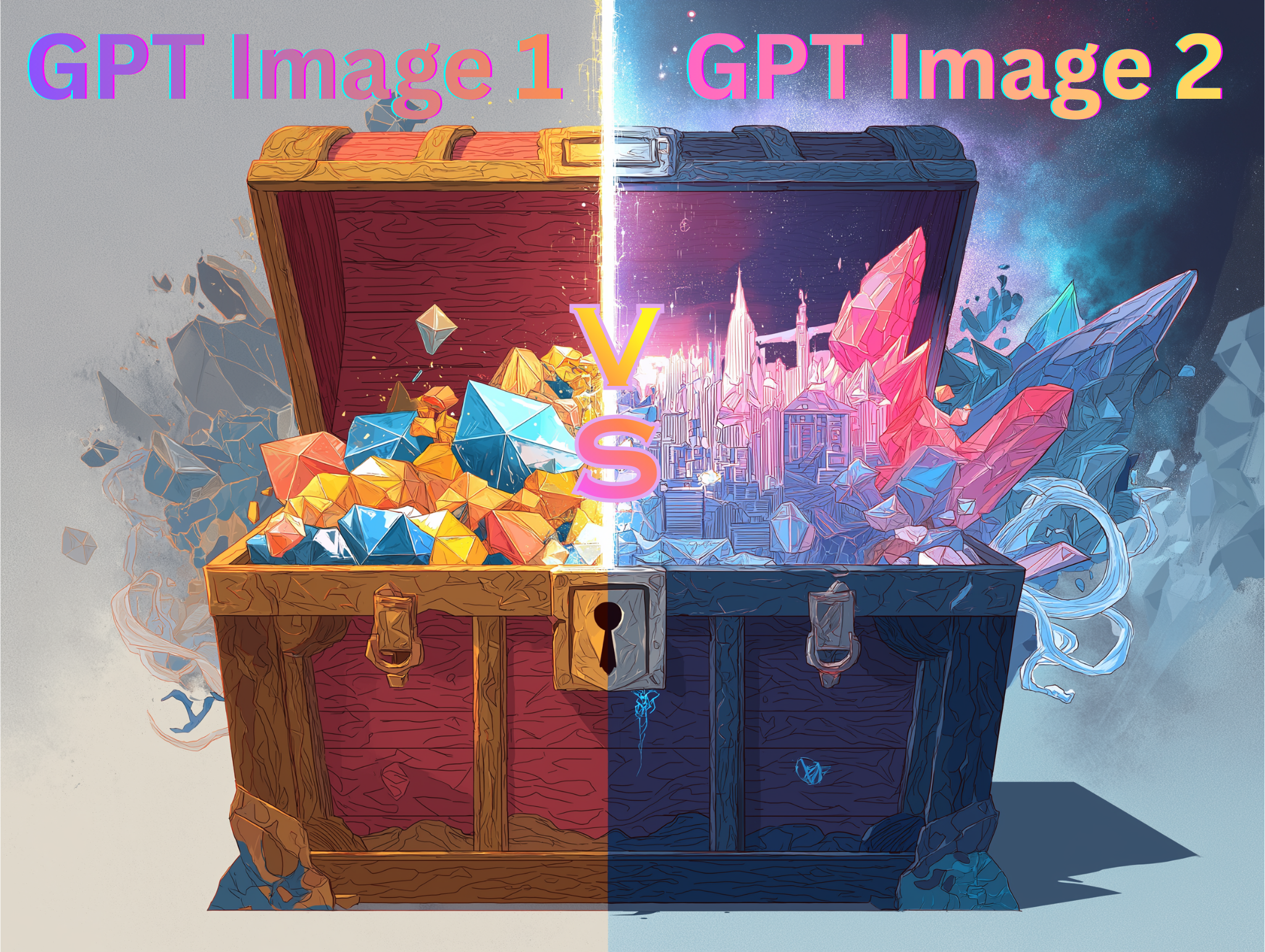
GPT Image 2 is OpenAI's latest image generation model — the successor to GPT Image 1. It delivers state-of-the-art photorealism, near-perfect text rendering, and native 4K output. On iMini AI, you can use it alongside Nano Banana Pro, Seedream 4.0, and every other top model in one workspace.
Three major upgrades: photorealism is significantly better (the warm cast and generic AI look are gone), text rendering accuracy jumps to over 95% including multilingual typography, and native 4K output replaces the previous resolution ceiling. Generation is also meaningfully faster.
Both are top-tier models on iMini AI. Nano Banana Pro leads on ultra-fast generation and creative artistic compositions. GPT Image 2 leads on photorealism, text rendering accuracy, and commercial-grade product imagery. Most users switch between them depending on the project — and on iMini AI, you can do that in one workspace without switching tabs.
Yes. Accurate logos, readable packaging text, brand-consistent colors, and clean typography make GPT Image 2 suitable for marketing campaigns, advertising, product photography, and editorial content. All images generated on iMini AI are yours to use commercially.
Yes — this is one of GPT Image 2's biggest breakthroughs. It handles CJK scripts cleanly, including on curved surfaces, at small sizes, and inside dense layouts. A genuine step-change over every prior model.
Yes. Upload a reference and describe the change in plain language — swap a background, change a color, remove an object, extend the frame. Edits stay surgical without regenerating the whole scene. You can also continue editing inside iMini AI's infinite canvas.
Yes. Generate a frame with GPT Image 2, then push it to AI video models like Sora 2, Seedance, or Kling for motion — or edit it with iMini AI's background remover, upscaler, and canvas tools. Everything lives in one workspace.
Go to imini.com, select GPT Image 2 from the model list, type a prompt, and generate. First results arrive in seconds. No setup, no install, no prompt engineering required.
Get insights from our expert blog
Actionable guides, model breakdowns, and creative tips from the iMini AI team — updated weekly.