

Iconic Friends Group Photo TV Show Style Coffee Shop Sofa Fun Friendship Moment AI Image Generator
Iconic Friends Group Photo TV Show Style Coffee Shop Sofa Fun Friendship Moment AI Generator: Capture joyful, stylish group moments for your squad effortlessly.
Sign up to unlock daily free generations
Iconic Friends Group Photo TV Show Style Coffee Shop Sofa Fun Friendship Moment GALLERY
THREE SIMPLE STEPS TO CREATE
FREQUENTLY ASKED QUESTIONS
What is iMini AI?
iMini is your personal Al assistant. It supports LLM conversations, and can generate slides, Al-powered docs, images/videos with one prompt-saving hours per project and boosting productivity.
What are the advantages of iMini AI?
It aggregates full-category Agent services with the innovative "Super iMini Agent" model. All needs are solved via one chat interface, no tool switching required.
How to use iMini AI?
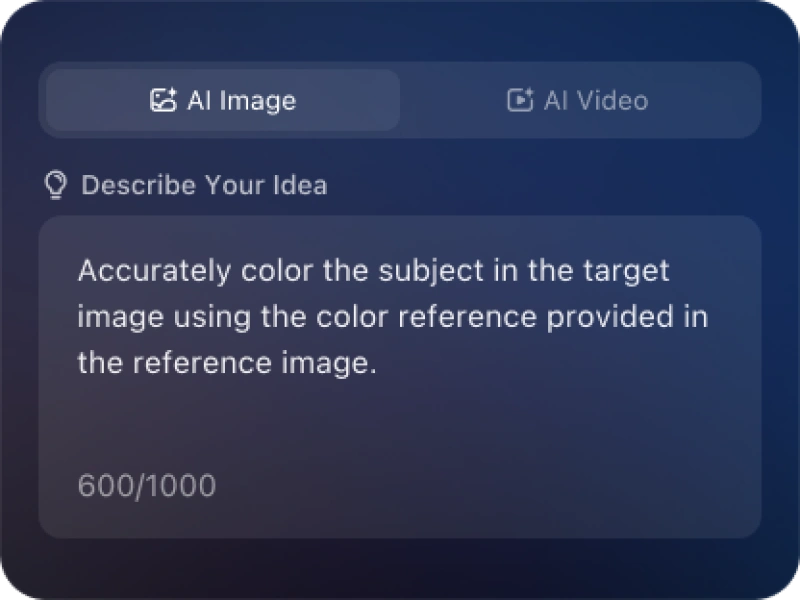
Describe your needs in text (e.g., "Create a new energy slide with market data"), send it, and iMini generates results quickly—simple to operate.
Why choose iMini AI?
One Max membership delivers productivity close to 4 regular employees - creating 70 presentations monthly. slides creation, deep research, report writing take only ~10 mins, saving 5 hrs on average.
What is aIconic Friends Group Photo TV Show Style Coffee Shop Sofa Fun Friendship Moment AI Generator?
It's an AI tool designed to create a realistic or stylized photograph of a group of people who appear to be friends. You can either use photos of real friends to digitally assemble a group shot, or describe your ideal friend group to the AI and let it generate entirely new characters in a shared scene. It's perfect for creating keepsakes, inside jokes, or visualizing your squad when you can't all be together in person.
Can I use real photos of my friends to make an AI group picture?
Yes, but it typically involves a multi-step compositing process rather than a single “magic button.” The most realistic method is:
Generate a Background: Use an AI image generator (like Midjourney) to create your desired group photo setting (beach, couch, rooftop).
Individually Process Friends: Use a good AI headshot generator or photo editor to create consistent, high-quality cut-outs of each person from their individual photos.
Manual Compositing: Use photo editing software (Photoshop, Canva, Photoroom) to place, scale, and blend each person into the background. This step is crucial for adjusting lighting and shadows so everyone looks like they belong together.
How can I make an AI-generated group of virtual friends look cohesive and natural?
If you're generating entirely new characters, your prompt needs to define their shared context and relationship.
Strong Prompt Example: “A group of four diverse and stylish best friends in their 20s laughing together on a city rooftop at sunset. They are dressed in casual but cool outfits, leaning in for a selfie. One has curly hair, another has glasses. They look like real, close friends. Cinematic lighting, joyful atmosphere, photorealistic.”
Key: Describe them as a “group,” specify a shared activity and location, and aim for consistent lighting and style.
What's a common mistake that makes AI group photos look fake, and how do I fix it?
The Problem: If each person is sourced from a different photo with different light sources (light from left vs. right) or camera angles (looking up vs. straight on), they will never look like they're in the same space.
The Fix: When compositing real people, match the light direction. Add shadows on the side opposite the main light in the background. Ensure everyone's eye level is roughly consistent. Using a uniformly lit, green-screen style source photo for each person makes this process much easier.