

Creative & Artistic Artist-Themed Portrait Painterly Style Art AI Image Generator
Creative & Artistic Artist-Themed Portrait Painterly Style Art AI Generator: Create creative, artistic studio-style portrait visuals easily.
Sign up to unlock daily free generations
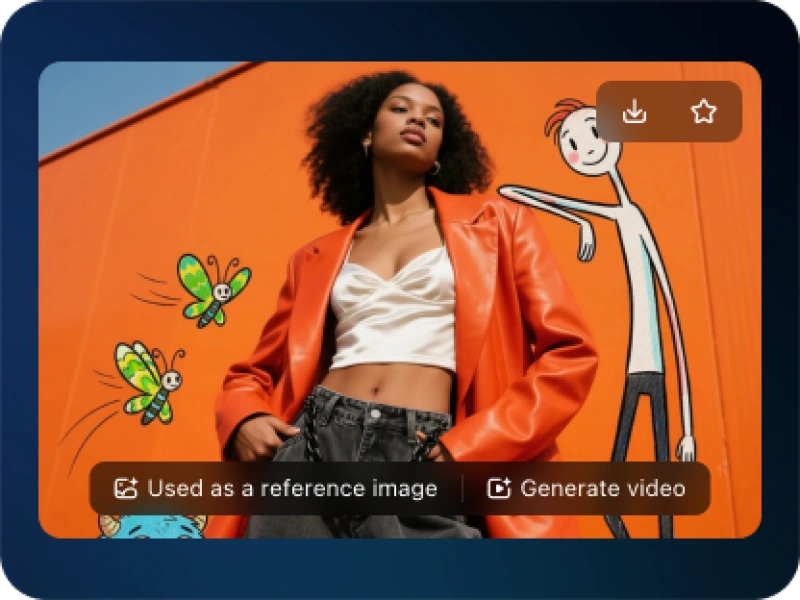
Creative & Artistic Artist-Themed Portrait Painterly Style Art GALLERY
THREE SIMPLE STEPS TO CREATE
FREQUENTLY ASKED QUESTIONS
What is iMini AI?
iMini is your personal Al assistant. It supports LLM conversations, and can generate slides, Al-powered docs, images/videos with one prompt-saving hours per project and boosting productivity.
What are the advantages of iMini AI?
It aggregates full-category Agent services with the innovative "Super iMini Agent" model. All needs are solved via one chat interface, no tool switching required.
How to use iMini AI?
Describe your needs in text (e.g., "Create a new energy slide with market data"), send it, and iMini generates results quickly—simple to operate.
Why choose iMini AI?
One Max membership delivers productivity close to 4 regular employees - creating 70 presentations monthly. slides creation, deep research, report writing take only ~10 mins, saving 5 hrs on average.
What is Creative & Artistic Artist-Themed Portrait Painterly Style Art AI Generator?
Creative & Artistic Artist-Themed Portrait Painterly Style Art AI Generator is a creative tool that transforms your portrait into artwork inspired by the distinctive styles of history's greatest artists. Imagine your photo reimagined with Vincent van Gogh's swirling brushstrokes, Frida Kahlo's symbolic intensity, or Andy Warhol's pop art vibrance. It applies the core aesthetic techniques of chosen artists or movements to create a unique, personalized piece of digital art.
How does the AI apply an artist's style while keeping my portrait recognizable?
The AI uses a sophisticated technique called neural style transfer. It doesn't just overlay a filter. It analyzes the fundamental patterns, textures, color palettes, and brushstroke methods of the target art style. It then reconstructs your portrait using those learned artistic principles, preserving your facial structure and likeness while completely transforming the visual execution.
Can I use my own photo to create a custom artist-themed portrait?
Absolutely. This is the primary way to use the generator. Simply upload a clear, high-quality portrait photo. The AI will use it as the base subject and apply your selected artistic style, creating a bespoke artwork that is uniquely yours.
Is this tool suitable for learning about art history or different styles?
Yes, it can be a fantastic, interactive educational resource. By seeing your own face transformed by different movements, you gain a visceral understanding of each style's characteristics—like the emotion of Expressionism or the geometry of Cubism. It makes art history engaging and personal.