

Free AI Image Upscaler Powered by GPT Image 2
Turn your blurry low resolution photos into high definition masterpieces instantly with GPT Image 2
GPT Image 2 is live — no setup, no waitlist
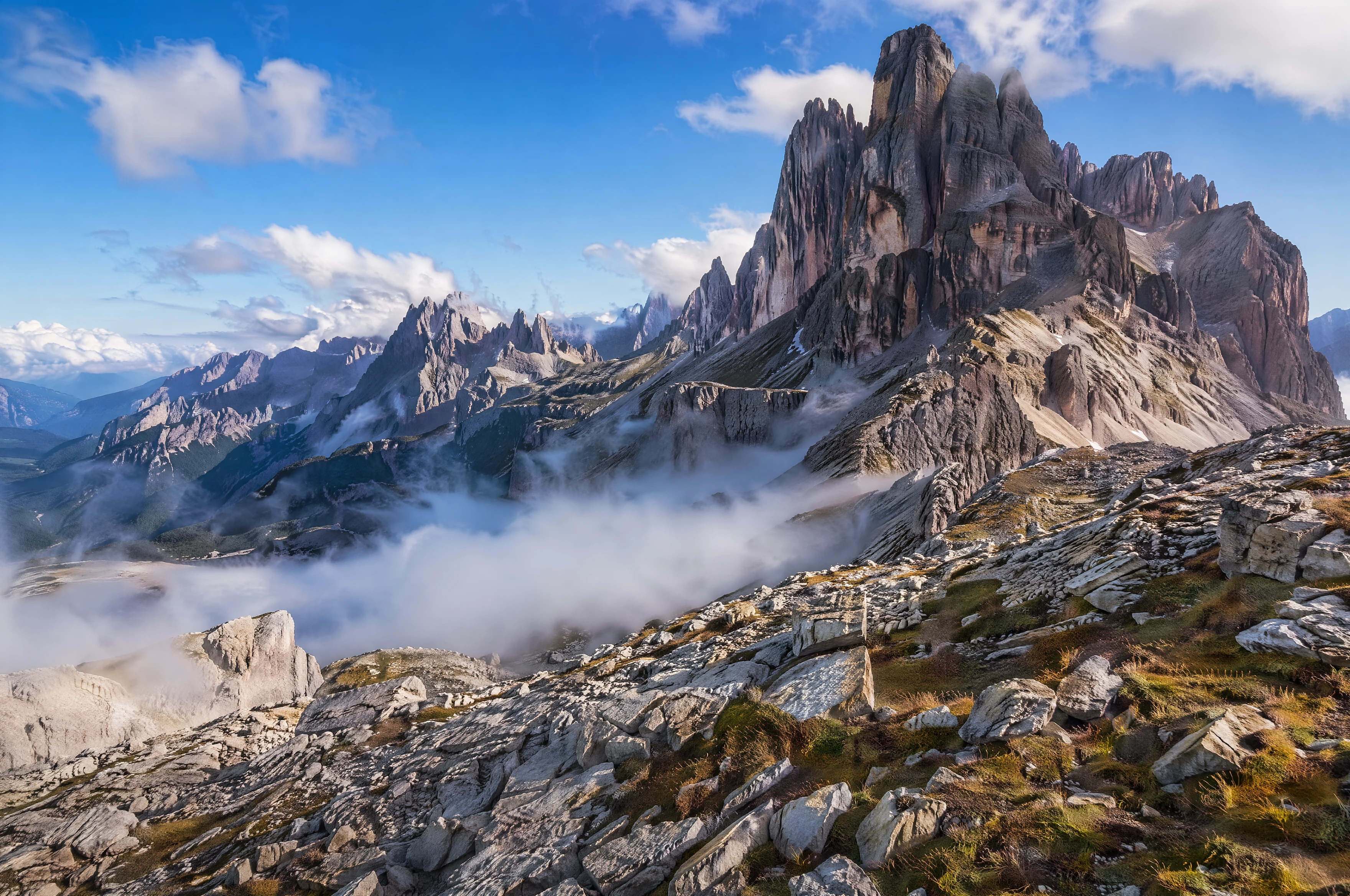
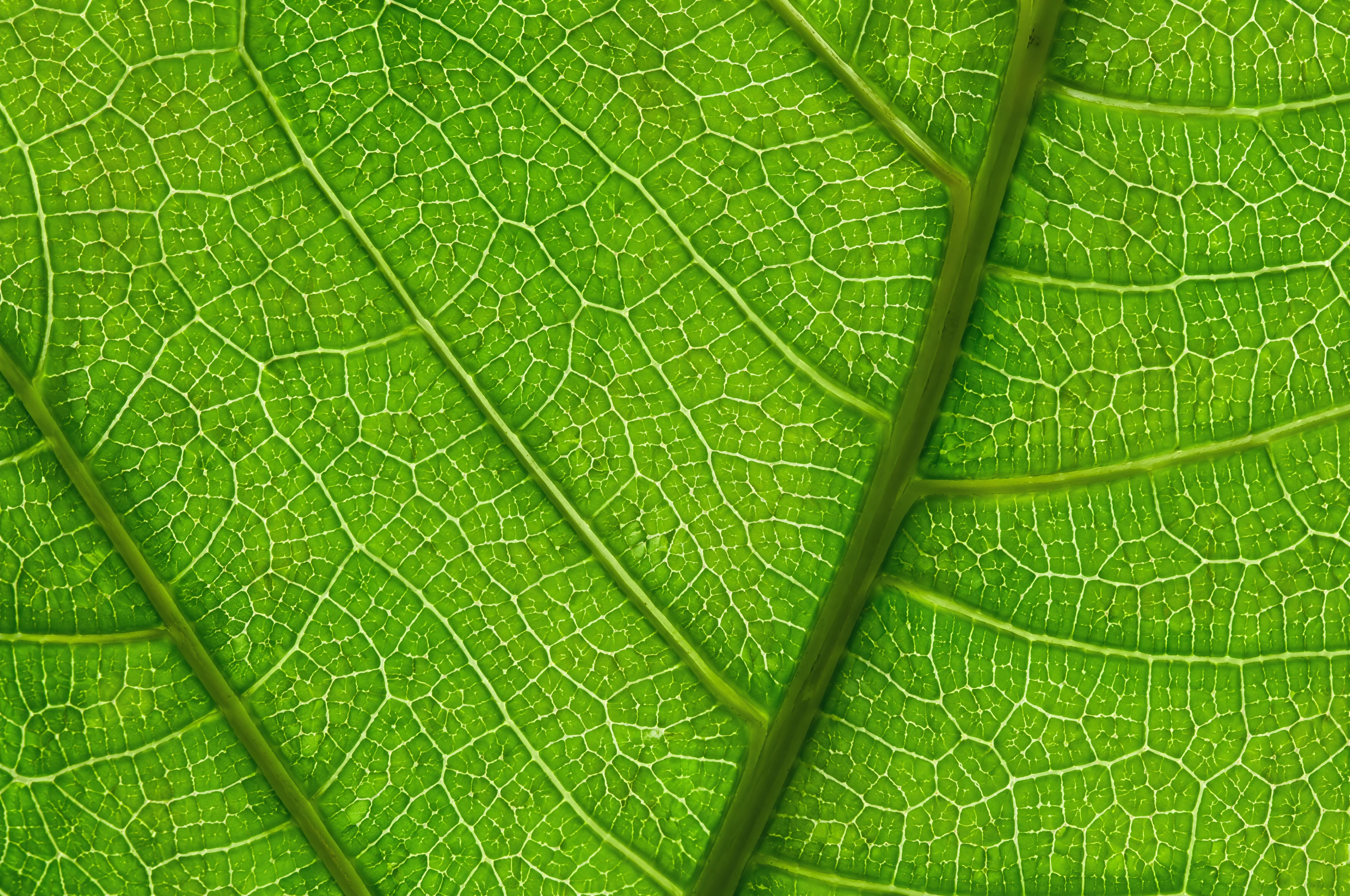
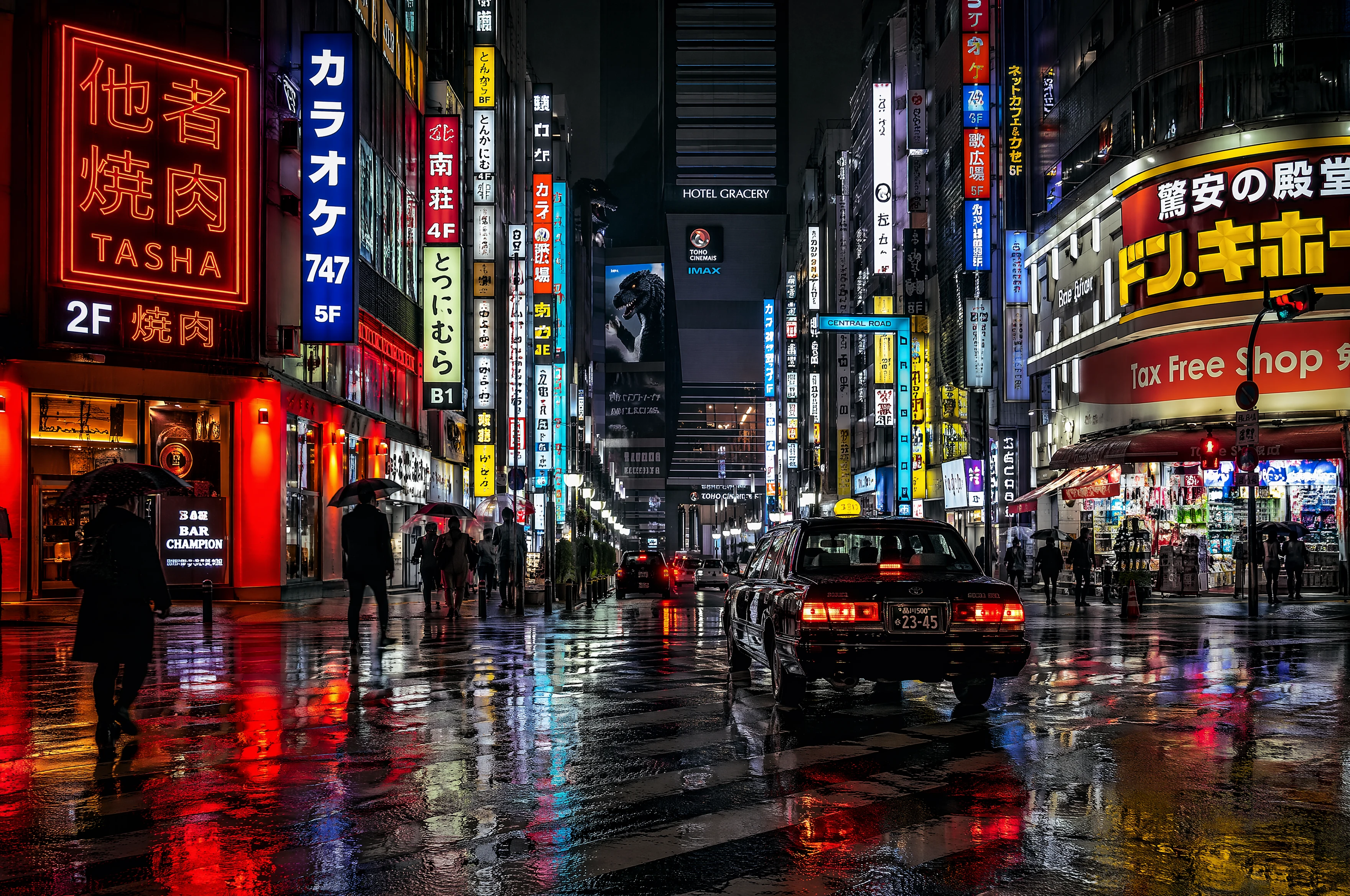
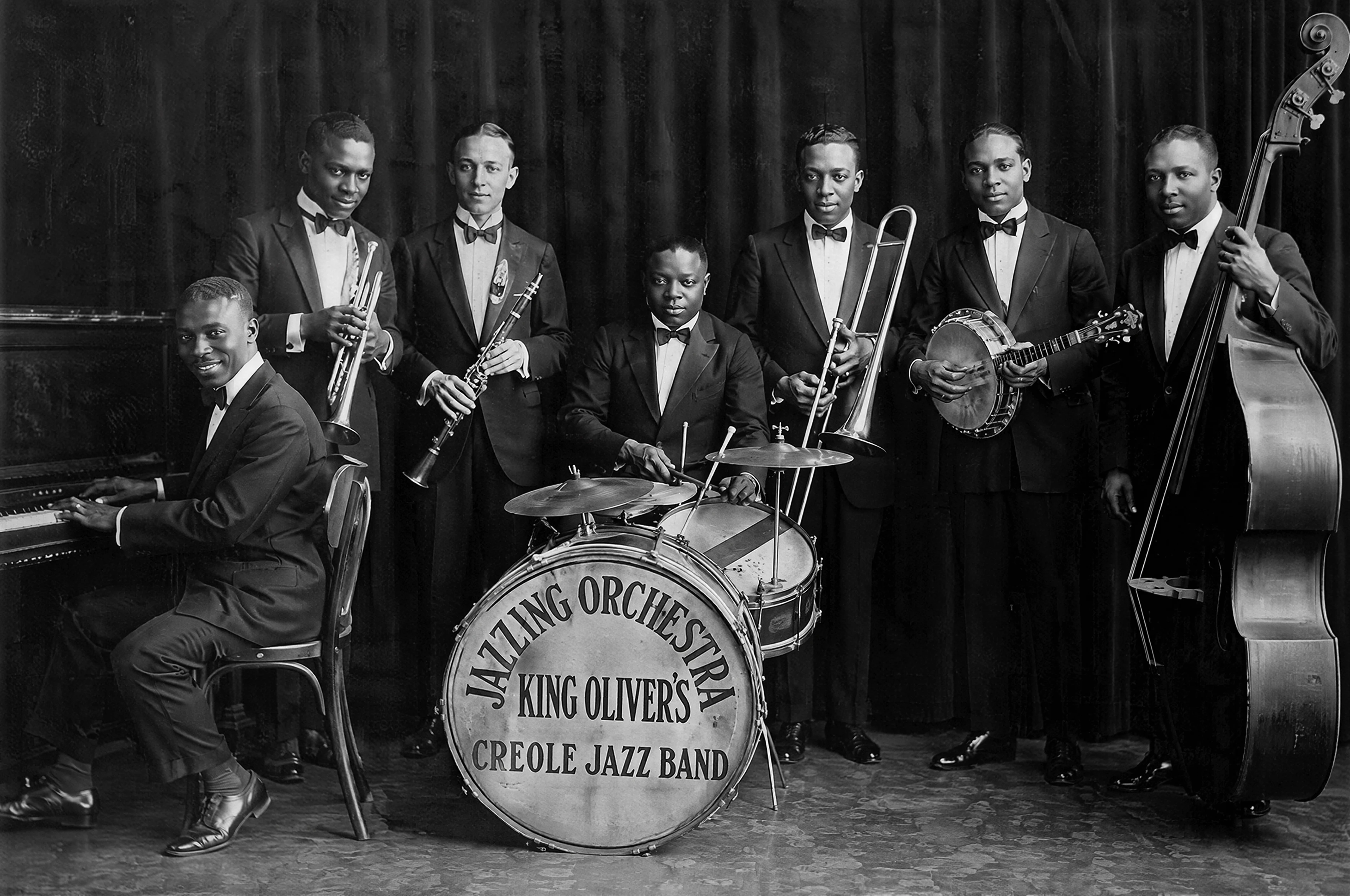
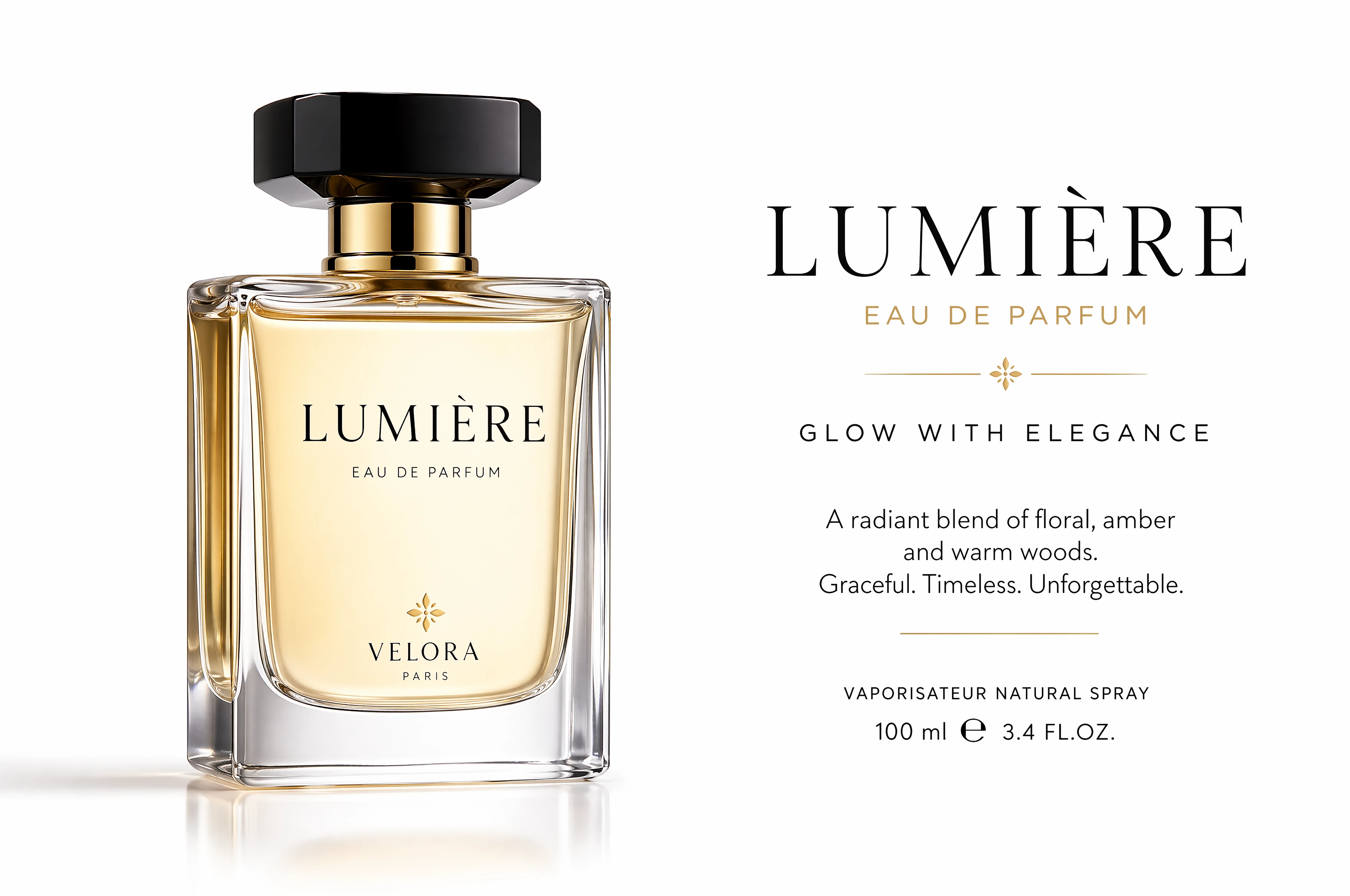
Three Steps To Upscale Your Photos Instantly
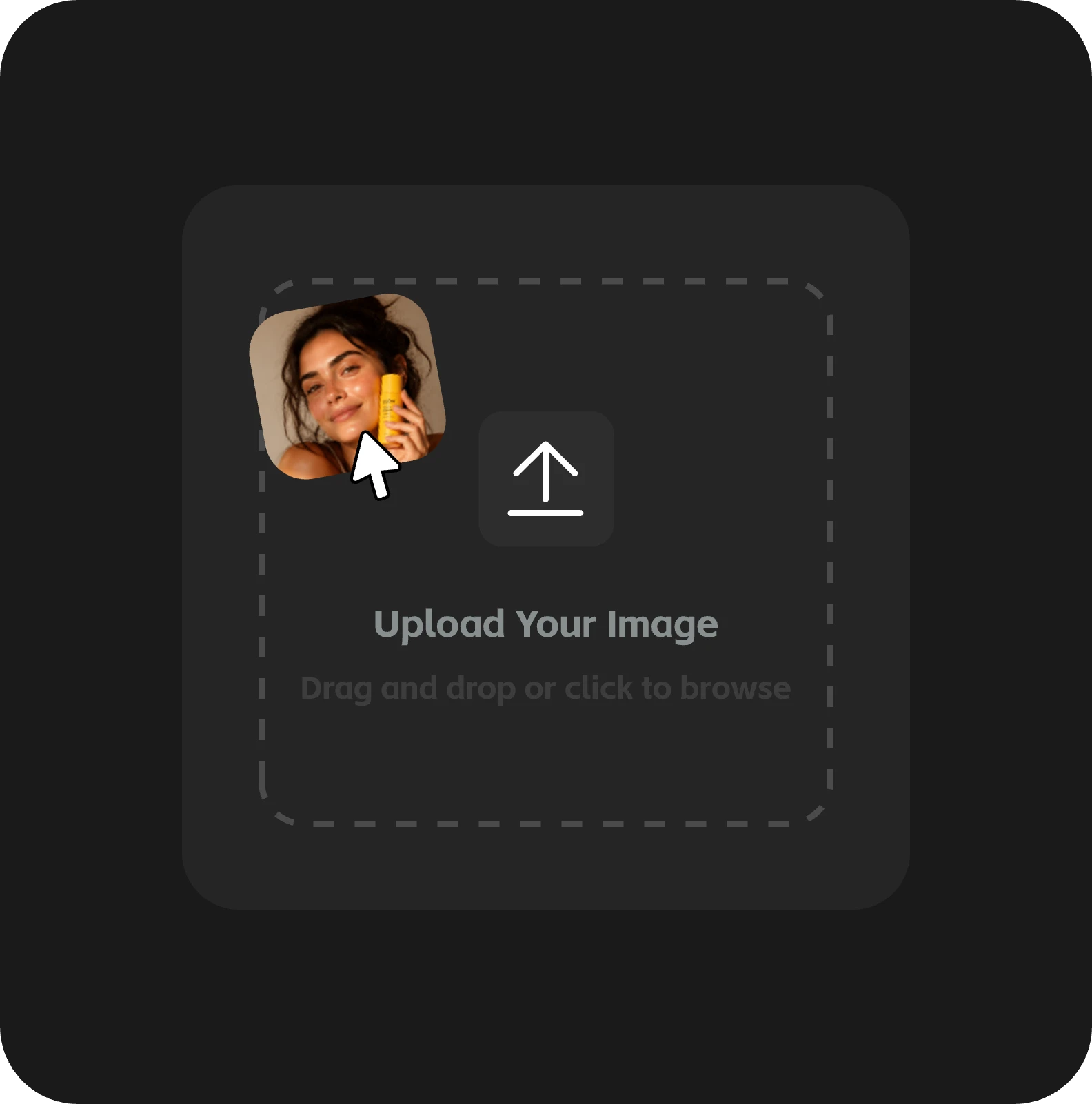
Upload your files
Select any pixelated or compressed image from your device directly.
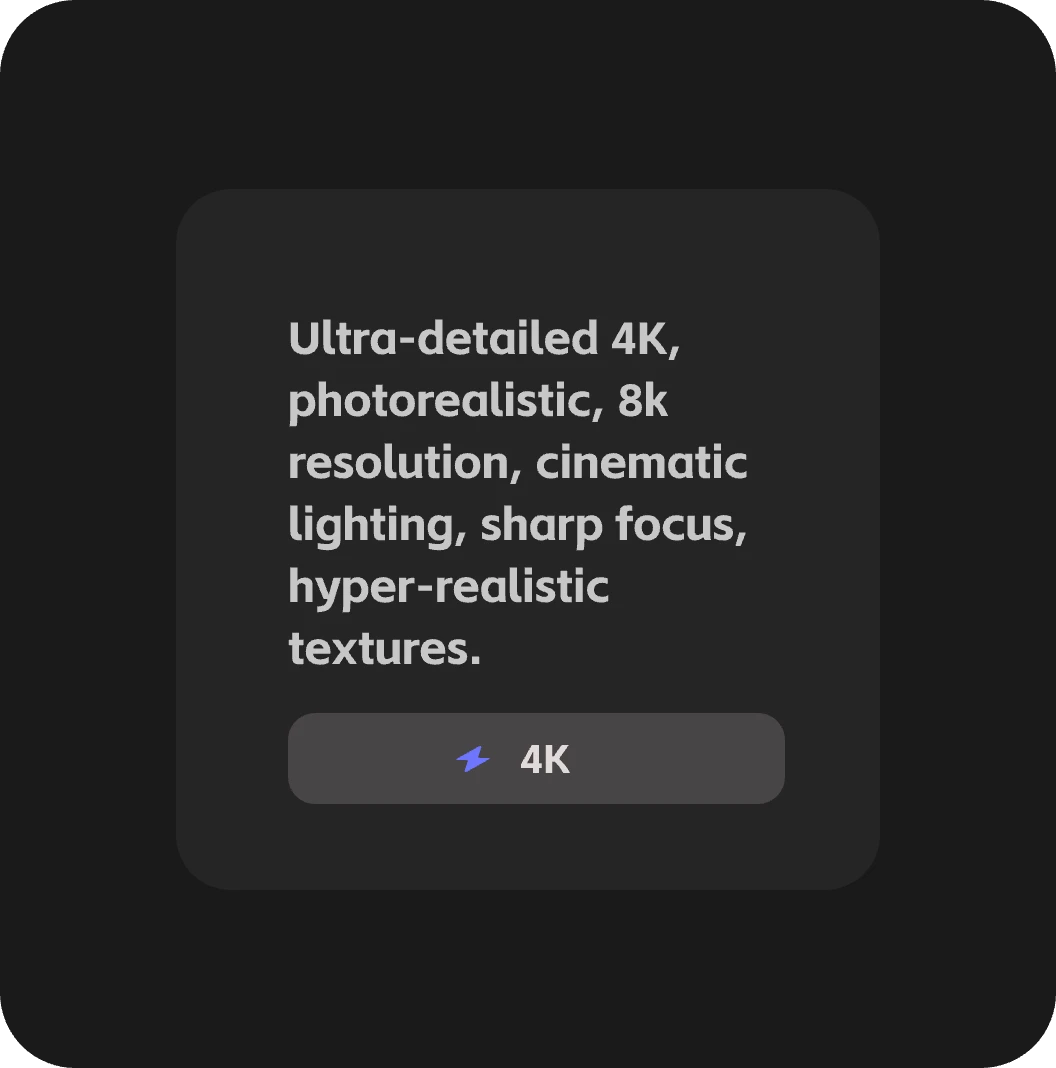
Describe and upscale
Input a simple text prompt to guide the 4K enhancement process.
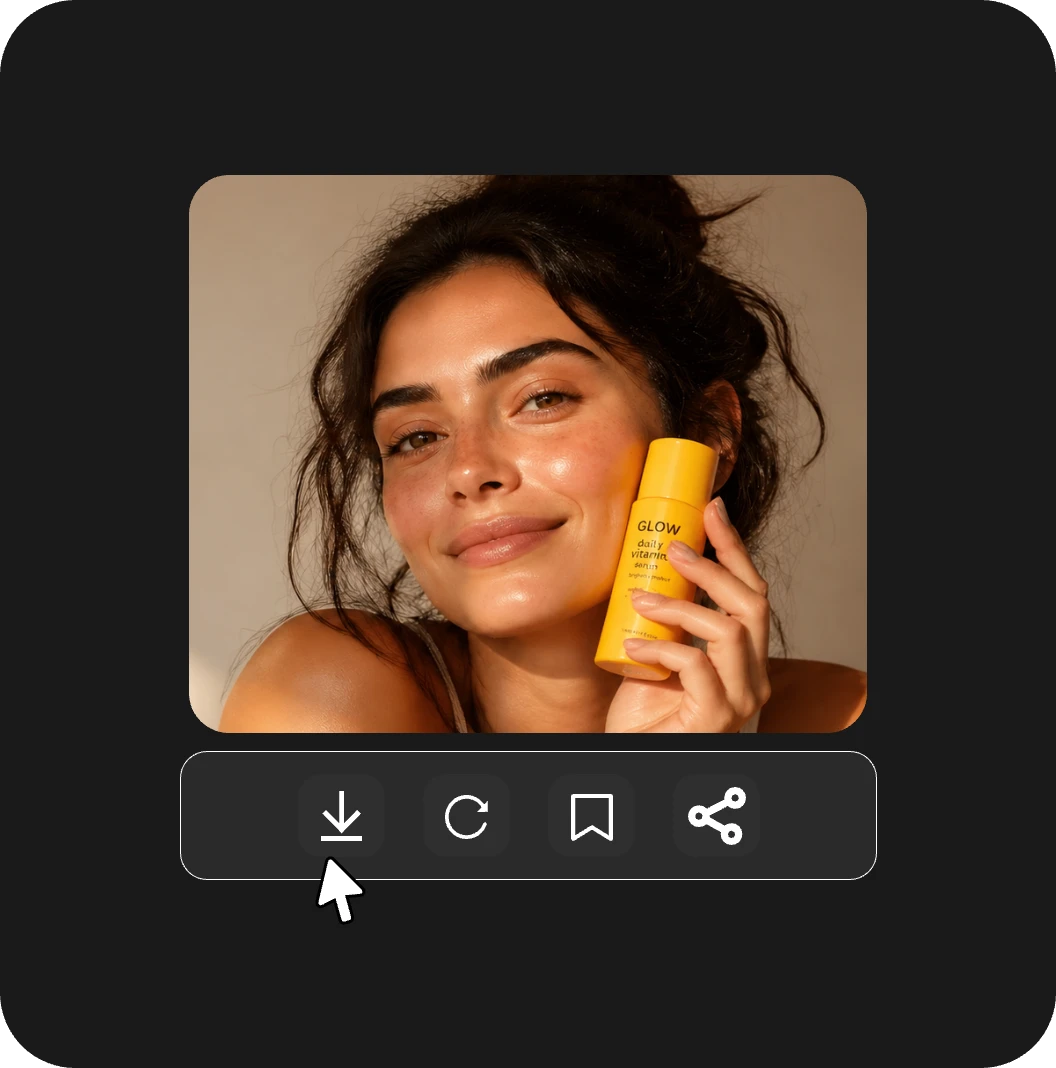
Save in 4K
Download your crystal clear high resolution result within a few seconds.
Highlights of the AI Image Upscaler
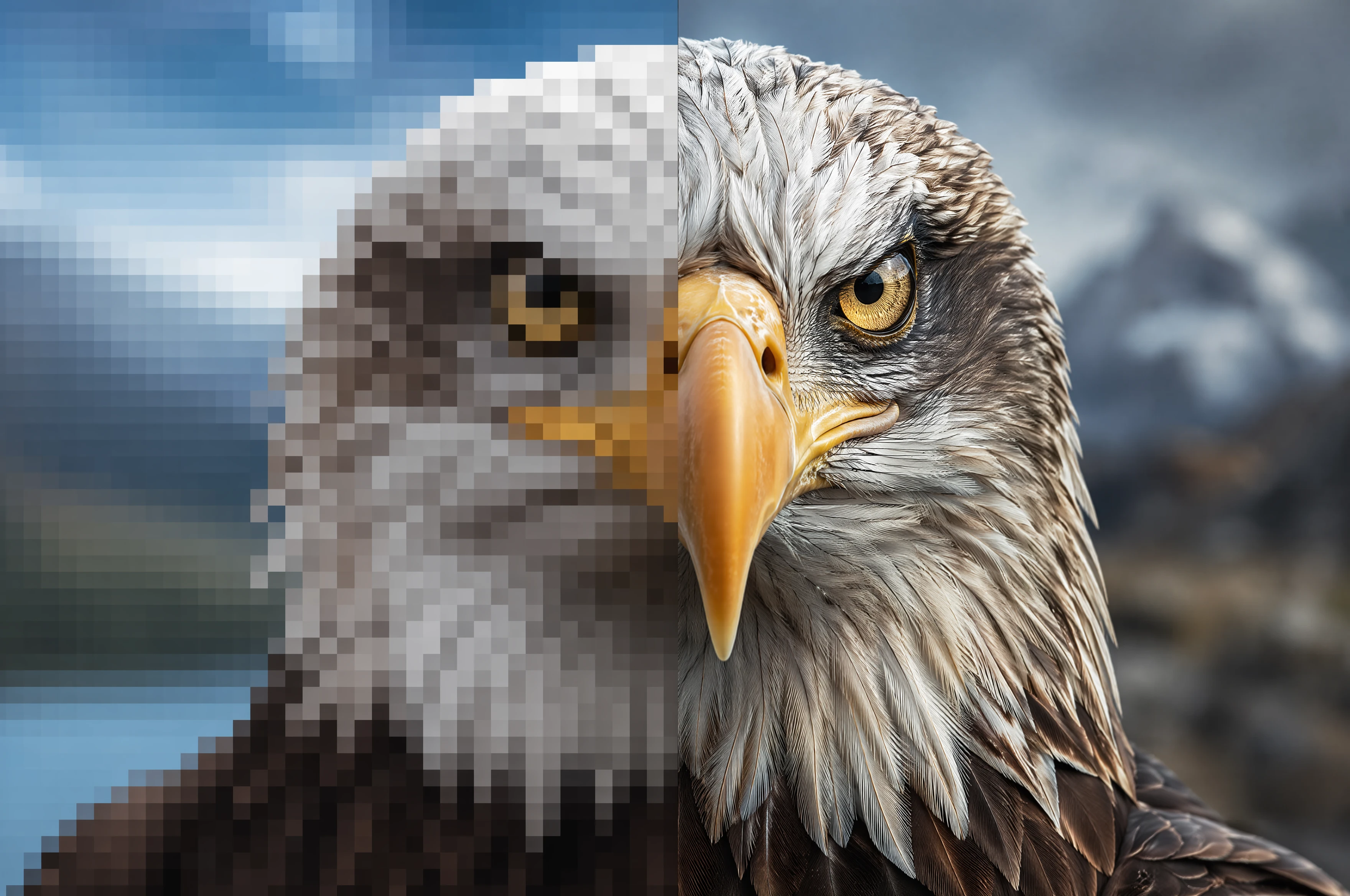
8x Superior Scaling
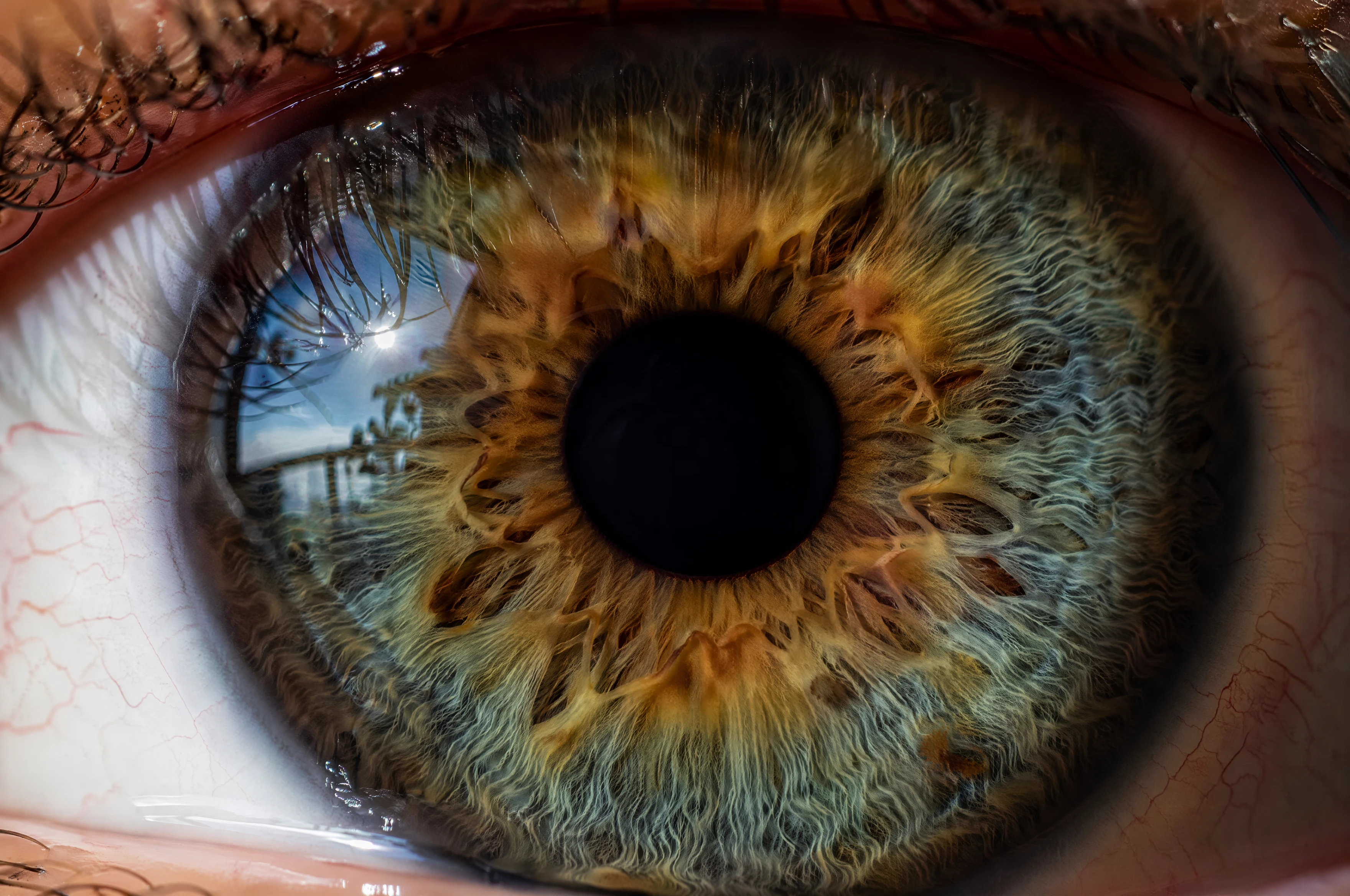
Our AI image upscaler generates authentic details like skin textures and fabric patterns.The system intelligently predicts missing information instead of just stretching pixels.
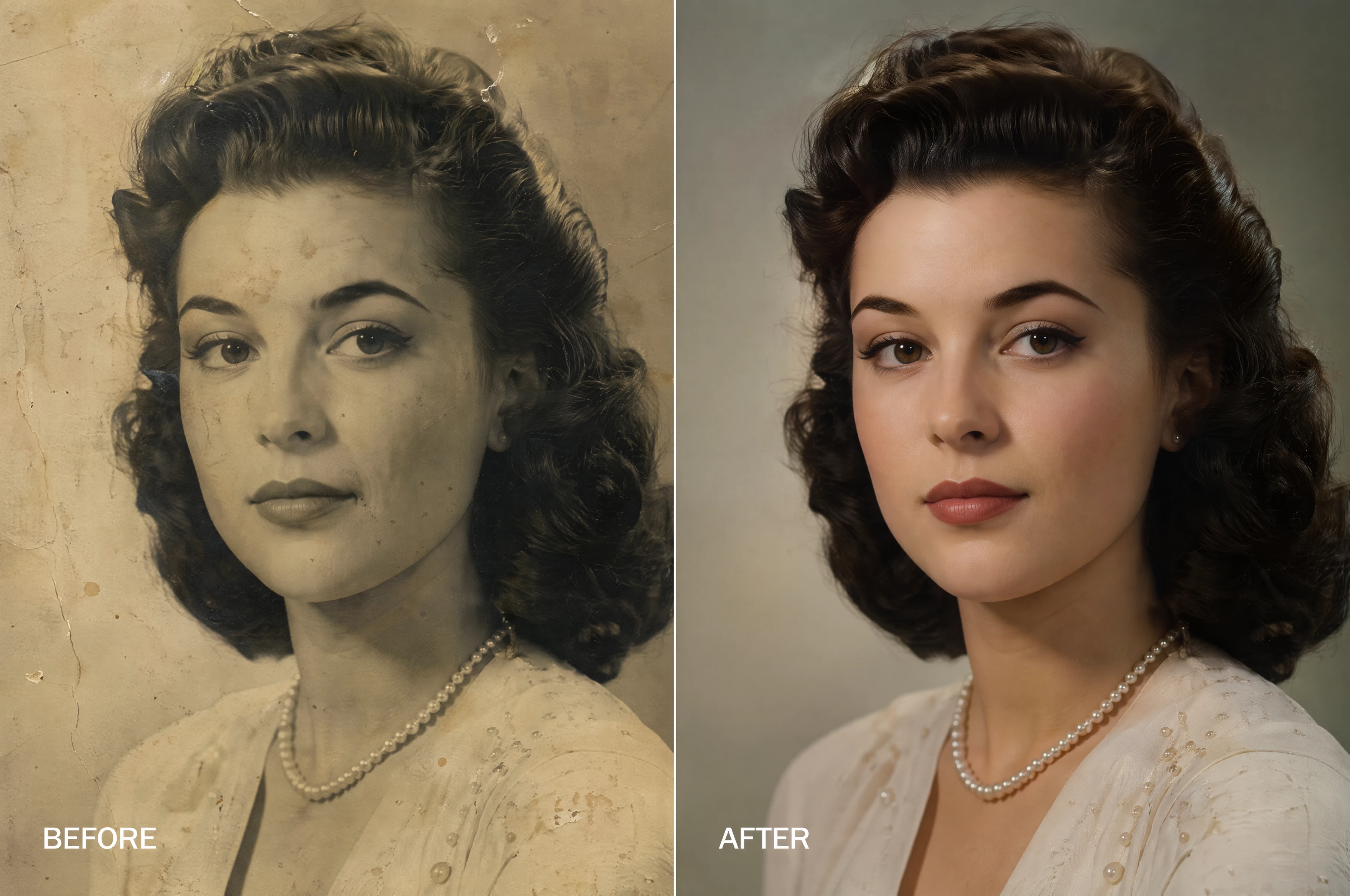
Heritage Photo Restoration
Repair old family memories by removing scratches and digital noise automatically.Restore faded colors to their original vibrancy with historical accuracy.
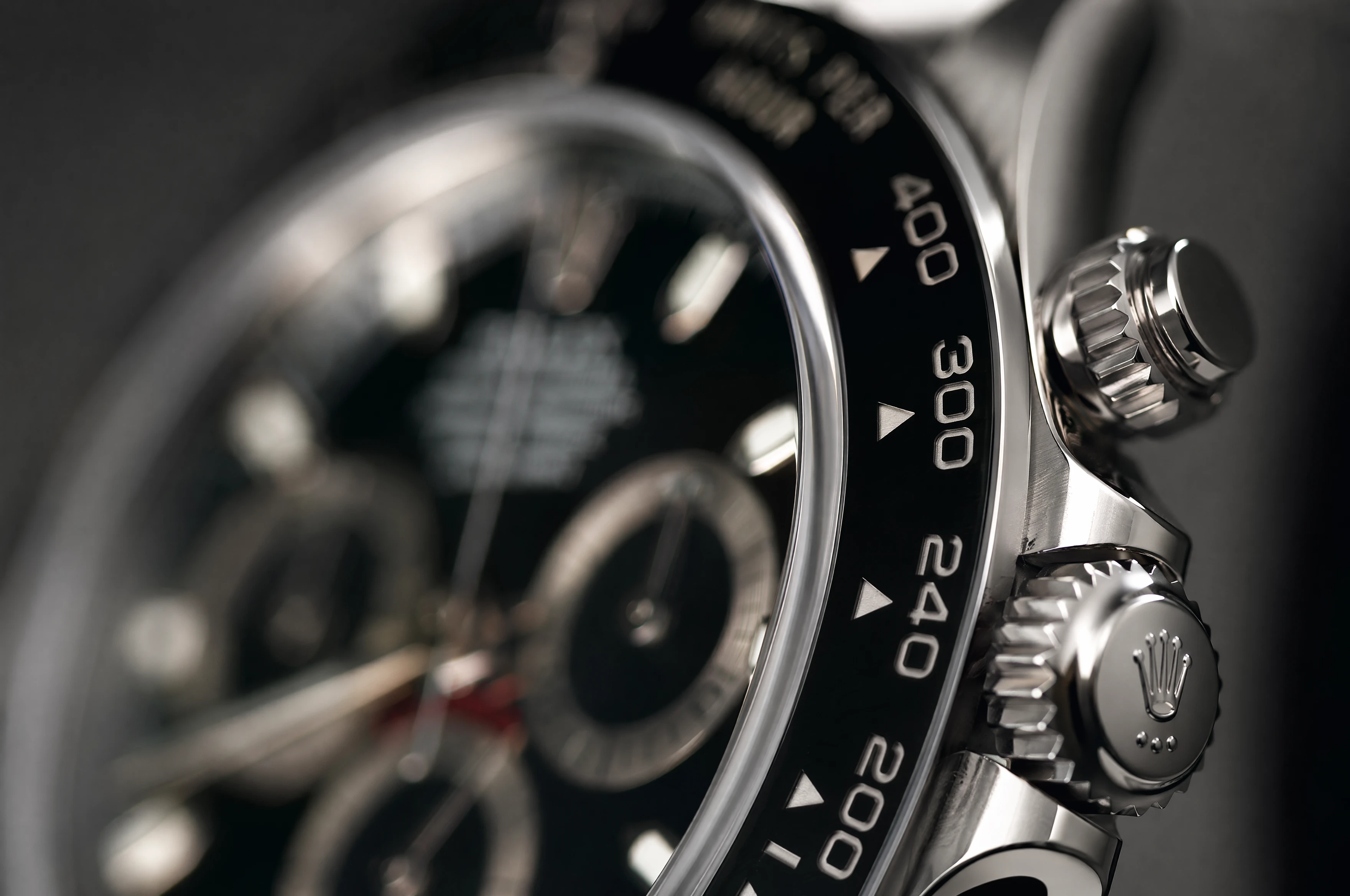
Pro Product Sharpening
Make your e-commerce listings stand out with razor sharp edges and clean surfaces.Optimized specifically for Amazon and Shopify marketplace quality standards.
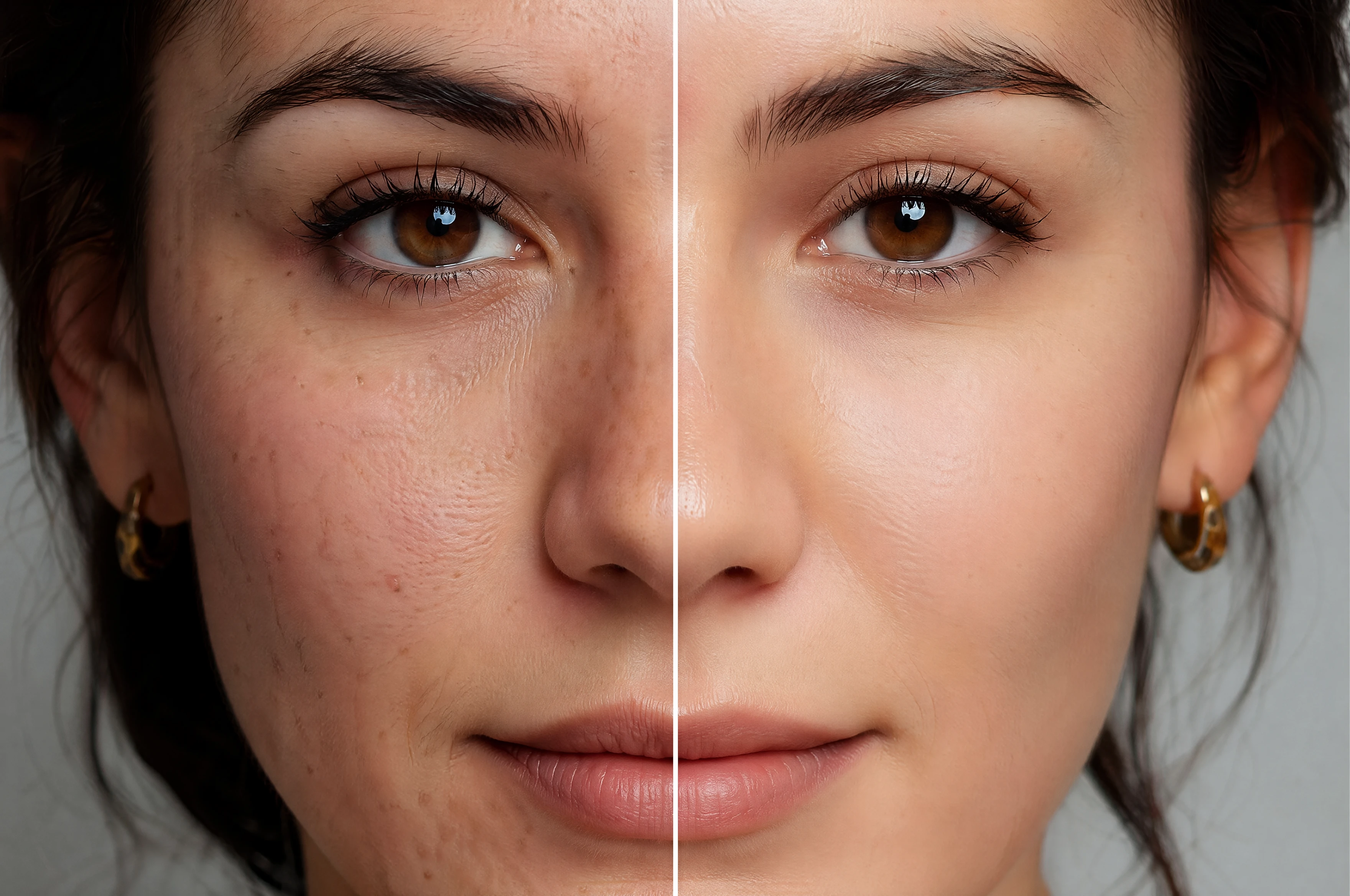
Flawless Face Refinement
Enhance facial features while maintaining a completely natural and organic look.Say goodbye to the blurry skin effect found in traditional editing tools
What Our Users Are Saying
"I restored several old family portraits with this tool, and the results were shockingly good. Faces became sharp and natural without looking overprocessed."
"GPT Image 2 made my blurry product photos look like professional studio shots in seconds. The 4K enhancement genuinely improved my store's conversion rate."
"I've tested many AI upscalers, but this one keeps skin texture and lighting incredibly realistic. Perfect for fixing low-quality portraits before posting online."
FAQ
GPT Image 2 can upscale up to 8x. For most images, 4x gives the best balance of sharpness and natural appearance.
It significantly improves clarity but cannot fully recover extreme motion blur. Best results come from slightly soft or low-resolution images.
Yes. It handles JPG, PNG, WEBP, and even compressed screenshots well.
No. The AI uses detail synthesis rather than simple sharpening filters, so results look natural and organic.
Yes — images you enhance are yours to use for any purpose.
Every new user can process their first few images at zero cost immediately.
You can upload JPG, PNG, and WebP files for high quality enhancement.
We encrypt every upload and delete all files from our servers automatically.
Get insights from our expert blog
Actionable guides, model breakdowns, and creative tips from the iMini AI team — updated weekly.