

Precision-Detailed Architectural Design 3D Real Scene Simulation AI Image Generator
Want lifelike building previews? Precision-Detailed Architectural Design 3D Real Scene Simulation brings your concepts to vivid reality. Discover more!
Sign up to unlock daily free generations
Precision-Detailed Architectural Design 3D Real Scene Simulation GALLERY
THREE SIMPLE STEPS TO CREATE
FREQUENTLY ASKED QUESTIONS
What is iMini AI?
iMini is your personal Al assistant. It supports LLM conversations, and can generate slides, Al-powered docs, images/videos with one prompt-saving hours per project and boosting productivity.
What are the advantages of iMini AI?
It aggregates full-category Agent services with the innovative "Super iMini Agent" model. All needs are solved via one chat interface, no tool switching required.
How to use iMini AI?
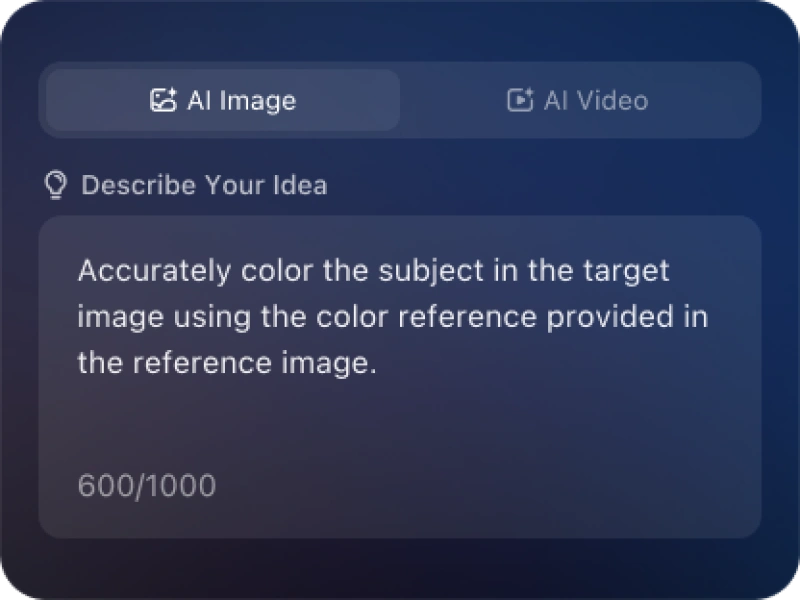
Describe your needs in text (e.g., "Create a new energy slide with market data"), send it, and iMini generates results quickly—simple to operate.
Why choose iMini AI?
One Max membership delivers productivity close to 4 regular employees - creating 70 presentations monthly. slides creation, deep research, report writing take only ~10 mins, saving 5 hrs on average.
What is a Precision-Detailed Architectural Design 3D Real Scene Simulation AI Image Generator?
It is an AI-powered tool that creates hyper-realistic 3D simulations of architectural designs—replicating precise structural details, materials, lighting, and real-world environments to visualize buildings, interiors, or landscapes. The generator blends technical architectural accuracy, high-fidelity texturing, natural lighting physics, and contextual surroundings to produce professional-grade imagery—ideal for architects, interior designers, real estate developers, and urban planners seeking to showcase designs with lifelike precision for client presentations, project approvals, or marketing.
What key elements define a high-quality architectural 3D real scene simulation?
Core elements include precision structural accuracy (true-to-design dimensions, proportions, and architectural details), hyper-real material rendering (concrete, glass, wood, or stone textures with authentic grain, reflection, and wear), natural lighting physics (sunlight angles, shadow casting, ambient occlusion), contextual integration (realistic landscapes, surrounding buildings, or interior furnishings), and detailed finishing (window glazing, fixture placement, and minor architectural accents). The overall vibe is technically precise, visually immersive, and indistinguishable from real-world photography.
Can I customize the architectural style, materials, and structural details?
Yes. You can tailor architectural styles (modern, contemporary, classical, minimalist, or futuristic), select materials (natural stone, metal, sustainable composites, or specialty glass), and adjust structural details (window sizes, roof pitch, column placement, or interior layouts). The AI maintains dimensional accuracy, ensuring customizations align with architectural design principles and translate into lifelike simulations.
Can I adjust lighting conditions (time of day, weather, artificial light)?
natural light (sunrise, midday, sunset, or overcast conditions with accurate light angles), weather effects (clear skies, light rain, or fog to add atmosphere), and artificial light (interior fixtures, exterior sconces, or accent lighting with warm/cool tones). The AI simulates how light interacts with different materials (e.g., glass reflections, concrete absorption) to maintain realism.