
Upscale Any Image to 4K with AI
4× resolution, AI detail restoration, sharper than the original
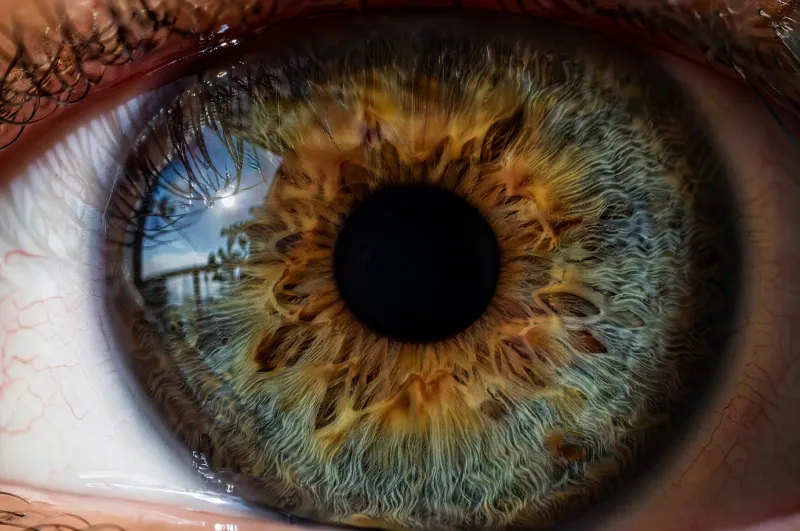
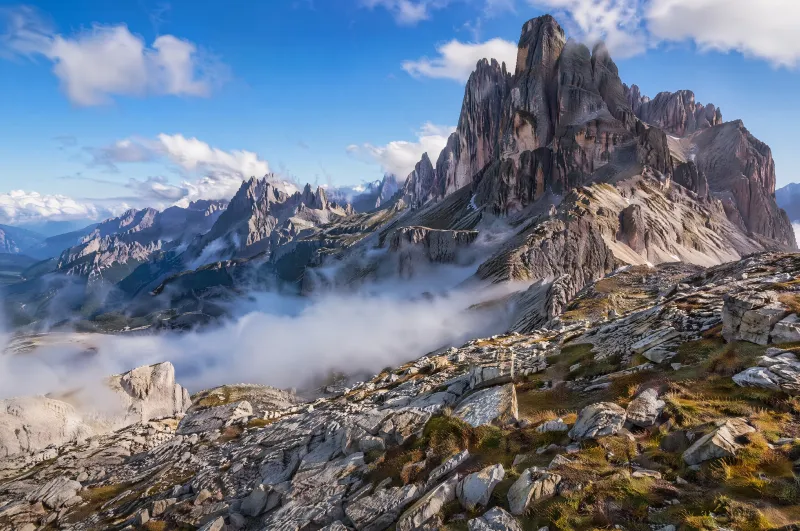
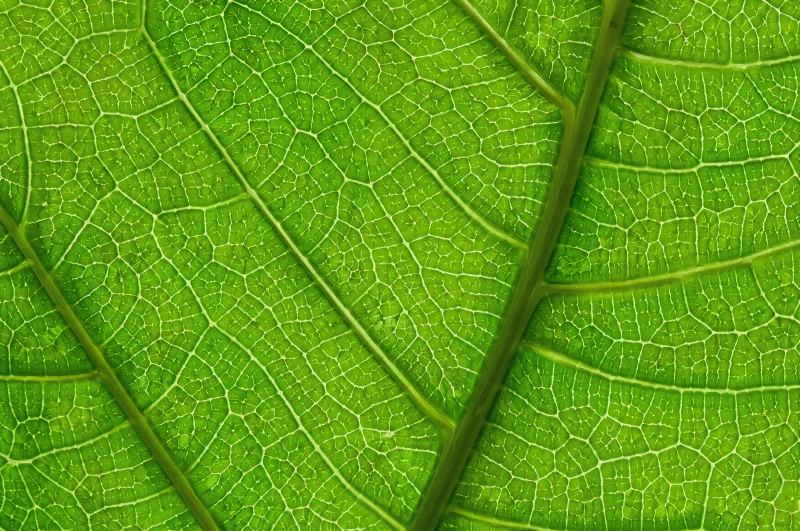
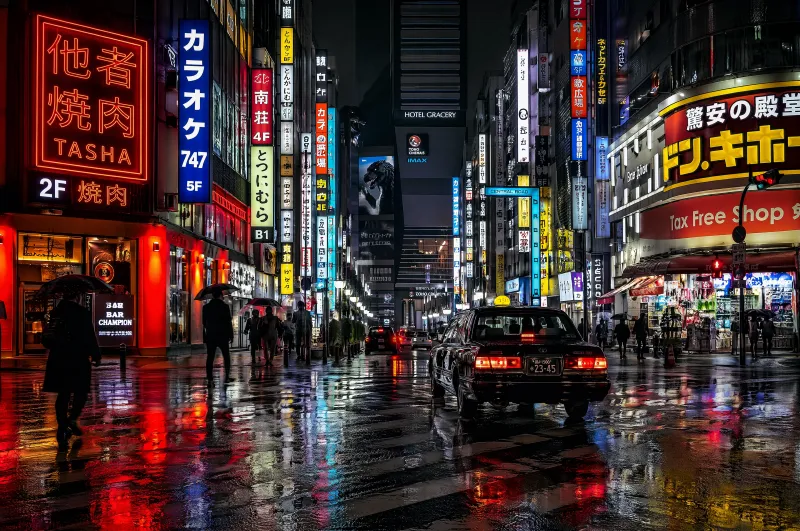
Upscale Any Photo in 3 Steps
Upload Your Image
Upload any low-res photo, screenshot, or artwork — JPG, PNG, or WebP.
Choose Resolution
Select 2× or 4× upscaling. iMini AI restores fine detail as it enlarges.
Download HD Result
Your enhanced image is ready in seconds — print-ready, sharper than the source.
Professional Image Enhancement
Up to 4× upscaling
Turn a 500px photo into a 2000px print-ready asset. iMini AI adds real detail — not just stretched pixels.
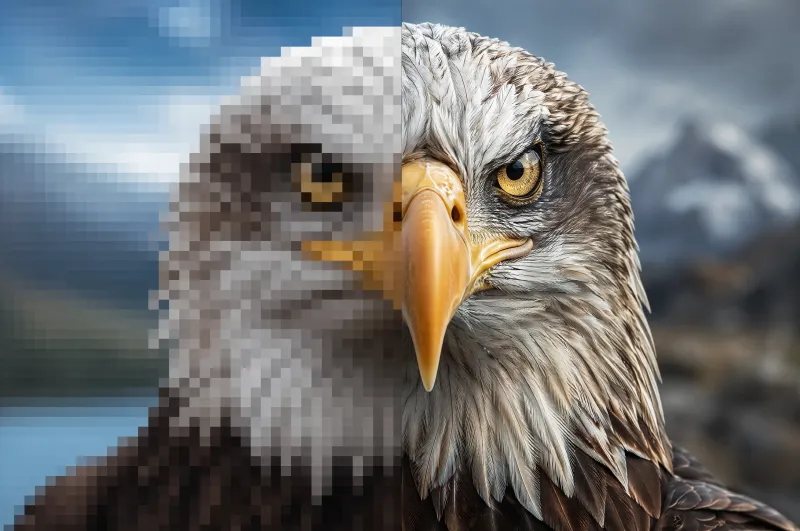
AI-restored fine detail
Hair, fabric textures, face features, and product edges are sharpened with AI that understands what the detail should look like.
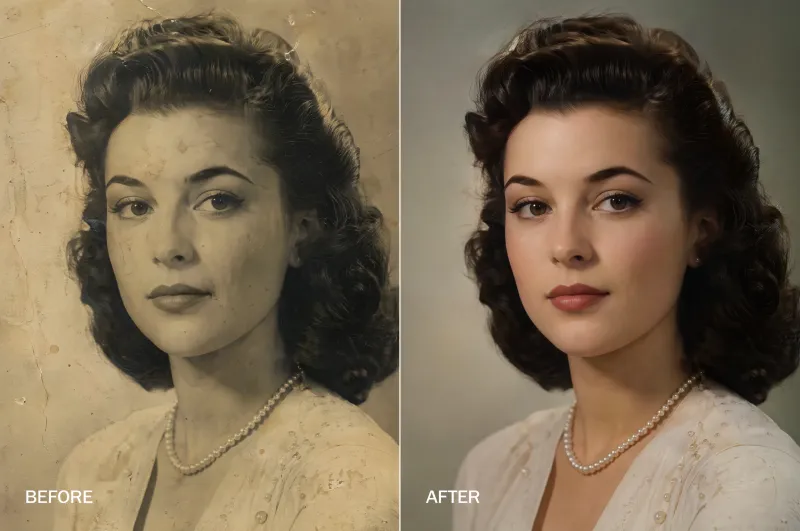
HD output, ready to use
Export crisp PNG or JPG files at professional quality — perfect for printing, social media, or e-commerce listings.
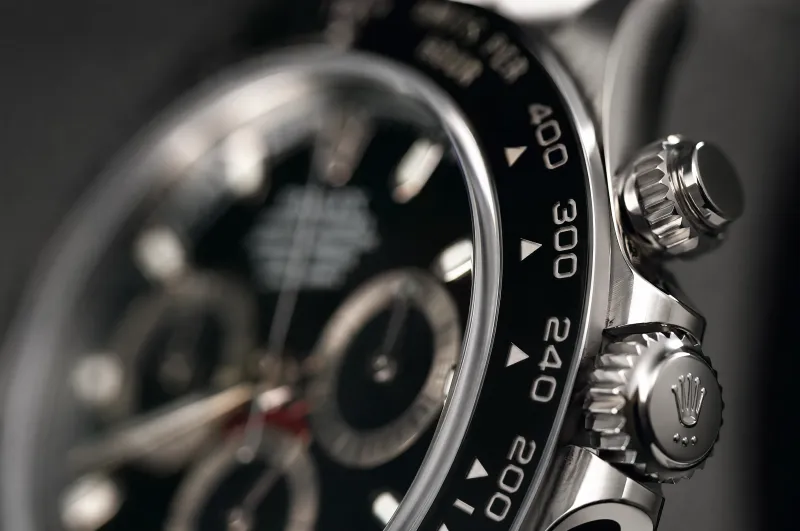
Used by photographers and designers worldwide
"I can now use client photos that were too small for print. The upscaled result looks sharper than my high-res camera shots."
"Old product photos that were unusable are now my best-performing listings. The detail recovery is incredible."
"The AI doesn't just enlarge — it actually reconstructs detail. I've retired my old upscaling software completely."
AI Image Upscaler — FAQ
Tips for better AI image editing
Upscale any image to 4K — free to try
Access the AI image upscaler alongside every top image model — all in one workspace on iMini AI.
Free to start. No credit card required.