
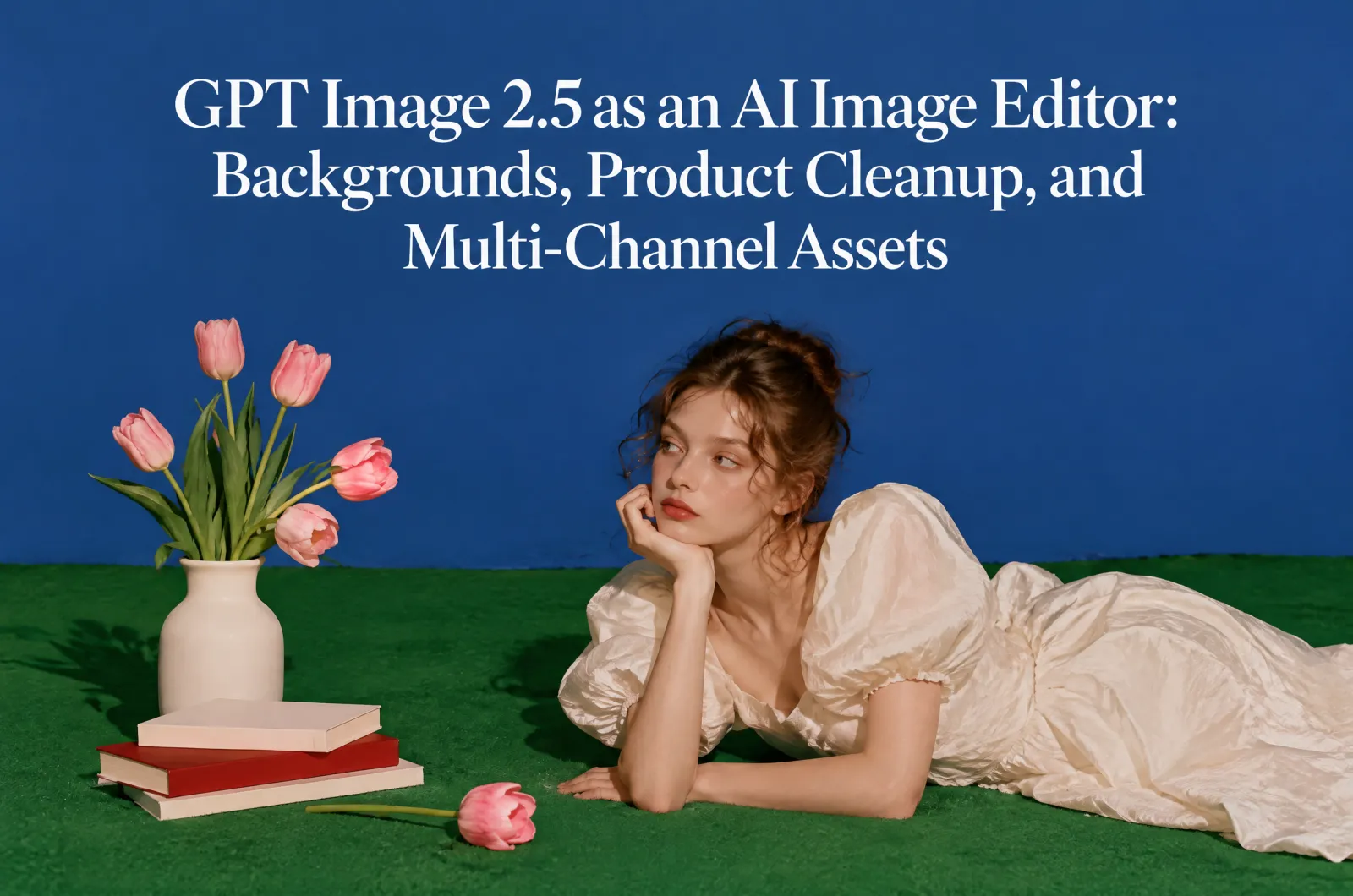
GPT Image 2.5 can work as an AI image editor when the task is not only to generate a new picture, but to revise an existing visual while keeping the important parts stable. This is a different search intent from prompt inspiration. Users want to fix, polish, localize, or repurpose an image.
The best editing workflow is controlled: upload or reference the image, define what can change, define what must stay fixed, make one revision at a time, and prepare the final image for its real channel.
Quick Answer
Use GPT Image 2.5 as an AI image editor for background replacement, product cleanup, portrait polishing, layout extension, social crop adaptation, blog cover redesign, and first frames for AI video. The key is to edit the scene without changing the subject.
| Editing intent | Best workflow | What to protect |
| Change background | Replace only the background | Subject edges, shadow, perspective |
| Clean product image | Improve light and surface | Logo, label, shape, material |
| Adapt to social | Crop and simplify | Main subject and message |
| Make landing hero | Extend canvas and add negative space | Subject scale and visual hierarchy |
| Prepare video frame | Create stable first frame | Identity, product accuracy, depth |
Editor Workflow
Think of GPT Image 2.5 editing as a sequence, not a single command. Start with a conservative edit, check whether protected details changed, then request one more improvement. This reduces the risk of identity drift, product distortion, and layout surprises.
| Step | Action |
| 1. Define the goal | Background change, cleanup, crop, hero image, or ad variant |
| 2. Protect the subject | Face, product, logo, label, color, UI, or composition |
| 3. Edit one area | Change only what is necessary |
| 4. Review accuracy | Check edges, text, proportions, and shadows |
| 5. Package output | Create channel-specific crops and CTA space |
Background Replacement Without Losing the Subject
Prompt: Replace only the background with a clean, realistic environment. Keep the subject exactly unchanged, including shape, face, product label, logo, clothing, color, pose, and camera angle. Match the original light direction and keep natural shadows.
This works for product pages, creator portraits, app visuals, and blog covers. If the result changes the subject, do not ask for a new style. Ask the model to restore the original subject and keep only the background edit.
Turning One Image Into Multiple Assets
A high-value editing workflow turns one good image into several channel-ready versions. This is where GPT Image 2.5 can support SEO and conversion together: blog image, paid social image, landing hero, thumbnail, and video first frame can all come from the same source idea.
| Output | Editing instruction |
| Blog cover | Create a clean metaphor and avoid readable text |
| Social post | Use vertical crop and large subject |
| Landing hero | Extend canvas and leave headline space |
| Ad creative | Make the benefit obvious and leave CTA area |
| Video first frame | Keep subject stable and create depth for motion |
When GPT Image 2.5 Is Better Than a Generic AI Image Generator
A generic image generator is good for exploration. An AI image editor is better when accuracy matters. If you need the same person, same product, same logo, same interface, same layout direction, or a controlled revision, use an editing workflow instead of starting over.
FAQ
Can GPT Image 2.5 edit existing images?
It can be used in an editing workflow when you provide a reference or clear instruction and define what should change versus what should stay fixed.
What is the safest way to edit a product image?
Change only the scene, lighting, surface, or crop. Preserve the exact product shape, logo, label, material, color, proportions, and visible text.
How do I make one image work for multiple channels?
Create separate versions for blog cover, social post, landing hero, ad creative, and video first frame. Each version should have its own crop and negative space.
What should I check before publishing?
Check product accuracy, face consistency, text errors, unnatural edges, wrong shadows, mobile crop, and whether the CTA area remains clear.
Final Takeaway
GPT Image 2.5 is strongest as an editor when the workflow is controlled. Protect what matters, change one thing at a time, then package the image for real SEO, social, ad, and landing page use cases.