
World Cup 2026 x AI Image Generation: Make Cinematic Soccer Posters in 3 Steps
June 16, 2026
The 2026 FIFA World Cup is the biggest in history — 48 teams, 16 host cities across the United States, Canada, and Mexico. If watching the matches has you craving more, here is a creative outlet: generate your own cinematic soccer poster with AI. No Photoshop skills needed. Three steps, under five minutes, results that look like Hollywood promotional art.
Why AI Poster Creation Works So Well Right Now
During major sporting events, sports-related visual content sees engagement spikes of 3-5x normal rates on social platforms. A striking AI-generated poster during the World Cup travels further and faster than generic match recaps. The key advantage: extremely low production barrier, extremely high visual impact.
Tool You Need
Use iMini AI's Nano Banana Pro model. It handles sports scenes, dynamic action, and dramatic lighting particularly well. Accessible without a VPN, with fast generation speeds.
Step 1: Choose Your Visual Style
Pick one clear direction before you start typing:
Movie poster style — dramatic lighting, high contrast, hero close-up shot.
Infographic style — match statistics, team flags, venue map elements.
Cyberpunk style — neon palette, futuristic energy, particle effects.
The movie poster style delivers the strongest visual impact and spreads most effectively on social media.
Step 2: Build Your Prompt
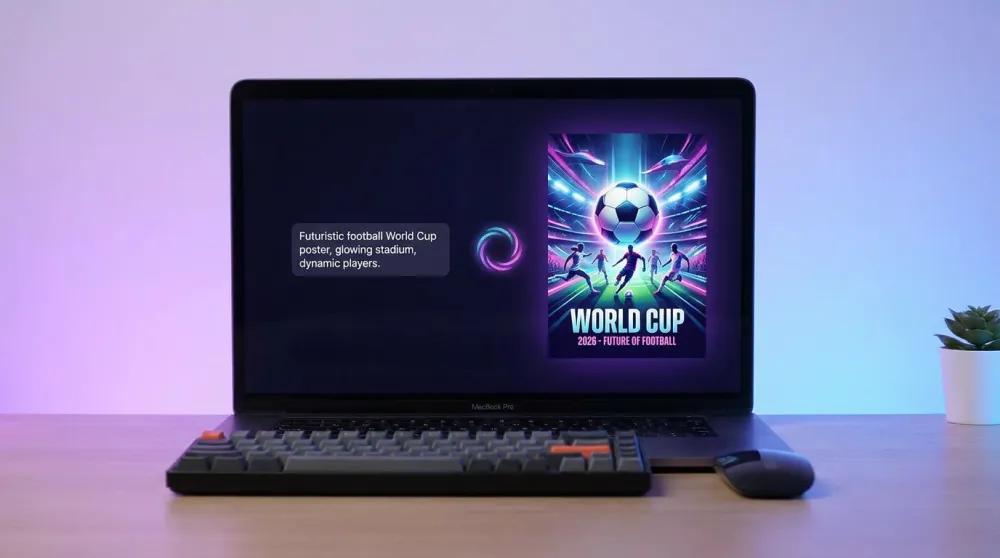
Use this template and replace the bracketed variables:
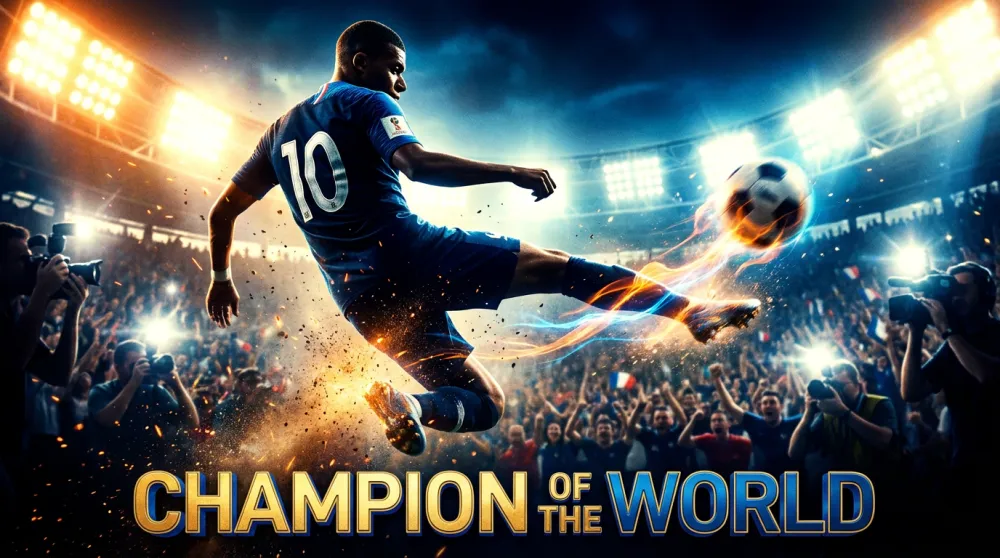
Epic cinematic movie poster of a soccer football player in action, dynamic mid-air kick, wearing a [COLOR] jersey with number [NUMBER], stadium lights blazing in background, crowds cheering, explosive energy particles surrounding the player, dramatic upward angle shot, ultra photorealistic, Hollywood blockbuster poster style, vivid colors, motion blur on the ball, FIFA World Cup 2026 atmosphere, wide cinematic format
[COLOR] — match your team: blue (France), yellow (Brazil), red (Spain), white (England)
[NUMBER] — iconic squad numbers: 10 (Messi), 7 (Ronaldo), 9 (striker position)
Step 3: Generate and Refine
Paste the prompt into iMini AI, select Nano Banana Pro, and generate. Most results arrive in under 30 seconds. If the first output needs adjustment, try these refinements:
Add golden hour rim lighting — creates three-dimensional depth around the subject.
Add bokeh stadium background — throws the crowd out of focus, making the player stand out.
Add anamorphic lens flare, IMAX format — intensifies the cinematic feel.
Bonus: Match Venue Infographic Style
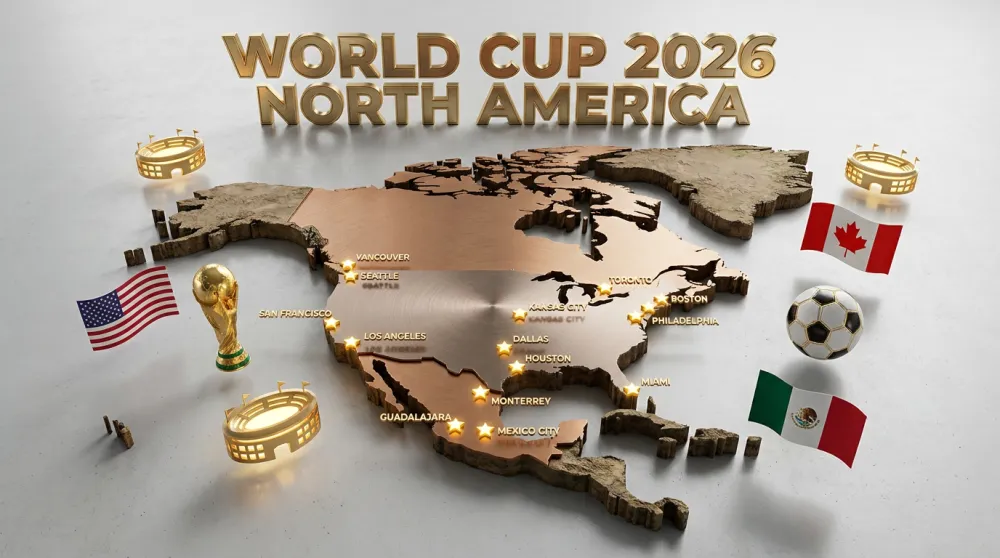
For a more editorial approach, this 3D map infographic template works brilliantly for venue guides, schedule breakdowns, or team profiles:
A hyper-realistic 3D travel guide infographic poster for FIFA World Cup 2026. The North American continent rendered as a raised terrain map. Three host countries USA, Canada, Mexico highlighted with golden stars marking host cities. Floating 3D decorative props: a golden World Cup trophy, soccer ball, national flags, stadium icons. Title reads WORLD CUP 2026 NORTH AMERICA in bold championship typography.
What to Do with Your AI Poster
Social media post — share during matches with relevant hashtags for maximum reach.
Article header — AI-generated soccer art immediately elevates sports blog visuals.
Video thumbnail — match recap and highlight videos benefit from striking cover art.
Note: generated images are for personal creative use. Follow platform-specific commercial licensing guidelines for any paid distribution.
The World Cup only comes around every four years. Make it count — with iMini AI, you can create professional-grade sports visuals in minutes, no design background required.