
How to Make Website Visuals: 8 AI Image Ideas for Independent Sites
July 10, 2026
Independent website visuals carry a lot of responsibility. They shape the first impression, explain what the product does, and make a page feel trustworthy before a visitor reads every line.
The best website images are not random decoration. They are tied to a section: a hero, a feature explanation, a product mockup, a use case, a blog graphic, a testimonial area, or a conversion block.
Below are eight website visual directions you can create in iMini and use as placeholders, production assets, or references for a more polished design system.
8 Website Visual Ideas You Can Create With AI
1. Hero Image
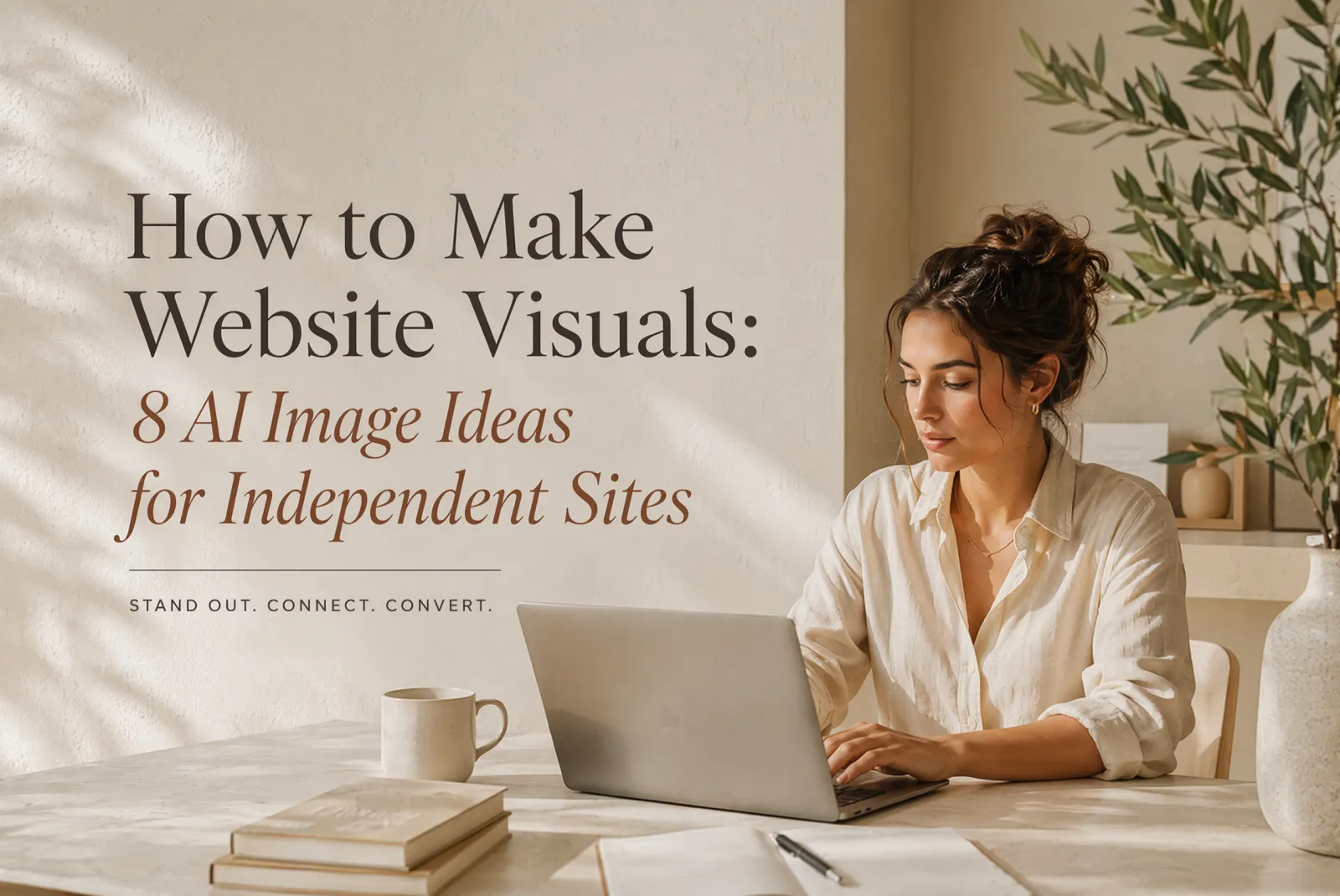
A hero image should make the product category clear in the first viewport.
Create a wide 16:9 hero image for an independent AI creation website. Show a laptop with abstract image-editing panels, a creator desk, confident daylight, and open space on the right for a headline. Premium SaaS photography style. No readable text, no logos, no watermark.
2. Feature Explanation Image
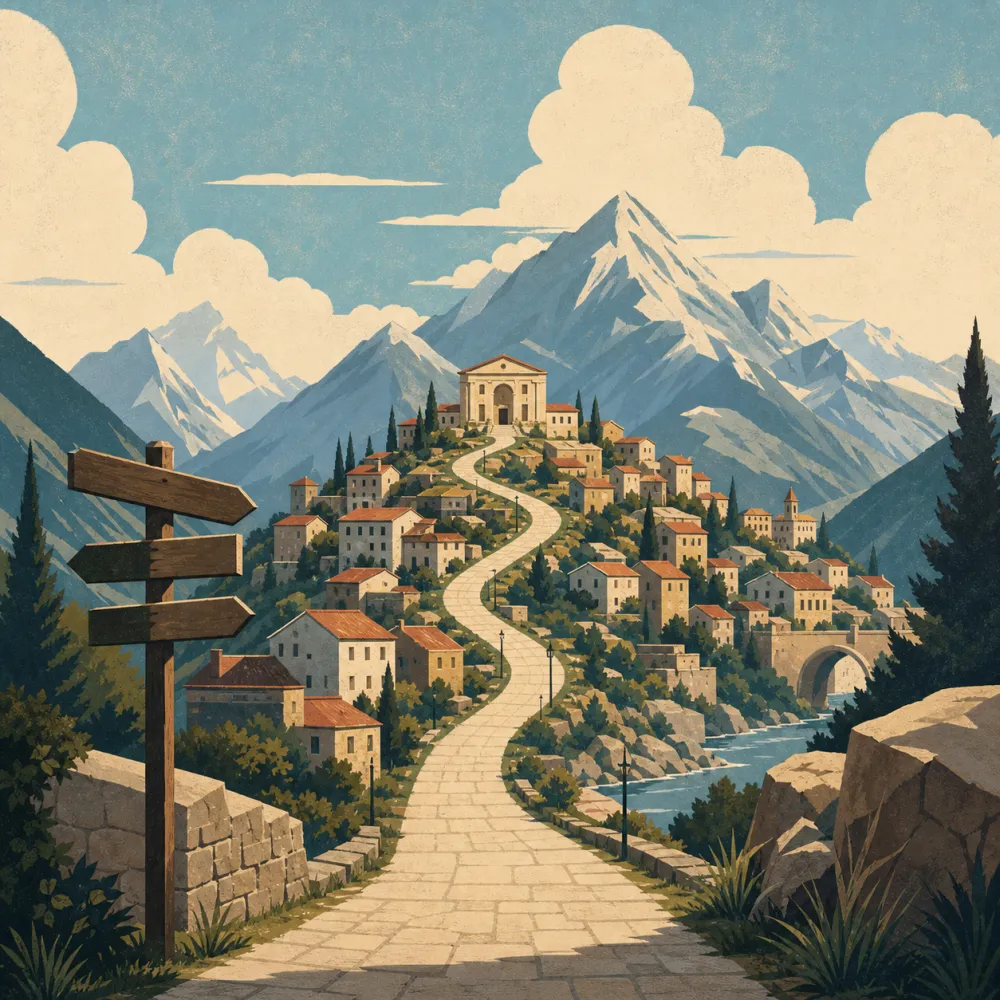
Feature visuals should show the action, not just a vague interface.
Create a 16:9 website feature image explaining AI image generation and background removal. Show two clean abstract panels on a laptop screen in a realistic desk setting, with a clear before-and-after feeling. No readable text, no logos, no watermark.

3. Product Mockup Scene
A mockup scene gives visitors a concrete sense of what using the product feels like.
Create a polished 3:2 product mockup scene for an AI image tool. Show a desktop screen with an abstract creative workspace, a tablet, color swatches, and studio lighting. Make it feel tangible and premium. No readable text, no logos, no watermark.
4. Use Case Section Image
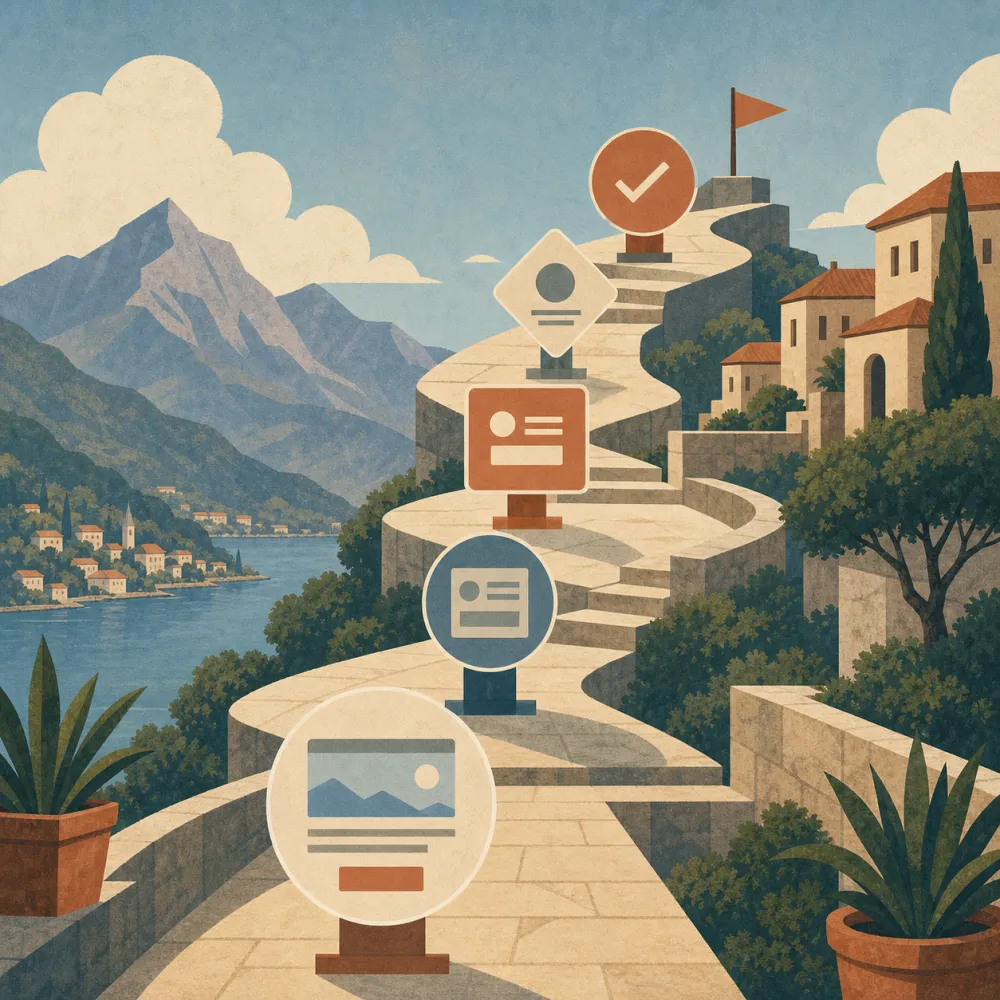
Use case images help different audiences recognize themselves on the page.
Create a 16:9 website use-case visual for marketers, creators, and small business owners using AI image tools. Show three connected workstation vignettes, balanced composition, and a modern commercial style. No readable text, no logos, no watermark.
5. Blog Thumbnail
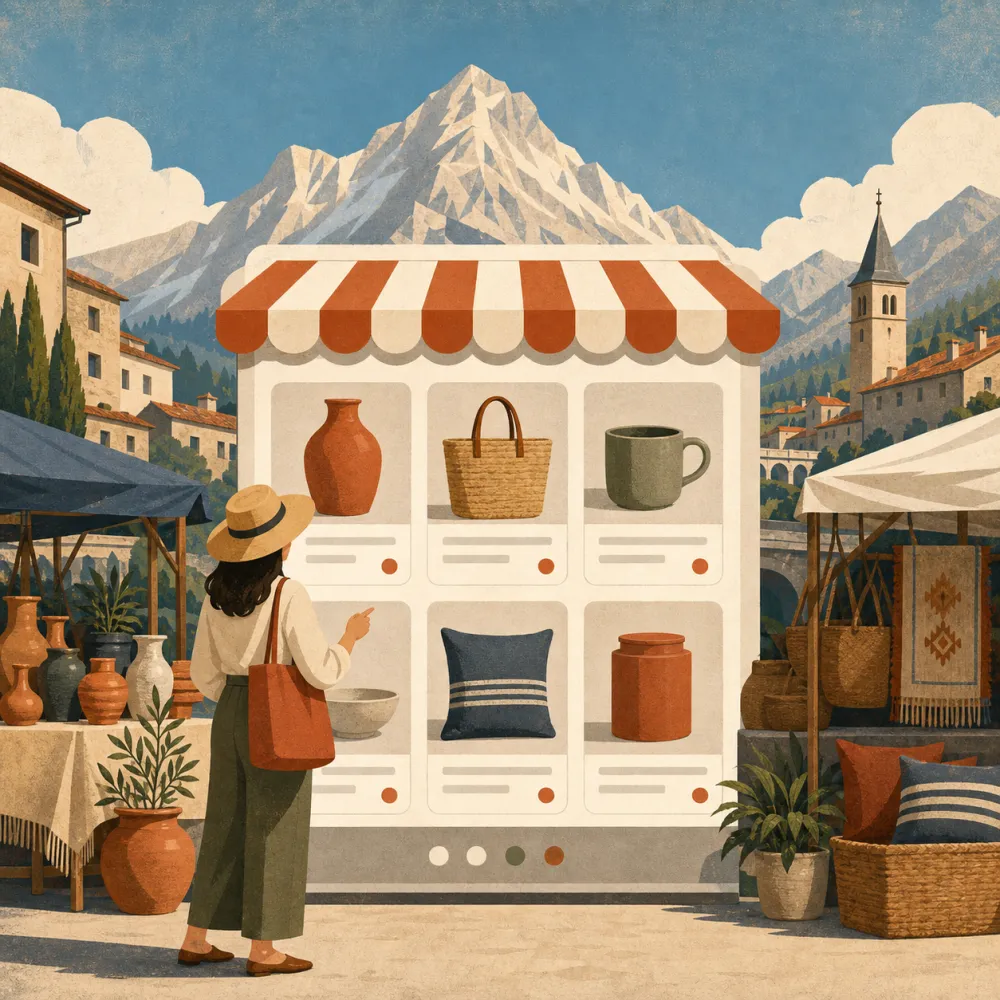
Blog thumbnails should signal the topic quickly and work at small sizes.
Create a 16:9 blog thumbnail visual about AI image prompts for website design. Show prompt cards, browser-window shapes, image thumbnails, and a clean editorial layout that works at small sizes. No readable text, no logos, no watermark.
6. Trust and Privacy Scene
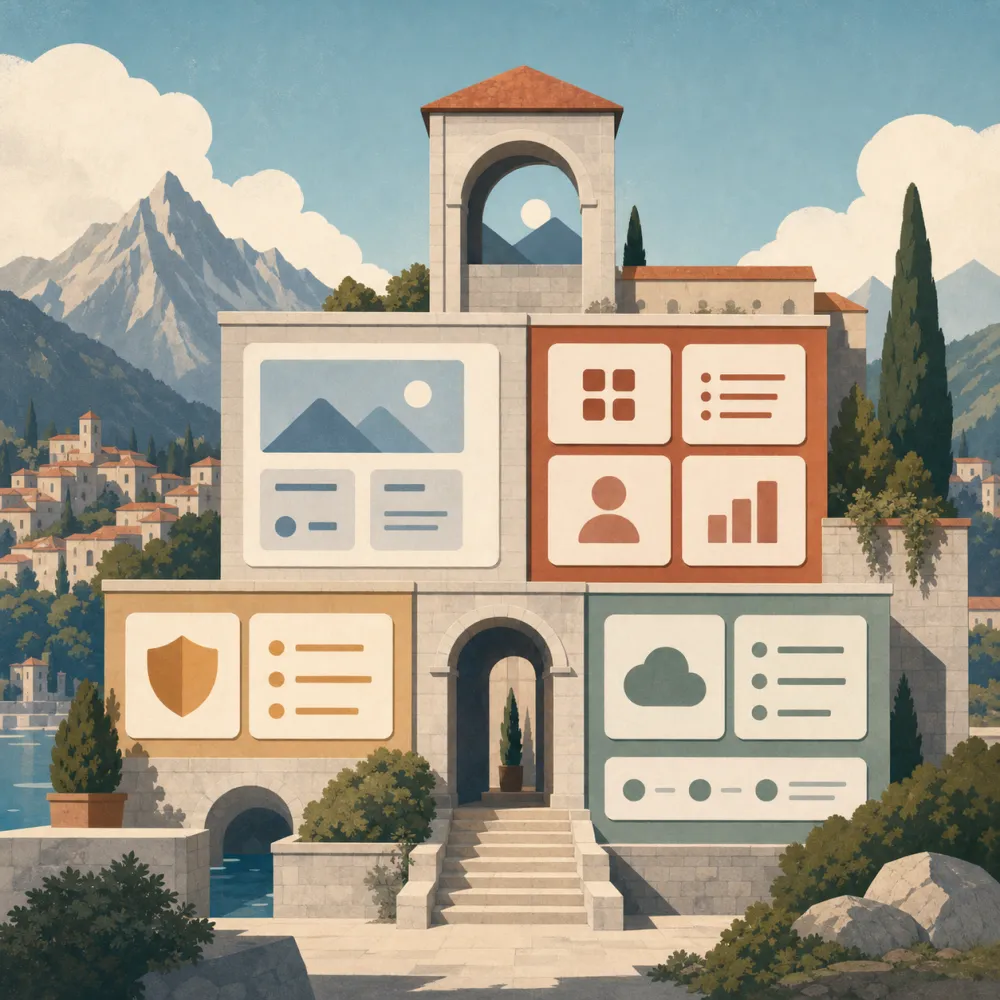
Trust visuals should feel calm, clear, and specific without using heavy security clichés.
Create a 16:9 trust and privacy visual for an AI creation website. Show a creator reviewing image assets in a secure workspace, with a subtle lock-shaped abstract UI element, calm lighting, and specific product context. No readable text, no logos, no watermark.
7. Comparison Section Image
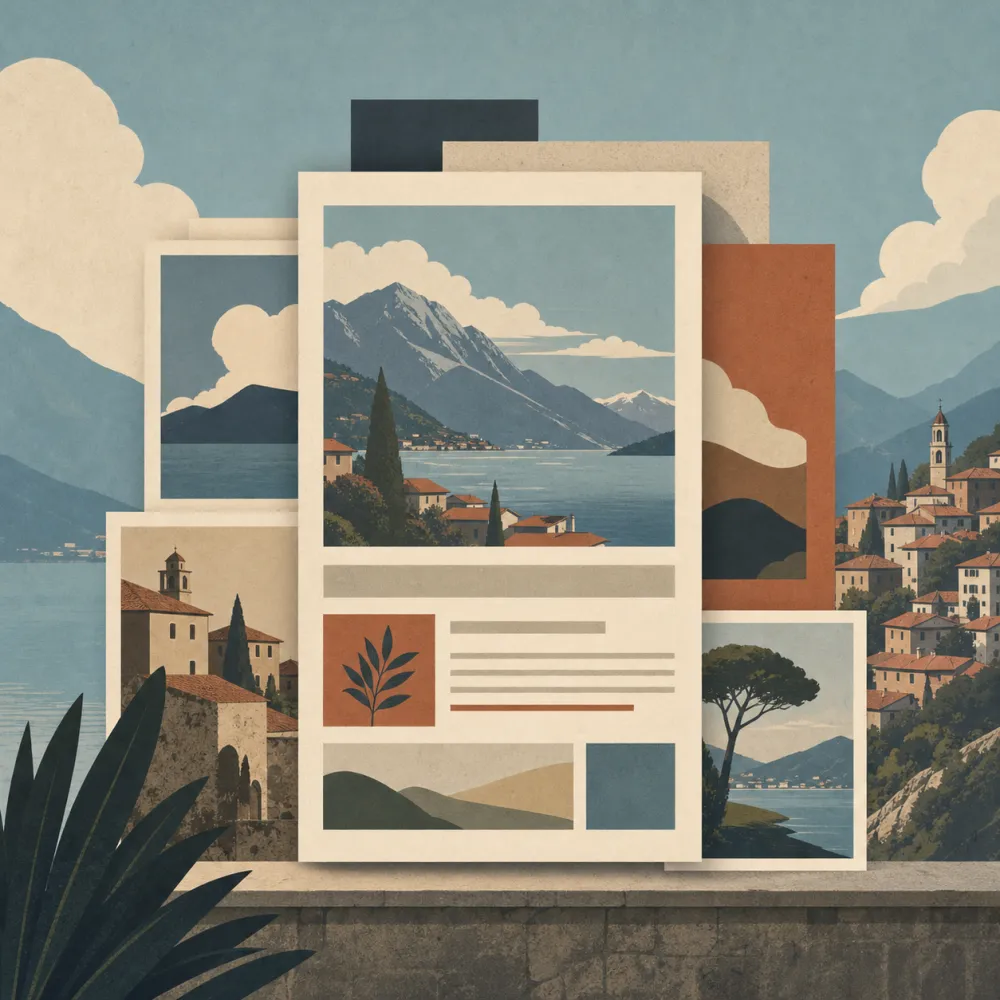
Comparison visuals make it easier to explain why your workflow is different.
Create a 16:9 website comparison visual. Show scattered separate tools on the left and a unified AI creation workflow on the right, using a clean split composition and modern SaaS visual language. No readable text, no logos, no watermark.
8. CTA Section Visual
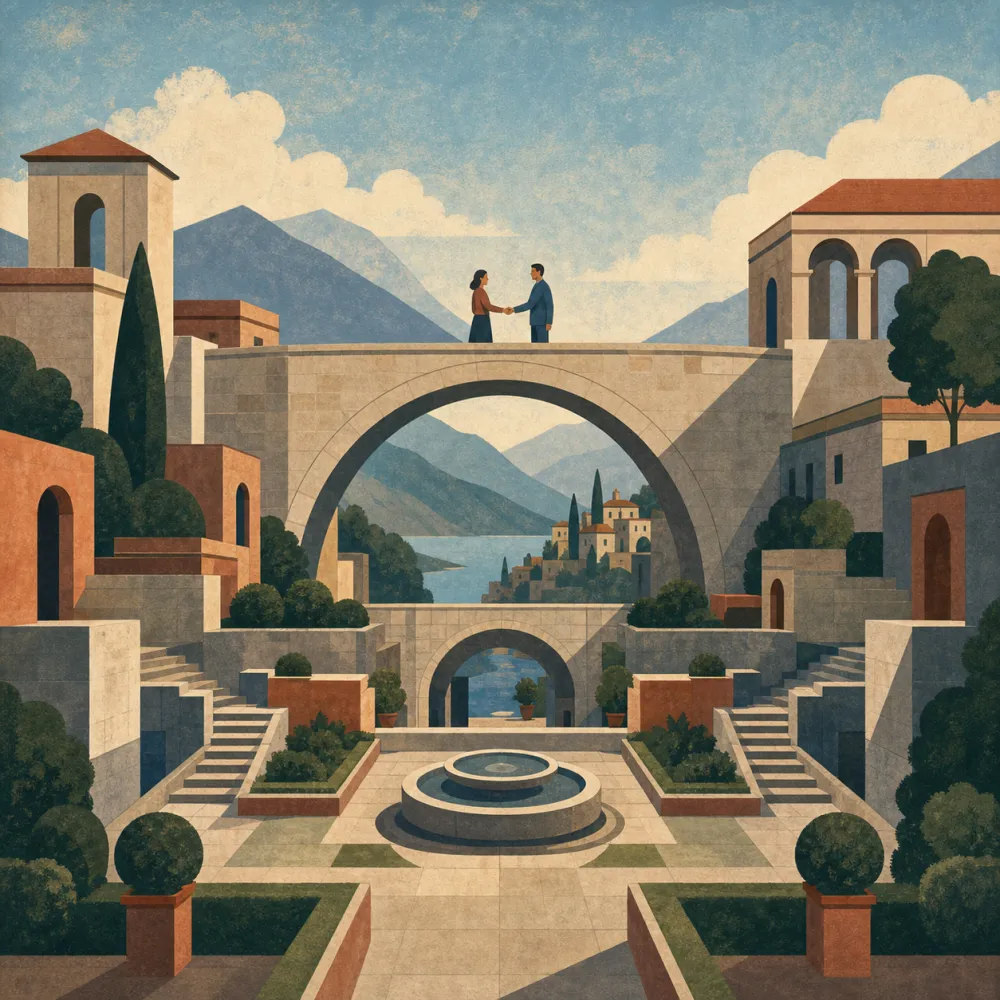
The final CTA visual should reinforce momentum without distracting from the button.
Create a 16:9 CTA section visual for an AI creation website. Show final polished images arranged on a clean desk, a subtle laptop glow, and open center space for conversion copy added later. Premium commercial style. No readable text, no logos, no watermark.
A Practical Website Image Workflow
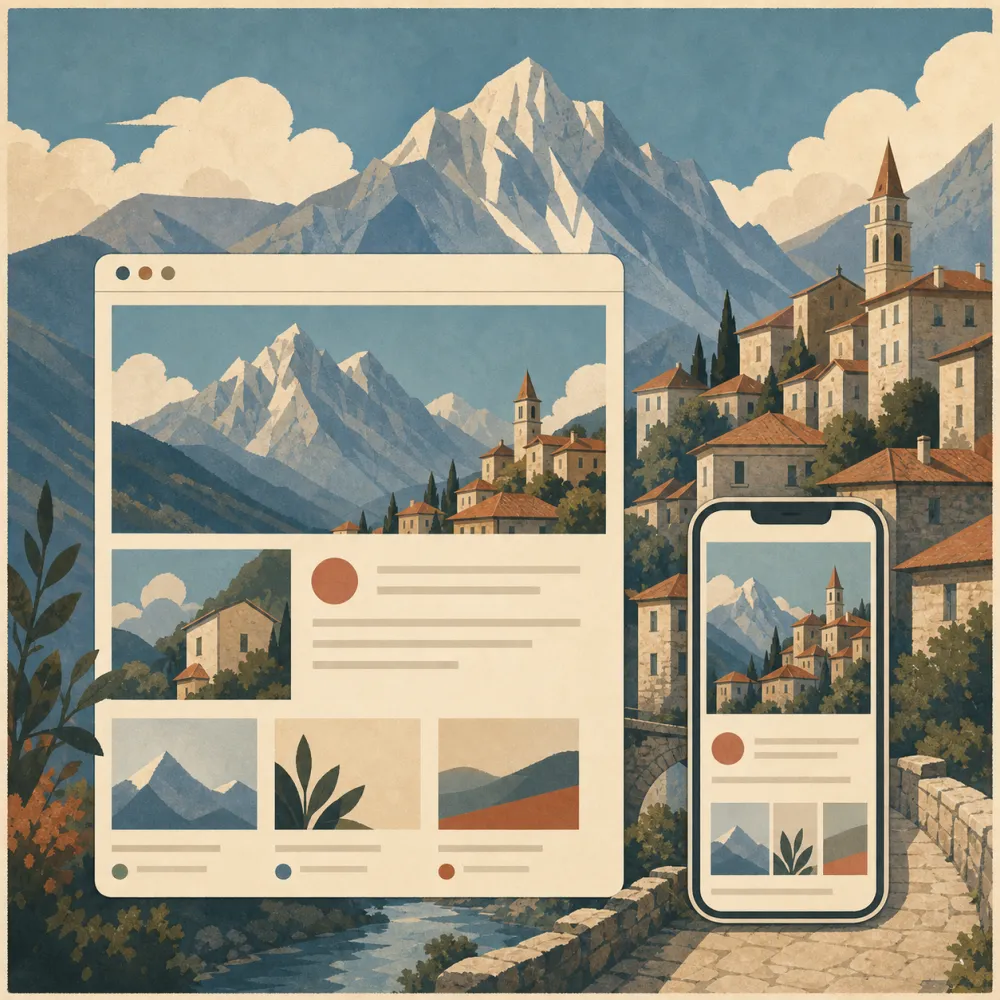
Map images to page sections before generating anything. A hero image, a feature image, and a blog thumbnail have different jobs, so they should not use the same composition.
Use iMini to create no-text image bases, then crop for desktop and mobile. Keep the real headline, CTA, labels, and UI copy in HTML or your design system so the page stays editable and accessible.
About iMini
iMini is an AI creation platform for generating and editing images, videos, and text in one workflow. For the keyword website visuals, iMini helps independent site owners create section-specific images for heroes, features, product mockups, blogs, trust areas, and CTA blocks. The main benefit for visitors is comprehension: the right image makes the page easier to scan and helps people understand the offer before they commit time or attention.
FAQ
Should website visuals include AI-generated text?
Usually no. Keep text in HTML or your design system for accessibility, SEO, localization, and easier editing.
How many visuals does an independent website need?
Start with one strong hero image, one or two feature images, and reusable blog or CTA graphics. Add more only when each section has a clear purpose.
How do I make AI website visuals feel consistent?
Use the same lighting direction, image style, color restraint, subject matter, and level of realism across the site.