
Stop Context-Switching: Run Claude Code Inside Feishu With One Command

June 17, 2026
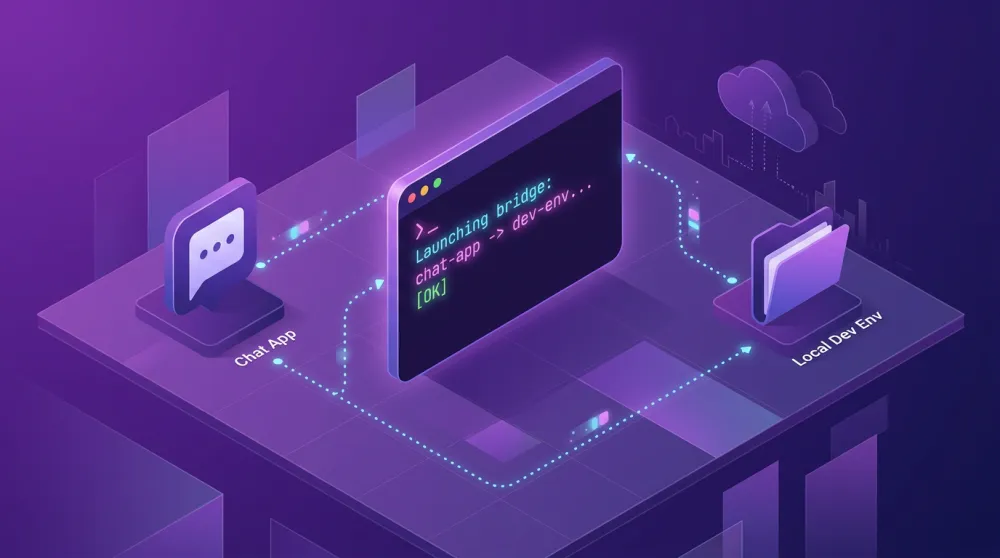
lark-channel-bridge is an open-source tool that brings Claude Code and Codex AI coding agents directly into Feishu (Lark), letting your team chat with, assign tasks to, and collaborate around AI agents — all without leaving the platform your team already works in.
The Problem Every Developer Team Knows
Your team coordinates on Feishu. Your AI coding agents live in a terminal tab that only you can see. Every time Claude Code finishes a task, you screenshot it, paste it into a thread, and explain what happened. This is the context-switching tax — and it compounds quietly every single day.
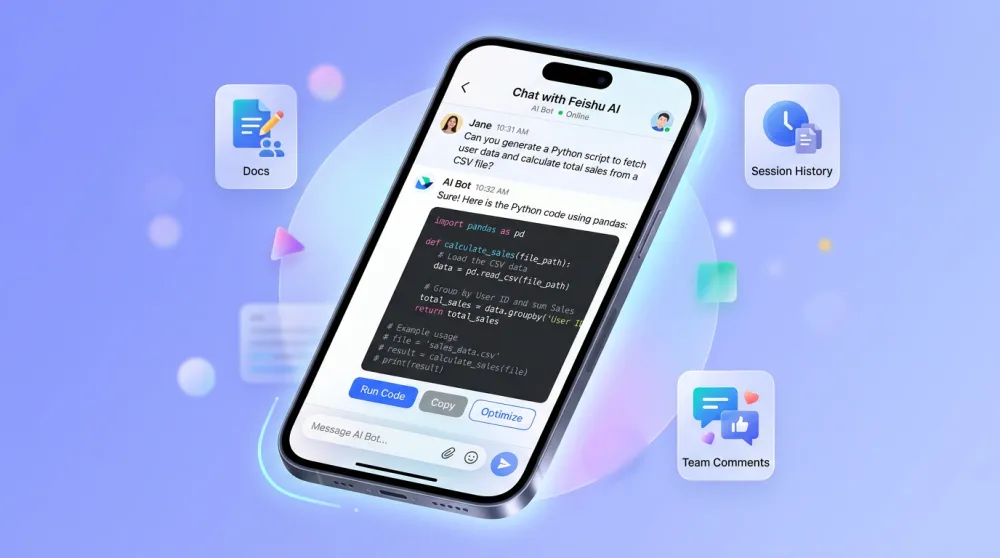
lark-channel-bridge eliminates this gap entirely. Instead of a terminal tab, your AI agent becomes a Feishu bot: messageable from desktop or mobile, responding with rich formatted cards, and keeping full conversation history where your team can see it.
Claude Code Feishu Integration: Setup in Under a Minute
Repo:https://github.com/zarazhangrui/lark-coding-agent-bridge
Getting started requires a single command — no Docker, no complex configuration:
npx -y lark-channel-bridge@latest start
The CLI walks you through scanning a QR code to bind your Feishu app. Once connected, you (or anyone you invite) can message the bot directly in DM, or @mention it inside any Feishu group. Claude Code starts processing immediately, and its output streams back as a live-updating Feishu card — no need to stare at a terminal.
If you prefer a persistent installation, the bridge also ships as a standalone CLI tool you can install globally and run as a background process.
Features That Actually Change How You Work
Streaming card responses mean Claude's tool calls and text output update on a single Feishu card in real time — no wall of text appearing all at once. You watch the agent think and act, right inside your chat.
Per-chat session isolation keeps each Feishu conversation in its own Claude session. Resume a thread an hour later and the agent remembers exactly where you left off. Parallel conversations don't bleed into each other.
Multiple workspaces let you point the agent at different project directories using /ws project-name. Each workspace tracks its own sessions separately, so a monorepo with five services doesn't become a context management nightmare.
The bridge also accepts images and files directly in chat. Drop a screenshot of a bug, send a design mockup, or forward a log file — Claude reads the locally downloaded paths and treats them as first-class context. If your team also creates visuals with iMini AI, you can forward generated images straight into the agent conversation for instant feedback.
Access Control and Team Collaboration
By default, only the person who created the Feishu app can use the bot — so there's no accidental exposure. You expand access deliberately using /invite to add teammates and /remove to revoke it. Only admins and the original creator can manage permissions, keeping your codebase operations auditable.
The real collaborative payoff is persistence: every conversation the bot has lives in Feishu's search index. Instead of "what did Claude say yesterday?", you just search the thread. Junior engineers can read senior engineers' agent sessions. Code review discussions can reference exact bot responses.
Slash Commands Reference
The bridge ships with a focused set of workflow commands: /config for preferences and settings, /new chat to start a fresh Claude session in the current workspace, /cd to change the active working directory on the fly, and /stop to terminate a running task. No bloat — exactly what you need to manage an AI agent without leaving chat.
Multi-Agent Profiles: Run Claude and Codex Side by Side
Advanced teams can run Claude Code and Codex simultaneously using separate profiles. Each profile maintains its own credentials, session state, and workspace configuration in isolation. If you use different agents for different parts of the stack — Claude for product features, Codex for infrastructure — both can live in the same Feishu workspace with distinct bot identities.
This pairs naturally with multi-model workflows in iMini AI, where teams already switch between Claude, GPT, and Gemini in a single canvas interface. The philosophy is the same: bring the right model to the right task, without friction.
Conclusion
The best developer tools disappear into your existing workflow. lark-channel-bridge does exactly that: it takes the AI coding agent you're already using and puts it where your team already works. One command, no configuration overhead, immediate value for the whole team.
If you're building AI-assisted products and want a workspace that matches this agent-native approach, iMini AI offers multi-model collaboration, AI image generation, and deep research tools — all in one canvas your team can share.