
Top 8 AI Visual Workflows for Creators in 2026
Published on July 13, 2026
AI image and video models are moving from isolated outputs into production systems. The real opportunity for creators is no longer one impressive image; it is a repeatable workflow that turns a trend, product idea, or campaign brief into assets people can publish.
That is where iMini fits the current AI news cycle. As visual models get stronger at image generation, video planning, and multimodal reasoning, creators need a clean way to turn those capabilities into posts, ads, thumbnails, and localized campaign visuals.
Summary: AI visual workflows are becoming the practical layer between new image and video models and publishable creator content. This guide ranks eight high-value workflows creators can build with iMini, from carousel covers and story backgrounds to reusable campaign templates.
Top AI Visual Workflows to Try First
1. Carousel Cover Workflow
Best for: educational posts, product explainers, and list-style content. A carousel cover has one job: make the topic obvious before the viewer swipes.
In iMini, start with a clear subject, an open headline area, and a visual metaphor for the content. Keep embedded text out of the image so the final title can be added cleanly in your design tool.
Generate Carousel Visuals with iMini
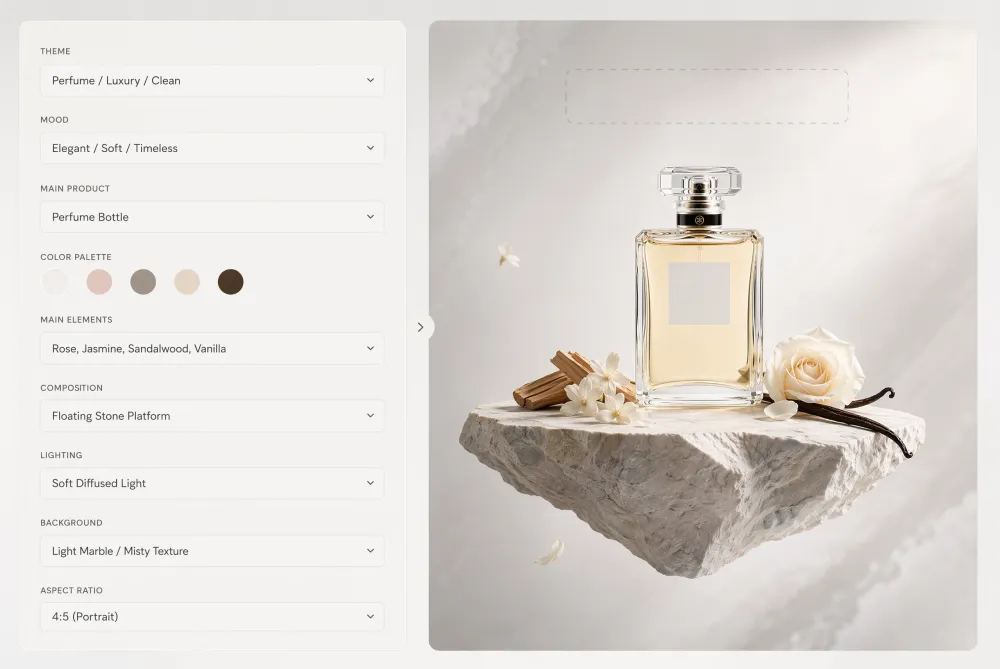
2. Story Background Workflow
Best for: launches, behind-the-scenes updates, polls, and creator announcements. Story backgrounds need vertical composition and safe zones for stickers, links, captions, and product notes.
Use iMini to create a quiet visual base first. Then add interactive elements later, so the image stays flexible across Instagram Stories, TikTok stories, YouTube Shorts previews, and local-language versions.
Generate Story Backgrounds with iMini
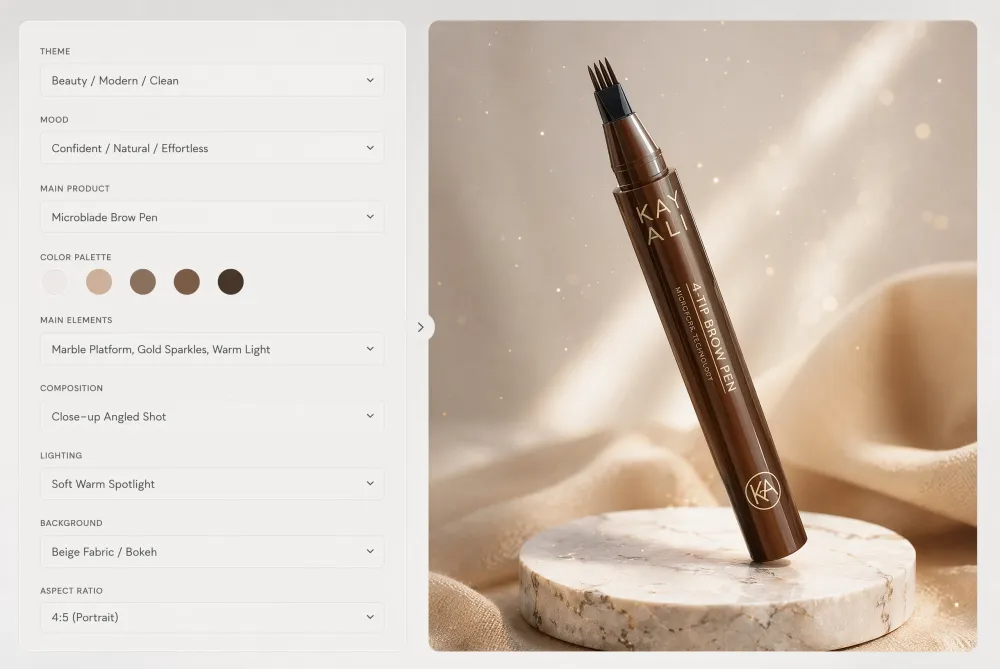
3. Short-Form Video Cover Workflow
Best for: reels, shorts, TikToks, and video explainers. A video cover has to read quickly at thumbnail size while still matching the energy of the clip.
The useful workflow is to generate a bold visual frame, test the crop, then add the final title manually. This avoids messy AI text and keeps the cover readable in small feeds.
Generate Video Cover Concepts with iMini
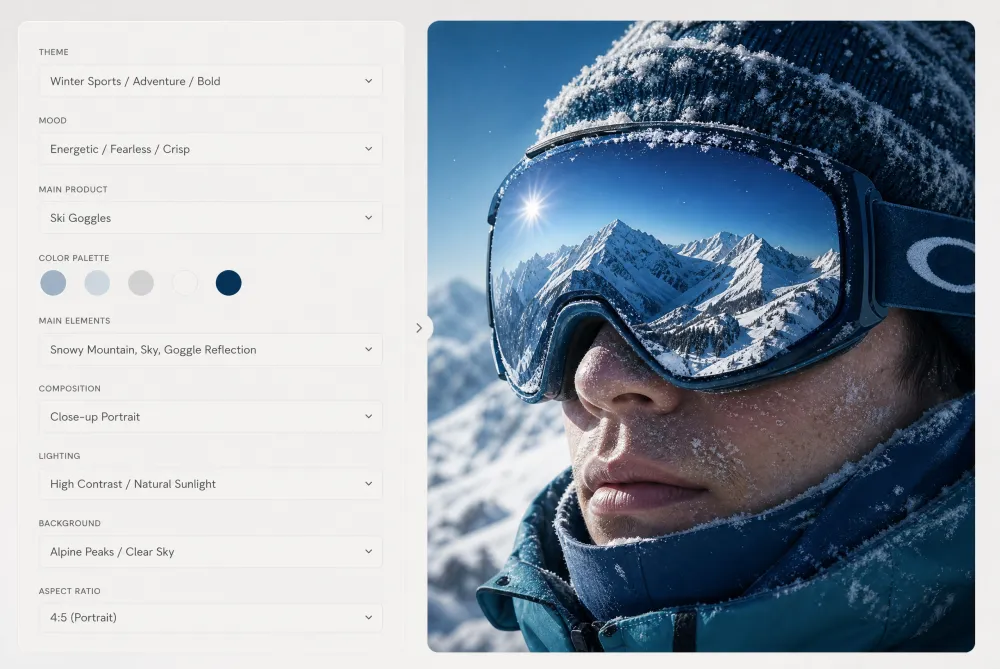
4. UGC-Style Ad Visual Workflow
Best for: creator-led ads, app demos, and social proof campaigns. UGC-style visuals should feel natural, but the product context still needs to be clear.
iMini can help small teams produce several authentic-looking directions before choosing one for final editing. The goal is not fake realism; it is faster concept testing for ads that feel native to the feed.
Generate UGC Ad Visuals with iMini
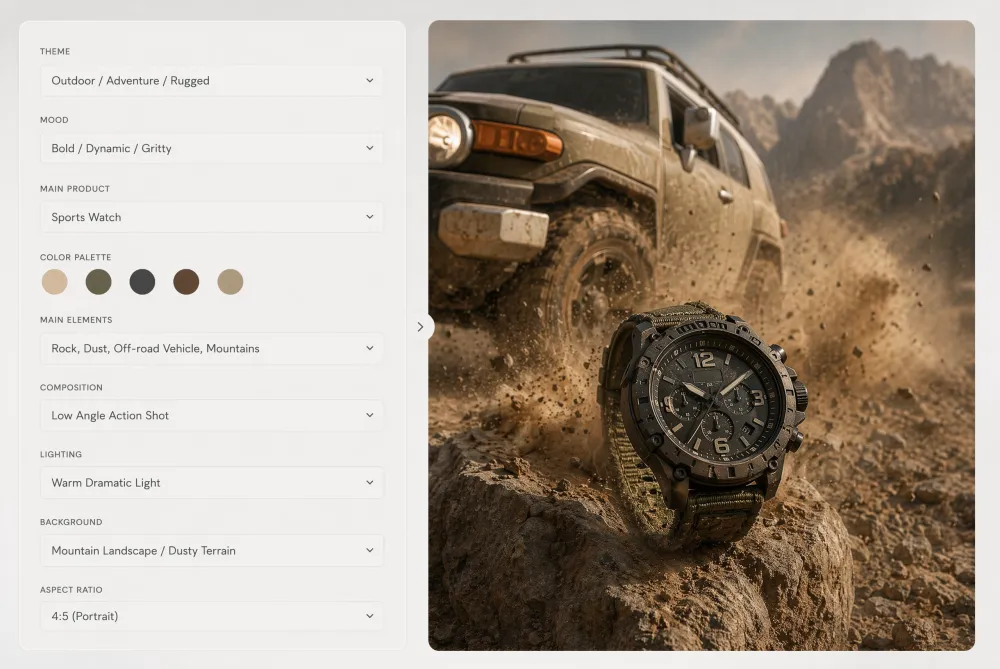
5. Product Teaser Workflow
Best for: feature launches, waitlists, and campaign previews. A teaser visual should create curiosity without forcing the entire message into the image.
Generate a polished product scene with enough empty space for copy. Then use the same base image across email, blog, and social versions with different localized headlines.
Generate Product Teaser Images with iMini
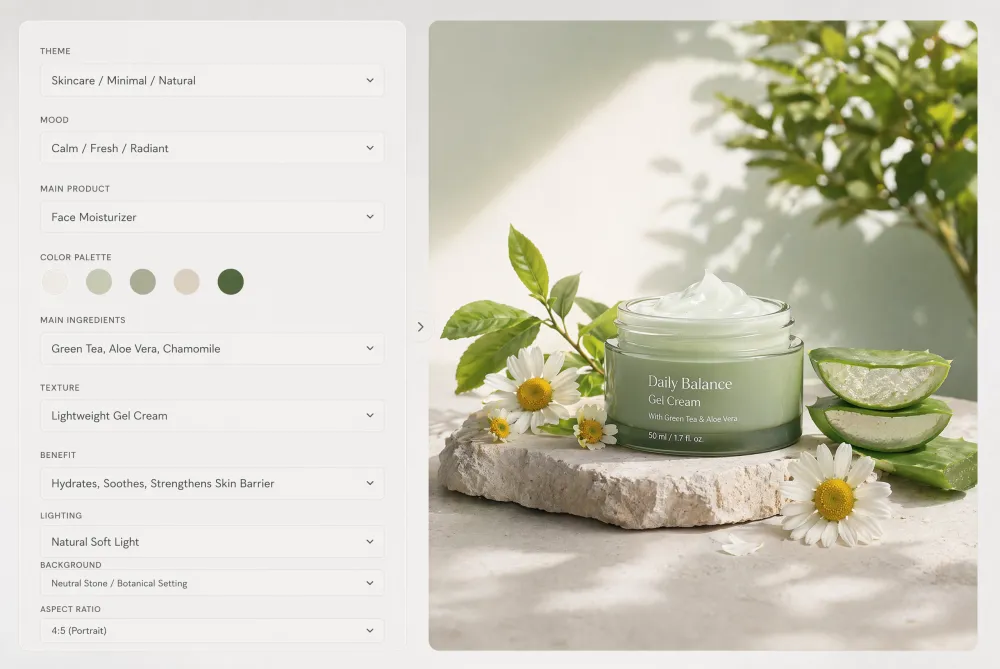
6. Meme-Ready Visual Base Workflow
Best for: light comparison posts, creator humor, and fast social commentary. A meme-ready image works when the contrast is obvious before the caption appears.
Use iMini to create a clean split scene or before-and-after setup. Add the joke, label, or punchline after generation so the visual can be reused in multiple languages.
Generate Meme-Ready Visuals with iMini
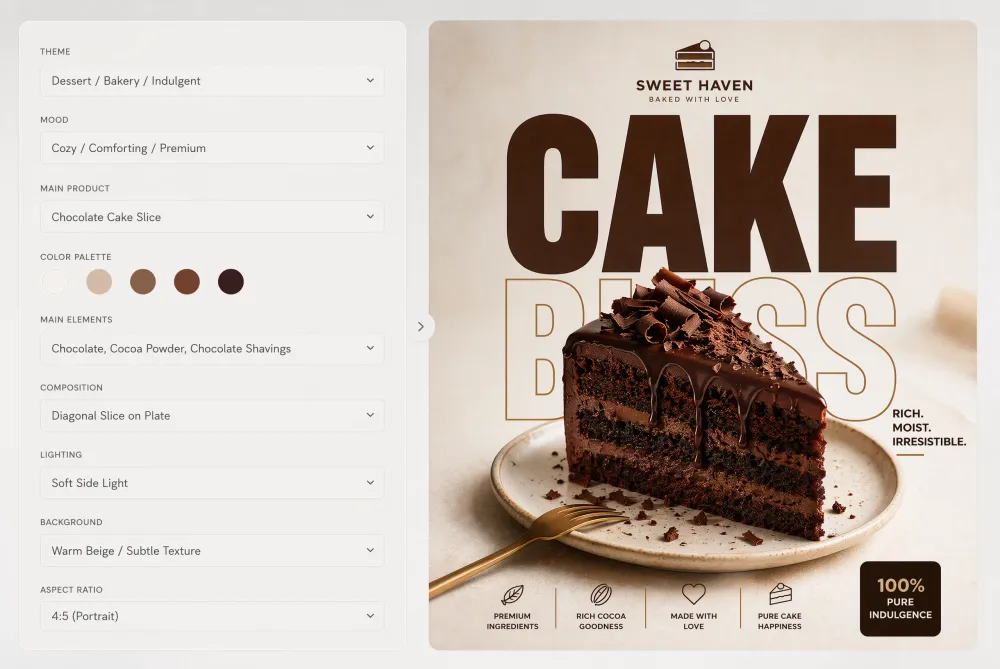
7. Seasonal Campaign Workflow
Best for: holiday launches, seasonal offers, and themed content calendars. Seasonal visuals should borrow the mood of the moment without burying the brand.
With iMini, keep the prompt specific: season, product category, lighting, format, and the amount of visual clutter. This gives the image a timely feeling while preserving enough control for brand use.
Generate Seasonal Campaign Visuals with iMini
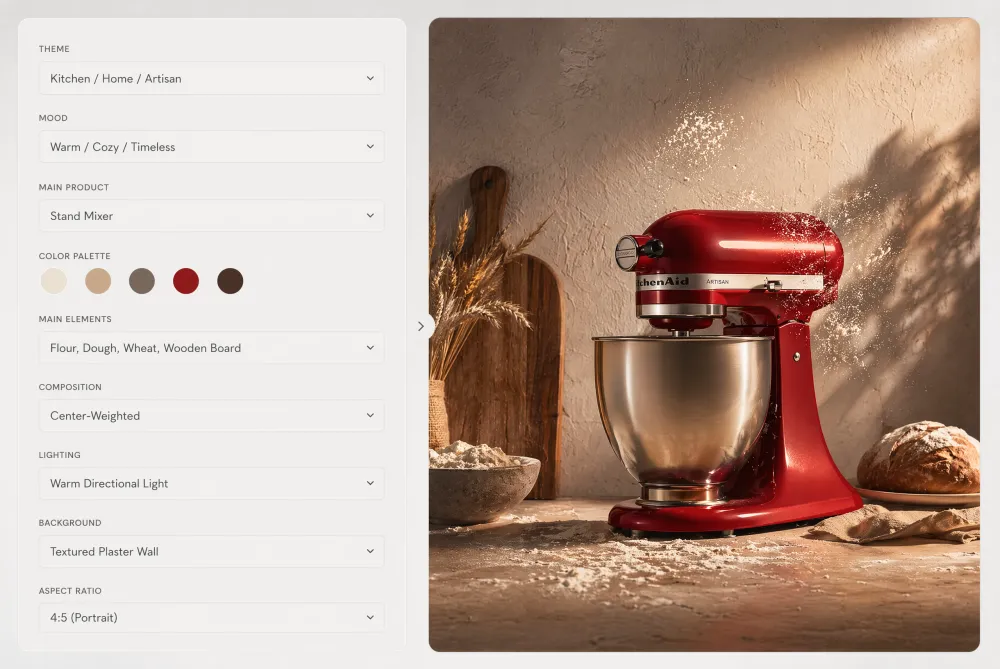
8. Reusable Brand Template Workflow
Best for: teams that publish often. A reusable template helps creators keep the same visual system while changing the topic, product, or campaign angle.
Generate modular backgrounds with consistent lighting, composition, and open text areas. Then turn the strongest layout into a repeatable system for posts, blog thumbnails, ads, and product updates.
Generate Brand Templates with iMini
How to Choose the Right Workflow
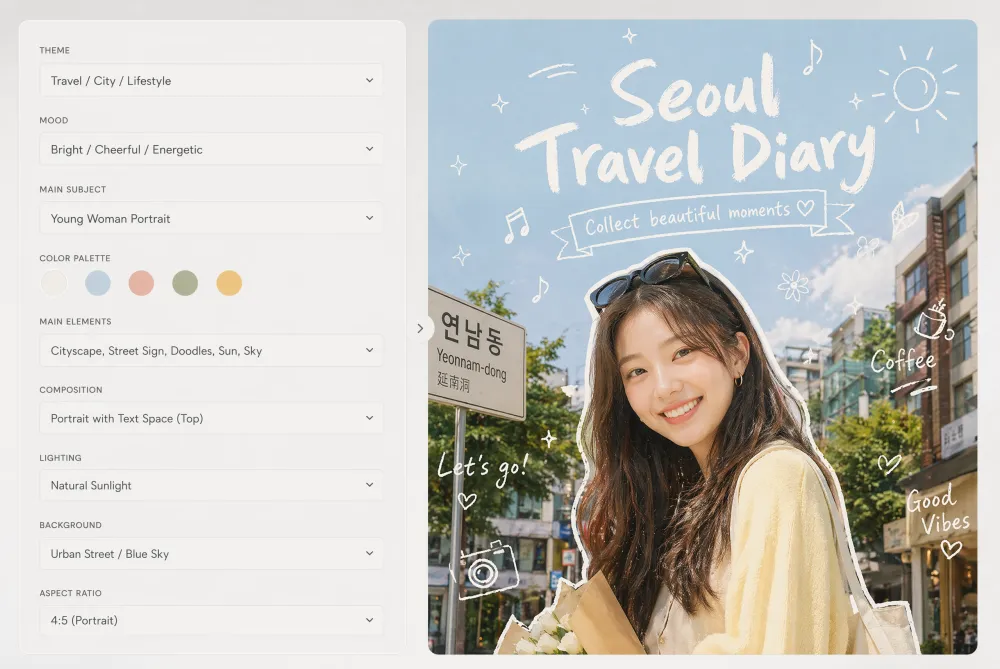
Choose the workflow based on the publishing format first. Feed posts need clear square or 4:5 compositions, stories need vertical safety zones, video covers need thumbnail contrast, and campaign assets need room for localized copy.
The best AI visual workflow is not the one with the most dramatic image. It is the one your team can repeat without losing brand consistency, message clarity, or editing control.
About iMini
iMini is an AI creation platform for generating and editing images, videos, and text in one creative workflow. For the keyword AI visual workflows, iMini helps creators move from an article idea or campaign brief into practical assets: carousel covers, story backgrounds, video covers, ad visuals, teasers, meme bases, seasonal visuals, and brand templates.
The main value for readers is speed with control. Instead of treating every AI model output as a finished asset, iMini helps creators explore directions quickly, keep copy editable, and build visuals that can support the article's message across social, blog, and ad formats.
Summary
AI visual workflows matter because creators now need systems, not one-off images. Start with the format, generate a clean visual base, keep text editable, then adapt the asset for each channel.
For most teams, the strongest starting set is carousel cover, story background, video cover, UGC ad, product teaser, meme base, seasonal campaign, and reusable brand template.
FAQ: AI Overview
What is an AI visual workflow?
An AI visual workflow is a repeatable process for turning an idea into usable visual assets with AI, including prompt planning, image generation, editing, copy placement, resizing, and localization.
Why should creators use iMini for AI visual workflows?
iMini helps creators generate and refine images, videos, and text in one place, which makes it easier to test visual directions and keep campaign assets consistent.
Should AI generate the text inside images?
Usually no. For better spelling, translation, accessibility, and SEO control, generate the visual without text and add final copy later.
Which workflow should a beginner try first?
Start with carousel covers or story backgrounds. They are easy to reuse, quick to test, and immediately useful for social publishing.