
How to Use an AI Agent to Turn One Product Photo into Ads, Backgrounds, and Social Posts
Updated on August 10, 2026
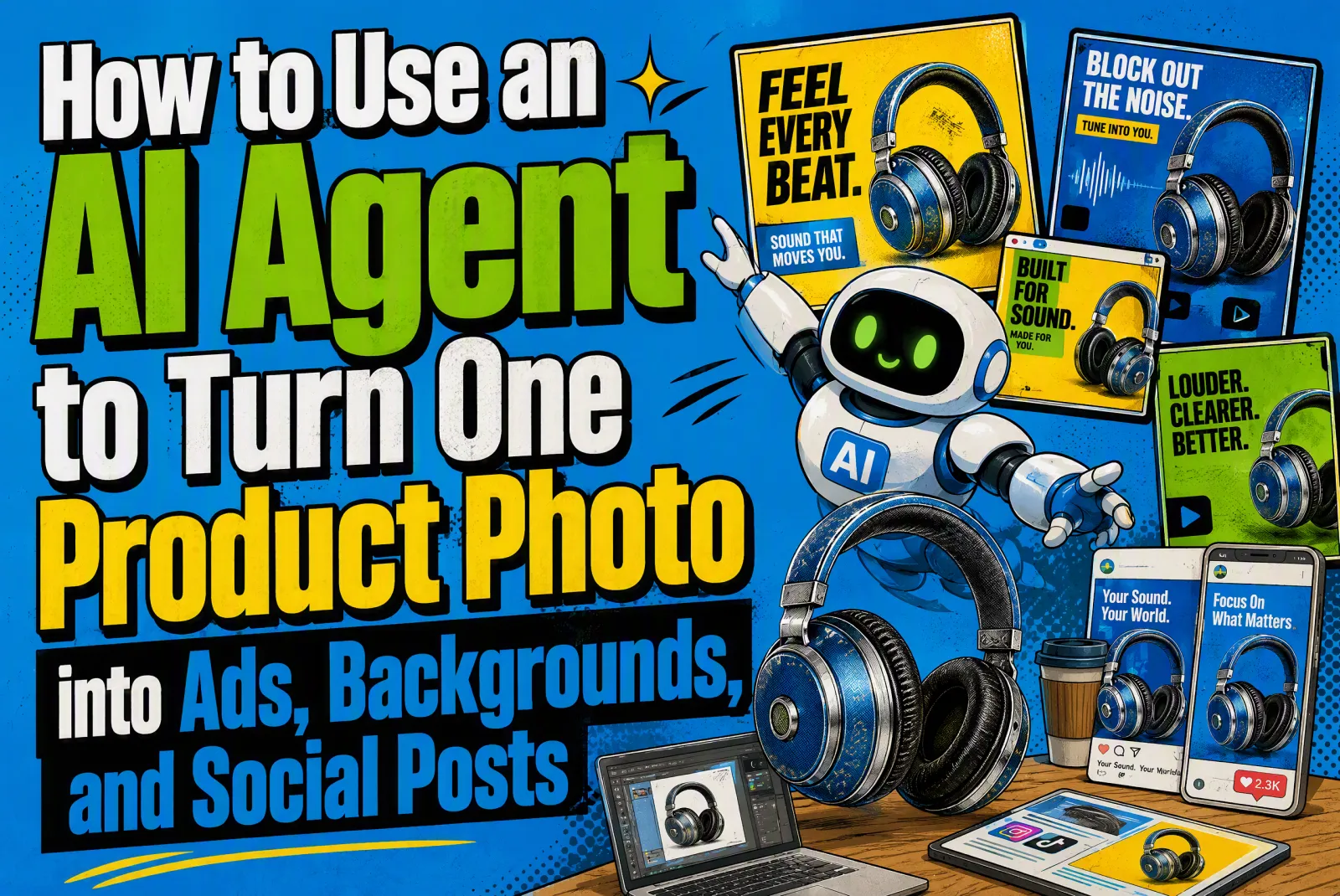
Start with one clear product photo, then use an AI agent to turn it into a complete marketing workflow. A good product image should not stop at one edited background. It can become ad angles, social captions, short video ideas, landing page sections, test variations, and a clearer path from attention to conversion.
This is where an AI agent is more useful than a single prompt. A prompt can change a background or create one image. An agent can keep the product, audience, offer, tone, and call to action aligned while it creates many assets from the same brief. For small teams, ecommerce sellers, AI tool founders, and creators, that consistency is often the difference between a nice visual and a campaign that can actually be tested.
The Workflow: One Product Photo to a Campaign Kit
The practical workflow is simple: upload or describe the product photo, write a short product brief, let the agent identify campaign angles, then generate visual directions, copy, video concepts, and landing page blocks. The image is the starting point, but the campaign logic should drive every asset.
| Step | What the Agent Should Decide | Output You Can Use |
| Product context | What the product is, who it is for, and what must stay accurate. | Product brief, guardrails, visual constraints. |
| Audience angle | Which buyer problem or desire should be addressed first. | 3 to 5 audience segments and hooks. |
| Visual direction | What background, scene, lighting, and format fit each angle. | Product photo prompts and background concepts. |
| Campaign copy | What headline, CTA, offer, and proof point match the visual. | Ad copy, social captions, landing page copy. |
| Testing plan | Which variables should be tested without changing everything at once. | Headline, visual, CTA, and format variants. |
Why an AI Agent Works Better Than a Prompt List
Prompt lists are useful when the task is narrow, such as changing a product photo background or creating a studio scene. But product marketing usually has more moving parts. If the image says "premium," the headline should not sound cheap. If the ad targets busy founders, the landing page should not open with generic creative language. An agent helps connect those decisions.
| Prompt-Only Workflow | AI Agent Workflow |
| Creates one image or one text output at a time. | Builds a connected set of assets around the same product brief. |
| Often repeats the same visual style without a clear conversion angle. | Chooses visual direction based on audience, offer, and channel. |
| Requires the user to manually keep copy, images, video, and page sections consistent. | Keeps message, tone, and CTA consistent across formats. |
| Good for quick inspiration. | Better for campaigns that need testing and reuse. |
Step 1: Build a Product Brief from the Photo
The agent should first understand what cannot be changed. For a physical product, that includes shape, color, label, material, size, packaging, and any visible brand elements. For a digital product or AI tool, it includes the core use case, interface promise, user result, and proof points.
A strong brief gives the agent enough context to make decisions without guessing. Include the product name, target user, main benefit, price range if relevant, channel, visual style, words to avoid, and the next action you want the user to take.
Brief prompt: "Analyze this product photo and build a marketing brief. Identify the product category, likely audience, visual strengths, buyer objections, strongest benefit, and 5 campaign angles. Keep the product accurate and do not invent features."
Step 2: Turn the Brief into Campaign Angles
The biggest mistake is going straight from product photo to background generation. Before choosing a background, decide what the image should sell. The same product can be positioned around speed, quality, simplicity, luxury, affordability, gifting, productivity, or social proof. Each angle needs a different scene and different copy.
| Campaign Angle | Best Visual Direction | Copy Focus |
| Premium quality | Clean studio light, refined texture, controlled shadows. | Materials, detail, confidence, long-term value. |
| Everyday convenience | Real-life desk, bathroom, kitchen, travel, or work scene. | Saves time, easy to use, fits daily routine. |
| Gift or seasonal demand | Warm lifestyle background, packaging, occasion cues. | Who it is for, why now, simple purchase decision. |
| Performance or result | Before-after layout, close-up detail, comparison frame. | Outcome, proof, measurable improvement. |
| AI tool or SaaS launch | Workflow screenshot, abstract interface, output examples. | Task removed, speed gained, final asset created. |
Step 3: Generate Product Background Directions
Background generation should support the angle, not decorate the product randomly. A skincare bottle may need a clean bathroom shelf for daily use, a glossy studio set for premium positioning, or a travel pouch scene for convenience. The product should stay recognizable, with enough negative space for headline or CTA placement.
Background planning prompt: "Create 8 product photo background directions for this campaign angle. For each direction, include scene, lighting, surface, color palette, camera framing, negative space, and what must stay unchanged in the product."
After the agent creates directions, use iMini GPT Image 2 to generate or polish the visual assets. If the task is specifically about replacing backgrounds, the ChatGPT background change prompt guide can support the detailed image-editing step, while the agent keeps the wider campaign organized.
Step 4: Create Ads, Social Posts, and Landing Page Copy
Once the visual direction is clear, the agent should produce copy in the formats where the asset will be used. The same product photo should become a Meta ad, TikTok hook, Pinterest pin, X post, email hero, and landing page section without losing the core message.
| Format | What to Ask the Agent For | What to Check Before Publishing |
| Paid ad | 5 hooks, 3 primary text options, 3 CTA options. | Does the promise match the product page? |
| Social post | Caption, first line hook, hashtags, carousel outline. | Is the first sentence specific enough? |
| Short video | 5-second opening, scene order, voiceover, on-screen text. | Can the idea work without too much explanation? |
| Landing page | Hero copy, benefit blocks, proof, FAQ, CTA. | Does it answer the same objection raised by the ad? |
| Subject line, preview text, hero copy, product block. | Is the offer clear before the first scroll? |
Step 5: Add Video Concepts Instead of Stopping at Images
Product photo traffic can also feed video demand. The agent can turn one static concept into a short video plan: camera movement, scene change, product action, voiceover, and caption. For ecommerce, this may be a rotating product shot or lifestyle demonstration. For an AI tool, it may be a workflow demo that shows the before and after.
Use the iMini AI video workflow when the image concept needs motion. A useful agent output should tell the video tool what to preserve, what to animate, and what message the first seconds should deliver.
Video concept prompt: "Turn this product photo and campaign angle into 5 short video concepts. Each concept should include the first 2-second hook, camera movement, scene action, voiceover line, caption, and CTA. Keep the product visually consistent."
Step 6: Create Test Variations Without Losing Consistency
An AI agent becomes valuable when it helps you test faster without making the campaign messy. Do not ask for 50 random versions. Ask for controlled variations. Change one thing at a time: the hook, the background, the CTA, the audience angle, or the landing page promise.
| Variable | Variation Examples | What It Helps You Learn |
| Hook | Problem-led, benefit-led, curiosity-led, proof-led. | Which message earns attention. |
| Background | Studio, lifestyle, seasonal, comparison, UGC style. | Which scene makes the product easier to understand. |
| CTA | Try it now, create your campaign, upload your photo, see examples. | Which next action feels most natural. |
| Landing promise | Save time, improve quality, launch faster, test more ideas. | Which value proposition converts best. |
| Format | Square ad, vertical short, carousel, email hero, page section. | Which channel deserves more effort. |
Example Agent Prompts You Can Reuse
These prompts are designed for an agent workflow, not a one-off image output. They ask the agent to think through strategy, asset structure, and testing.
Full campaign kit: "Act as an AI marketing agent. Use this product photo and brief to create a campaign kit: 5 audience angles, 5 ad hooks, 6 product photo background prompts, 3 short video concepts, 1 landing page outline, 5 CTA options, and a testing plan. Keep the product accurate and the message consistent."
Social batch: "Turn this product into a 7-day social content plan. For each day, create a post idea, caption, visual prompt, short video hook, and CTA. Make the sequence feel useful rather than repetitive."
Landing page block: "Create a landing page section for this campaign angle. Include headline, subheadline, 3 benefit bullets, proof point, objection answer, and CTA. Keep it clear enough for a first-time visitor."
Common Mistakes to Avoid
The first mistake is asking the agent to create assets before the audience is clear. The second is using beautiful backgrounds that hide the product or make it look different from reality. The third is writing ad copy that makes a promise the landing page does not repeat. The fourth is testing too many variables at once and then not knowing what worked.
A better process is to let iMini AI Agent create the structure, use iMini image and video tools for production, and review every asset against the same brief. If the product, audience, promise, and CTA still match, the campaign has a stronger chance of turning traffic into action.
FAQ: AI Agent Product Photo Workflow
What is an AI agent for product marketing?
It is an AI workflow that turns a product brief or product photo into connected marketing assets, including ad angles, product image prompts, social copy, video concepts, landing page copy, and test variations.
How is this different from a product photo background prompt?
A background prompt changes or creates one visual scene. An AI agent decides why that scene should exist, who it is for, what message it supports, and how it connects to ads, social posts, videos, and landing pages.
Can I use this for ecommerce products?
Yes. It works especially well for ecommerce because one product photo can become studio images, lifestyle scenes, ad copy, video scripts, and conversion page sections.
Can I use it for AI tools or SaaS?
Yes. For AI tools and SaaS, the agent should focus on workflow, user outcome, before-after comparison, and concrete use cases instead of only listing features.
What should I give the agent first?
Give it the product photo, product name, target audience, main benefit, proof points, offer, brand tone, channel, and the action you want users to take.
Final Takeaway
The best use of a product photo is not one edited image. It is a connected campaign. With an AI agent, one product photo can become a set of ads, backgrounds, social posts, video ideas, and landing page sections that all point to the same promise.
Start with iMini AI Agent to plan the workflow, then use iMini image and video tools to turn the plan into assets you can publish and test.