
AI Agent Workflow: How to Turn One Idea into Useful Campaign Assets with iMini

Published on July 3, 2026
A good AI agent workflow feels less like automation and more like a well-run creative desk. One idea comes in, the brief gets sharper, the article finds its angle, the images pick up the same flavor, and every channel receives a version that still belongs to the same campaign.
That rhythm matters because AI agents are becoming common in content work. The teams getting value from them usually share one habit: they give the agent a clear creative center before asking for outputs. iMini fits naturally in that moment, because it gives the workflow a place to hold the brief, the visuals, the prompts, and the review together.
Start With a Brief You Can Actually Use
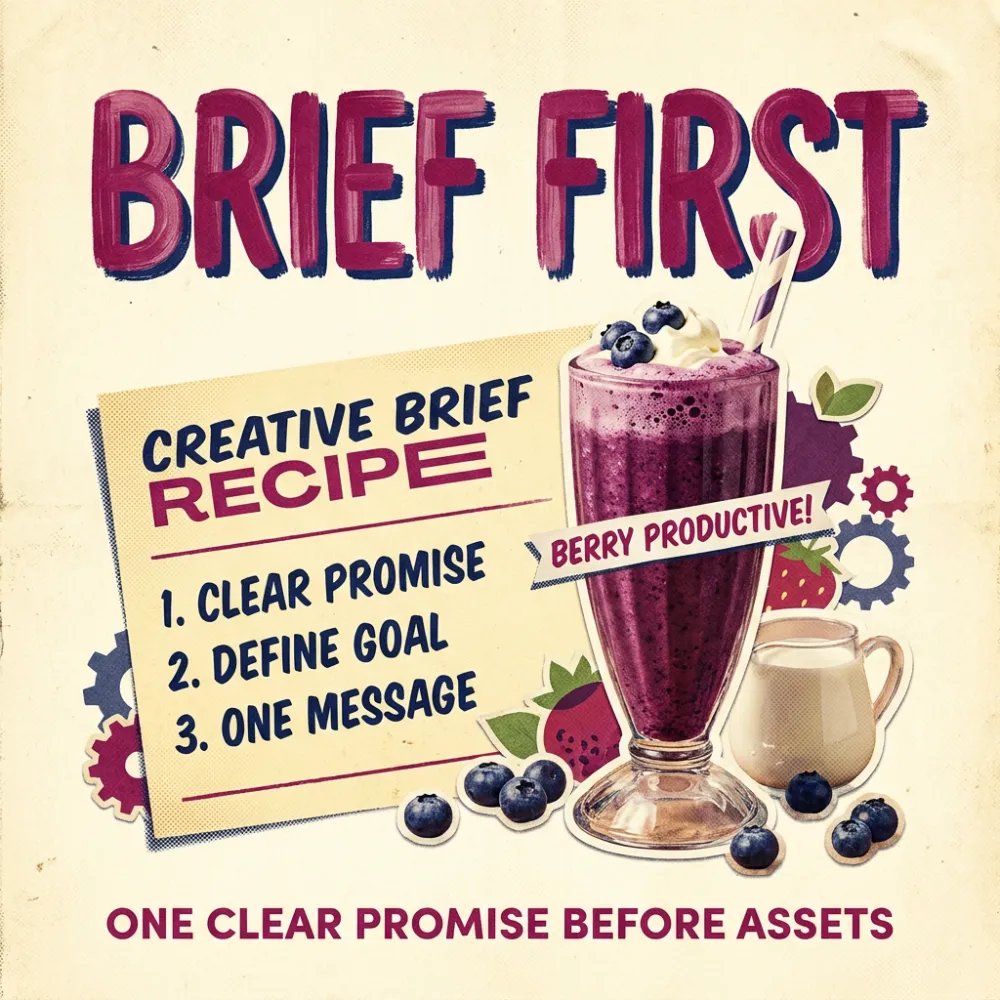
The brief is the control surface of the whole agent workflow. If it says only “make a campaign,” every later asset will drift. If it names the reader, the promise, the emotional tone, the visual taste, and the publishing goal, the agent has something solid to follow.
I like to write the brief as a small recipe: one audience, one problem, one useful promise, one visual world, and one proof point. This keeps the work human. The agent can help scale the output, while the creator still decides what the campaign should taste like.
Let Search Intent Decide the Shape
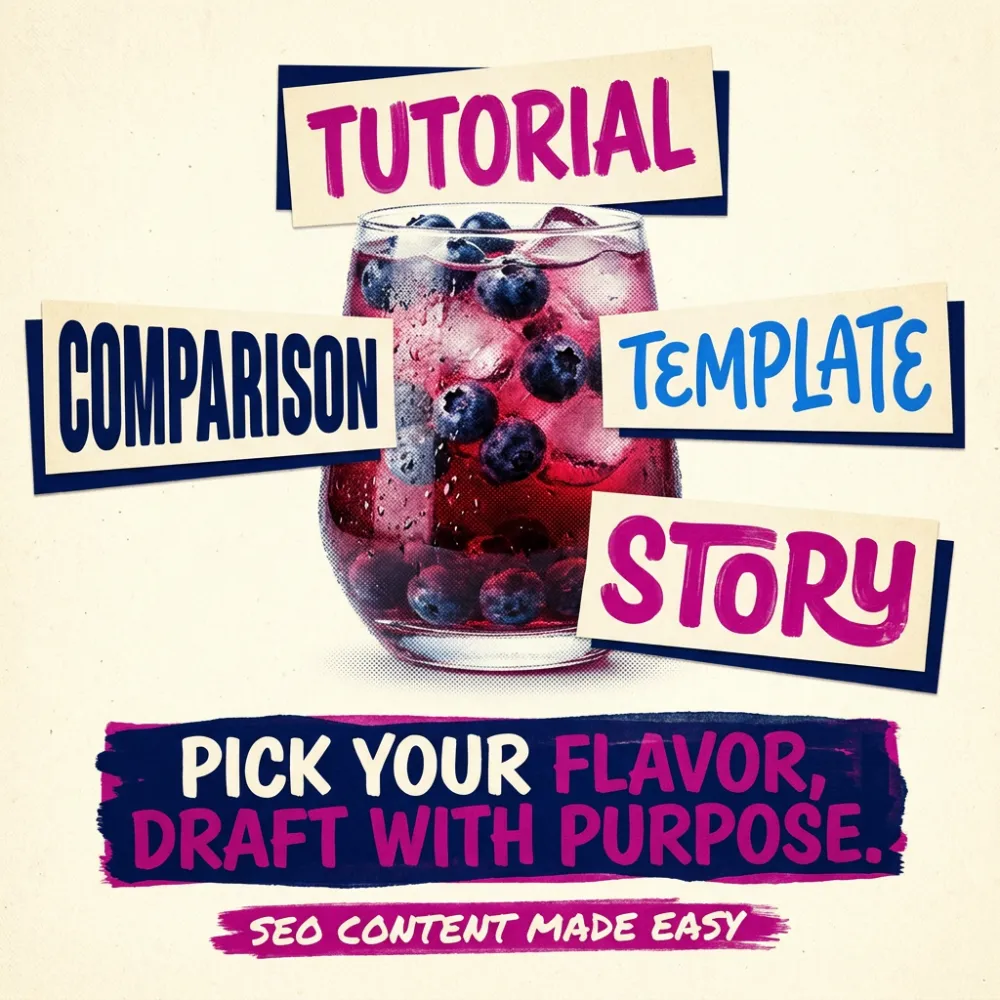
AI content often feels flat when every topic receives the same article shape. Search intent is the first routing decision. A reader looking for a template needs a different path from a reader comparing tools or learning a new concept.
Before drafting, ask what the reader wants to leave with. For an AI agent workflow article, the useful answer is a working method: how to move from idea to brief, from brief to assets, and from assets to publishable campaign material.
Map the System Before Producing the Pieces
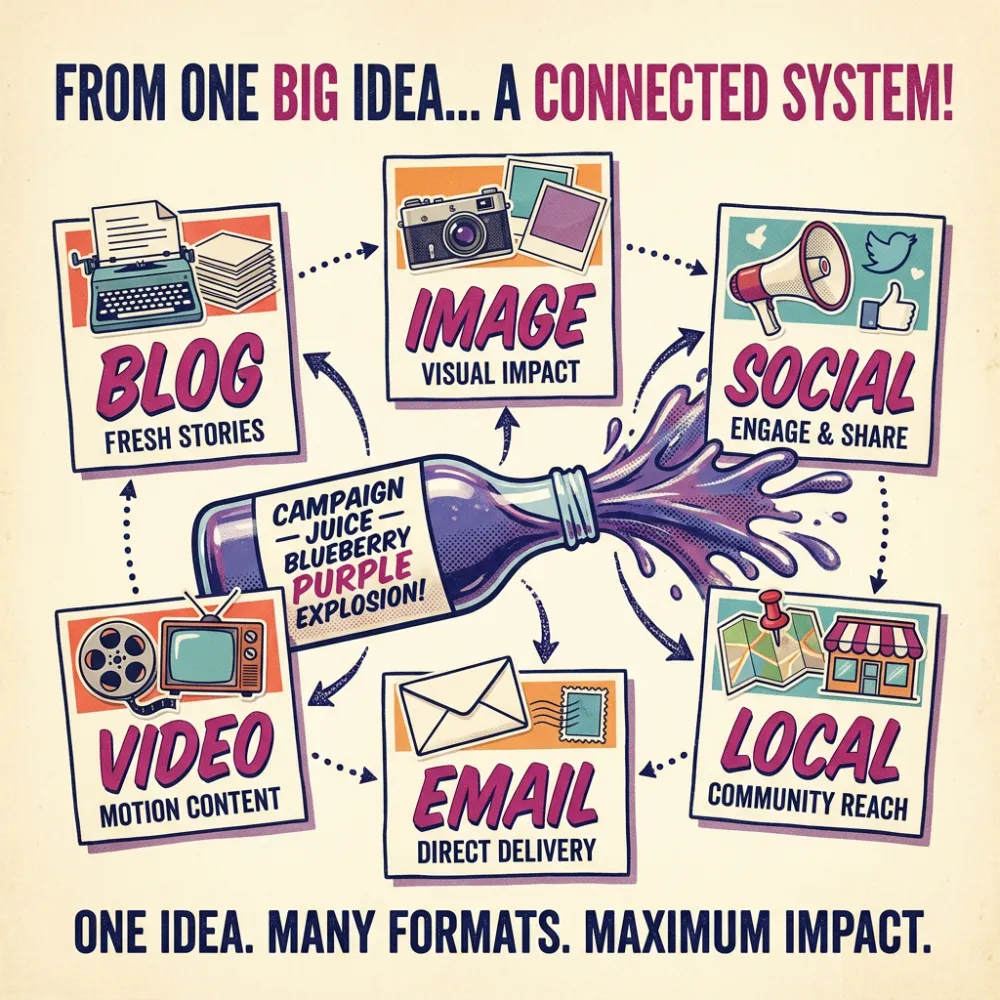
The strongest agent workflows begin with the whole campaign map. Blog, image, social, video, email, and localization should feel like different pours from the same bottle. Each format has its own job, yet the campaign flavor stays recognizable.
In iMini, that map can become visual quickly. You can sketch the blog structure, generate section images, test prompt directions, prepare social variants, and build a review wall before the campaign becomes scattered across disconnected tools.
Prompt Like an Editor With Taste
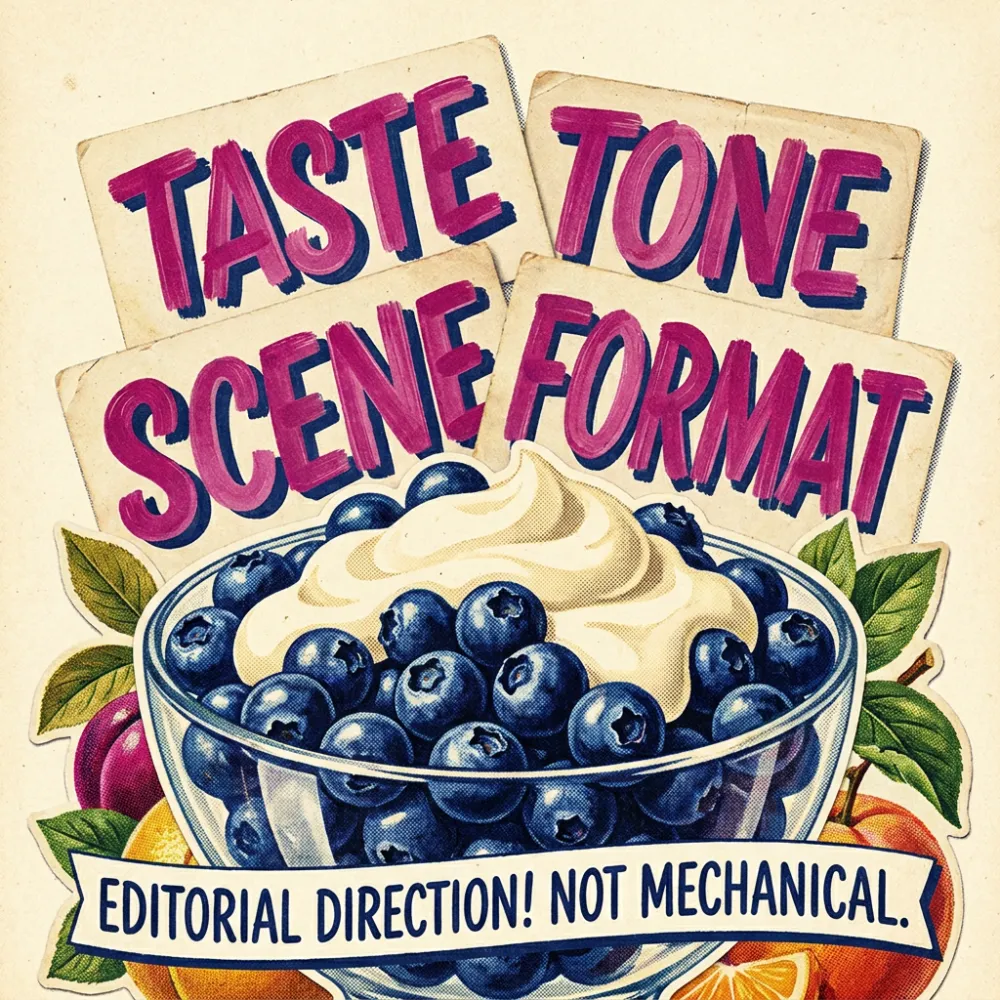
Prompting improves when it moves beyond commands. A useful prompt carries editorial taste: the subject, the audience, the scene, the mood, the format, the level of detail, and the reason the asset exists.
For visual work, that means asking for the picture to do a job. A section image can explain a brief, show a decision point, compare variants, or make an abstract process memorable. Pretty images help for a second; useful images keep the reader moving.
Prompt template: Act as an iMini campaign editor. Turn this idea into a publishable content system with reader intent, campaign promise, article outline, seven image directions, three social variants, two video hooks, localization notes, review checklist, and an About iMini section. Keep the same visual flavor across every asset.
Create Variants Without Losing the Flavor
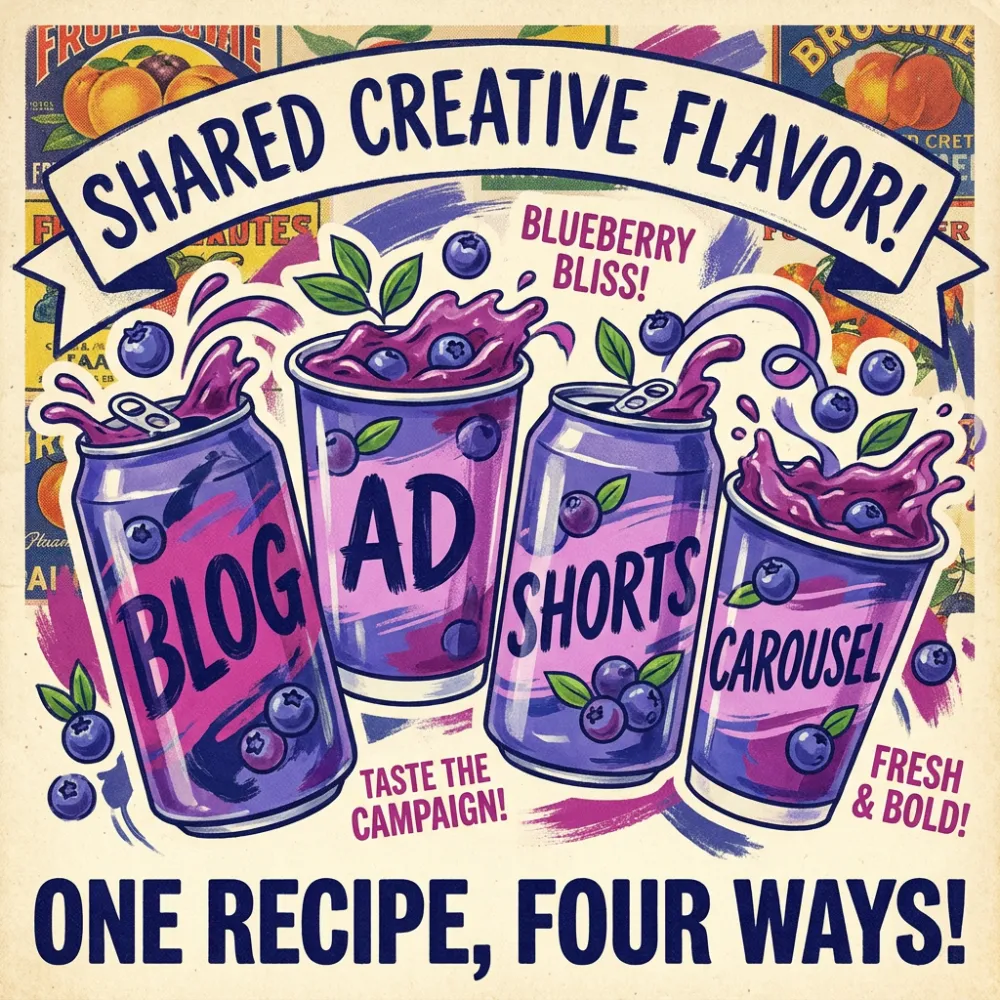
A blog header, a carousel, a short video hook, and an ad concept should not look identical. They should feel related. The reader should be able to move from one format to another and still recognize the same promise.
This is where iMini becomes more than an image generator. It helps the creator treat visual direction as a system: color, product metaphor, typography, prompt language, crop, and channel purpose all stay visible while new variants are made.
Keep Human Review Close to the Work
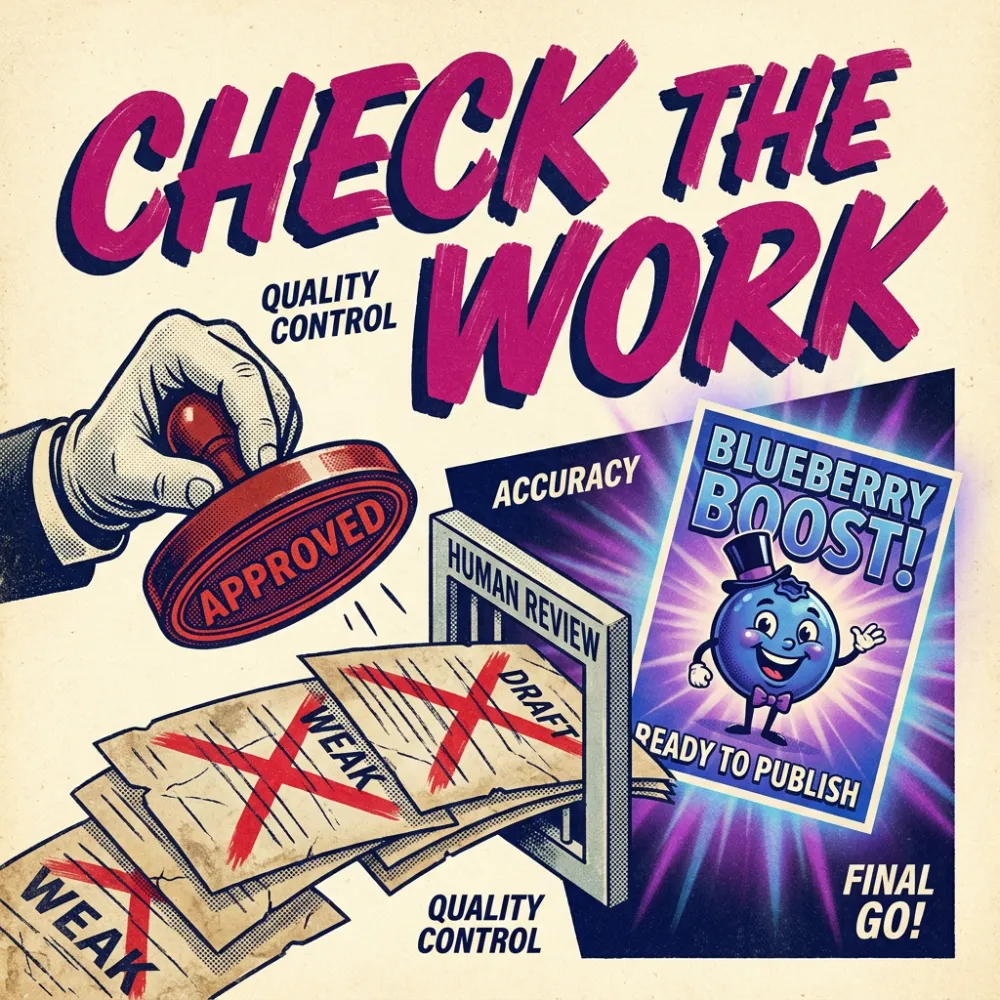
Agent workflows need a visible review gate. The editor checks factual claims, removes filler, catches translation stiffness, compares images against the brief, and asks whether each asset would help a real reader make progress.
This step is where the article gains depth. The agent can produce options; the editor gives the work a point of view. Good review turns a pile of outputs into a campaign that feels intentional.
About iMini
iMini is an AI creative workspace for turning ideas into usable visual and written assets. For agent workflows, iMini works as the creative table where the brief, prompt directions, images, campaign variants, and review decisions stay connected.
That connection is valuable for SEO articles because readers need more than an explanation. They need a method they can repeat, images that clarify the method, and examples that make the workflow feel doable. iMini helps turn the article from commentary into a working content system.
FAQ
What should an AI agent workflow produce first?
Start with a short campaign brief and an article map. Those two assets keep the rest of the workflow aligned.
Where does iMini help most?
iMini is strongest when the workflow needs visual direction: section images, prompt cards, campaign variants, review boards, and assets that support SEO content.
How do you make AI agent content feel less generic?
Give the workflow a specific reader, a strong promise, a visual metaphor, and a review pass that removes filler. The more taste you put into the brief, the more useful the outputs become.
Conclusion
The real advantage of an AI agent workflow is momentum with taste. A creator can move from one idea to a full set of campaign assets without losing the thread that made the idea worth publishing in the first place.
Build the brief carefully, map the system early, use iMini to make the work visual, and keep review close. That is the difference readers can feel when an AI-assisted article has been guided by a person with a clear point of view.