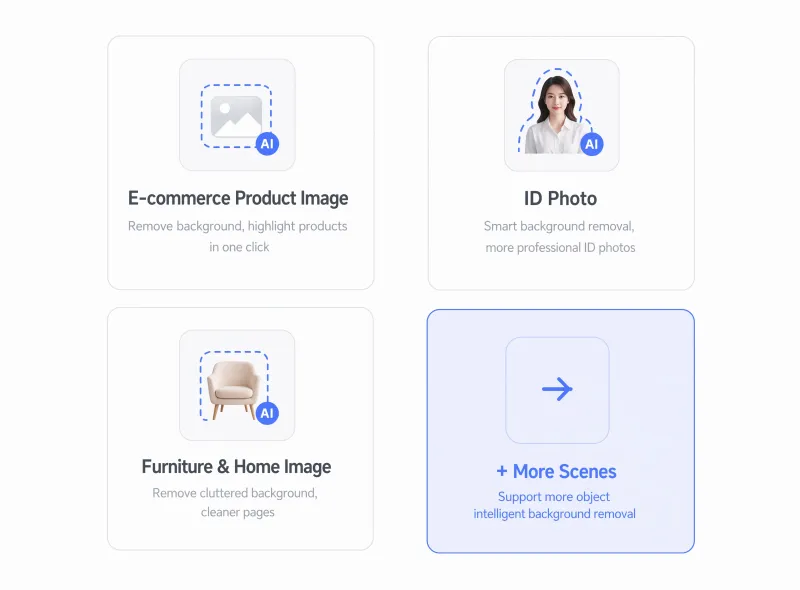
Remove Any Image Background InstantlyPrecise edges, transparent PNG, custom scenes — ready in seconds


Remove Any Background in 3 Steps
Upload Your Image
Supports JPG, PNG, and WebP — phone photos work perfectly fine too.
Describe the Output
Choose a preset or describe your goal: white background, transparent PNG, or any custom scene.
Download and Use
Precise cutout ready in seconds — perfect for e-commerce, social media, or any design tool.
Professional Background Removal at Every Detail
Pixel-perfect edge detection
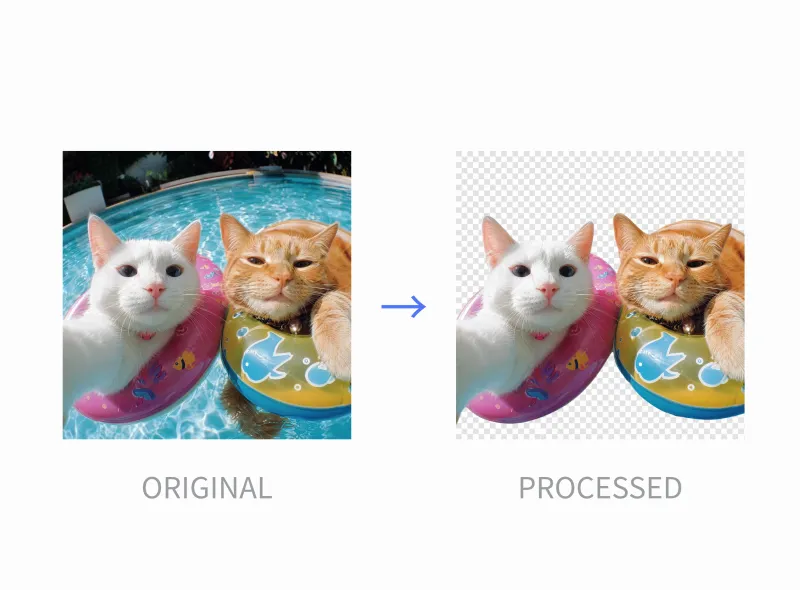
Hair strands, fur, lace, semi-transparent fabric — all cut out to the pixel. No manual masking, no jagged edges.

One-click white background
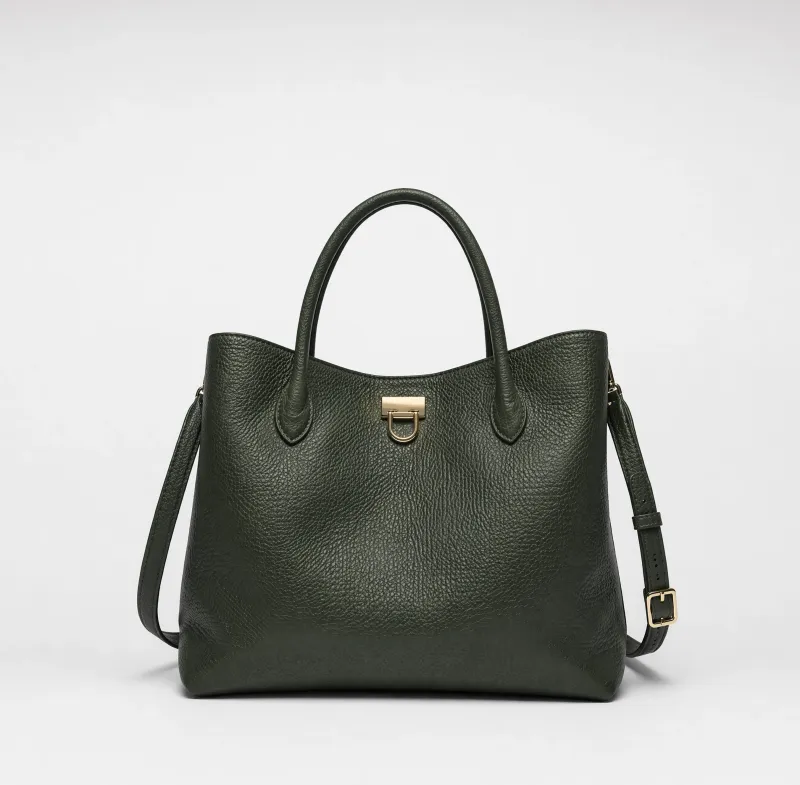
The must-have output format for online stores. Upload a product photo, get a clean studio-grade result ready for any platform.

Replace with any background
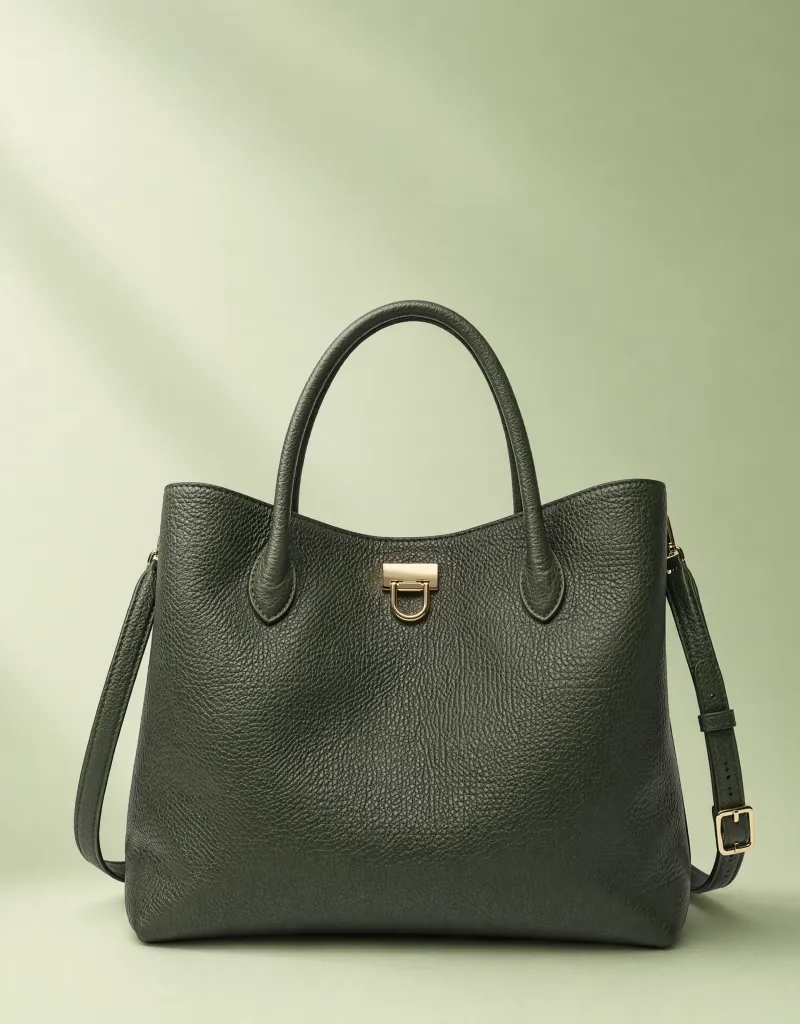
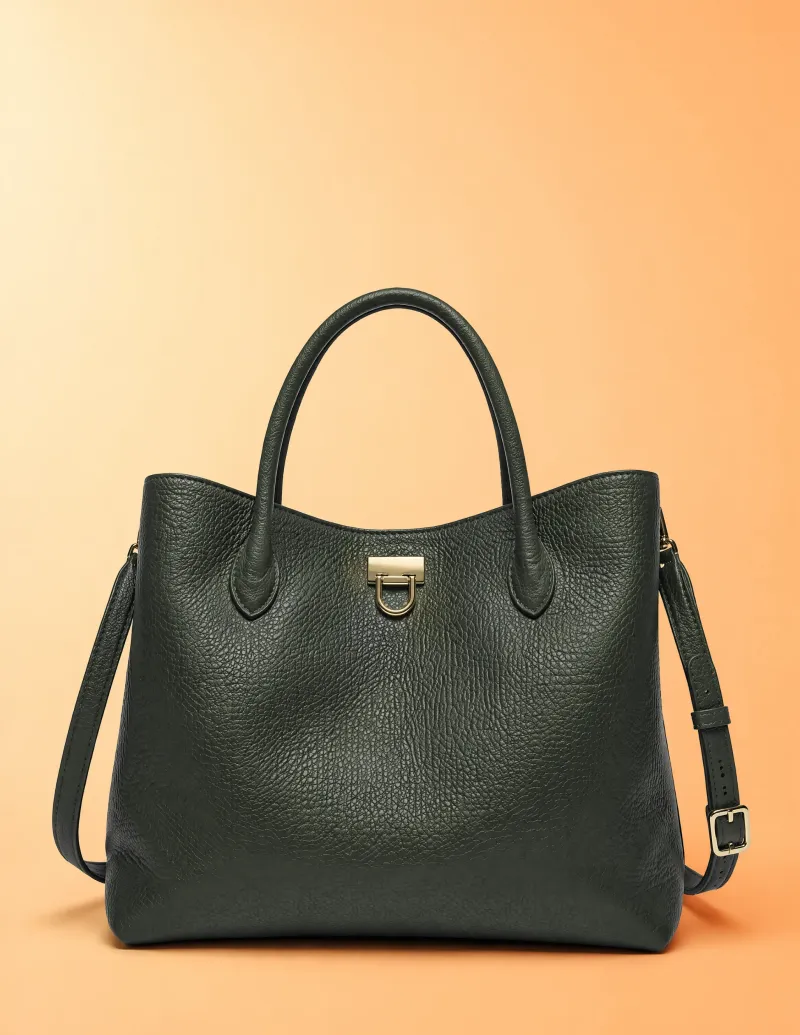
Don't just remove — replace. Describe a new scene and iMini AI blends your subject naturally into it. No compositing skills needed.

Trusted by creators and sellers worldwide
"I used to spend 20 minutes per product photo in Photoshop. With iMini AI I do 50 photos in the time it used to take for one."
"The hair and fur detail is genuinely impressive. I've tried every background remover out there — this one actually works on difficult subjects."
"Background replacement is the killer feature. I describe a scene, the AI drops my product into it perfectly. Client turnaround went from days to hours."
Everything about AI Background Removal
Tips for better AI image editing
blog.subtitle
Remove backgrounds in one click
cta.description
No credit card required.