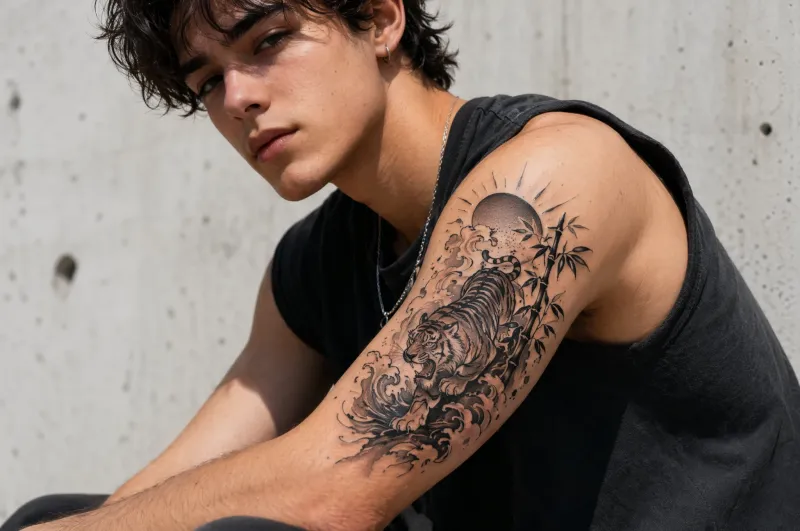
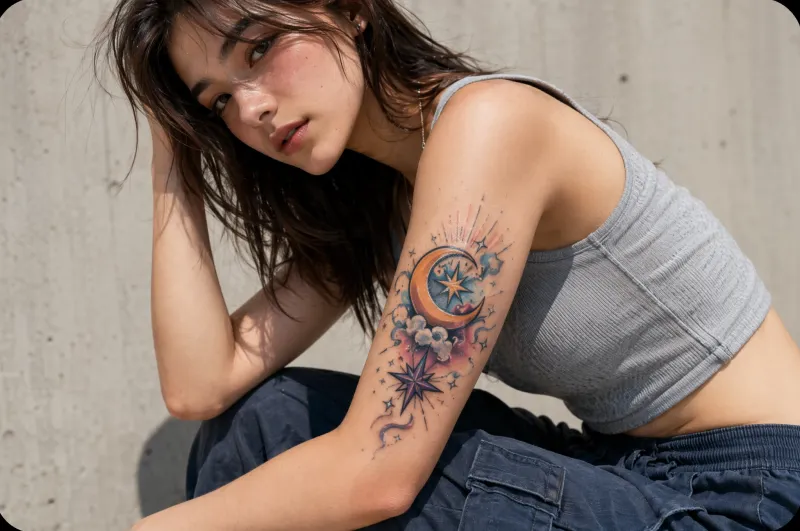
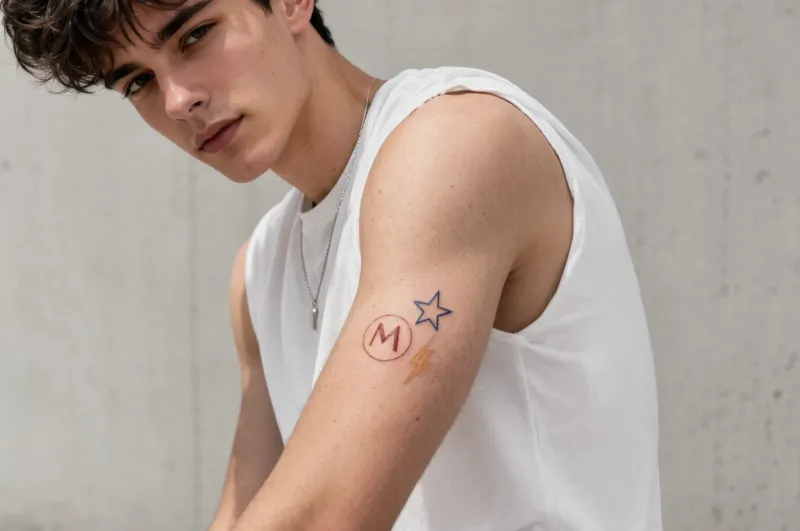
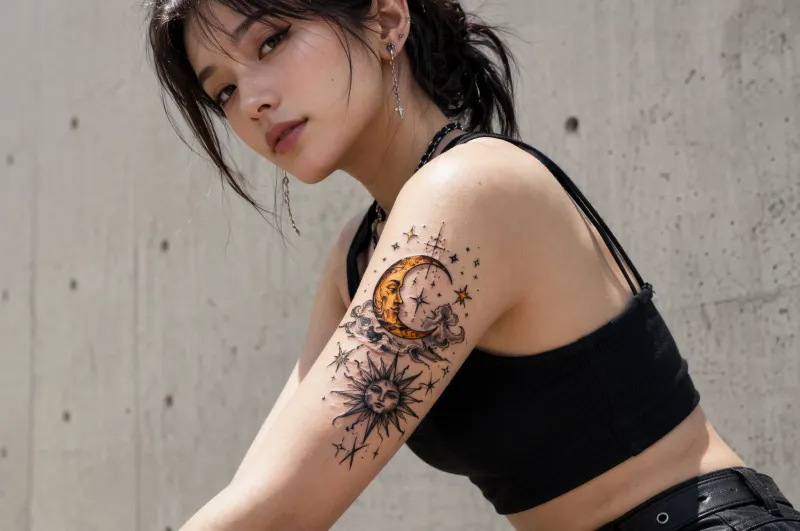
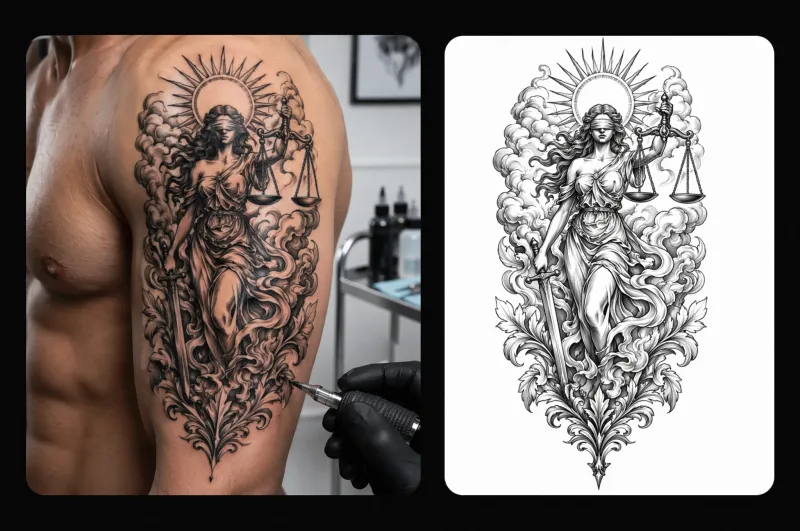
Generate Custom Tattoo Designs with AIFine line, blackwork, geometric, watercolor — any style, any idea, ready in seconds

Fine Line Floral
Geometric Wolf
Watercolor Koi
Blackwork Mandala
Japanese Sleeve
Minimalist Script
How It Works

How to Create a Tattoo Design with AI in Three Steps

01

Describe Your Idea

Type what you want — motif, style, mood, and placement. The more specific, the better the result.

02

Choose a Style

Pick from fine line, blackwork, geometric, watercolor, traditional, neo-traditional, and more.

03

Download Your Reference

Export your design at full resolution and bring it straight to your tattoo artist.

Features

Why Tattoo Enthusiasts and Artists Use iMini AI

Style Library

Every style. One generator.

From delicate fine line to bold traditional

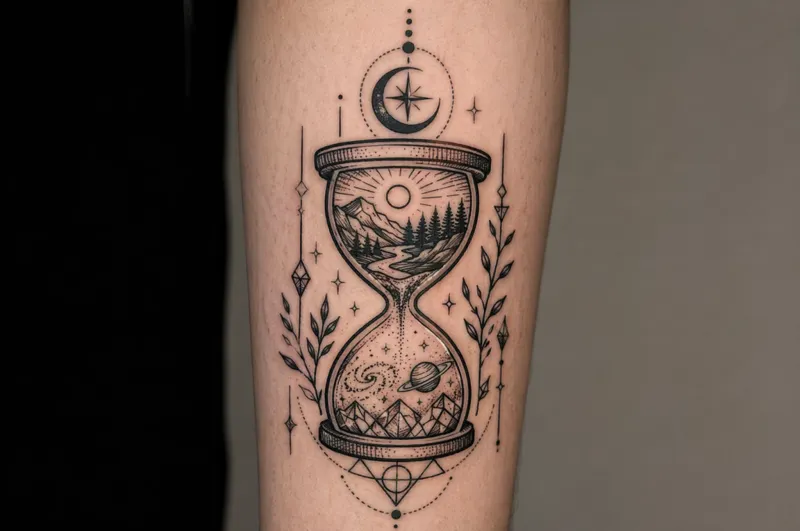
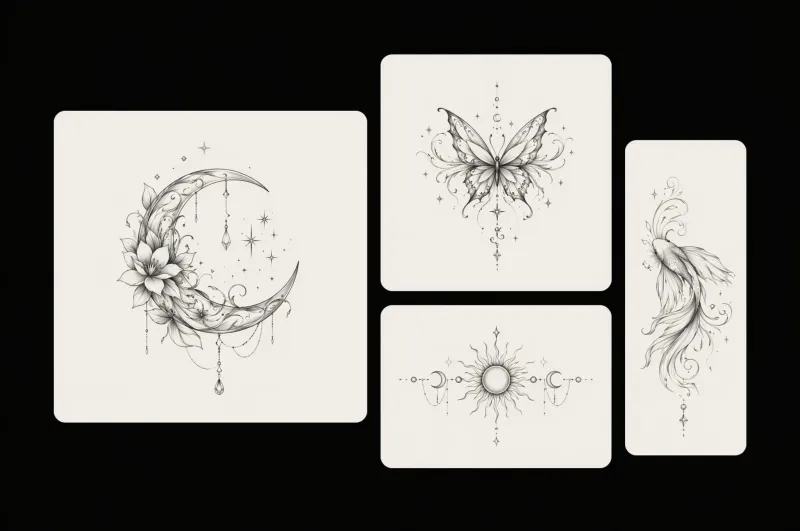
Choose from over 50 tattoo styles — fine line, blackwork, geometric, watercolor, Japanese, neo-traditional, tribal, and more. iMini AI adapts your concept to the aesthetic you actually want.

50+tattoo styles
Every style. One generator.
Placement Preview

See it on skin before ink.

Realistic placement visualization

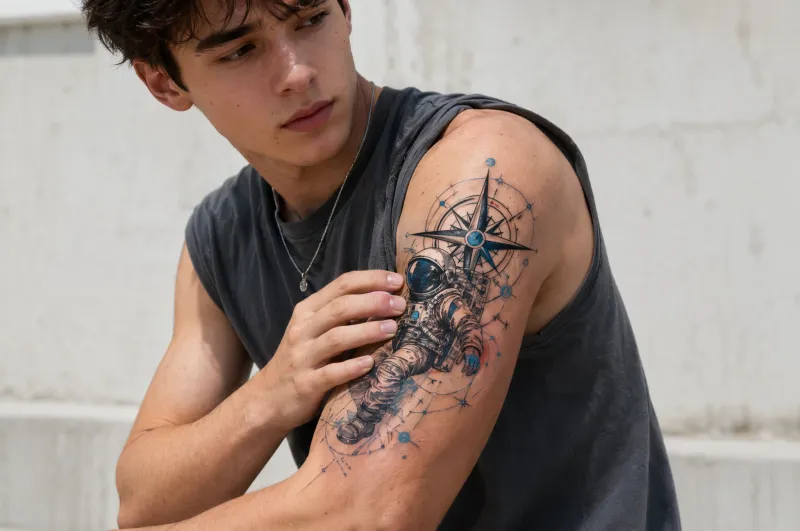
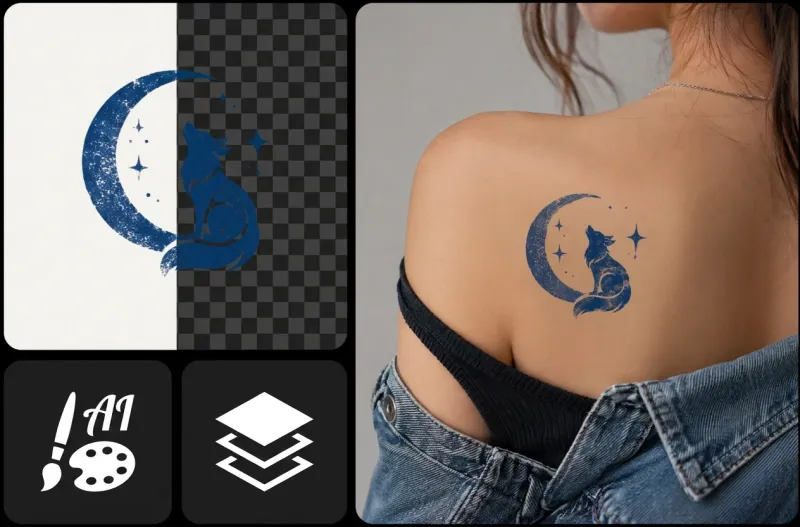
Preview your design on realistic body placement references — wrist, forearm, back, shoulder, and more. Know exactly how it will look before you ever sit in the chair.

100%true-to-life preview
See it on skin before ink.
Artist-Ready

Print-ready for your artist.

High resolution, clean lines

Every design exports at full resolution with clean, sharp lines — exactly what a tattoo artist needs to work from. No blurry references, no guesswork.

HDexport quality
Print-ready for your artist.
Testimonials

Trusted by tattoo enthusiasts and artists worldwide

★★★★★

"I had an idea in my head for years but couldn't describe it properly to any artist. iMini AI generated exactly what I imagined in under two minutes — my artist was thrilled."

Sara K.
Tattoo Enthusiast
★★★★★

"Clients used to bring me blurry Pinterest screenshots. Now they arrive with clean, high-res references from iMini AI. Consultations are 10x faster."

Marco R.
Tattoo Artist
★★★★★

"I was nervous about committing to a design I'd never seen. The placement preview on iMini AI let me visualize it on my forearm first. No more guessing."

Jamie L.
First-Time Client
FAQ

Frequently Asked Questions

An AI tattoo generator turns a text description into a visual tattoo design reference. On iMini AI, you describe your motif, style, and placement, and the tool produces a detailed design you can bring straight to your tattoo artist.
Blog

AI creative guides to inspire your next design

Prompt frameworks, model comparisons, and creative tutorials from the iMini AI team.

Explore more AI tools on iMini AI

Design your next tattoo with AI

Access the AI tattoo generator alongside every top image model — all in one workspace on iMini AI.

Free to start. No credit card required.