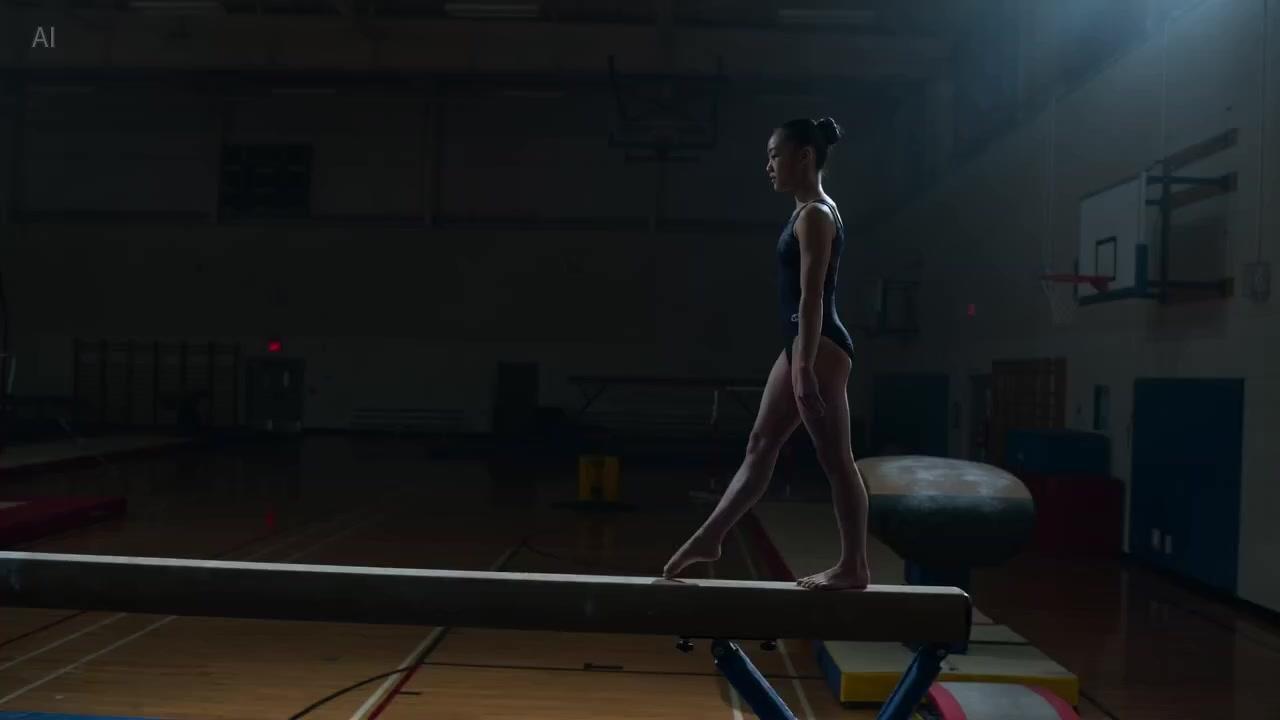
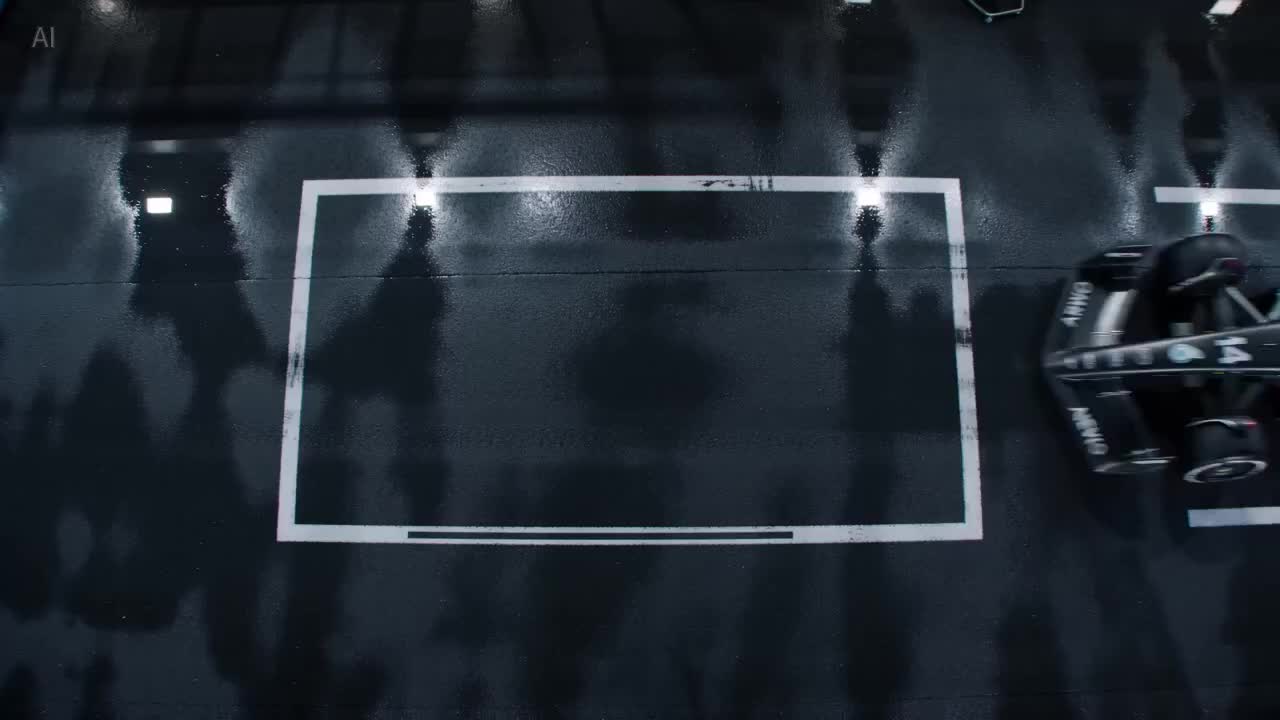
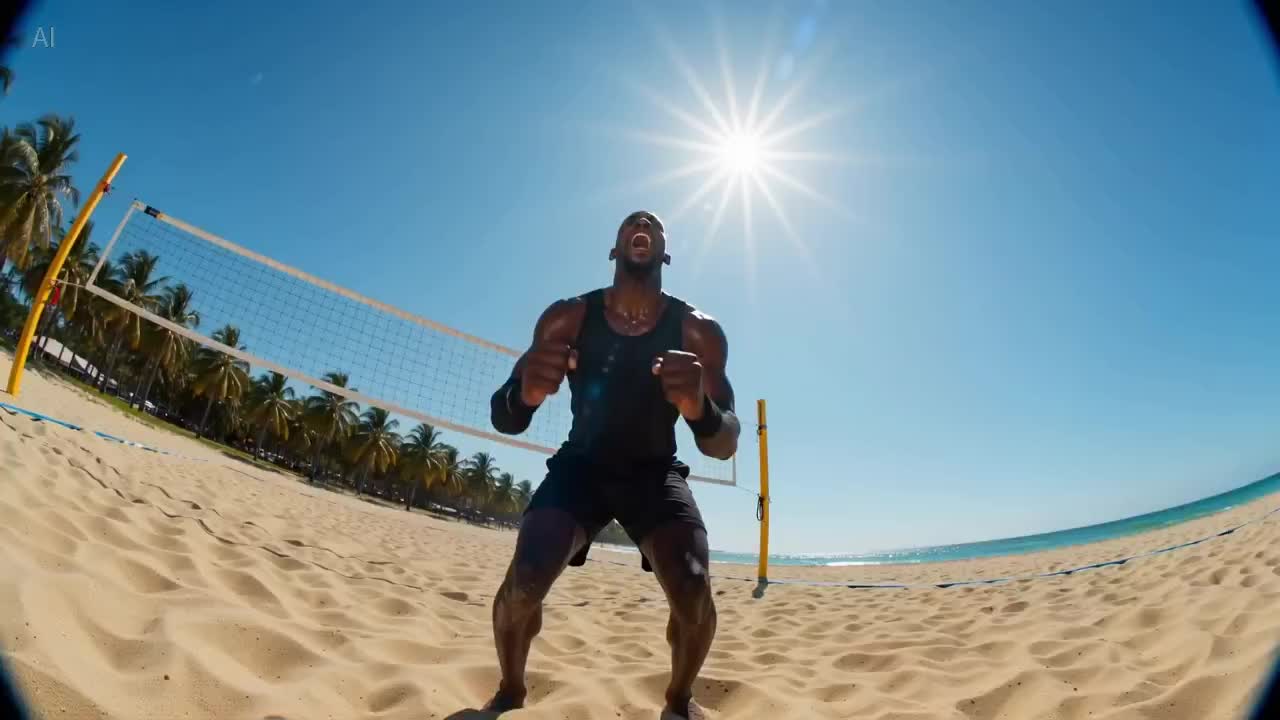
より速いバッチ反復のテイク
1日に複数ラウンドの構図・ペーシング確認を行うのに適しています。まず Mini で明らかに使えないショットを絞り込み、通過した案だけをアップグレードしましょう。
ByteDance・Seedance 2.0 Mini
Seedance 2.0 Mini は Seedance 2.0 ファミリー内の軽量ティアです。仕様要件を比較的緩めに設定した高速バッチ反復向けに作られており、構図・カメラワーク・ペーシングが成立するかを確認するための下書きとプレビューとして使い、承認された案を仕上げクリップの磨き込みのために Seedance 2.0 や Seedance 2.5 へ移動させます。ストーリーボードのテイクや社内レビュー、大量の候補ショットの選定に適しています。iMini の動画ワークスペースで Seedance 2.0 Mini を選択して利用してください。
1日に複数ラウンドの構図・ペーシング確認を行うのに適しています。まず Mini で明らかに使えないショットを絞り込み、通過した案だけをアップグレードしましょう。
プロンプトと参照の作法は Seedance 2.0 / 2.5 にそのまま持ち込めます。テイクが通過した後、アップグレード時にプロンプト一式を書き直す必要はありません。
解像度や最大クリップ長が極端な要件でない場合は、まず Mini で構造チェックを行いましょう。特に社内レビューと候補ショットのライブラリ構築に向いています。
ナラティブクリップの最終仕上げには、まず Seedance 2.0 へ。約30秒の単発撮り切りやより大きな参照スケールが必要な場合は Seedance 2.5 へ進みましょう。
いずれも Seedance ファミリーの一部です。違いはバッチ反復の速度・仕上げクリップの仕様、そして今がテイク段階か最終仕上げ段階かによって決まります。
| 項目 | Seedance 2.0 Mini | Seedance 2.0 | Seedance 2.5 |
|---|---|---|---|
| クリップ長 | 短いプレビューティア | 数秒〜10秒クラスが一般的 | 約30秒のネイティブ単発撮り切り |
| 解像度 | プレビュー志向のティア | HD/上位ティア | HDティアあり |
| ネイティブ音声 | ワークスペース参照 | ワークスペース参照 | ワークスペース参照 |
| マルチモーダル参照 | テキスト/画像(ティアによる) | テキスト・画像・音声映像の多参照 | 全モダリティ対応の多参照(公式約50) |
| モーション・物理表現 | 構図とペーシングの検証を重視 | ナラティブの一貫性を重視 | 長い区間での一貫性を重視 |
| こんな時に選ぶ | 下書き、クイックテイク、案の選定 | ブランド広告とナラティブクリップの最終仕上げ | 広告セグメントや短編ドラマのワンシーンを1回で生成したい |
構図とペーシングが成立するかを、高速な複数ラウンドのテイクで確認したい場合。
テイクが通過し、ブランド広告やナラティブクリップの最終仕上げに進む準備ができた場合。
より長い単発撮り切り、あるいはより大きな参照スケールで1つのワンシーンを語りたい場合。
ワークスペースを開いてからプレビューを書き出すまで、3ステップで完了します。
iMini の動画作成画面でSeedance 2.0 Miniを選択します。
まずショットの意図を明確に記述し、通過したら同じプロンプト一式を上位ティアに持ち込みます。
プレビューが通過したらエクスポート、または最終仕上げのために Seedance 2.0 / 2.5 に移行します。
クォータ、位置づけ、アップグレードパスについて。
高速なテイクを重ね、その後最終仕上げへアップグレード。動画ワークスペースを開けばすぐに使えます — 別途ベンダーのAPIキーは不要です。
別途ベンダーのAPIキーは不要です。