
AI Video Ads: A More Useful Way to Plan Product Campaigns with iMini
Published on July 3, 2026
Most weak AI video ads feel weak before a video model ever touches them. The product is there, the prompt is there, the output may even look polished, yet the viewer still has no reason to care in the first three seconds.
The useful work starts earlier. You decide what the product moment is, why the first frame should stop someone, which proof point deserves screen time, and how many versions are worth testing before production gets expensive.
Start With the Moment People Understand
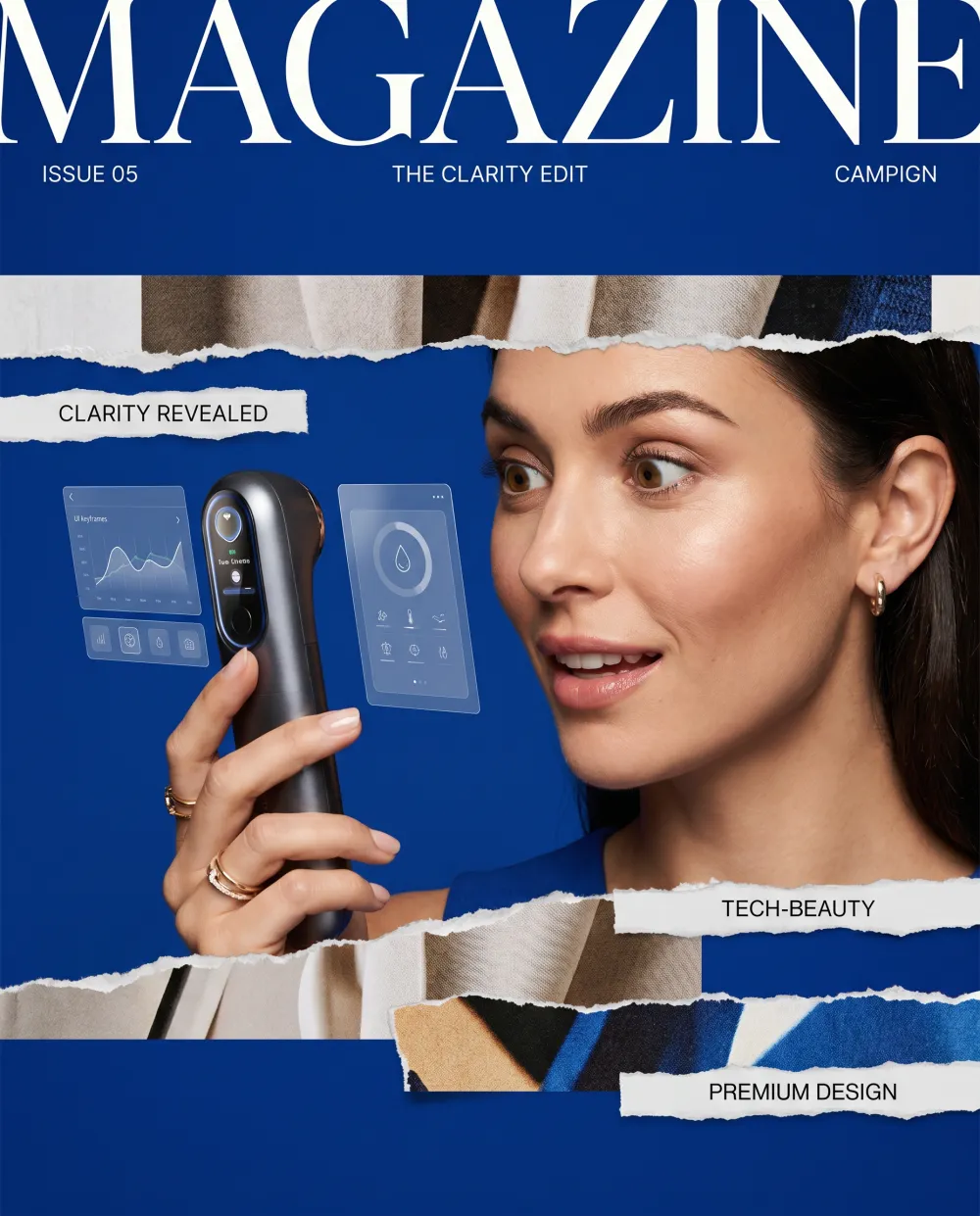
A good product ad has one clear moment where the viewer suddenly understands the value. For a skincare product, it may be the texture on skin. For software, it may be a dashboard changing from chaos to order. For a physical gadget, it may be the small movement that makes the use case obvious.
I like to write that moment in one sentence before writing a script. If the sentence sounds vague, the ad will usually become vague too. iMini helps here because you can explore that moment visually as a still image before asking any video tool to animate it.
The Hook Is a Visual Decision
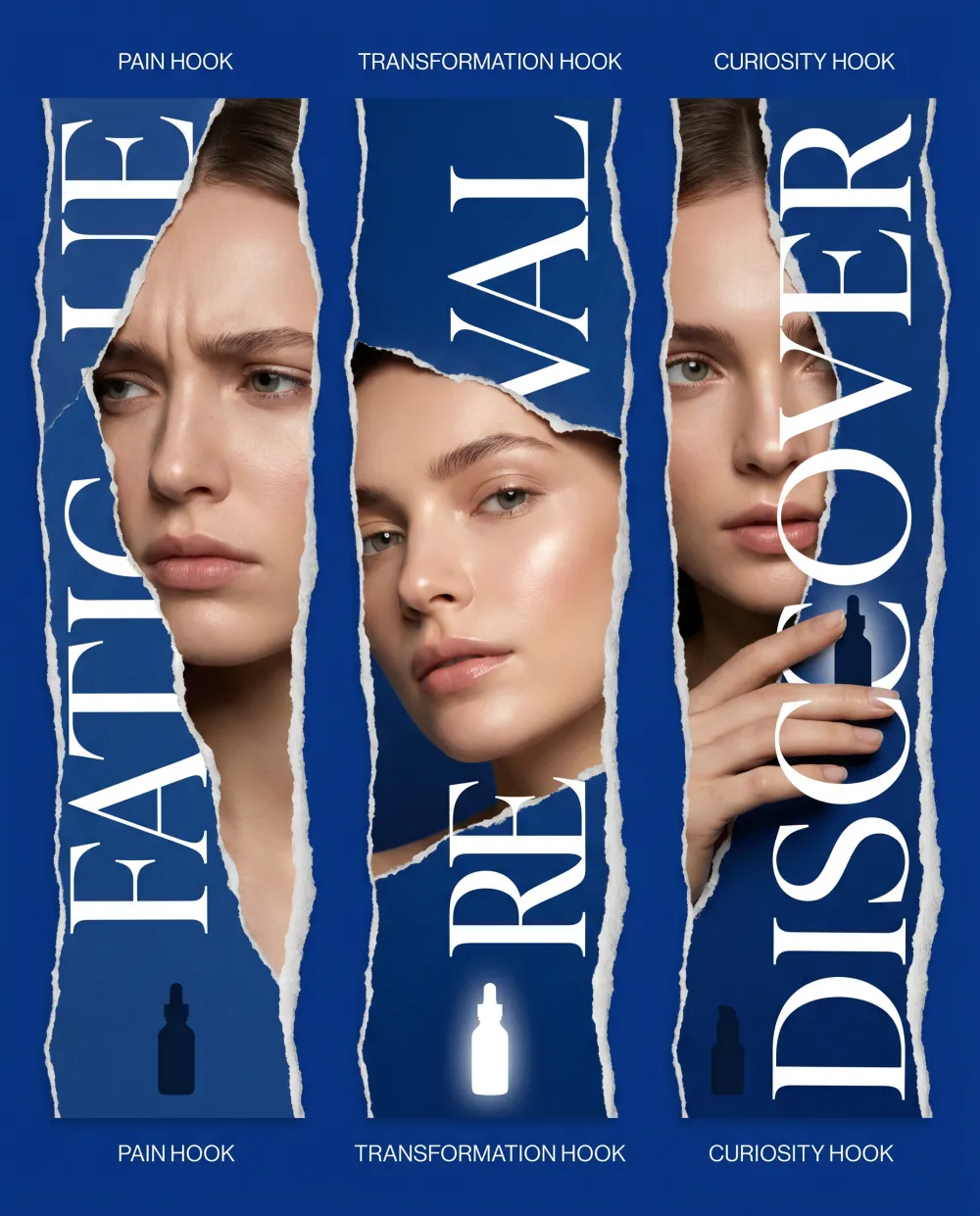
Teams often treat the hook as copy. In short-form ads, the hook is also a frame, a face, a motion, a product angle, a color contrast, and a promise that can be understood without sound.
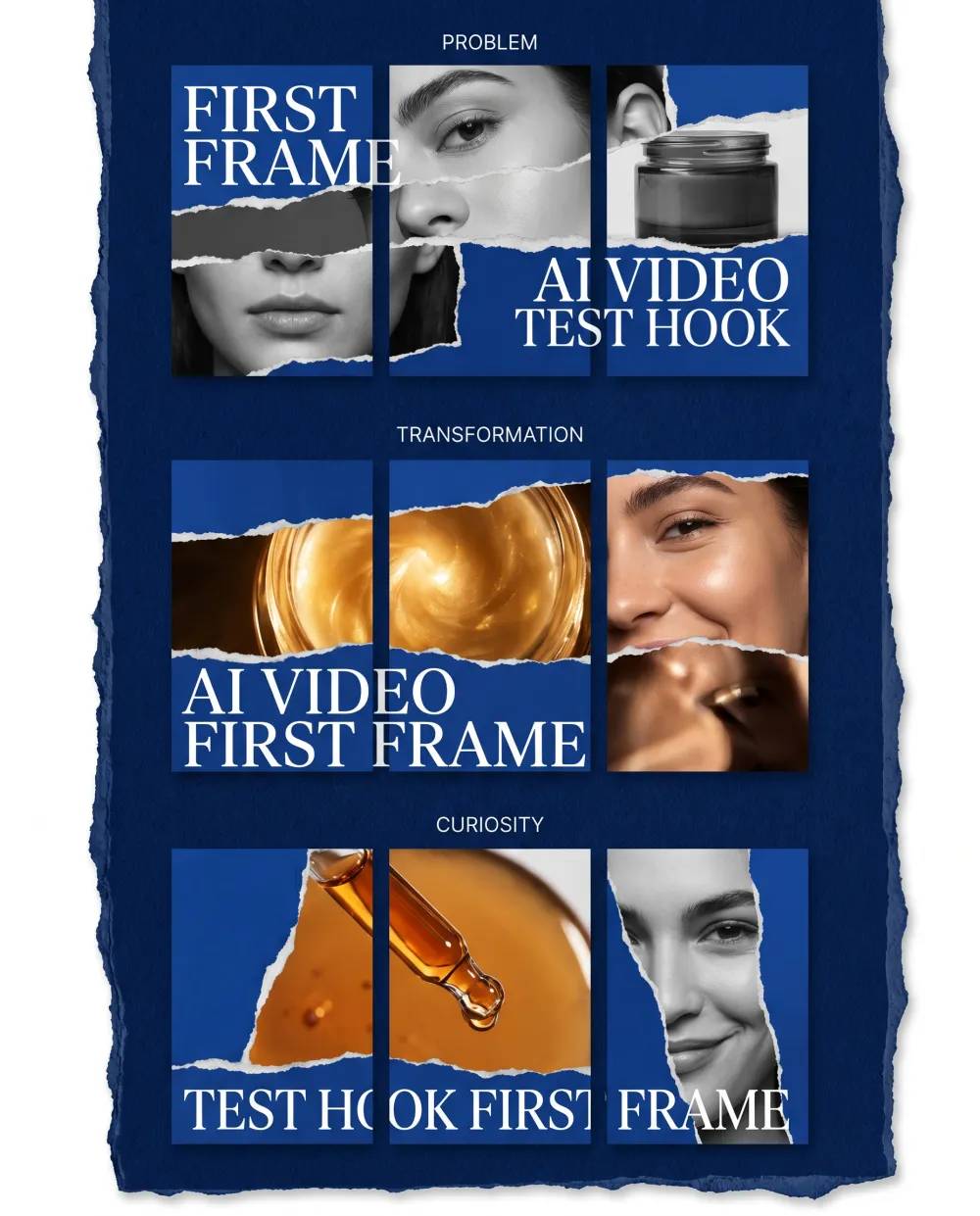
For each campaign, build three hooks: one that names the pain, one that shows the outcome, and one that creates curiosity. Then make a first-frame image for each. When the first frame is strong, the script suddenly becomes easier to judge.
Use iMini as the Creative Table Before Production
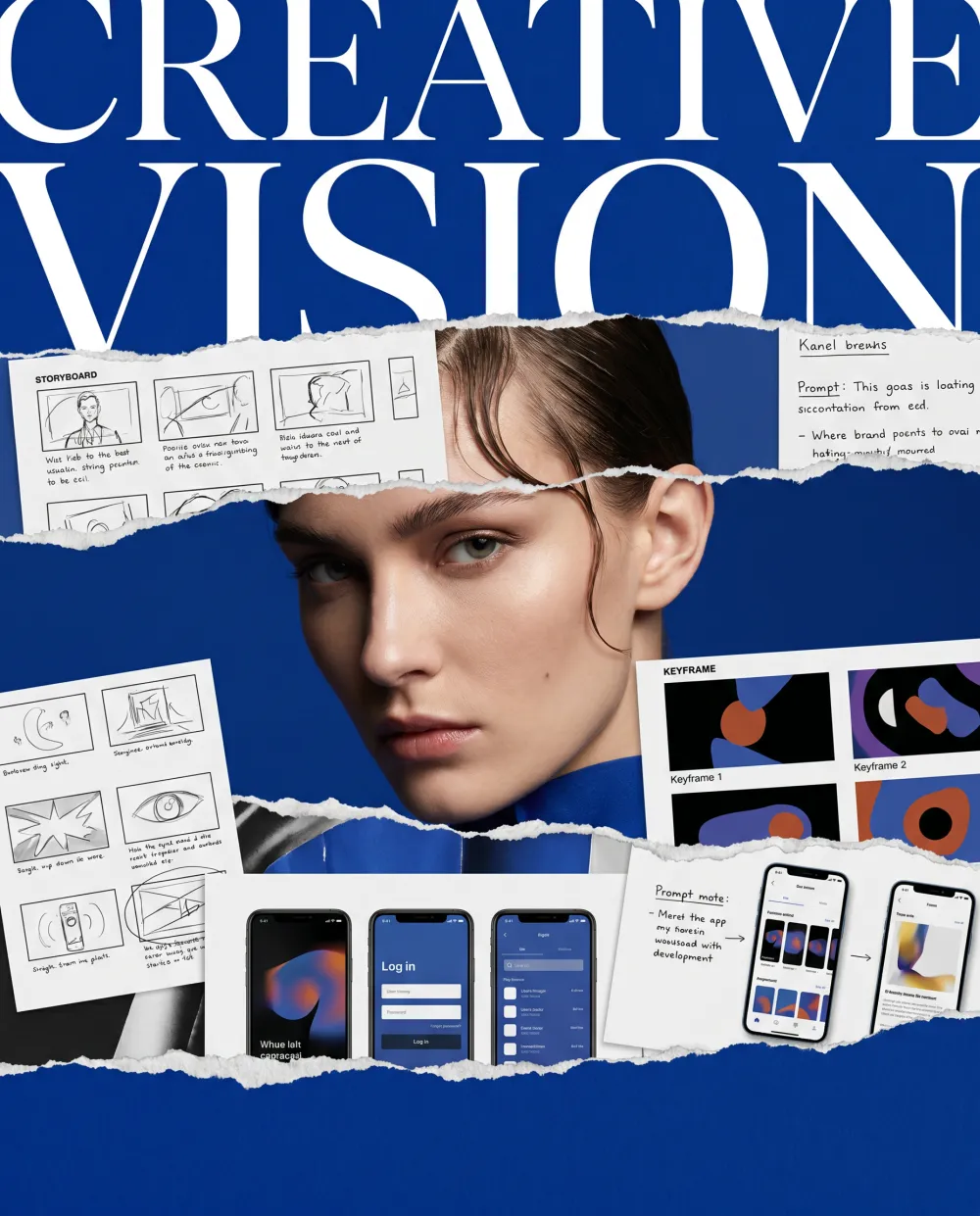
iMini is most useful when it becomes the place where rough ideas become visible. You can test product scenes, audience angles, lighting, headline language, keyframe prompts, and campaign moods without pretending the first version is final.
This matters because AI video production rewards specificity. A storyboard with clear stills gives the video model a stronger direction. A brief with only adjectives gives it too much room to wander.
A Practical Workflow I Would Actually Use
1. Write the product promise in plain language
Use a sentence a customer would understand. Skip internal product wording. If the promise only makes sense to the team, it needs another pass.
2. Choose one product moment
Pick the moment the viewer should remember after the ad ends. Do not try to show every feature in fifteen seconds. A crowded ad usually feels like a brochure moving too fast.
3. Make three first frames
Generate three stills in iMini: problem, transformation, and curiosity. Put them next to each other and ask which one would make someone pause with no audio.
4. Build a five-shot storyboard
The five shots can be simple: hook, product moment, proof, use case, and call to action. This keeps the ad focused while leaving enough room for rhythm.
5. Create variants before choosing a winner
Make one demo version, one lifestyle version, one offer-led version, and one educational version. If all four feel the same, the campaign idea is too narrow.

The Small Details That Change Performance
Thumbnail clarity matters more than teams admit. A beautiful frame that cannot be understood at phone size is a weak ad asset. Faces, product silhouettes, readable contrast, and one obvious action usually do more than decorative complexity.
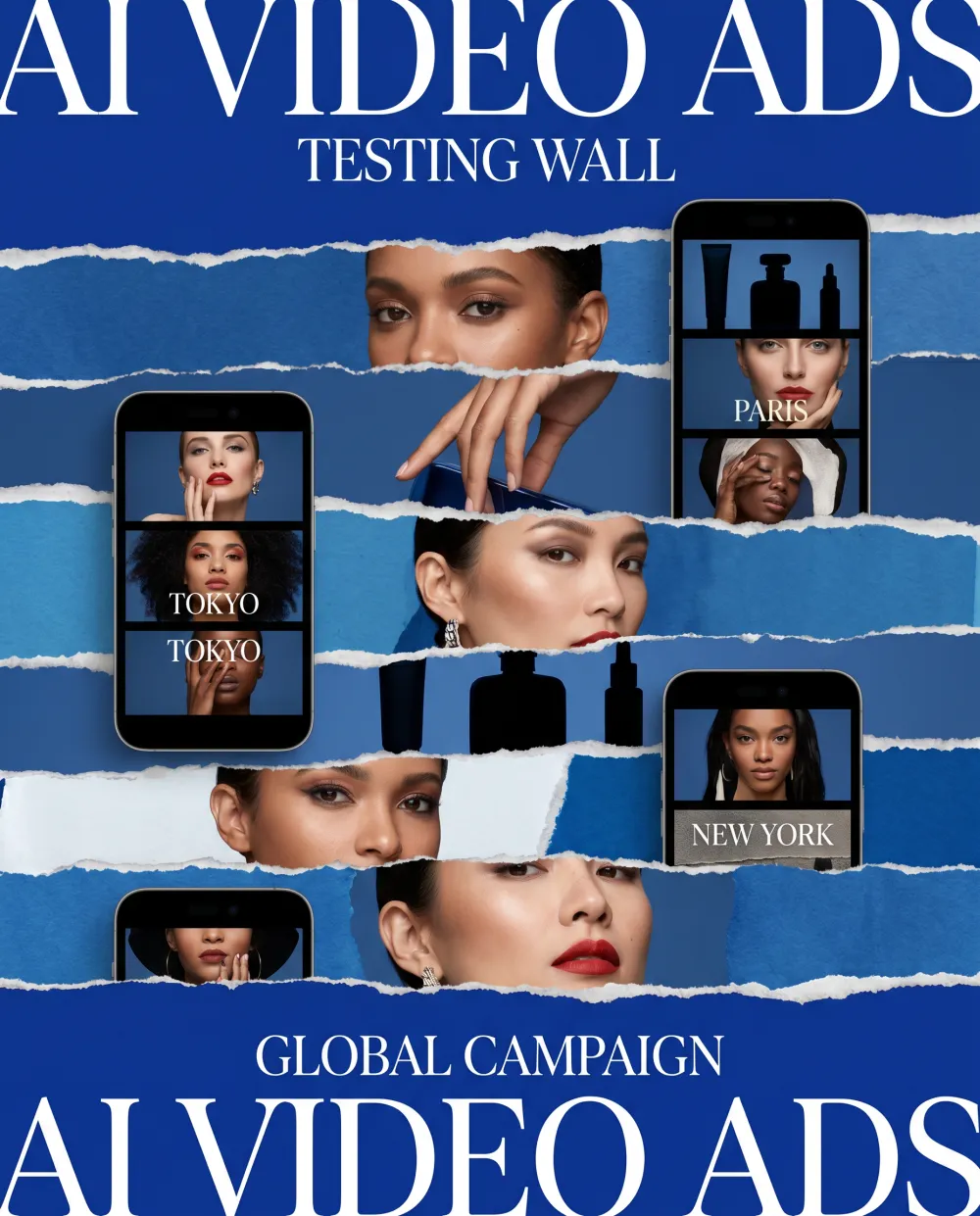
Localization also deserves earlier attention. A translated caption is only one layer. The pace, proof point, offer, and product scene may need to change for another market. iMini is useful because you can make localized visual directions before producing separate videos.
A Prompt Template for Better AI Video Ad Planning
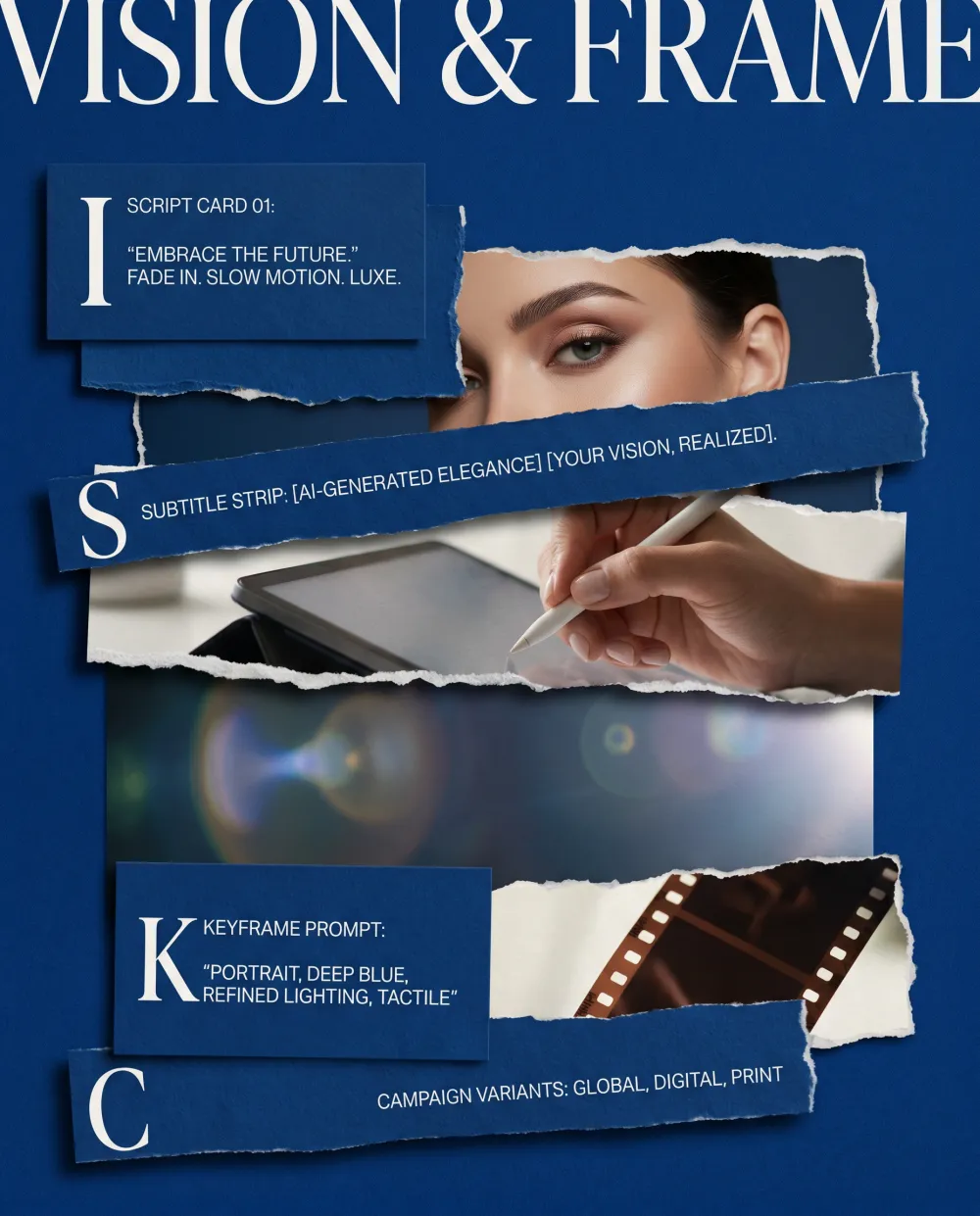
Create an AI video ad plan for this product in iMini. Define the target viewer, the product promise, the one product moment, three first-frame hooks, a 15-second script, a five-shot storyboard, keyframe prompts, visual style notes, subtitle direction, and four campaign variants. Keep every choice practical enough for a small team to produce.
The value of this prompt is the order. It asks for the thinking before the polish. Once the thinking is visible, you can improve the campaign instead of endlessly regenerating clips and hoping one feels right.
About iMini
iMini is an AI creative workspace for turning ideas into visual assets, prompts, and campaign directions. For AI video ads, it works especially well as the planning layer: the place where you shape the ad before committing to full video generation.
That planning layer gives small teams more taste and control. You can see the idea, compare alternatives, make the brief sharper, and enter production with assets that already carry a point of view.
Conclusion
AI video ads become more useful when you stop treating generation as the first creative step. Start with the moment, test the first frame, build the storyboard, and use iMini to make the idea visible while it is still easy to improve.
The best campaigns often come from this slower-looking early work. It saves time later because the team is no longer asking a model to guess the strategy.