
How to Make Social Media Visuals: 8 AI Image Ideas for Posts, Stories, and Ads
July 10, 2026
Social media visuals have to do more than look good. They need to stop the scroll, explain the point quickly, and still feel consistent with your brand after being cropped into a square post, a vertical story, or a small ad preview.
The easiest workflow is to separate the job into three parts: decide the content goal, generate a clean visual base, then add text and final brand details after the image is ready. That keeps the image flexible and avoids unreadable AI-generated words.
Below are eight social media image directions you can build in iMini. Use them as prompt ideas, moodboard starters, or reusable templates for your next campaign.
8 Social Media Visual Ideas You Can Create With AI
1. Carousel Cover
A strong carousel cover should communicate one clear topic before the user swipes.
Create a square social media carousel cover for an AI image workflow. Show layered content cards, abstract phone-screen frames, a creator-studio setting, and a clear open area for a headline. Use polished modern marketing lighting, strong depth, and a premium editorial feel. No readable text, no logos, no watermark.
2. Story Background
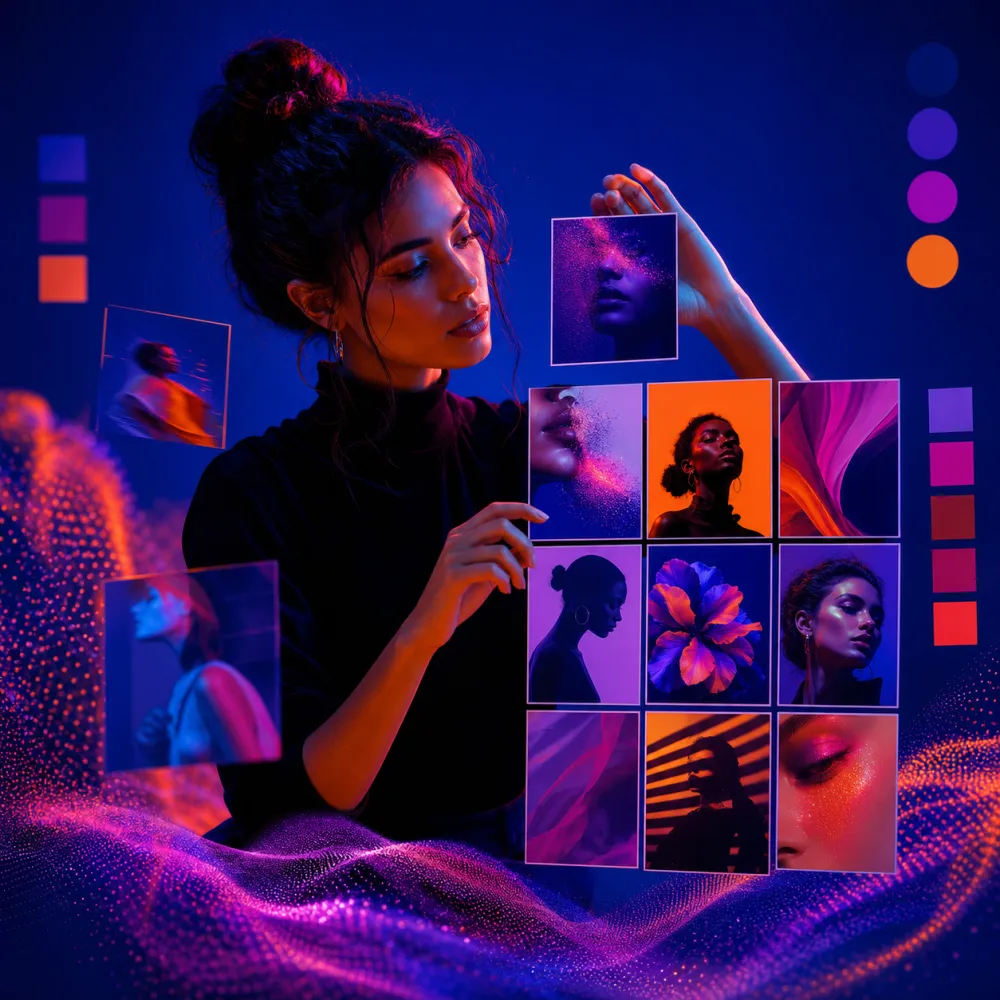
Stories need a vertical composition with safe space for stickers, polls, captions, and links.
Create a vertical story background for announcing a new AI image workflow. Use a clean creator desk, subtle phone-frame shapes, soft studio lighting, and generous empty space in the upper third for stickers, polls, or captions. Format 9:16. No readable text, no logos, no watermark.
3. Short-Form Video Cover
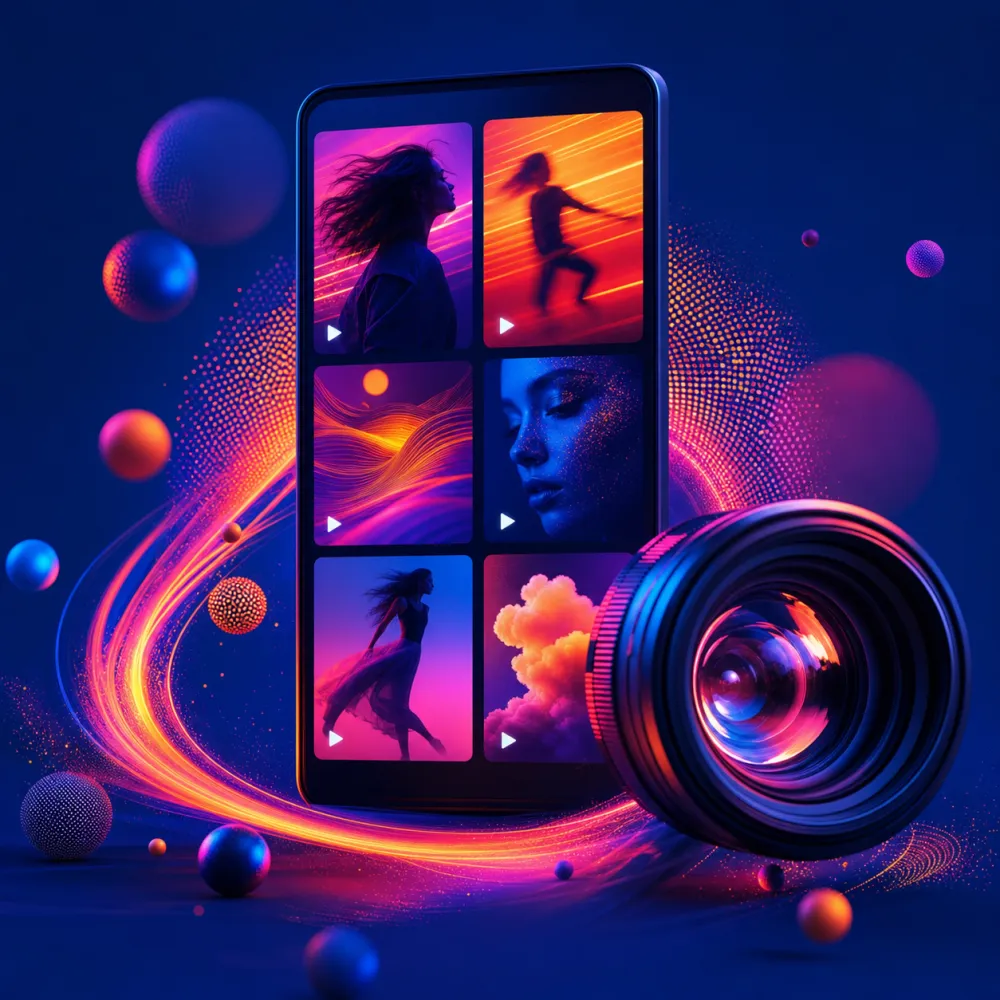
A video cover should read clearly at thumbnail size and still match the energy of the clip.
Create a high-energy vertical short-form video cover for a creator workflow. Include a desk setup, abstract image thumbnails, a camera, and editing-timeline panels as non-readable UI shapes. Use crisp contrast and clear thumbnail readability. Format 9:16. No readable text, no logos, no watermark.

4. UGC-Style Ad Image
UGC visuals work best when they feel natural, but they still need clean product framing.
Create a realistic UGC-style ad image for an AI creation platform. Show a creator holding a phone with an abstract AI editor interface, casual apartment daylight, authentic expression, clean background, and strong product framing. Vertical composition. No readable text, no logos, no watermark.
5. Product Teaser Post
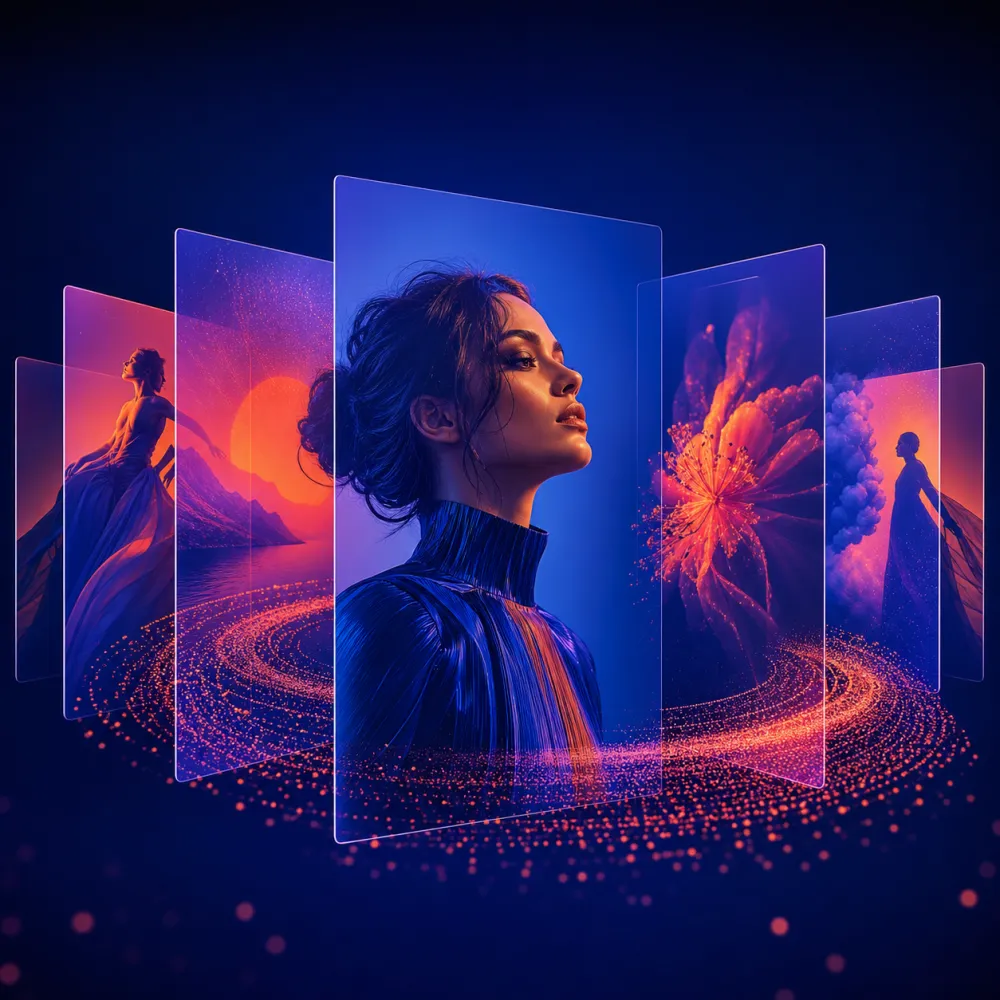
Use this when you need to preview a feature, launch, or offer without giving the entire message away.
Create a premium square product teaser post for an AI creation platform. Show abstract generated-image thumbnails floating above a laptop, subtle brand-safe color accents, refined editorial lighting, and a clean focal point for a launch message. No readable text, no logos, no watermark.

6. Meme-Compatible Visual Base
A good meme base leaves space for copy while keeping the visual joke or contrast obvious.
Create a square meme-ready visual base about creators comparing messy assets with polished AI visuals. Use a clean split composition, expressive objects, obvious before-and-after contrast, and open space for copy added later. Keep it humorous but professional. No readable text, no logos, no watermark.
7. Seasonal Campaign Image
Seasonal images should borrow the mood of the moment without overwhelming the brand.
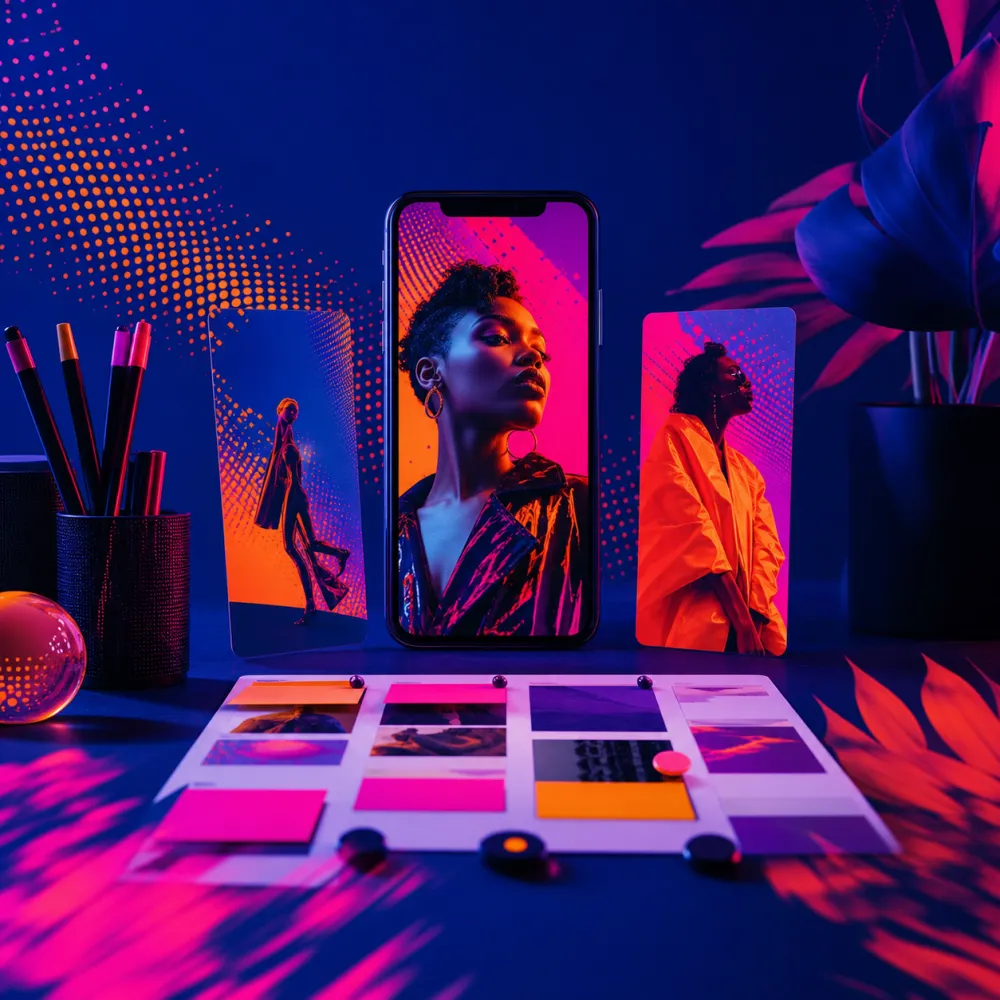
Create a square seasonal social campaign visual for AI image creation. Show a creative desk with tasteful seasonal props, image thumbnails, color swatches, warm lighting, and a refined commercial photography look. Keep the mood festive but not cluttered. No readable text, no logos, no watermark.
8. Reusable Brand Template
Templates help teams publish faster because the structure stays familiar while the subject changes.
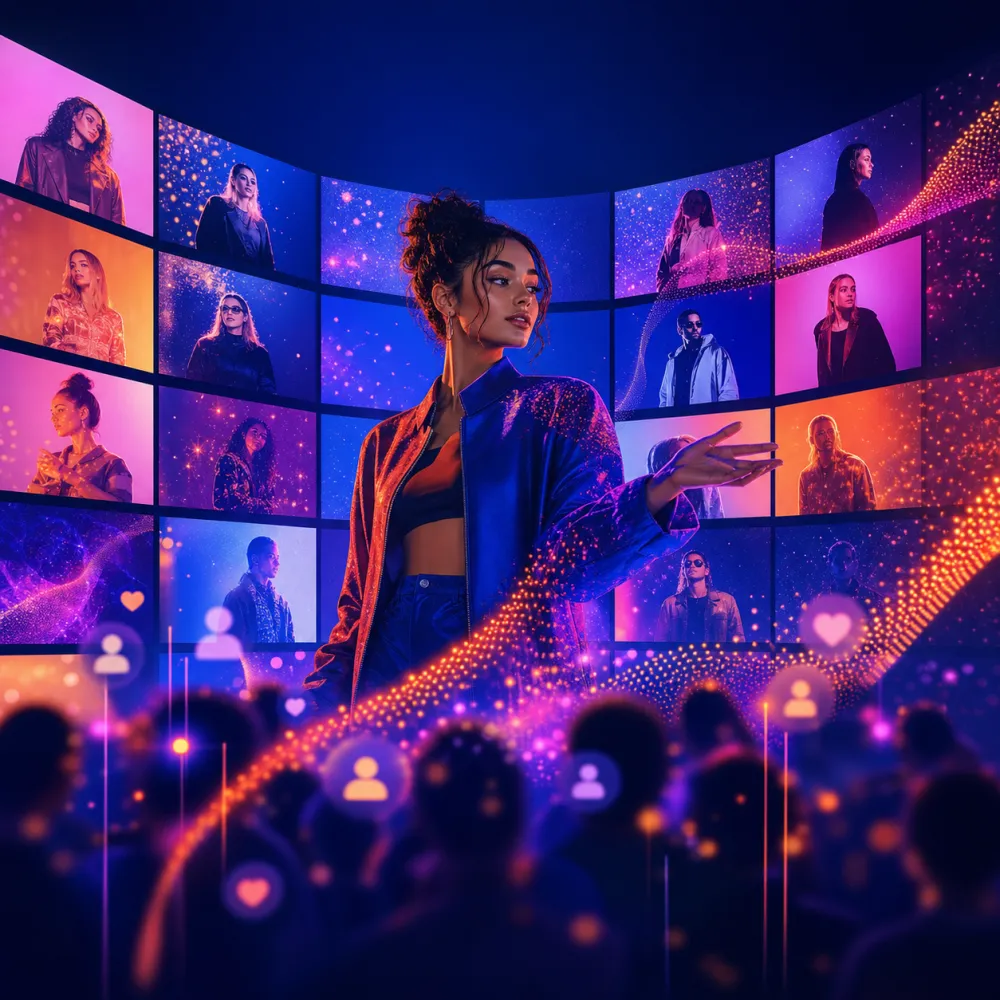
Create a reusable square social media template background for a brand content system. Use modular content blocks, abstract AI image previews, a soft studio scene, and clean open space for a headline and CTA added later. Consistent, modern, brand-safe look. No readable text, no logos, no watermark.
A Faster Workflow for Social Media Visuals
Start with the platform format: 1:1 for feed posts, 4:5 for stronger mobile feed presence, and 9:16 for stories, reels, and short videos. Then decide whether the image needs empty space for a headline or should work without text.
Generate the base image in iMini without embedded copy. After that, crop, remove backgrounds, test another model, and add the final headline manually. This gives you more control and makes localization easier.
About iMini
iMini is an AI creation platform for generating and editing images, videos, and text in one workflow. For the keyword social media visuals, iMini helps creators move from a rough post idea to a usable image base, then refine it for carousel covers, stories, ads, and campaign templates. The main value for readers is speed with control: you can test many visual directions while keeping the final message, brand tone, and layout editable.
FAQ
Should AI generate the text inside social media images?
Usually no. Generate the visual without text, then add copy in your design tool so spelling, brand voice, and layout stay accurate.
What image size should I start with?
Use the publishing format first. Square is flexible, 4:5 is strong for mobile feeds, and 9:16 is best for stories and short-form video covers.
How do I keep social visuals from looking generic?
Add a specific platform, audience, mood, subject, lighting style, and composition. Then edit the strongest result instead of accepting the first output.