
GPT-5.6, Meta Muse Image & The Future of AI Creation with iMini
Published on July 8, 2026
AI news used to feel like a spectator sport. A lab announced a model, benchmark charts moved, and everyone waited for the next demo thread. In July 2026, the mood is different. The model race is moving directly into the daily creative stack: image systems are becoming product features, reasoning models are becoming campaign planners, and open-weight models are putting advanced workflows closer to smaller teams.
That matters for anyone using iMini because the winning question is no longer “Which model is best?” The better question is “How quickly can I turn a model update into usable creative output?” If a new image model improves brand consistency, it should become a sticker pack, ad concept, landing page visual, or product social post before the news cycle cools down.
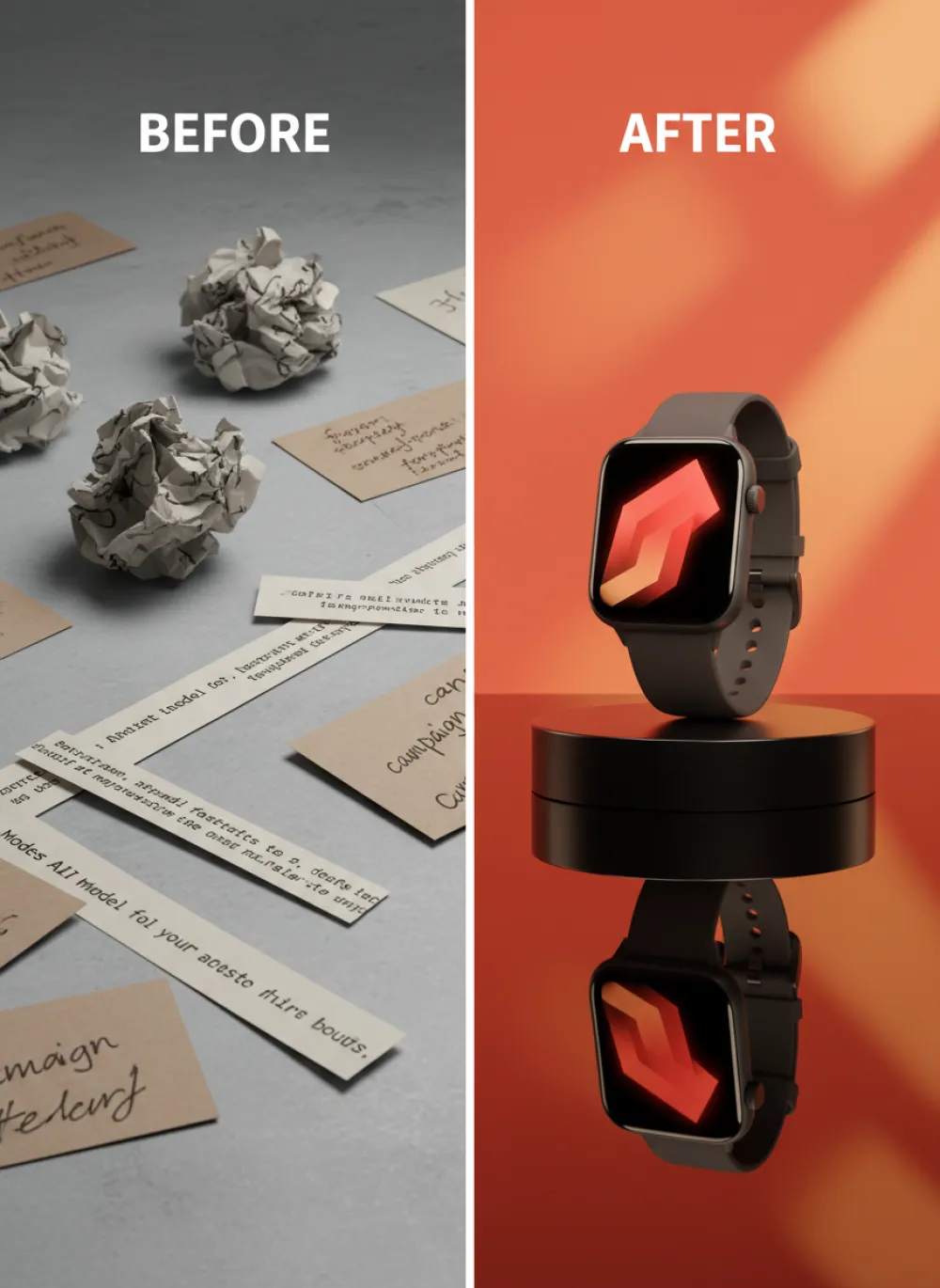
Prompt: "Premium graphite smart watch campaign, glowing screen, clean product reflection, coral red and warm orange studio background, glossy commercial lighting, sharp product details, elegant ad layout, no people, no hands, no faces."
The News: A Model Wave Is Becoming a Creative Workflow Wave
The most immediate signal is Meta's push into image generation. Coverage from Axios and The Verge points to Muse Image as Meta's serious move to bring AI image creation deeper into Instagram, WhatsApp, and Meta AI. This is not a niche lab launch. It is image generation entering the social platforms where brands already publish.
For creators, that means visual taste will matter more than access. If every platform has a built-in image generator, the advantage moves to people who can brief models well, keep a consistent brand system, and produce many variations without making the work look generic. iMini fits that new layer: a place to turn visual references, prompt patterns, and campaign intent into repeatable outputs.
The second signal is GPT-5.6. Axios reported that U.S. restrictions around wider GPT-5.6 release had been lifted, while earlier Wired coverage described a phased model family. Whether your team gets access today or later, the direction is clear: frontier models are becoming more capable at planning, writing, coding, reasoning, and multimodal creative direction.
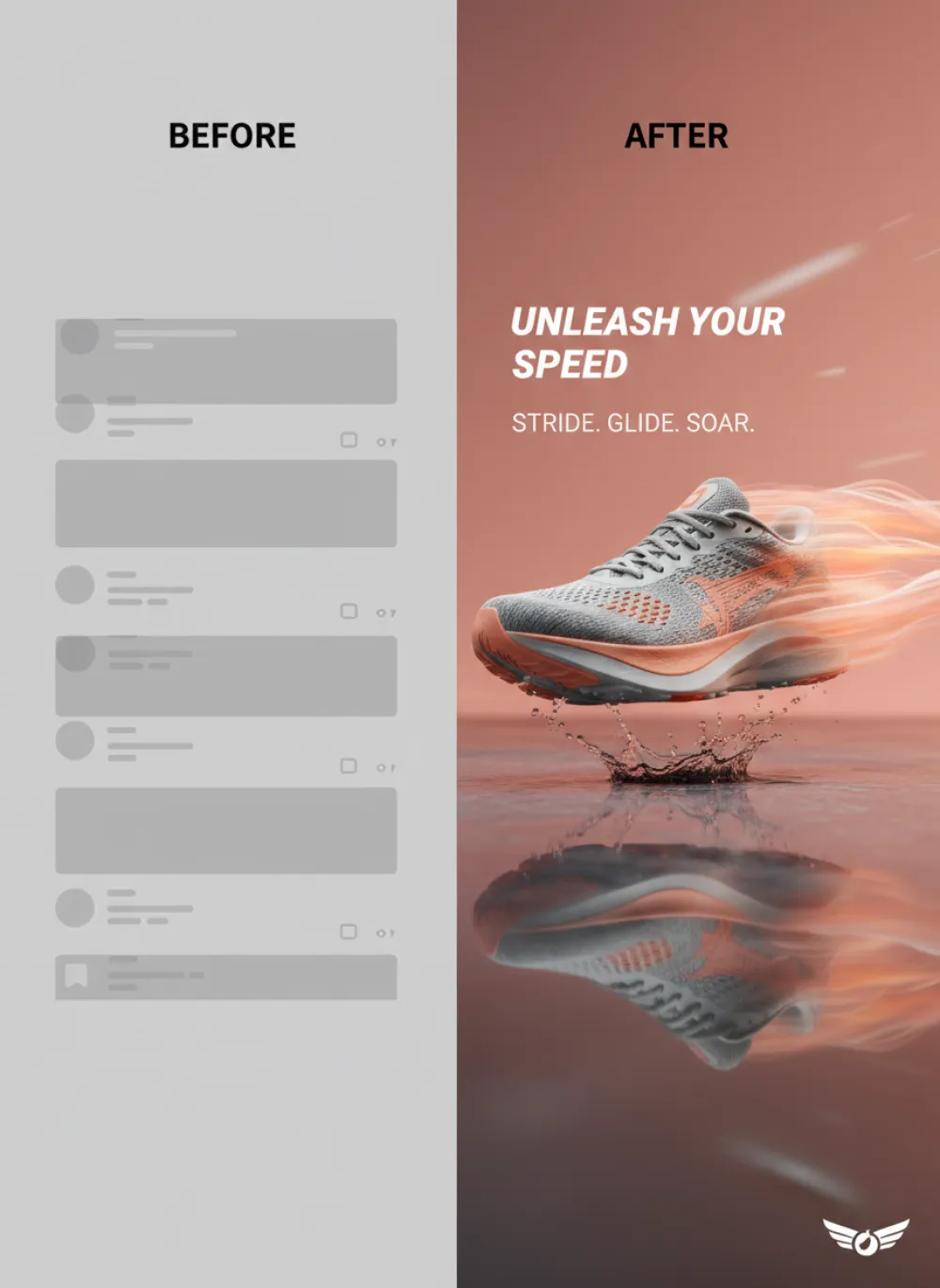
Prompt: "Bold running sneaker campaign, aerodynamic shoe floating over peach-orange motion trails, wet glossy floor, premium sports product photography, crisp product hero composition, dynamic studio lighting, no people, no legs, no hands, no faces."
Why This Matters for iMini Users
Most teams do not need another abstract model ranking. They need creative leverage. A marketer wants ten ad concepts before lunch. A founder wants a launch visual that looks like a real brand, not a default AI poster. A designer wants a consistent pack of illustrations, product badges, and social stickers that all feel like they came from the same system.
That is the gap iMini can own. The product does not have to compete with every model as a single model. It can become the creative control surface that helps users choose an image style, refine a prompt, compare outputs, and turn one idea into a full content set. When the underlying AI ecosystem gets more powerful, a multi-model creative workflow becomes more valuable, not less.
The screenshot style you provided is a perfect example of what this looks like in practice. It is not just “make a sticker.” It has a visual system: dark green ground, cream line art, bold outline, surf and streetwear objects, playful icon spacing, and brand-kit discipline. A good AI workflow should preserve that system across multiple images, not restart from scratch every time.
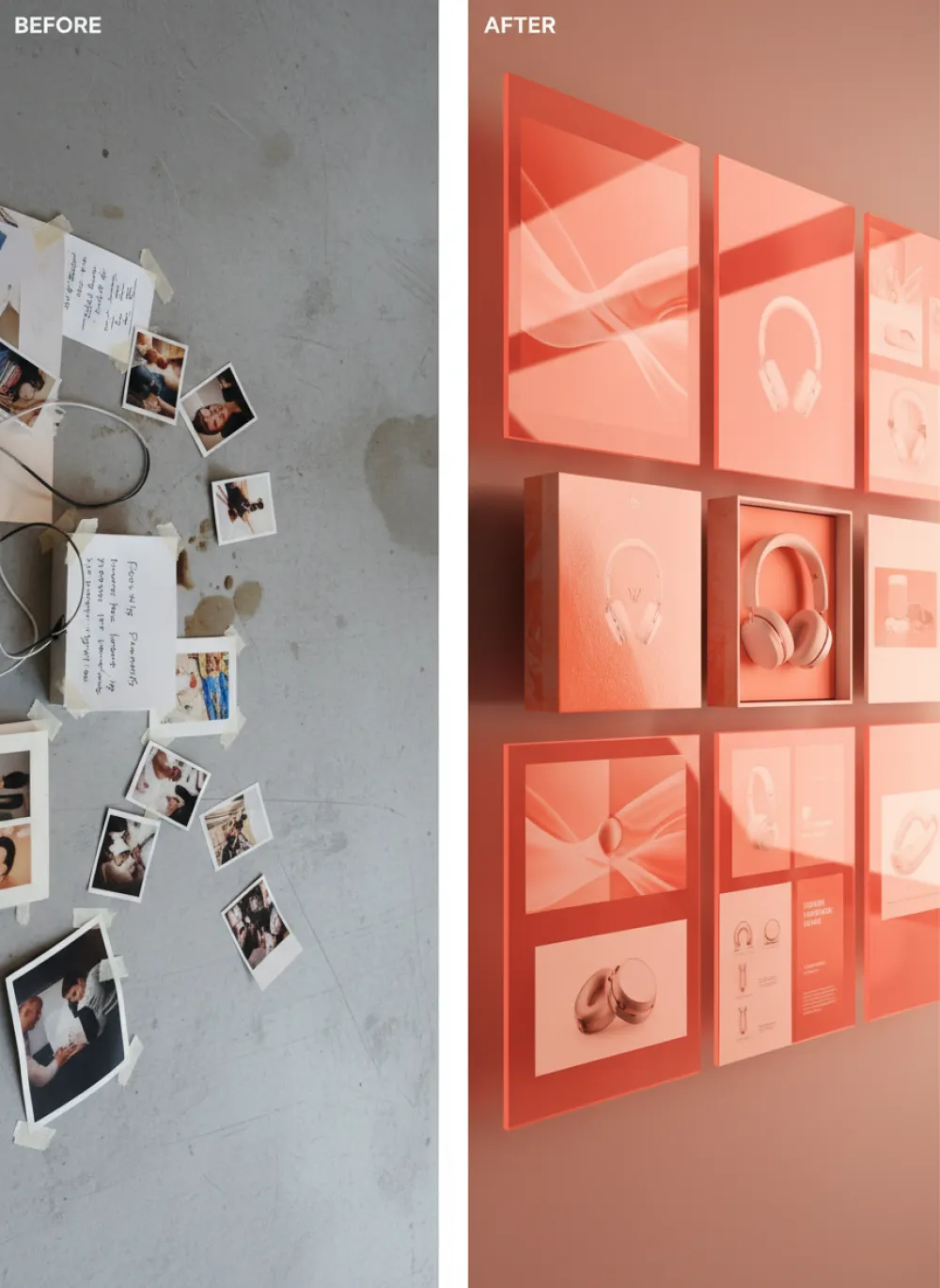
Prompt: "Polished wireless headphones campaign board with organized asset grid, translucent glass panels, coral red and orange lighting, elegant tech packaging details, premium editorial product advertising, no people, no hands, no faces."
Opportunity 1: Turn Model News into Fast Social Concepts
When a model release becomes news, brands can react in two weak ways: either post a generic “AI is changing everything” graphic, or ignore the moment entirely. The stronger move is to translate the news into a useful visual idea. For Meta Muse Image, a creator could build a post about social-native image generation. For GPT-5.6, a startup could create a “new reasoning stack” visual. For AI safety pressure, a SaaS team could create trust-themed assets.
iMini can make this faster by giving users a practical pattern: summarize the news, define the audience, choose a visual system, and generate a set of campaign-ready images. The output should not look like a news screenshot. It should look like a brand asset that understands the news.
A strong iMini prompt for this workflow might say: “Create a sticker-sheet style campaign visual about the new AI model wave. Use dark forest green background, cream white line art, bold outline stickers, and icons for GPT, image generation, safety, open models, and social media publishing. Make it feel like a premium streetwear brand asset, not a tech diagram.”
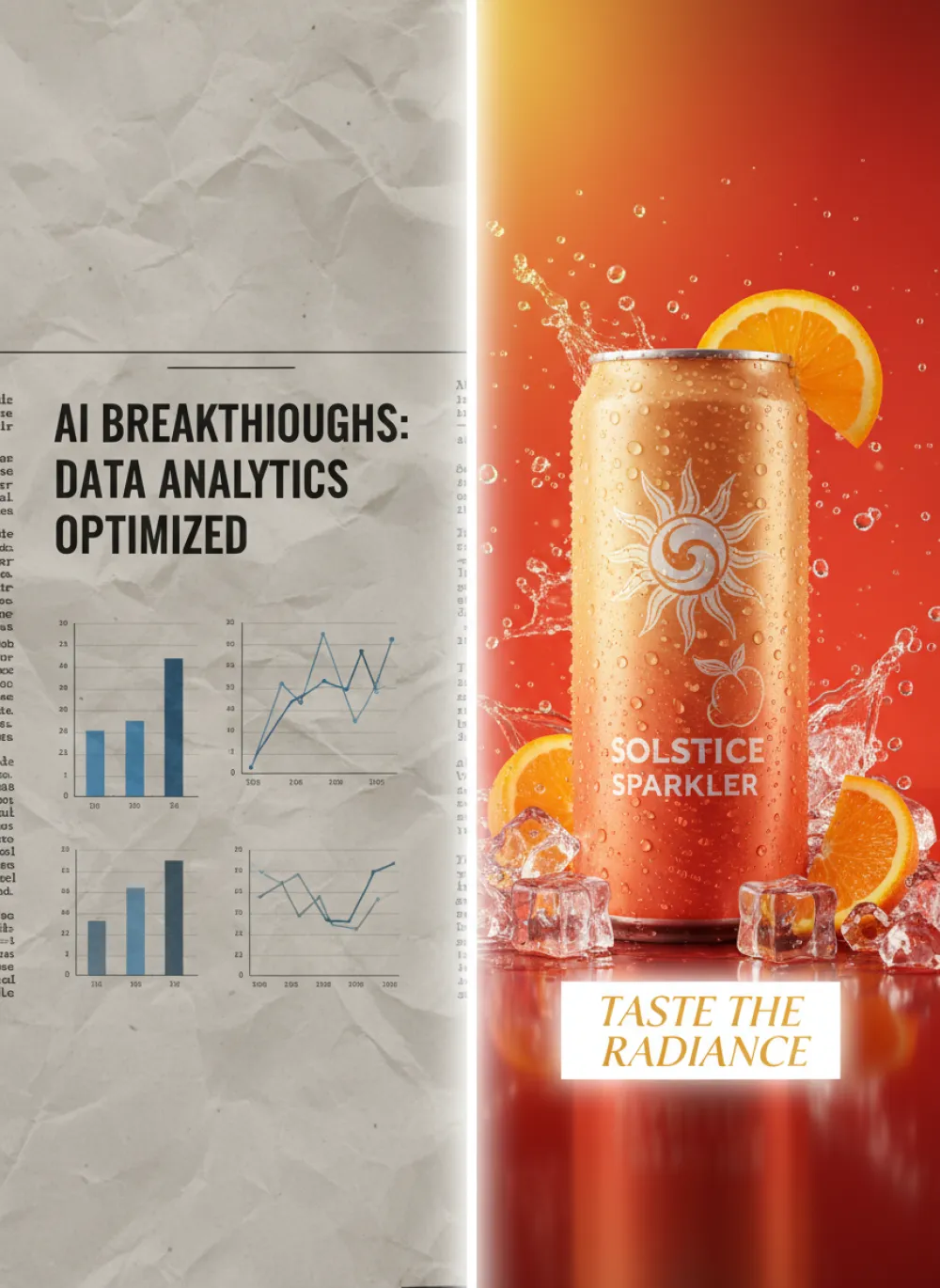
Prompt: "Sparkling canned beverage ad, condensation, citrus slices, ice, radiant red-orange studio background, clean campaign headline area, crisp product hero composition, high-gloss commercial photography, no people, no hands, no faces."
Opportunity 2: Build Brand Sticker Systems, Not One-Off Images
The rise of stronger image models makes single images cheaper. That means single images are less defensible. The better creative unit is a system: a pack of related visuals that can work across social posts, product updates, landing pages, newsletters, thumbnails, and community announcements.
Sticker systems are especially useful because they are flexible. A brand can use the same visual family for feature launches, memes, tutorials, badges, product education, and creator challenges. The style from your reference image works well because it is memorable without being too loud. It can sit on a landing page, inside a carousel, or as a section break in a blog post.
For iMini, the article angle is simple: do not ask AI for “a cool image.” Ask it for a branded visual language. Define the palette, line weight, object vocabulary, layout rhythm, typography mood, and usage context. This is where creators move from casual prompting to real creative direction.
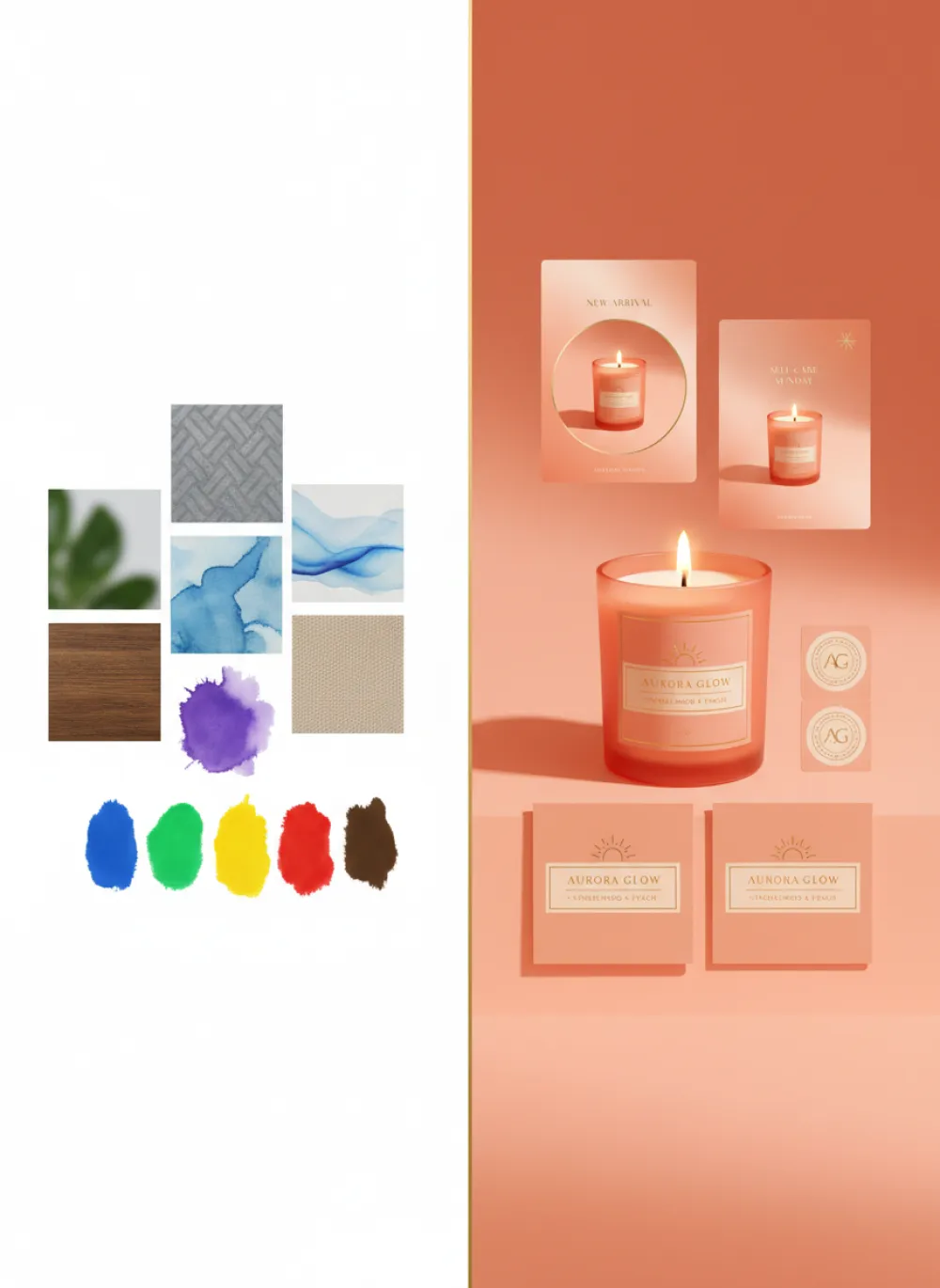
Prompt: "Cohesive luxury scented candle brand kit, frosted glass candle, flame glow, matching label cards, stickers and social templates, warm coral orange studio lighting, refined premium lifestyle product ad, no people, no hands, no faces."
Opportunity 3: Use GPT-Style Reasoning as the Creative Director
The GPT-5.6 conversation is not only about better answers. For creators, the useful promise is better planning. A stronger reasoning model can help break a campaign into angles, audiences, asset types, prompts, hooks, and variants. That turns the model from a copywriter into a creative director.
Inside an iMini workflow, this means one model can help plan the campaign while image models generate the assets. The user might ask for five visual directions for an AI model news post, choose the sticker-sheet direction, then ask for eight image prompts in the same style. The result is not random generation. It is an organized pipeline.
The best human role is taste. The creator decides what feels on-brand, what is too generic, what has social energy, and what should be simplified. AI can expand the option space. iMini can help keep the process visible enough that the user stays in control.
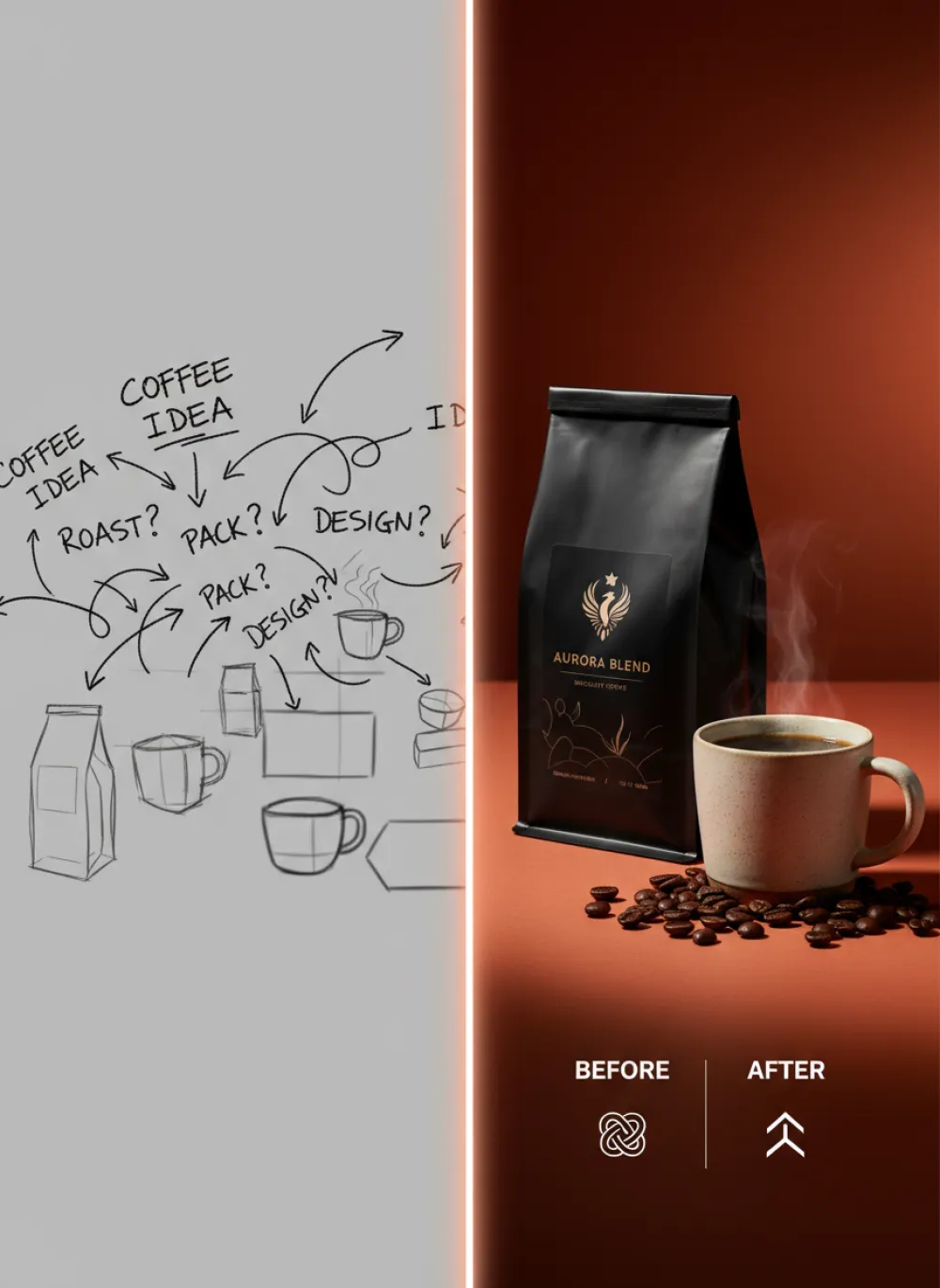
Prompt: "Refined specialty coffee packaging campaign, matte coffee bag, ceramic cup, roasted beans, rich red-orange editorial lighting, premium magazine product ad, tactile packaging detail, no people, no hands, no faces."
Opportunity 4: Make Safety and Trust Visual, Not Boring
The safety debate is also part of the creative story. Axios reported on a Future of Life Institute analysis arguing that several major AI companies have softened or changed earlier safety commitments. For most consumer audiences, that topic can feel abstract. For brands, it is a chance to communicate responsible use more clearly.
Trust does not have to look like a legal PDF. A design team can create visual assets around consent, transparency, source awareness, watermarking, human review, and model choice. In iMini, those ideas can become badges, blog illustrations, onboarding visuals, or help-center graphics.
This is especially important for AI products. Users are learning to ask better questions: Which model made this? Can I edit it? Can I use it commercially? Was a real person involved? A brand that explains these things visually can feel more mature than one that only says “powered by AI.”
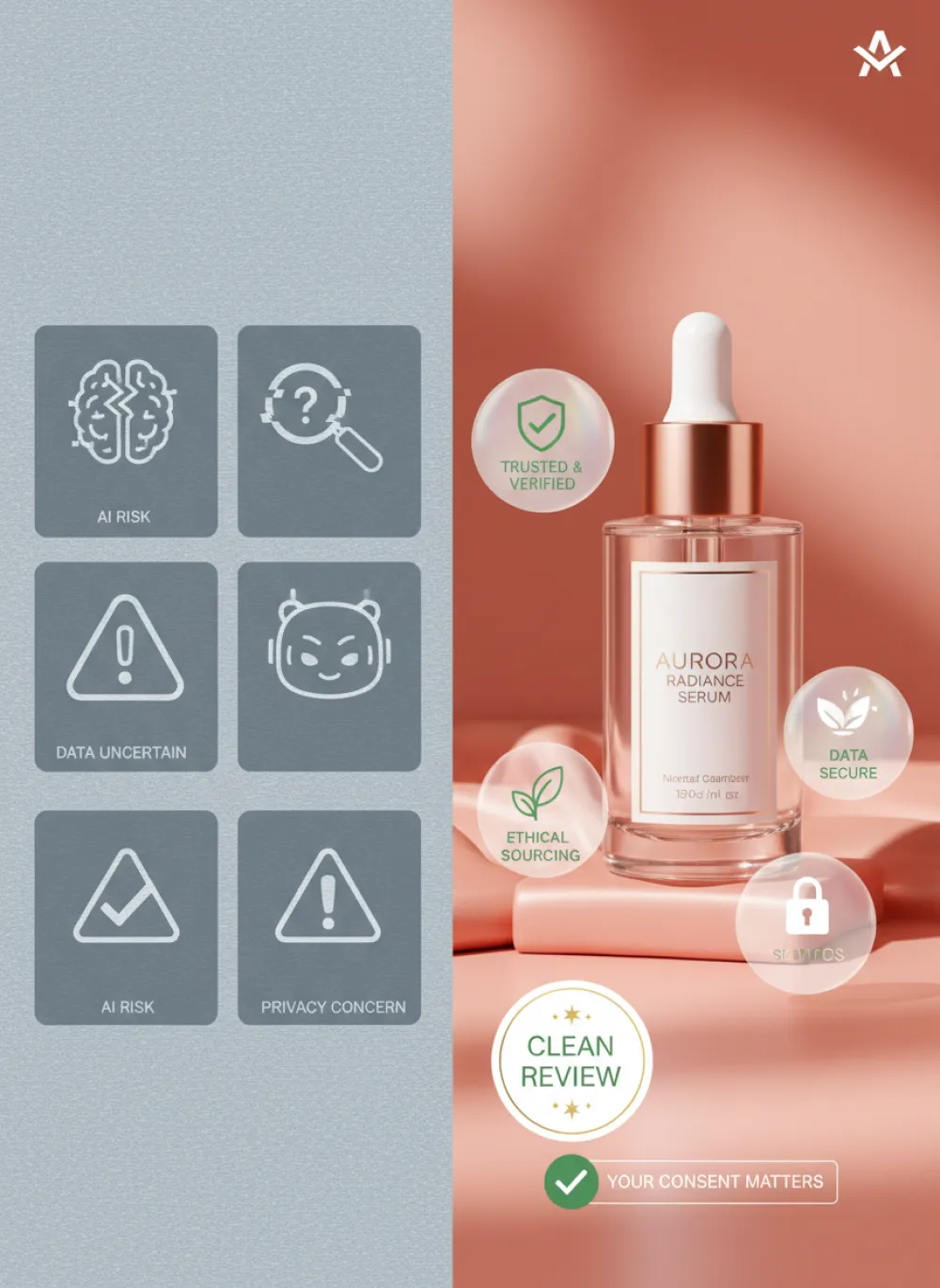
Prompt: "Polished skincare serum bottle with transparent trust badges, watermark icon, consent label, clean review checkmark, glossy peach-red studio scene, premium beauty packaging campaign, no people, no hands, no faces."
Opportunity 5: Watch Open Models as a Creative Cost Shift
Open and lower-cost models are another part of the story. Discussion around models such as GLM-5.2 has focused on price, agentic capability, and the possibility that large open models will inspire smaller distilled versions. For creators, the commercial implication is straightforward: more capable models at lower cost can make experimentation cheaper.
Cheaper experimentation changes behavior. Teams can generate more draft directions, test more hooks, create more localization variants, and build visual systems for smaller campaigns that previously would not justify a design sprint. The output still needs taste and review, but the creative exploration phase becomes wider.
iMini can benefit by positioning itself as the layer where this wider exploration stays organized. A user should be able to test a premium image direction, compare it with a faster low-cost option, and keep the prompts that work. In a multi-model world, the saved workflow becomes as valuable as the image itself.
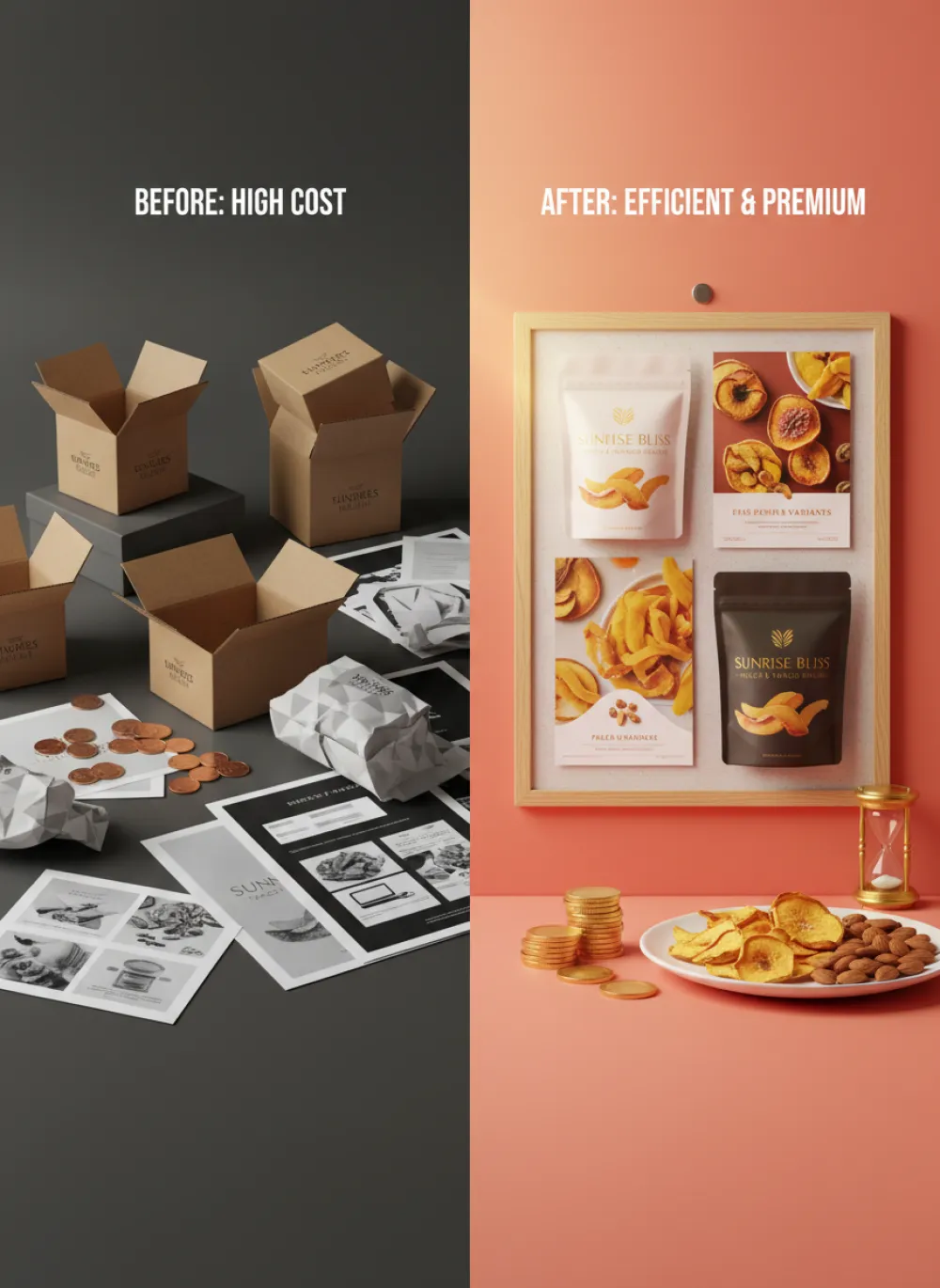
Prompt: "Efficient creative testing board for a premium snack pouch, multiple polished ad variants, crunchy product pieces, golden highlights, coral red-orange gradient, commercial product photography, no people, no hands, no faces."
A Practical iMini Workflow for This Week
Start with one AI headline and one audience. For example, choose “Meta brings image generation deeper into social apps” and target social media managers. Then define one visual system. The reference style could be “dark green streetwear sticker sheet, cream line art, bold outlines, playful brand icons.”
Next, ask iMini for a campaign set rather than a single image. Create a hero visual, a carousel opener, three educational graphics, two trust badges, and one closing CTA graphic. Keep the palette and line style locked. Let the object vocabulary change with each asset: phone feed, image frame, model card, safety shield, prompt box, brand badge.
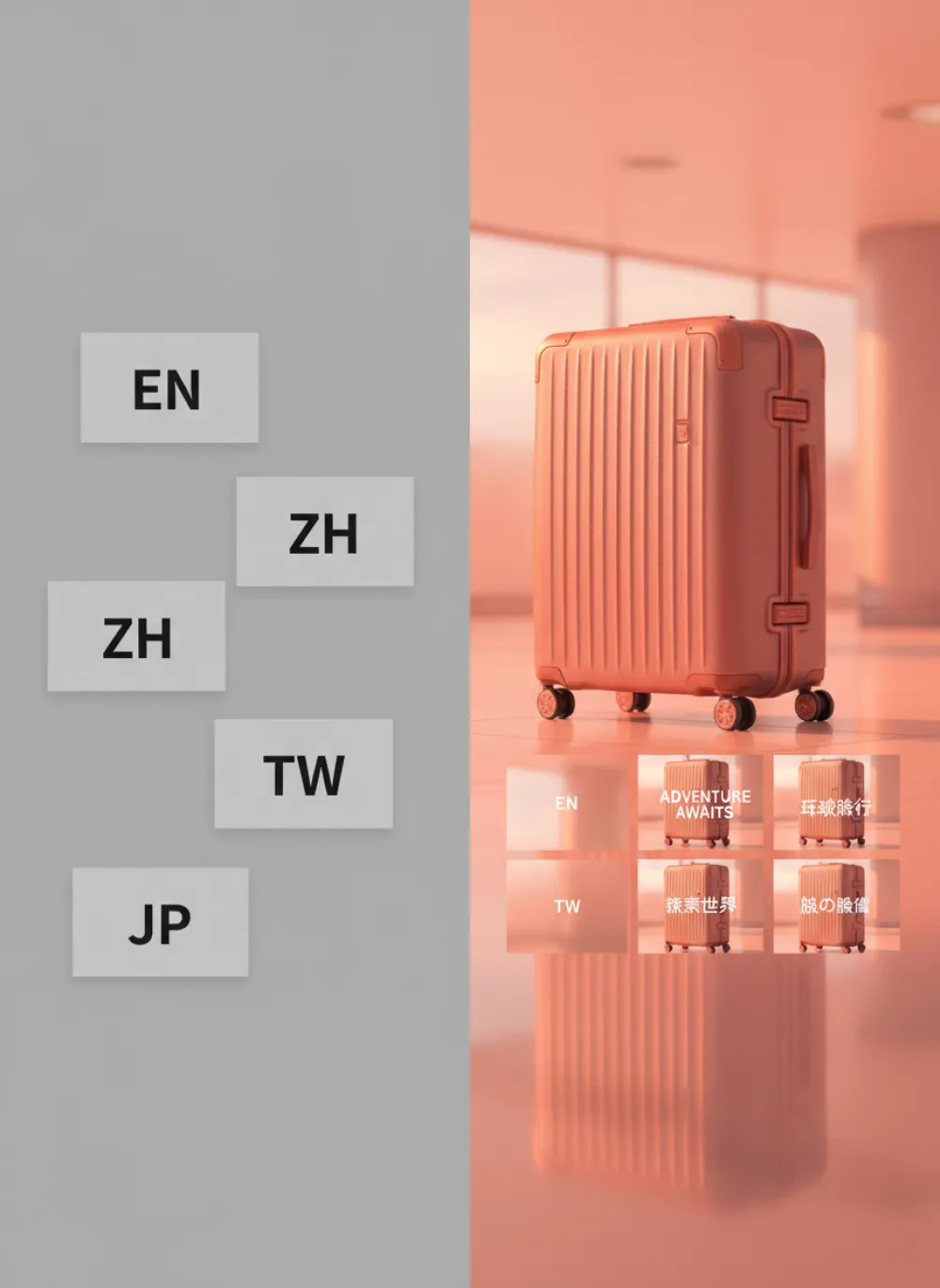
Finally, localize the best set. English can be direct and campaign-minded. Simplified Chinese can be sharper and more platform-aware. Traditional Chinese can use a polished creator-business tone. Japanese can be concise, practical, and visually restrained. The same visual system can travel, but the copy should feel native in each market.
Prompt: "Unified global travel luggage campaign set, sleek suitcase hero, localized social cards in a neat grid, glossy airport-inspired reflections, warm red-orange commercial lighting, premium travel product advertising, no people, no hands, no faces."
Conclusion: The Model Race Rewards Creative Operators
The newest AI headlines are exciting, but the practical advantage belongs to people who can operationalize them. Meta Muse Image points toward social-native generation. GPT-5.6 points toward stronger reasoning and planning. Safety pressure points toward clearer trust design. Open models point toward cheaper experimentation.
iMini can sit at the center of that shift by helping creators turn model news into visual systems, campaign prompts, localized content, and reusable brand assets. The best response to an AI model wave is not to wait for the perfect model. It is to build a workflow that can absorb every new model and turn it into better creative output.