
How to Build a Brand Identity with Codex AI: Step-by-Step Guide
June 15, 2026
Building a brand identity used to require weeks of agency collaboration, multiple revision rounds, and a budget that ruled out most early-stage companies and individual founders. With Codex AI brand identity tools in 2026, a founder or designer can move from a written brief to a complete visual system — logo, colors, typography, and core brand assets — in a single day. Here's exactly how to do it.
Step 1: Write Your Brand Brief Before You Open Any Tool
The quality of your Codex AI brand identity output is directly proportional to the quality of your brief. Before you generate a single image, write down four things:
Brand archetype: Which of the classic archetypes fits your brand? The Explorer, the Creator, the Sage, the Hero, the Caregiver? Your archetype shapes every design decision that follows.
Three personality adjectives: Not category descriptors like "professional" — actual personality words like "playful and irreverent," "precise and surgical," or "warm and grounded."
Target audience profile: Age range, profession, the aesthetic references they respond to. Who is this brand speaking to, and what visual world do they already live in?
Competitive reference points: Which brands do you want to sit adjacent to? Which do you want to clearly differentiate from? Both are useful.
This brief becomes your prompt foundation. Skip it, and every generated output will feel generic regardless of how well-crafted the prompt technically is.
Step 2: Generate Logo Concept Directions
Don't ask Codex AI for a finished logo on the first attempt. The goal of the first generation session is to explore visual territory, not to land on a final answer.
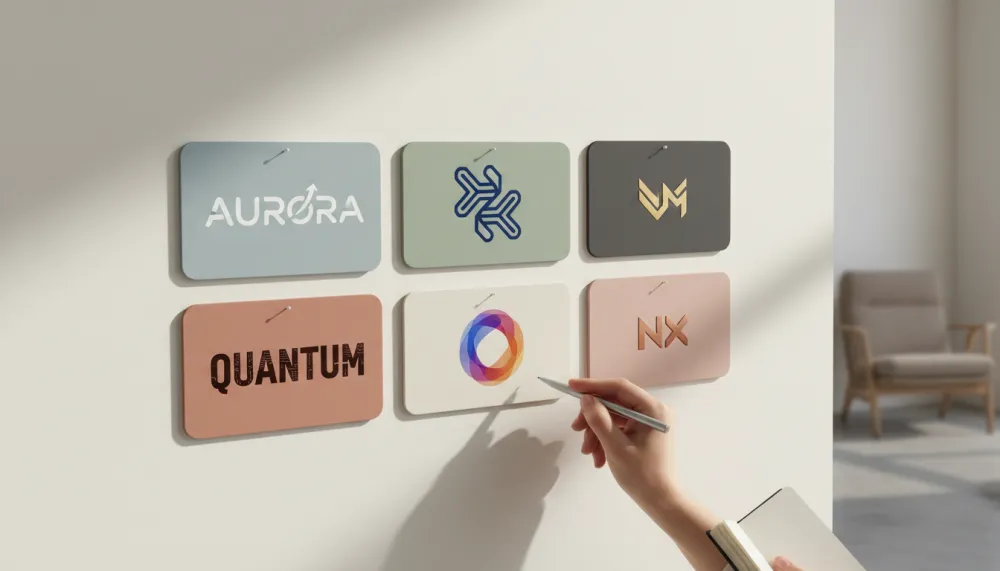
Generate 5–8 distinct conceptual directions that explore different logo archetypes: wordmark, abstract mark, monogram, badge emblem, pictorial mark, and combination mark. Prompt each direction separately with the same underlying brand adjectives but different formal approaches:
→ "Minimal wordmark for a B2B legal tech brand: geometric sans-serif, navy and gold, confident and authoritative, clean vector"
→ "Abstract geometric mark for a wellness tech platform: soft organic circular form, coral and sage green, approachable and modern"
→ "Monogram badge for a premium men's grooming brand: vintage circular emblem, forest green and cream, artisanal and trustworthy"
Use iMini AI's canvas to lay out all generated directions side by side. The multi-model view makes direction evaluation dramatically faster than switching between tabs — you can see all six options simultaneously and make comparative judgments rather than sequential ones.
Step 3: Develop Your Color Palette
Once you've chosen a logo direction, ask Codex AI to generate supporting color palettes that extend and complement it. Request three palette options, each containing: a primary brand color, a secondary accent, a neutral background tone, and a dark text color.
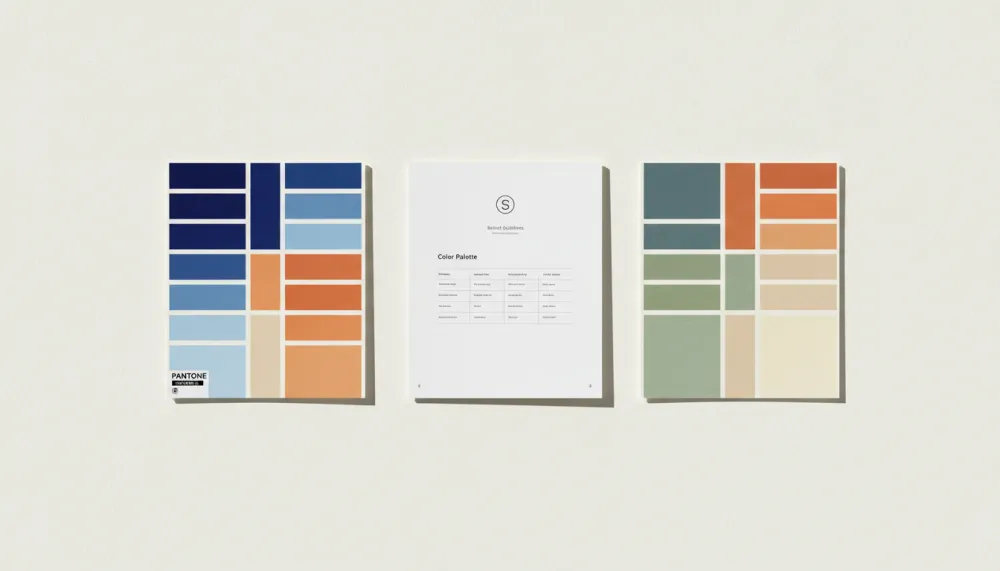
Evaluate each palette against your brand adjectives, not just your visual instincts. A palette for a "playful and bold" brand should feel energetic when you read those words next to the colors. If it doesn't, the palette hasn't landed yet. Test against real applications: how does this palette look as a business card background? As a social media banner?
Step 4: Choose Your Typography System
Typography carries as much brand personality as color. Ask Codex AI for three font pairing options, each including a display/headline font and a body/paragraph font. For each option, request a rendered example showing both fonts in use — a large headline and two paragraphs of body text — so you can evaluate tone visually rather than abstractly.
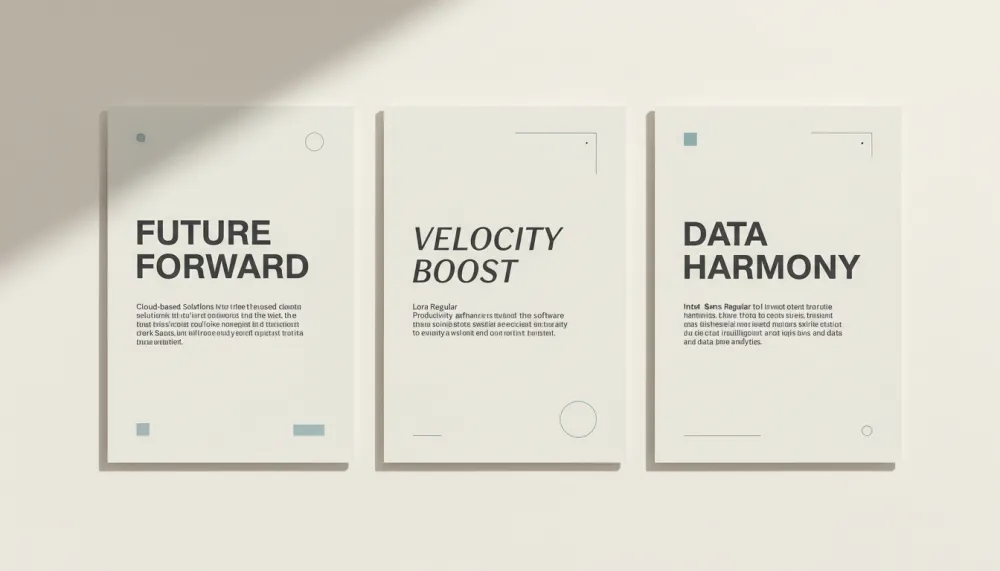
The right typography pairing won't just look good in isolation — it will feel consistent with your color palette and logo direction. All three elements should speak the same visual language. If they don't, keep iterating.
Step 5: Generate Your Core Brand Asset Set
With logo direction, color palette, and typography established, you're ready to generate your core asset set. Each asset prompt should include the full set of brand descriptors you've built: logo description, color palette, typography style, and brand personality adjectives. Consistency between assets comes from consistency of descriptors.
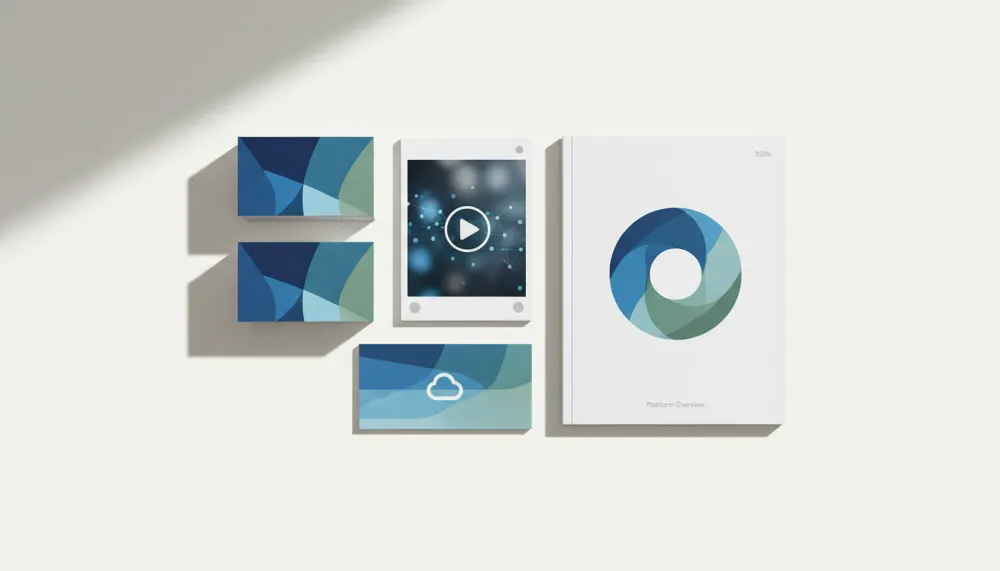
Core assets to generate: business card design, email signature banner, social media profile image and cover photo, presentation slide cover template, and brand pattern or texture. Each prompt specifies the format dimensions and the intended use context alongside your established brand elements.
Step 6: Create a Mini Brand Guidelines Document
A brand identity system is only as good as the documentation that governs its use. Use Codex AI to draft a simple brand standards summary covering: logo usage rules (correct applications and what to avoid), approved color combinations, font hierarchy, and minimum sizes for print and digital applications.
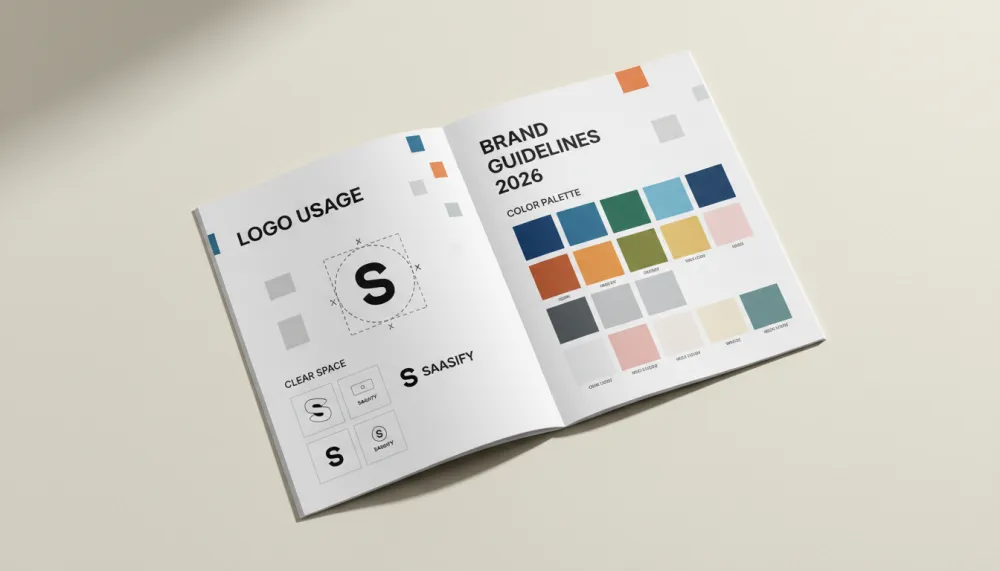
According to Canva's brand identity research, brands with documented guidelines are 3.5× more likely to maintain visual consistency across touchpoints. The document doesn't need to be elaborate — a single well-organized page covers most use cases for an early-stage brand.
Step 7: Test, Iterate, and Apply
The first-pass Codex AI brand identity is a starting point, not a deliverable. Before finalizing anything, mock up how the brand system looks in real application: the homepage hero, an Instagram post, a business card in someone's hand, a product package.
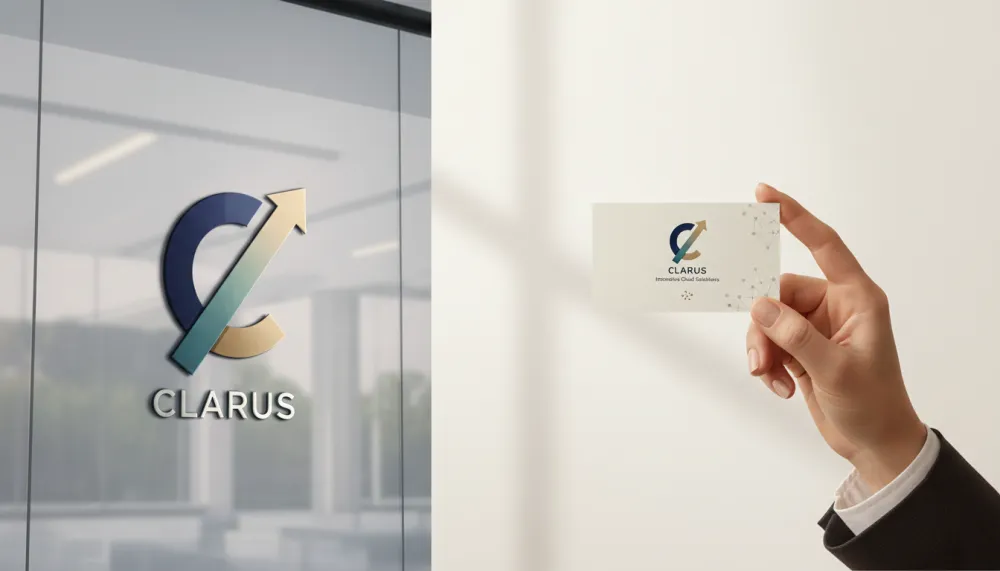
Return to iMini AI to generate variations, push edge cases (how does the logo read reversed on dark backgrounds?), and refine until the system feels cohesive. A good brand identity should feel inevitable when you see it applied — not like a collection of elements that were generated separately and assembled afterward.
About iMini AI
iMini AI is purpose-built for the kind of iterative, multi-direction creative process that Codex AI brand identity development requires. Its infinite canvas lets you run multiple prompts simultaneously, compare logo directions, color palettes, and typography specimens side by side, and build toward a coherent system rather than a collection of one-off generations.
The multi-model support means you can access different AI models' strengths at different stages of the brand identity process: one model's output for initial logo direction exploration, another's for refined asset generation, a third for photorealistic mockups. This flexibility — combined with the canvas-based comparison workflow — makes iMini AI particularly suited to brand identity projects where the visual decision-making process is as important as the final output.
Whether you're a founder building your first brand, a designer running a brand sprint for a client, or an agency building a systematic visual identity process around AI, iMini AI gives you the tools to move from written brief to complete brand system faster than any previous workflow allowed. Start your Codex AI brand identity project on iMini AI — free to begin.

Summary
Building a brand identity with Codex AI is a seven-step process that starts with the brief and ends with a system that's been tested in real application. The steps — brief, logo directions, color palette, typography, asset set, brand guidelines, and iteration — are the same steps any professional brand designer follows. Codex AI accelerates each of them without shortcutting the thinking that makes the system coherent.
The most important thing to understand about Codex AI brand identity is that the tool doesn't replace creative judgment — it expands the range of what you can explore before exercising it. More directions, more quickly, means better decisions. And better brand decisions compound over every touchpoint your brand inhabits.