
Creating Brand-Safe AI Ads with iMini and Codex Agents
Updated on July 15, 2026
AI advertising is becoming a trust issue, not only a production shortcut. In July 2026, Google started showing whether some ads were created or edited with AI, while brand teams have also been debating the risks of automated AI ad tools changing products, messages, or creative intent.
That makes Codex + iMini a practical workflow: use Codex to write the ad brief, risk checklist, and prompt; use iMini to create realistic, editable, brand-safe visuals. The eight tutorials below keep the same structure: what to make, how to make it, a copy-ready prompt, and what to check before publishing.
Top Codex AI Ad Visuals to Create with iMini
1. AI Disclosure-Ready Ad Visual
What to create: Create an ad visual that still looks polished when a platform labels it as AI-created or AI-edited.
How to make it:
Ask Codex to define the product claim in one sentence.
Use iMini to create a clean commercial image with blank copy space.
Keep the final disclosure, CTA, and legal text outside the generated image.
Prompt to use in iMini:
Realistic commercial product advertising photo for an AI-created ad disclosure example, bright studio lighting, clear hero product area, blank label space, premium brand-safe composition, no readable text, no logos, no watermark.
What to watch for: Do not hide the AI angle. Make the visual trustworthy, clean, and easy to label.
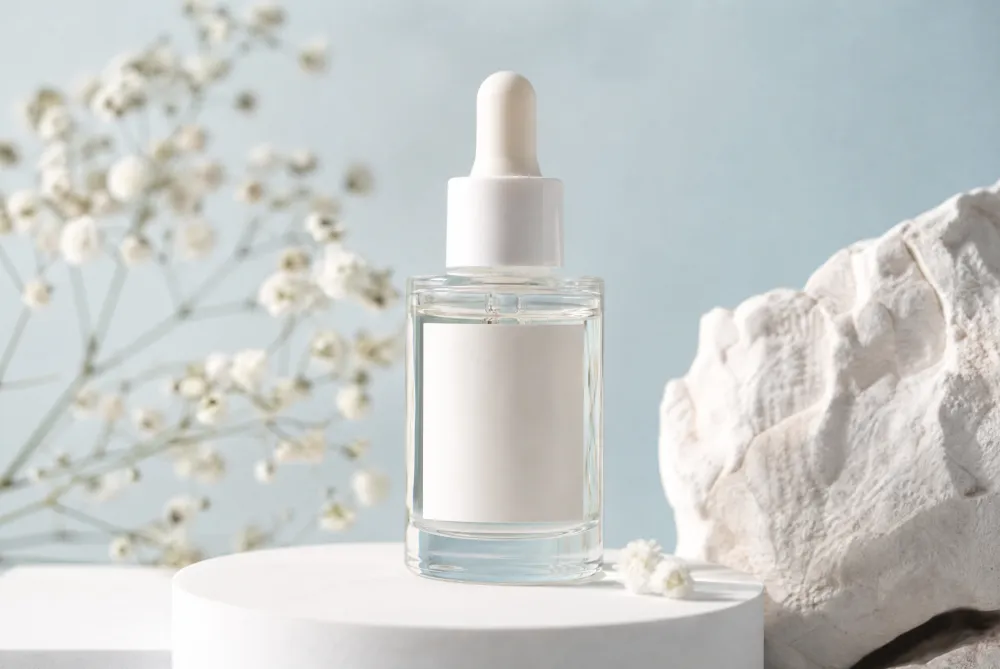
Image description: AI disclosure-ready product ad visual with clean studio lighting and blank label space.
2. Product Truth-Check Ad
What to create: Show the product honestly so AI does not distort shape, packaging, color, or use case.
How to make it:
Use Codex to list the product features that must stay accurate.
Put those non-negotiables into the prompt as constraints.
Review the output against the real product before using it.
Prompt to use in iMini:
Realistic commercial product photo for a brand-safe AI ad, accurate product shape, clean packaging silhouette, natural materials, studio background, crisp reflections, no impossible features, no readable text, no logos, no watermark.
What to watch for: If AI changes the product, reject the image. Brand trust matters more than a dramatic visual.
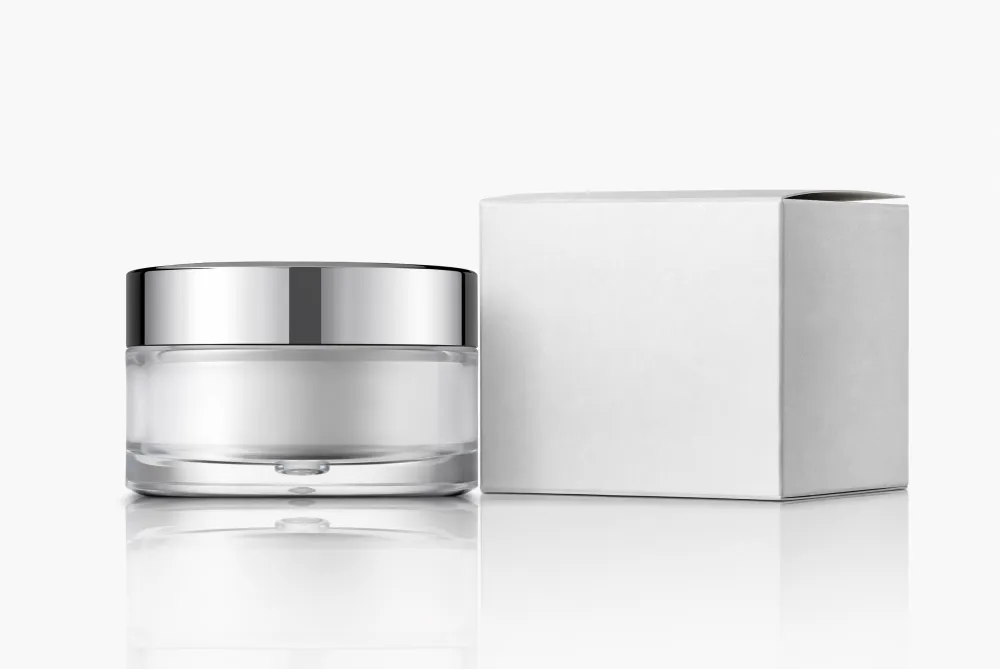
Image description: Brand-safe product truth-check ad visual that keeps packaging shape, color, and materials accurate.
3. Before-and-After AI Edit Check
What to create: Create a comparison image that helps a team review what changed after AI editing.
How to make it:
Ask Codex to create a review checklist.
Prompt iMini for two clean visual zones without fake labels.
Use captions outside the image to explain the difference.
Prompt to use in iMini:
Realistic split-scene commercial photo showing an AI ad edit review, left side plain product setup, right side polished ad setup, same product position, clean studio lighting, blank cards for notes, no readable text, no logos, no watermark.
What to watch for: Keep the product consistent across both sides. Do not let the model invent new product details.
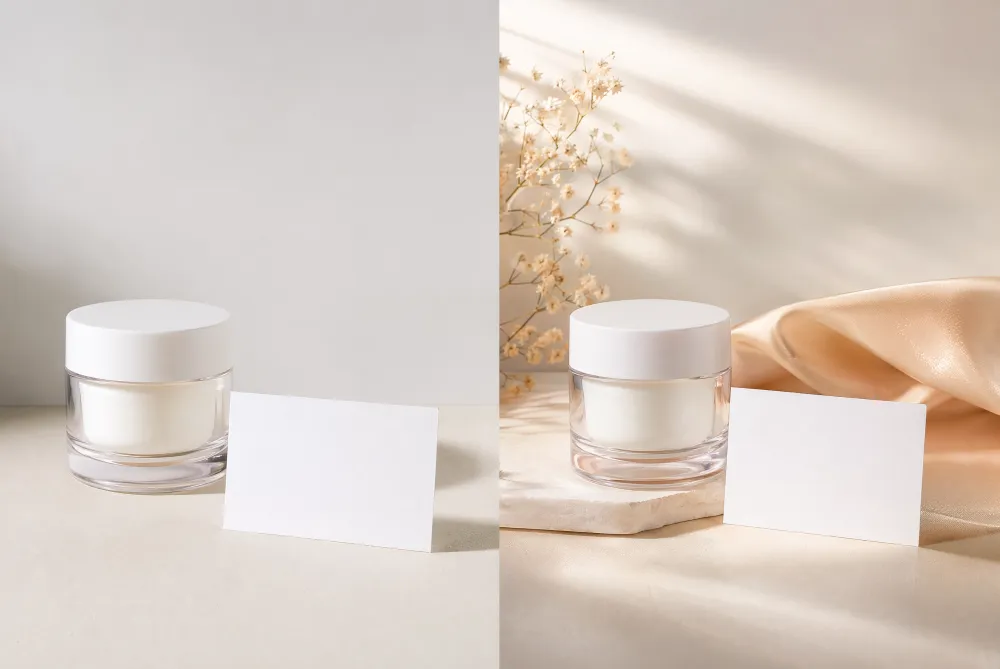
Image description: Before-and-after AI edit review scene with two clear visual zones for comparing changes.
4. UGC-Style AI Ad Concept
What to create: Make creator-led ads feel natural while still keeping product claims and visuals under control.
How to make it:
Use Codex to write the creator scenario and allowed claims.
Generate the person, product, and setting in iMini without text overlays.
Add script lines and captions later in the editor.
Prompt to use in iMini:
Realistic UGC-style commercial photo, creator holding a product near a phone with blank screen, casual studio lifestyle setting, warm orange background, friendly expression, natural pose, no readable text, no logos, no watermark.
What to watch for: Avoid fake testimonials inside the image. Keep claims in editable copy where they can be checked.
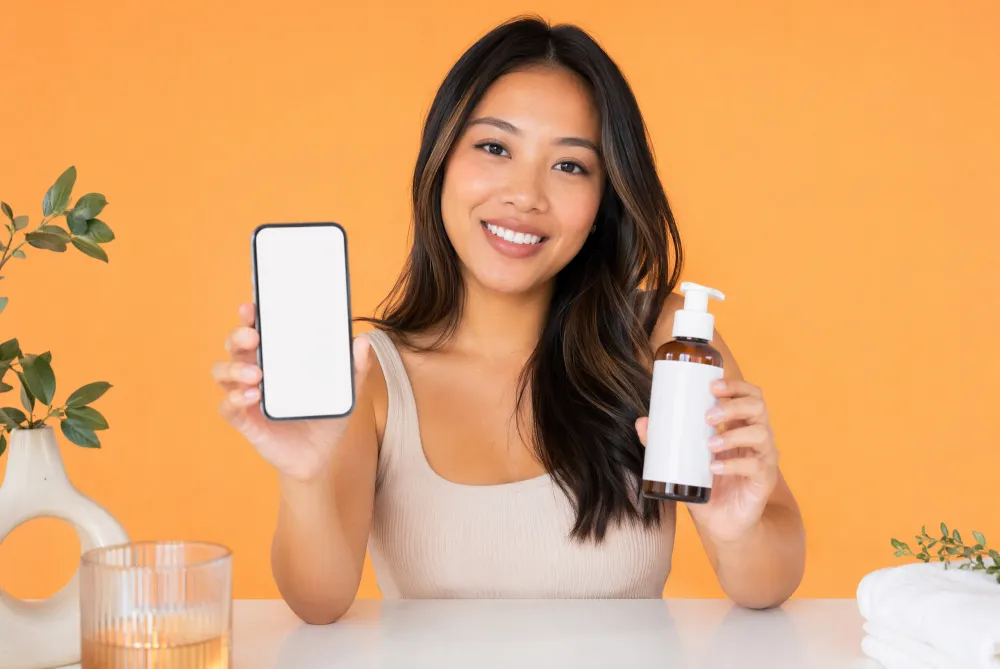
Image description: Platform-ready UGC-style ad visual that feels authentic while avoiding misleading claims.
5. Platform-Safe Social Ad
What to create: Design a social ad image that avoids risky claims, fake UI, misleading before-after results, and policy problems.
How to make it:
Ask Codex to list platform-sensitive risks.
Turn the list into negative prompt constraints.
Use iMini to create a visually strong but policy-safe image.
Prompt to use in iMini:
Realistic platform-safe social media ad visual, product and lifestyle props, clean blank cards, bright commercial studio style, no medical claims, no fake platform interface, no exaggerated results, no readable text, no logos, no watermark.
What to watch for: Do not generate platform UI unless you have permission. Blank screens and abstract cards are safer.

Image description: Platform-safe social ad visual that avoids fake UI, exaggerated outcomes, and sensitive claims.
6. AI Label Explainer Graphic
What to create: Create a visual that supports an article section about AI ad labels and transparency.
How to make it:
Use Codex to explain the label in plain language.
Use iMini to create a visual metaphor: label tag, product, light, and clean space.
Keep the actual label wording in the article text.
Prompt to use in iMini:
Realistic advertising photo showing an AI transparency label concept, blank tag card beside a polished product, glass and citrus accents, clean studio lighting, trustworthy editorial composition, no readable text, no logos, no watermark.
What to watch for: The visual should explain transparency without pretending to be a real platform badge.

Image description: AI ad label explainer visual using a blank tag card to communicate transparency.
7. Brand Consistency Stress Test
What to create: Use AI to test variations while keeping color, product mood, and brand tone consistent.
How to make it:
Ask Codex to define the brand guardrails.
Prompt iMini for a set of visual variations with the same mood.
Reject anything that changes the brand personality too much.
Prompt to use in iMini:
Realistic commercial photo series concept for AI ad brand consistency, three coordinated product scenes with matching lighting, color palette, props, and composition, premium studio finish, no readable text, no logos, no watermark.
What to watch for: Consistency beats novelty. The image should look like one campaign, not random experiments.
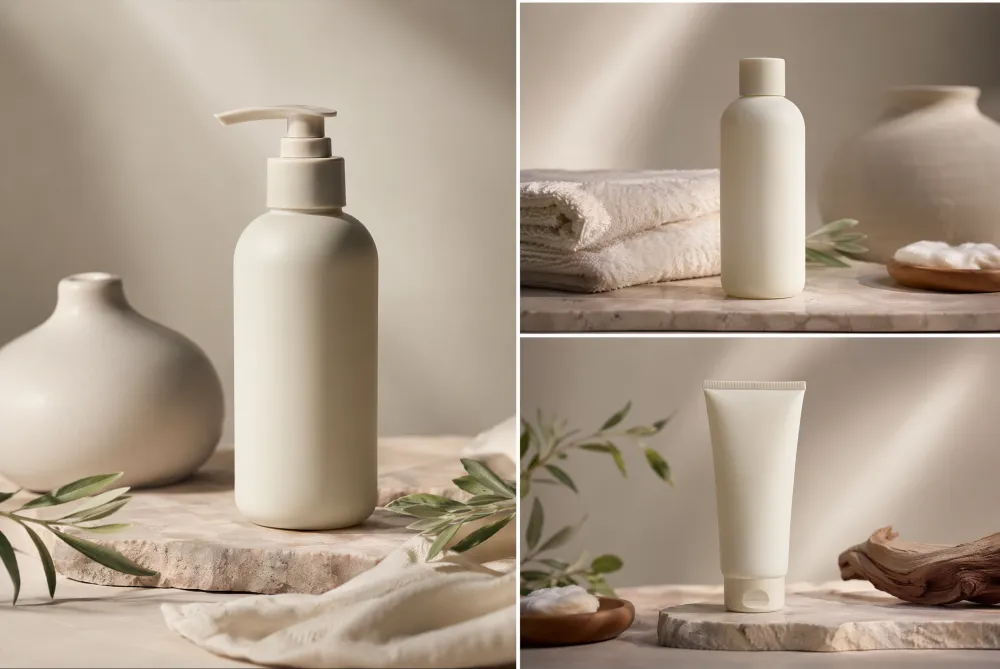
Image description: Brand consistency stress-test visual with coordinated scenes for checking color, light, and tone.
8. Localized Campaign Visual Kit
What to create: Make an image base that can work across markets without rewriting text inside the image.
How to make it:
Ask Codex to list language-sensitive elements.
Generate a text-free visual base in iMini.
Localize headline, CTA, alt text, and captions separately.
Prompt to use in iMini:
Realistic global campaign visual kit for AI ads, product scene with blank modular cards, diverse market-neutral props, clean copy space, premium commercial photography, no readable text, no logos, no watermark.
What to watch for: Keep text out of the image so every language version can use the same visual safely.
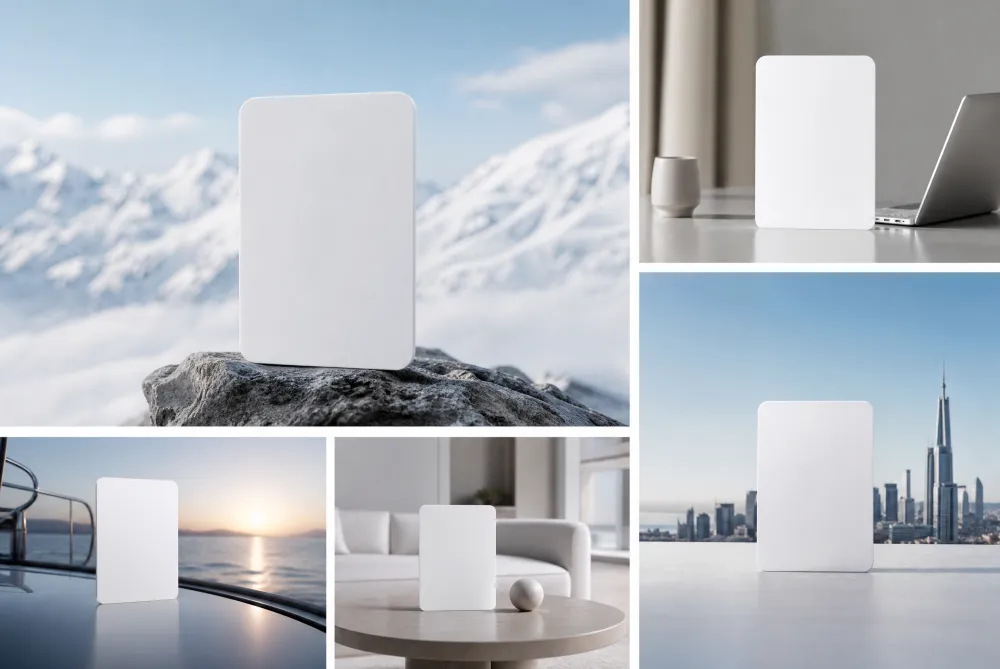
Image description: Multilingual campaign visual kit with text-free base imagery and blank modules for market reuse.
About iMini
iMini is an AI creation platform for generating and editing images, videos, and text in one creative workflow. For the keyword Codex AI ad prompts, iMini helps turn Codex-planned briefs into realistic ad visuals, UGC concepts, disclosure-ready images, brand checks, and localized campaign bases.
The reader benefit is control. Codex helps define what the ad should say and avoid; iMini helps make the visual asset quickly while keeping text, claims, and localization editable.
Summary
AI ad transparency and brand safety are now practical creative concerns. This guide shows eight Codex-planned iMini prompts for creating realistic AI ad visuals with more control.
FAQ
Why is AI ad transparency a hot topic?
Platforms are adding AI labels and advertisers are watching for brand risk, product distortion, and misleading generated content.
How does Codex help before using iMini?
Codex can draft the brief, claims, constraints, negative prompts, and review checklist before image generation starts.
Should AI ad images include text?
Usually no. Use blank cards or copy space, then add final claims, disclosures, and CTAs outside the generated image.
What should teams check before publishing?
Check product accuracy, brand tone, platform policy risk, disclosure needs, and whether the image contains fake or unreadable text.