CTR-Optimized Layouts
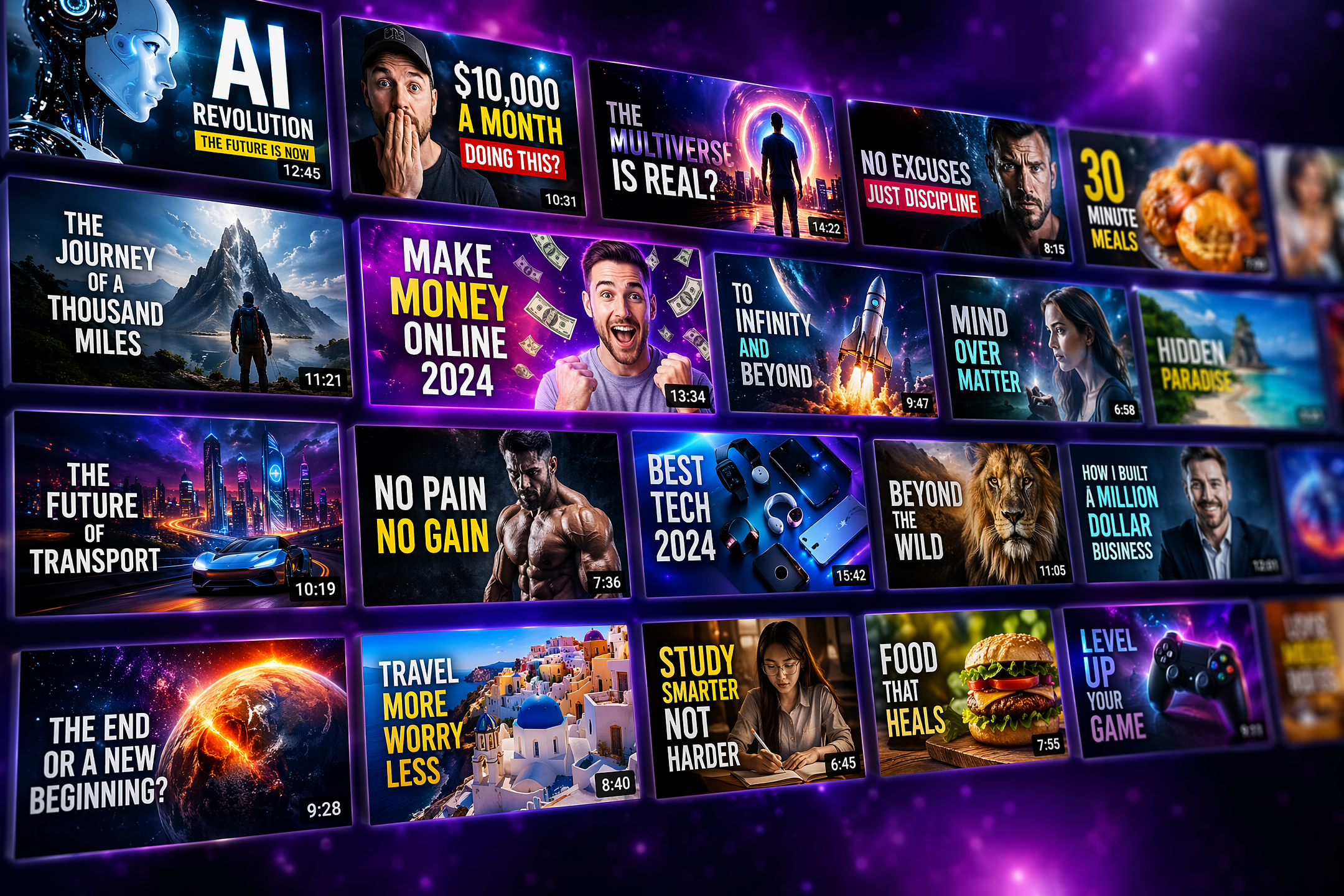
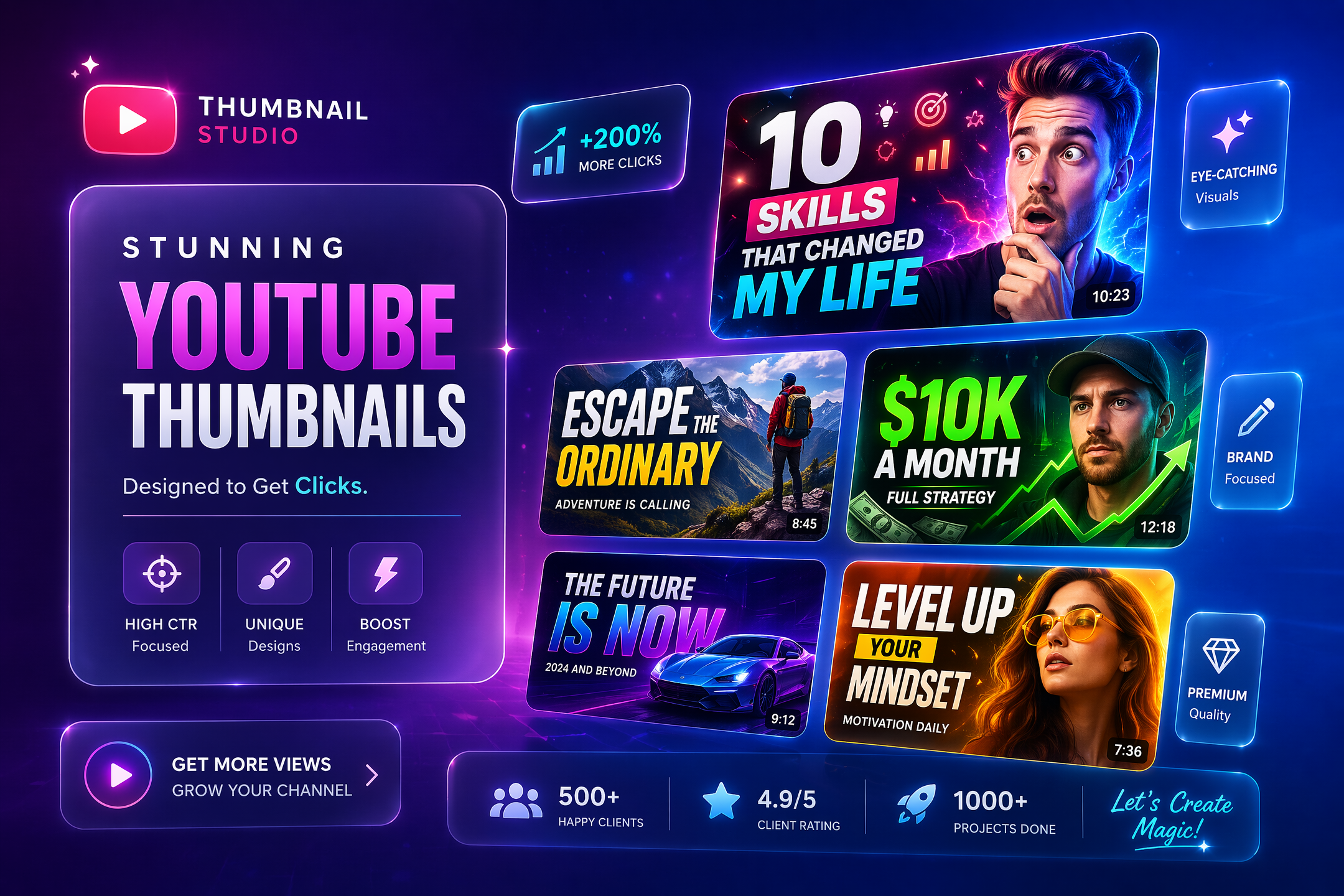
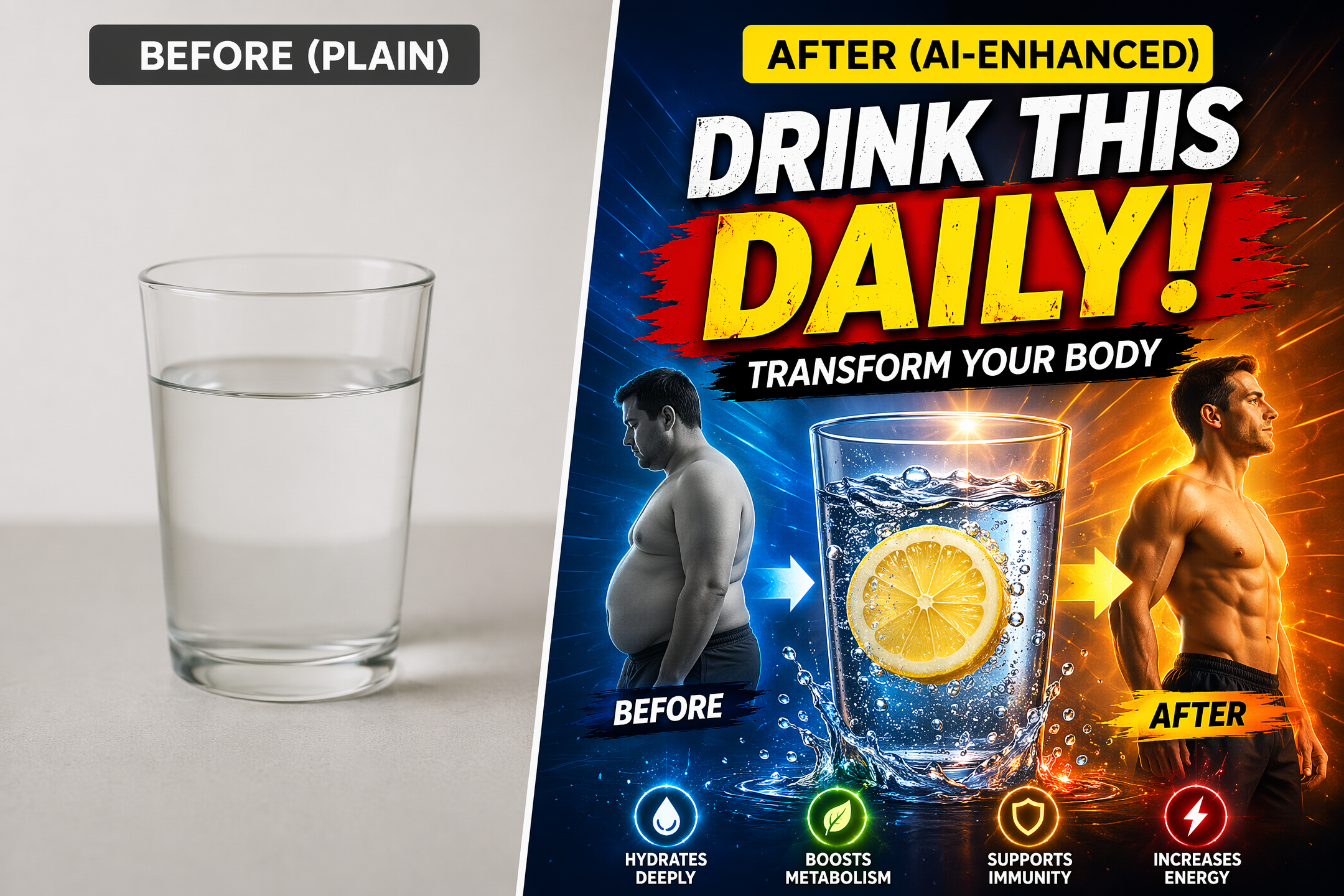
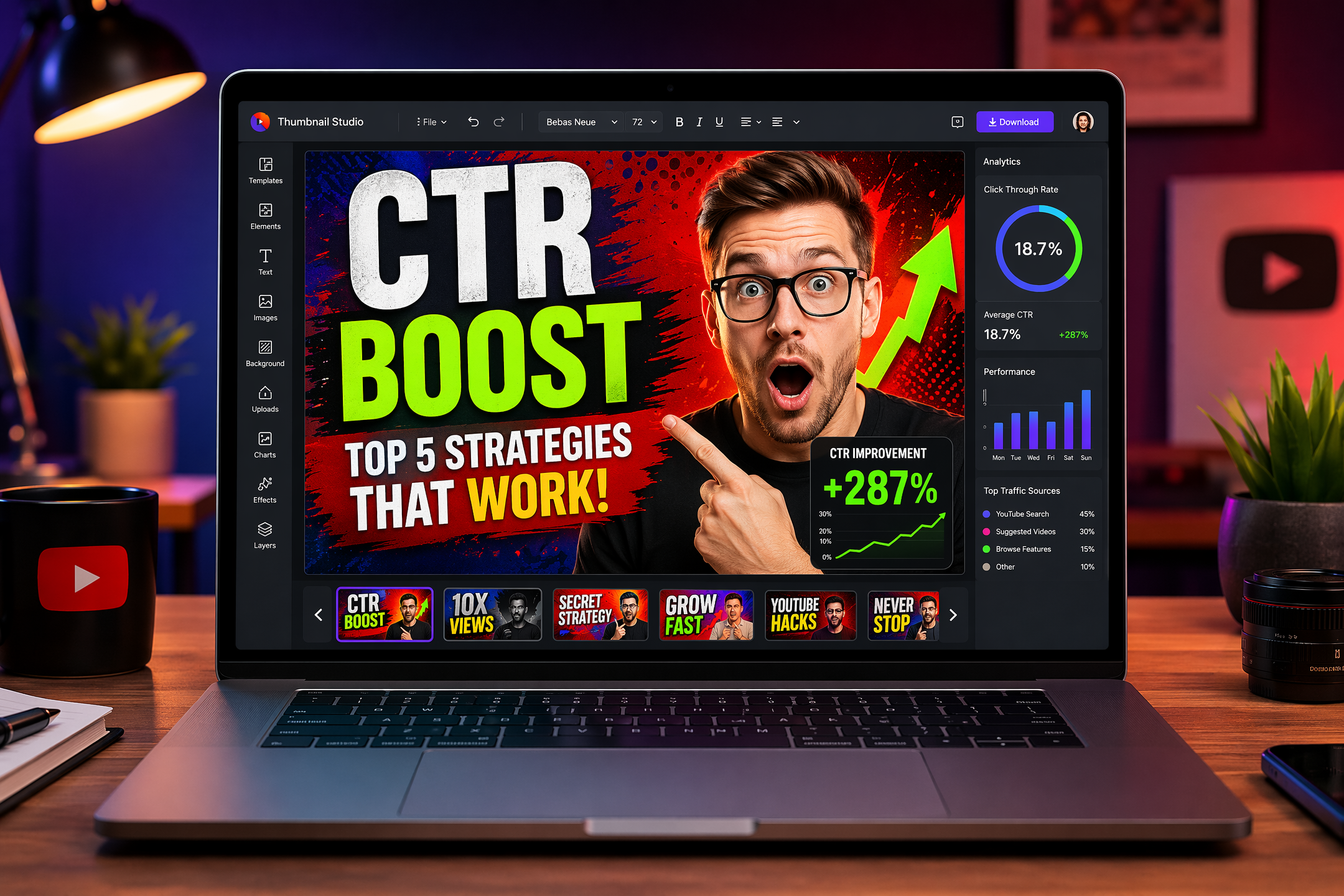
Every thumbnail is designed around YouTube's visual hierarchy — bold headline text, high-contrast backgrounds, and a dominant focal point that stops the scroll.
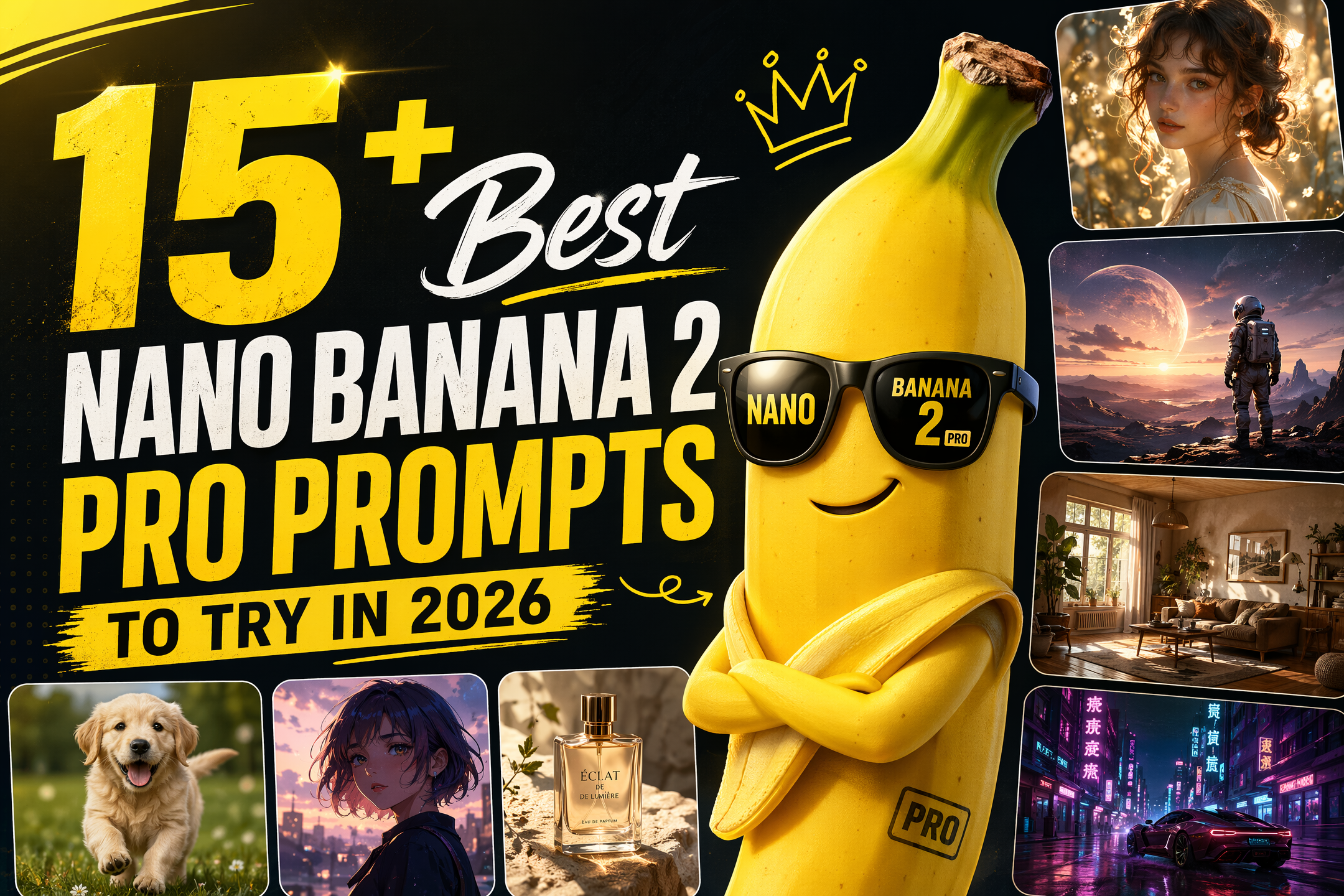
Nano Banana 2 Pro generates professional YouTube thumbnails from a text prompt in seconds, no design skills needed.
Nano Banana 2 Pro is live — no design skills needed
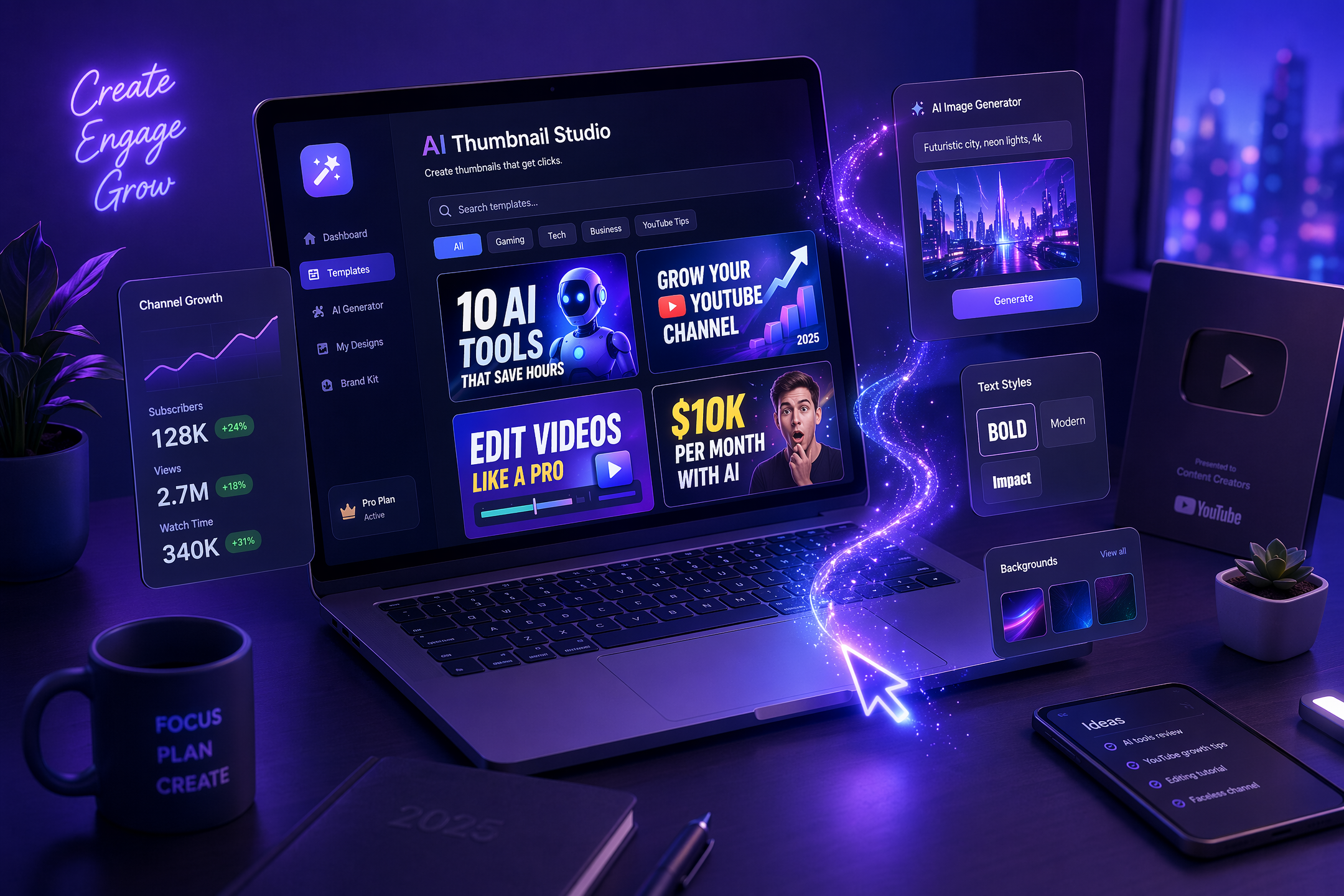
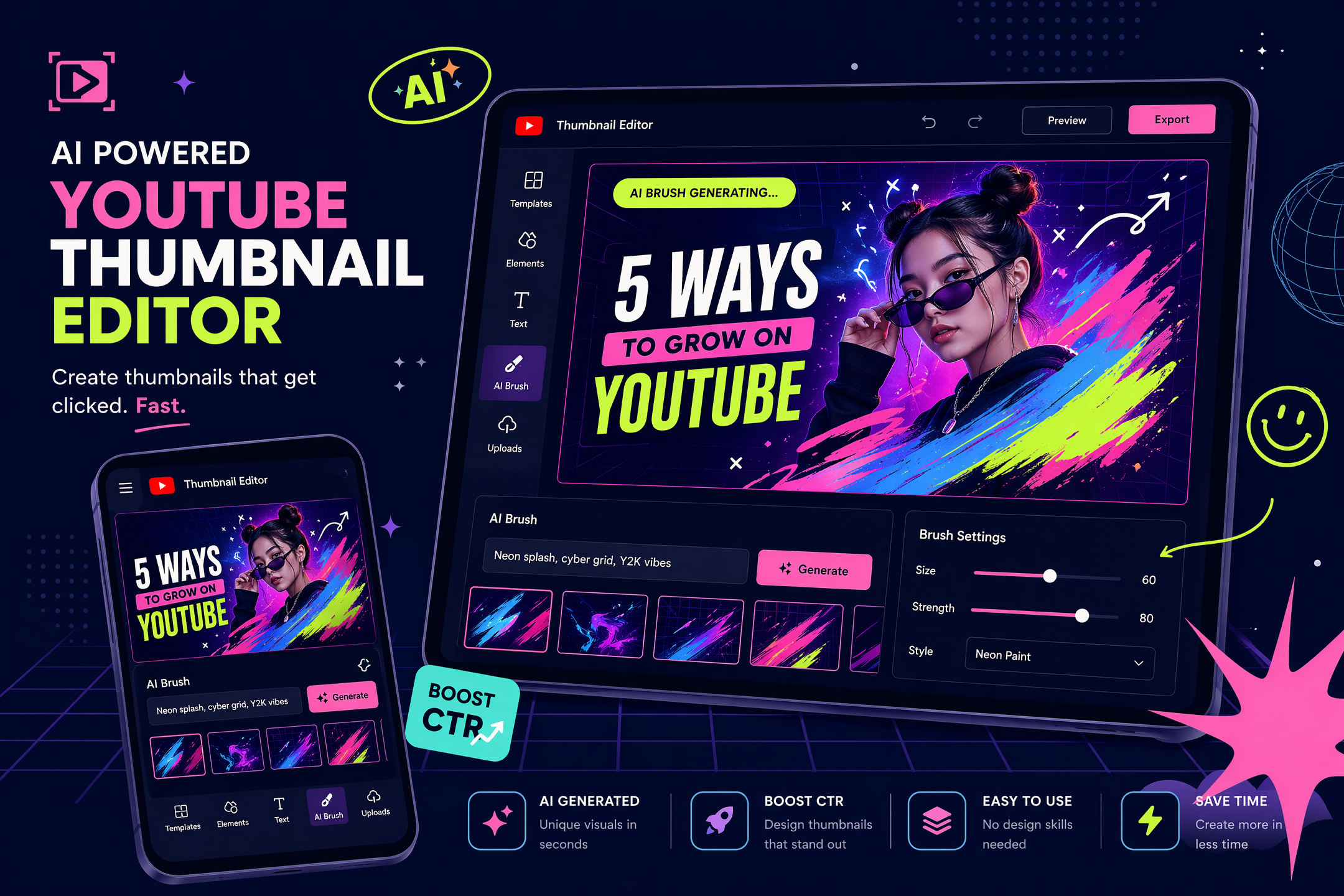
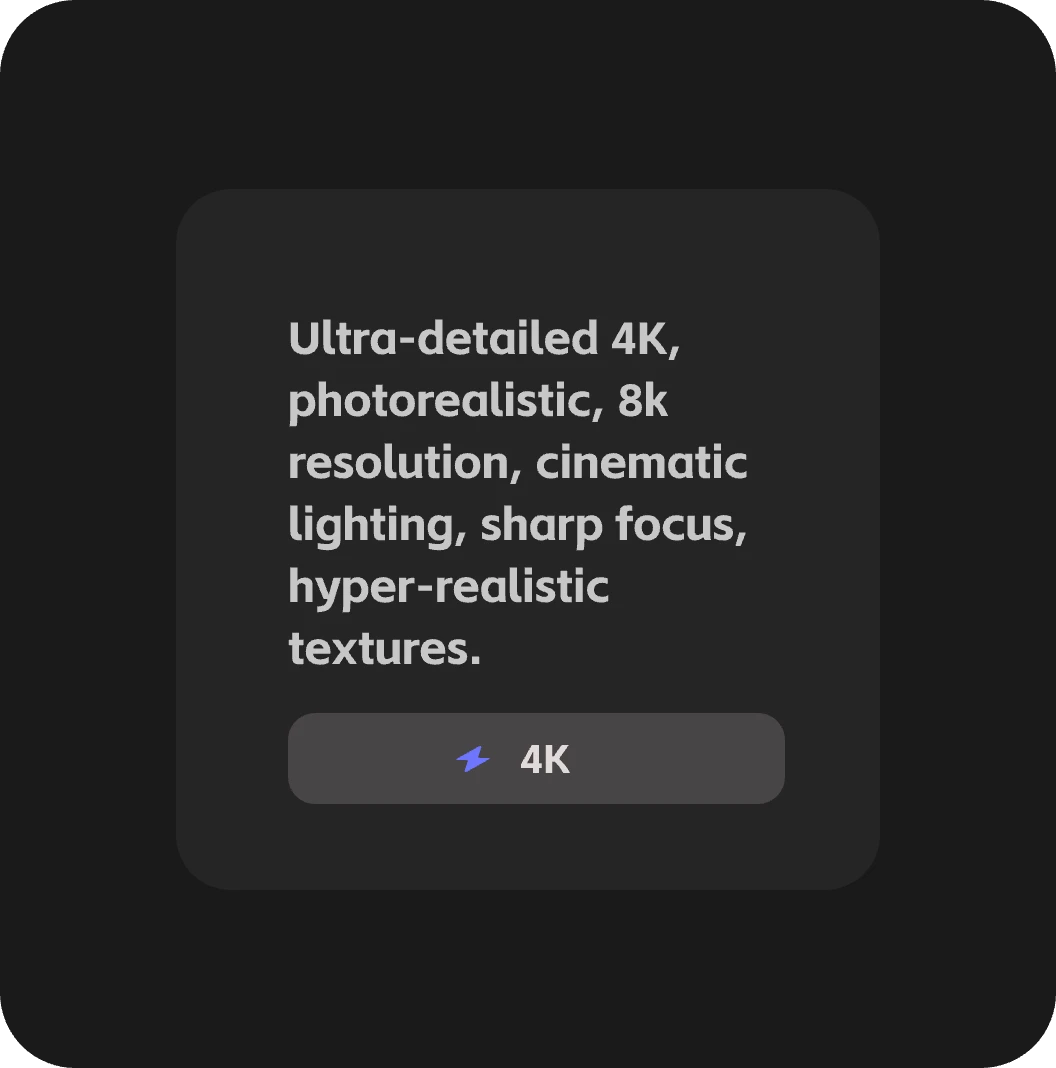
Type a short description of your video topic or paste in a screenshot.
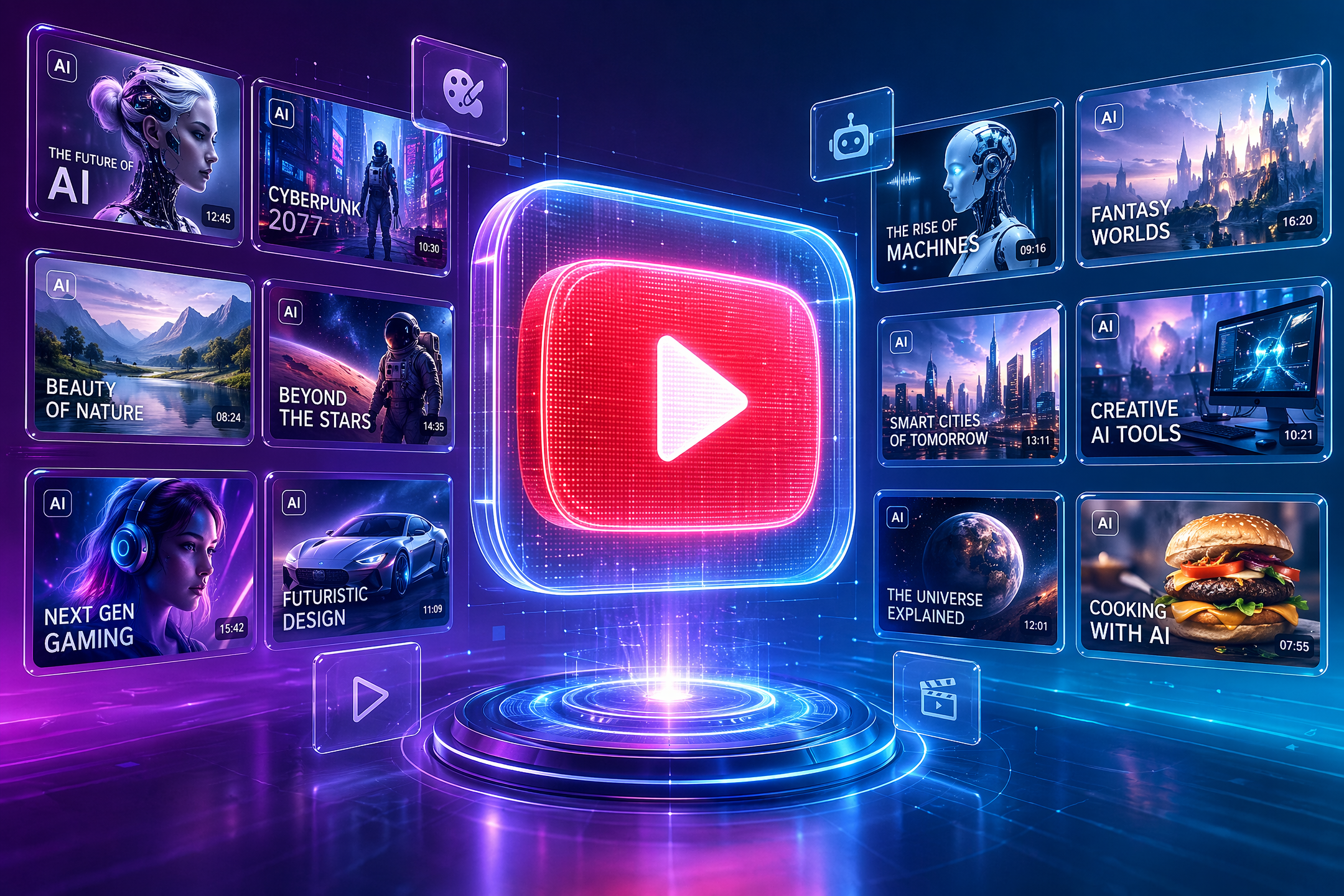
Choose from thumbnail styles optimized for different niches.
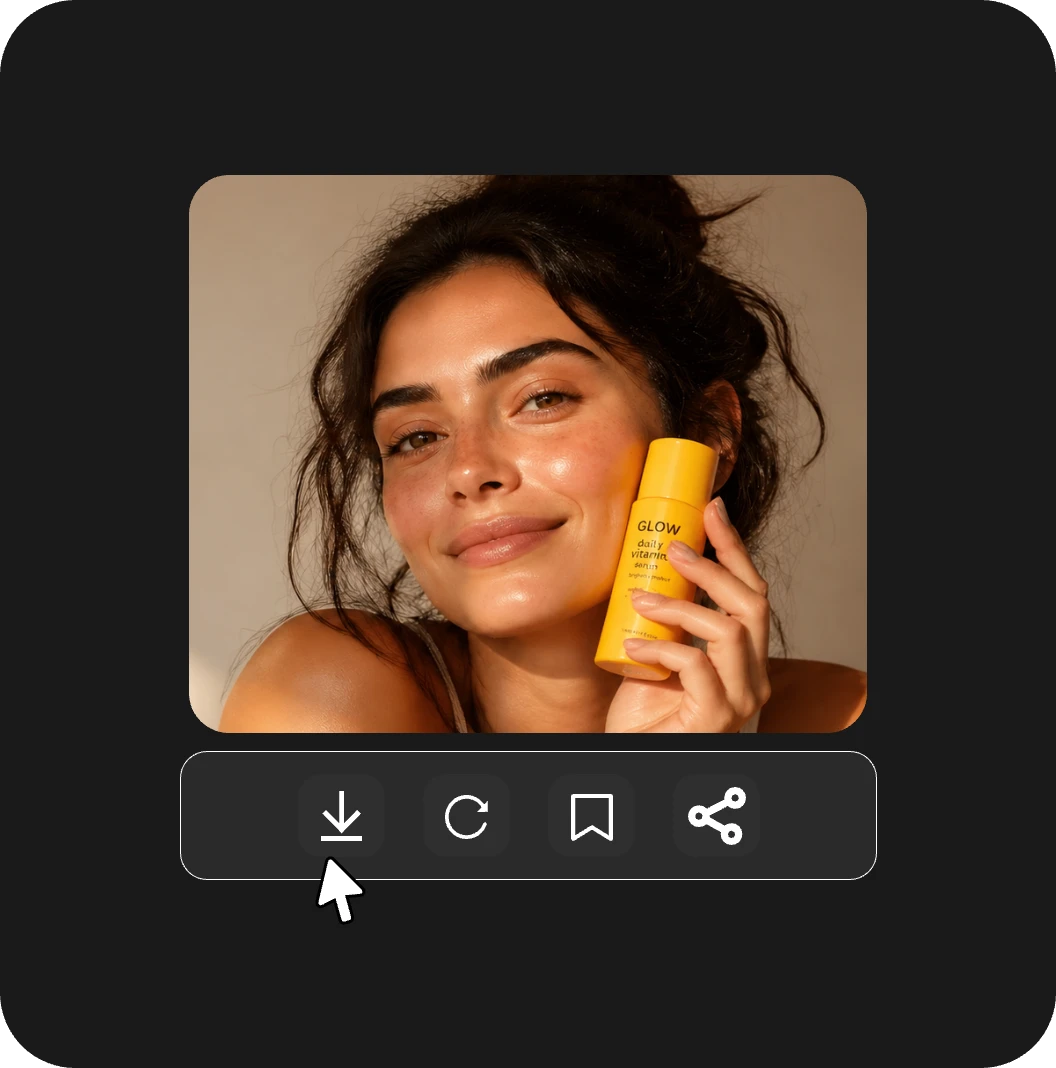
Export your thumbnail at YouTube’s recommended resolution and upload
Every thumbnail is designed around YouTube's visual hierarchy — bold headline text, high-contrast backgrounds, and a dominant focal point that stops the scroll.
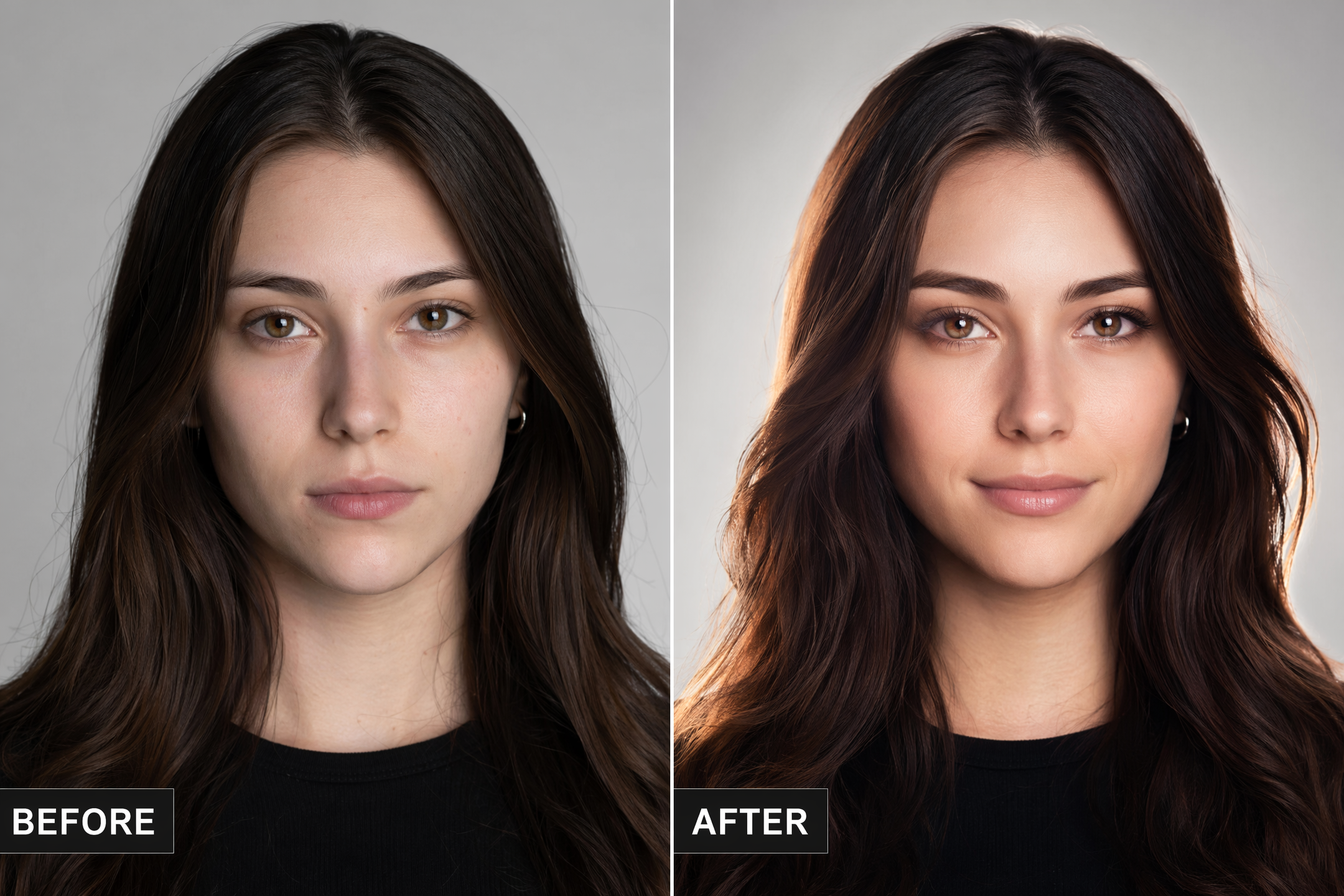
Upload a selfie or any photo and iMini AI enhances facial expressions for more emotion and impact — the single biggest driver of thumbnail click-through rates.
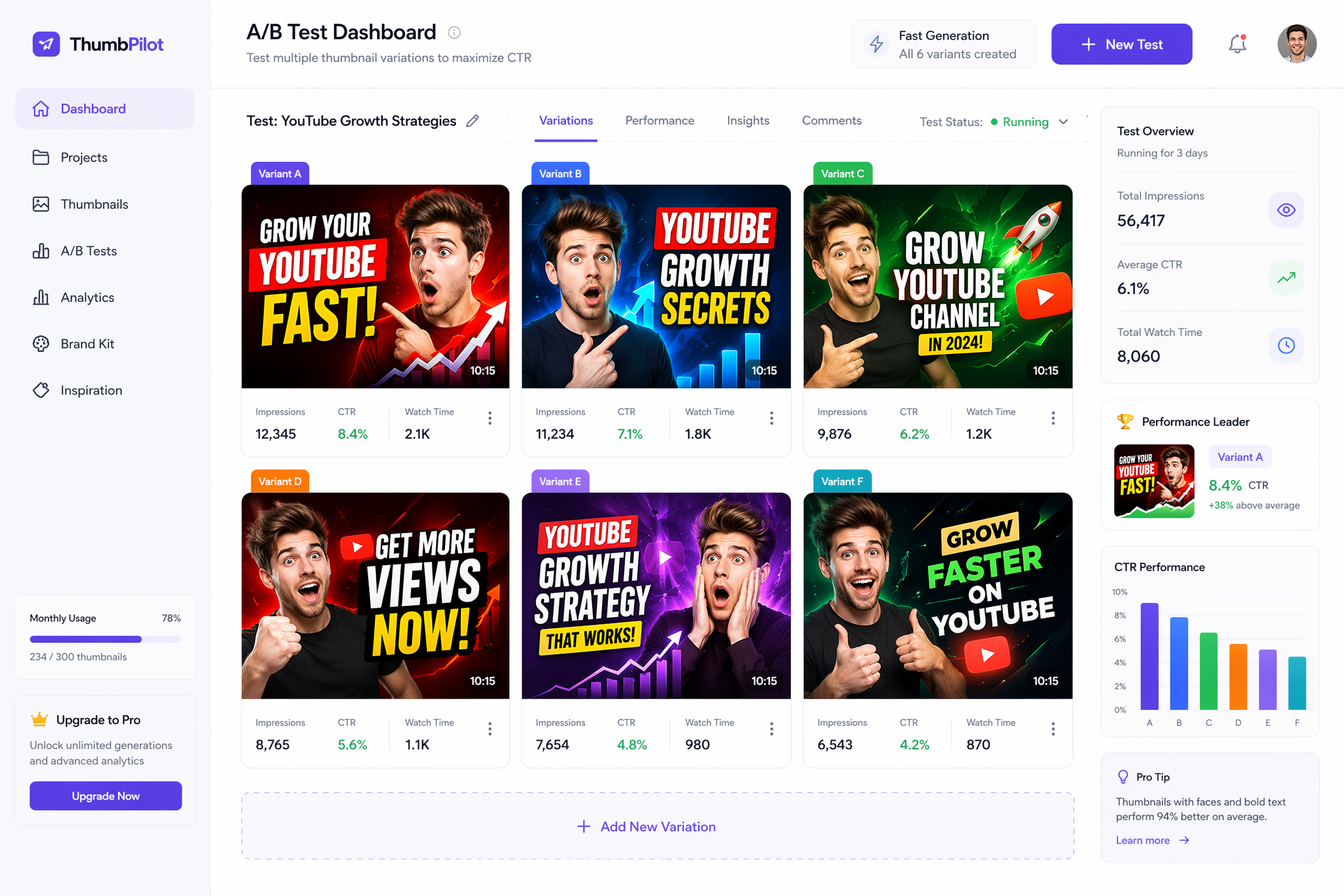
Generate 6 thumbnail variations from one prompt and A/B test which performs best — ideal for creators who post multiple times a week. Powered by Nano Banana 2 Pro, each batch completes in under 30 seconds.
"My CTR went from 3.2% to 6.8% within two weeks of switching to iMini thumbnails. I stopped using Canva entirely."
"I used to spend 45 minutes per thumbnail. Now it takes 3 minutes and my editor doesn't even need to touch them."
"The face enhancement feature is unreal. My expression in AI-edited thumbnails looks more energetic than the original photo — and it shows in the views."
Higher-quality input photos produce sharper results, but iMini AI can work with standard smartphone shots — the AI upscales and enhances automatically.
Yes. After generation, you can edit overlay text, swap fonts, adjust positioning, and upload your logo directly in the editor.
Thumbnails export as JPG or PNG at 1280×720px, meeting YouTube’s recommended specs and under the 2MB file size limit.
No. The generation is prompt-driven and personalized — your specific topic, uploaded photo, and style choices produce a unique output each time.
Yes. All images generated with iMini AI are yours to use commercially, including on monetized channels and brand partnerships.
Actionable guides, model breakdowns, and creative tips from the iMini AI team — updated weekly.