
社媒配图怎么做:8 个适合帖子、Story 和广告的 AI 图片思路

2026年7月10日
社媒配图不能只是好看。它要能让用户停下来,快速看懂重点,还要在方图、竖版 Story、广告预览这些不同尺寸里保持品牌一致。
更稳的做法,是把流程拆成三步:先明确内容目标,再生成干净的视觉底图,最后再添加文案和品牌细节。这样既灵活,也能避免 AI 直接生成文字时出现拼写错误。
下面这 8 个方向都可以在 iMini 里制作。你可以把它们当成提示词思路、选题视觉板,或者日常发布可复用的模板。
8 个可以用 AI 制作的社媒配图方向
1. 轮播封面
轮播封面要在用户滑动之前,就把主题讲清楚。
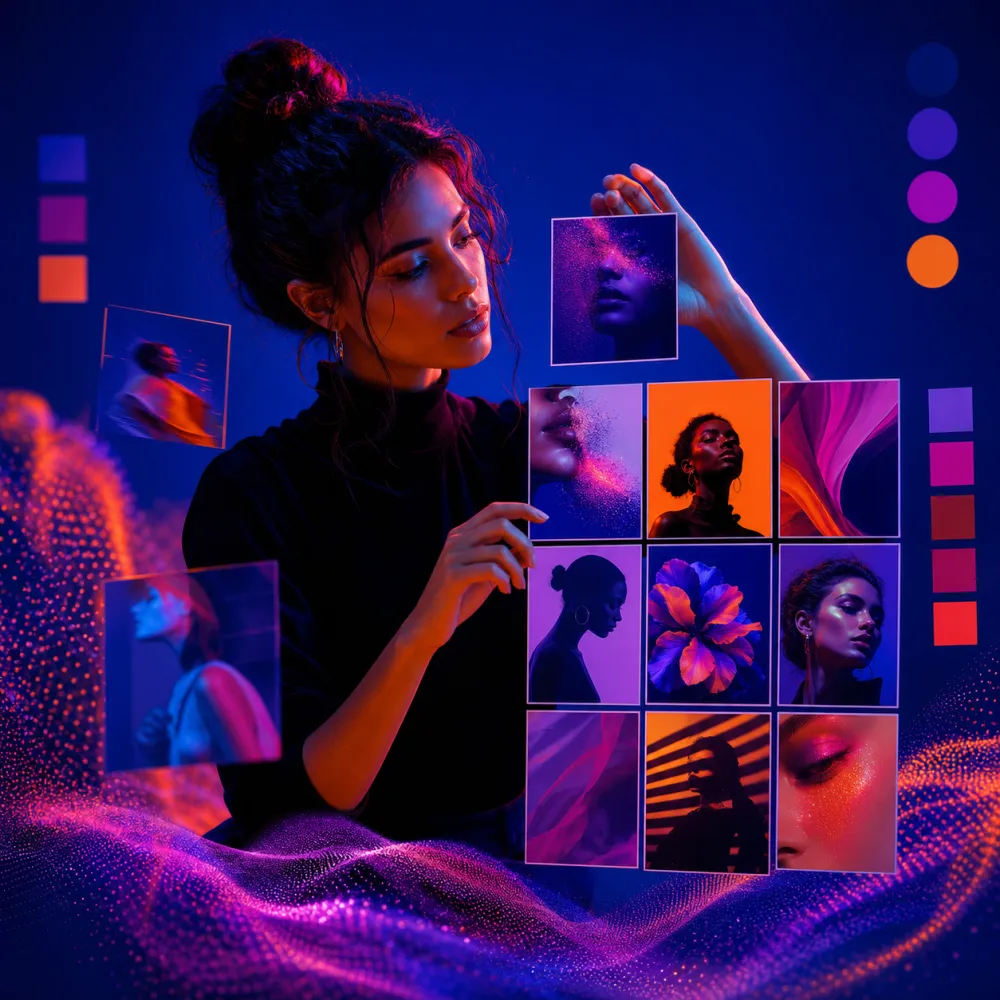
Create a square social media carousel cover for an AI image workflow. Show layered content cards, abstract phone-screen frames, a creator-studio setting, and a clear open area for a headline. Use polished modern marketing lighting, strong depth, and a premium editorial feel. No readable text, no logos, no watermark.
2. Story 背景
Story 需要竖版构图,并给贴纸、投票、字幕和链接留出安全空间。
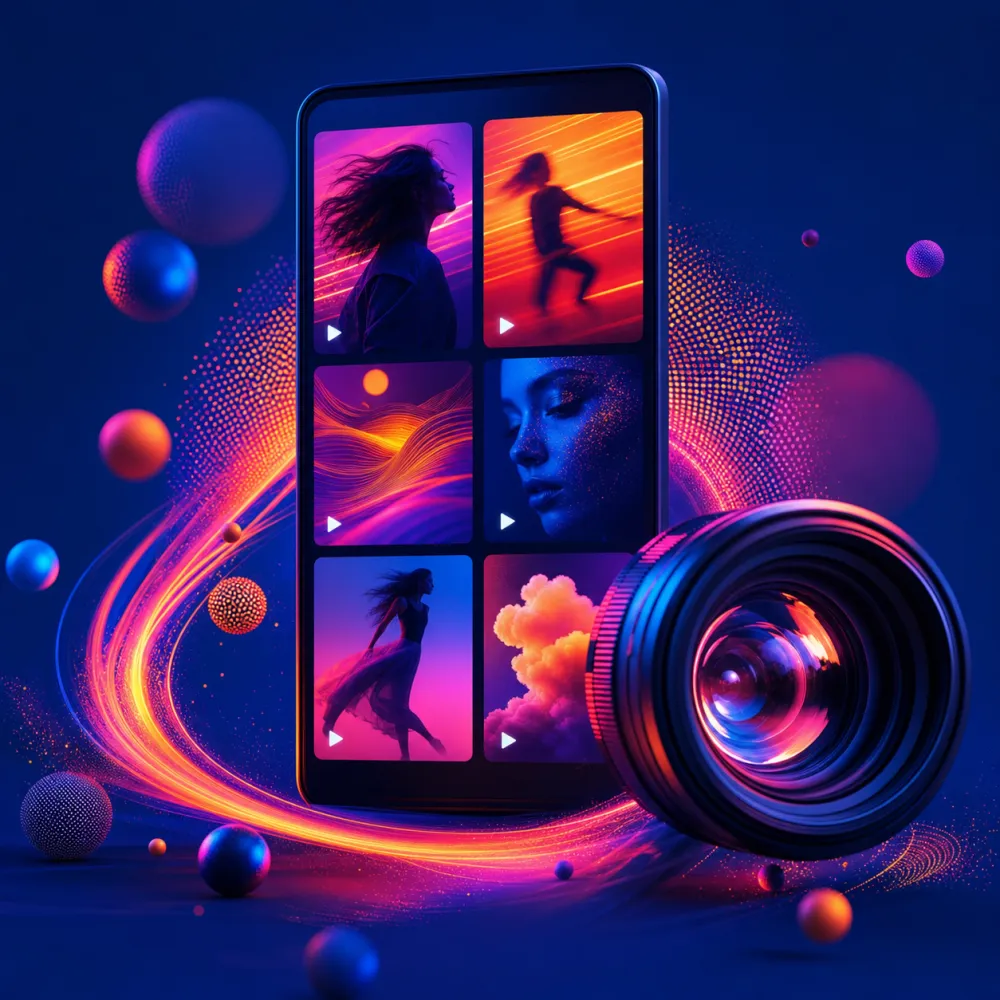
Create a vertical story background for announcing a new AI image workflow. Use a clean creator desk, subtle phone-frame shapes, soft studio lighting, and generous empty space in the upper third for stickers, polls, or captions. Format 9:16. No readable text, no logos, no watermark.
3. 短视频封面
短视频封面要在缩略图尺寸下也能看清,同时要符合视频内容的节奏。
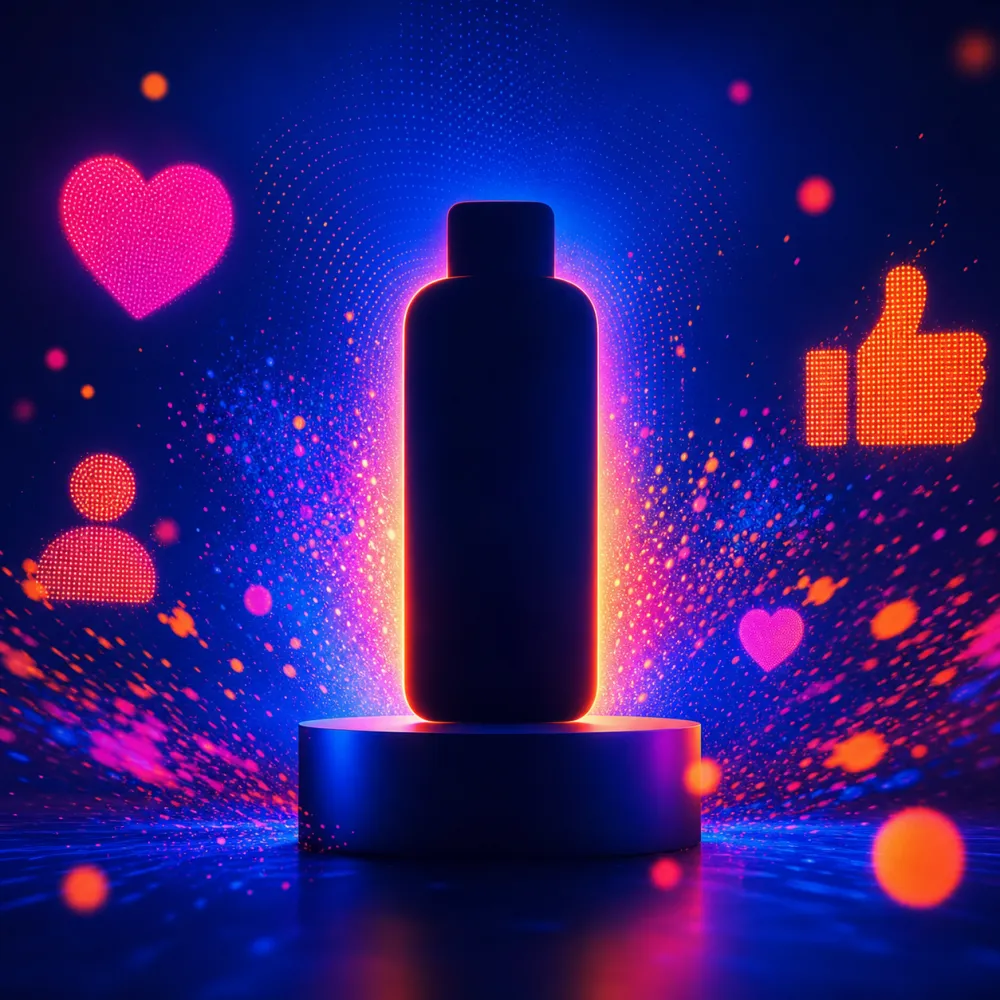
Create a high-energy vertical short-form video cover for a creator workflow. Include a desk setup, abstract image thumbnails, a camera, and editing-timeline panels as non-readable UI shapes. Use crisp contrast and clear thumbnail readability. Format 9:16. No readable text, no logos, no watermark.
4. UGC 风格广告图
UGC 画面要自然,但产品或功能仍然要被清楚地看见。
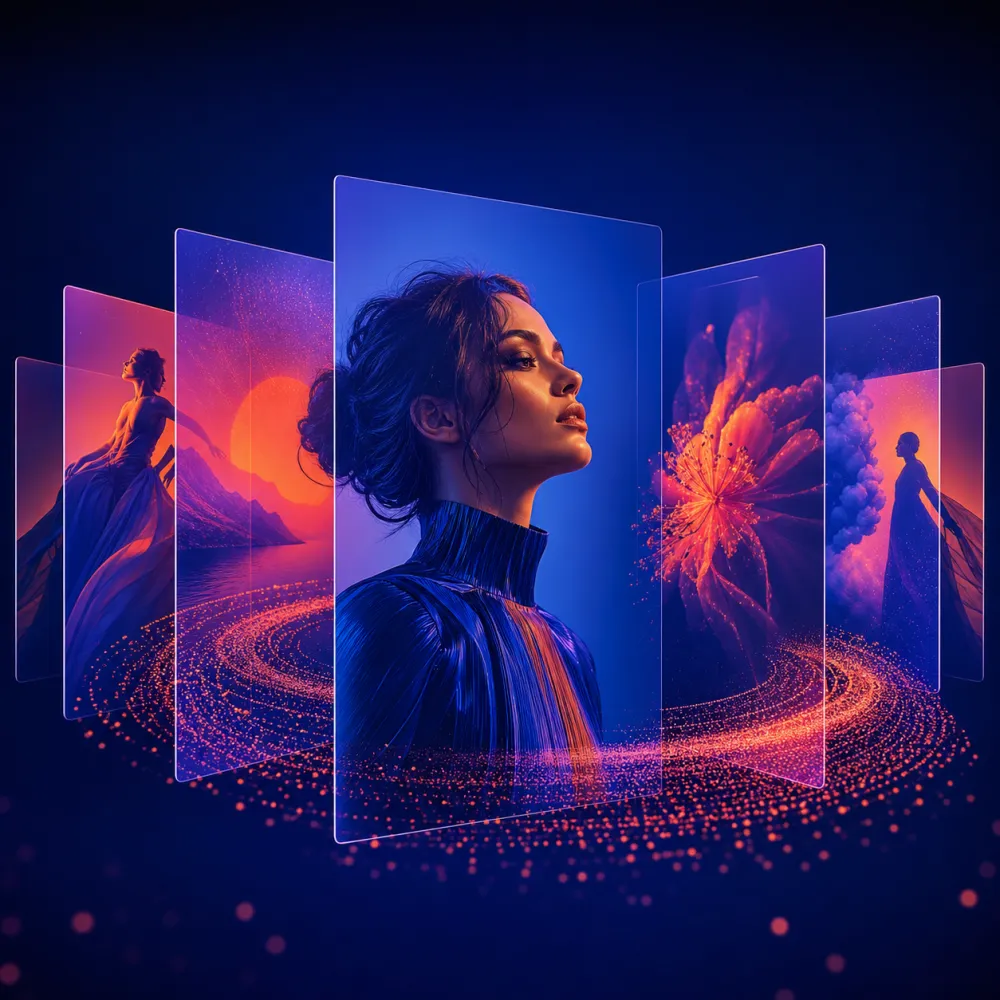
Create a realistic UGC-style ad image for an AI creation platform. Show a creator holding a phone with an abstract AI editor interface, casual apartment daylight, authentic expression, clean background, and strong product framing. Vertical composition. No readable text, no logos, no watermark.
5. 产品预热图
当你要预告功能、活动或优惠,但不想一次讲完所有信息时,可以用这个方向。
Create a premium square product teaser post for an AI creation platform. Show abstract generated-image thumbnails floating above a laptop, subtle brand-safe color accents, refined editorial lighting, and a clean focal point for a launch message. No readable text, no logos, no watermark.
6. 可加梗图文案的底图
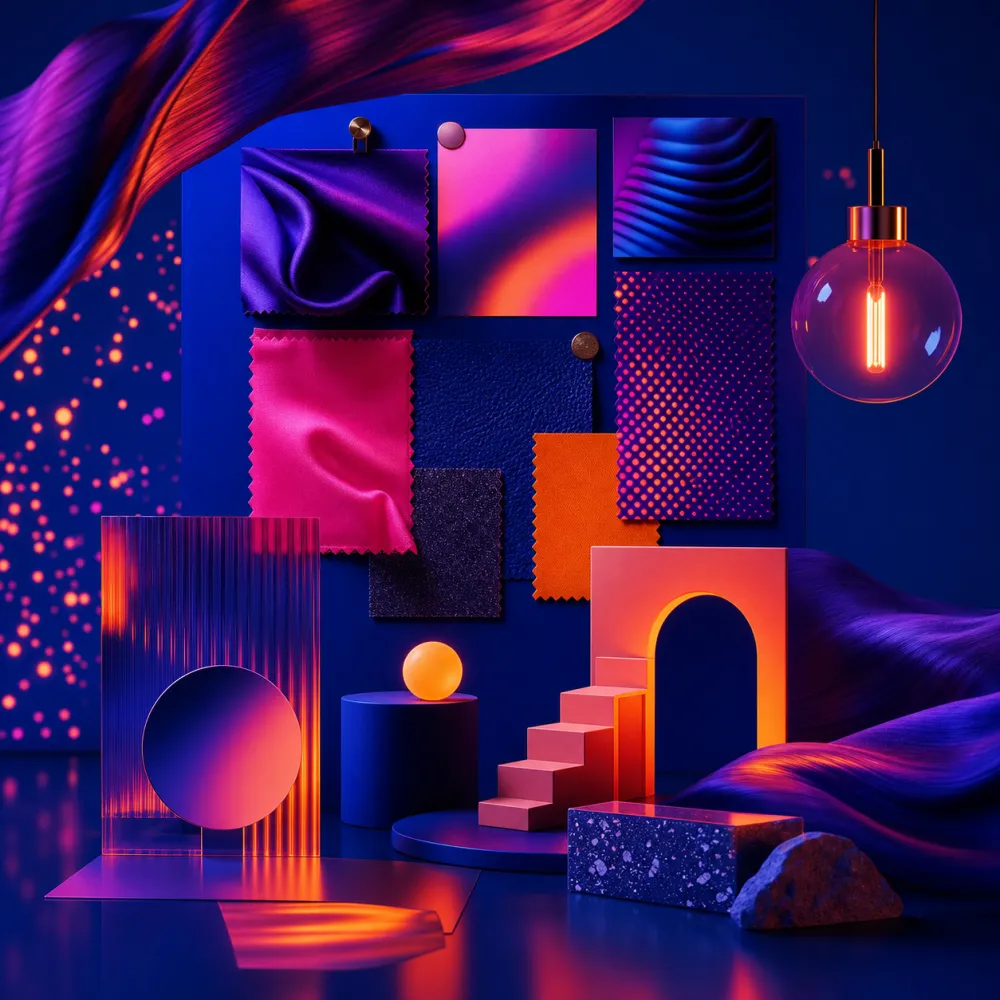
好的梗图底图要给文案留空间,同时让画面里的对比关系一眼能懂。
Create a square meme-ready visual base about creators comparing messy assets with polished AI visuals. Use a clean split composition, expressive objects, obvious before-and-after contrast, and open space for copy added later. Keep it humorous but professional. No readable text, no logos, no watermark.
7. 节日活动图
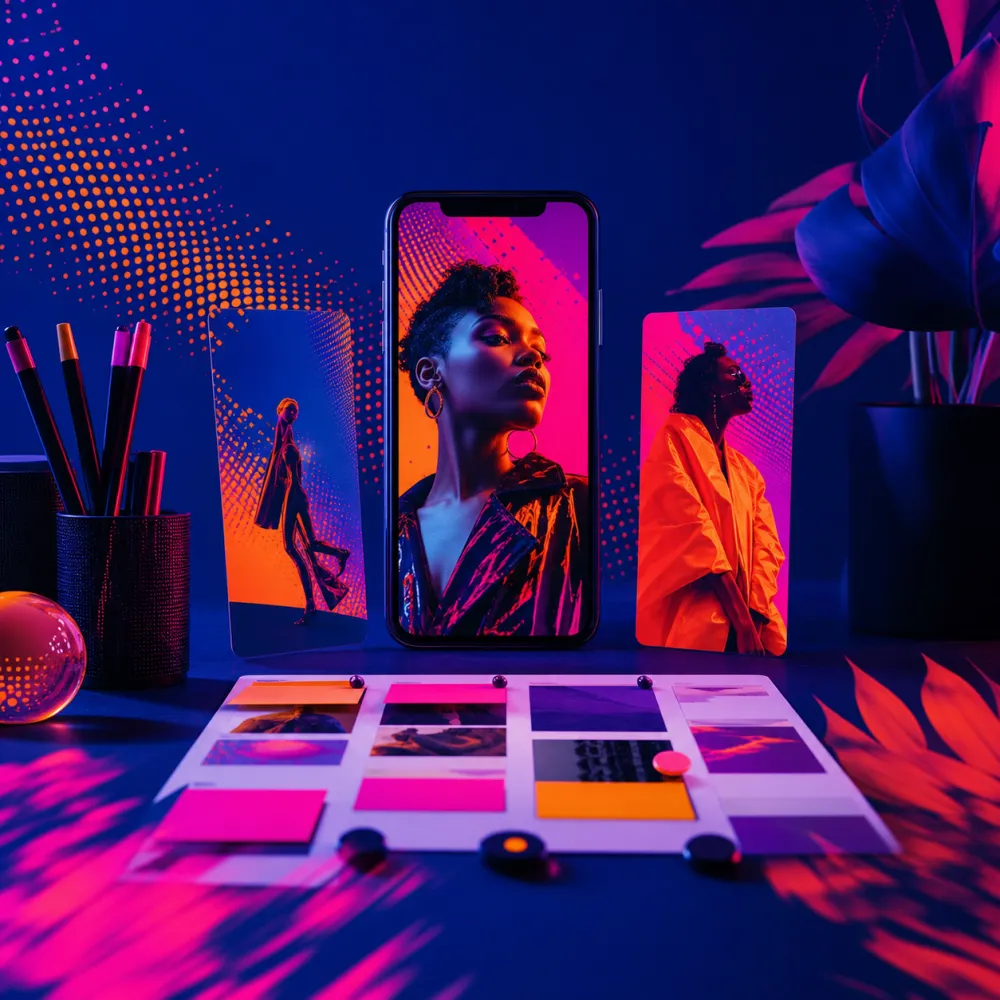
节日图可以借用当下氛围,但不要让装饰压过品牌本身。
Create a square seasonal social campaign visual for AI image creation. Show a creative desk with tasteful seasonal props, image thumbnails, color swatches, warm lighting, and a refined commercial photography look. Keep the mood festive but not cluttered. No readable text, no logos, no watermark.
8. 品牌复用模板
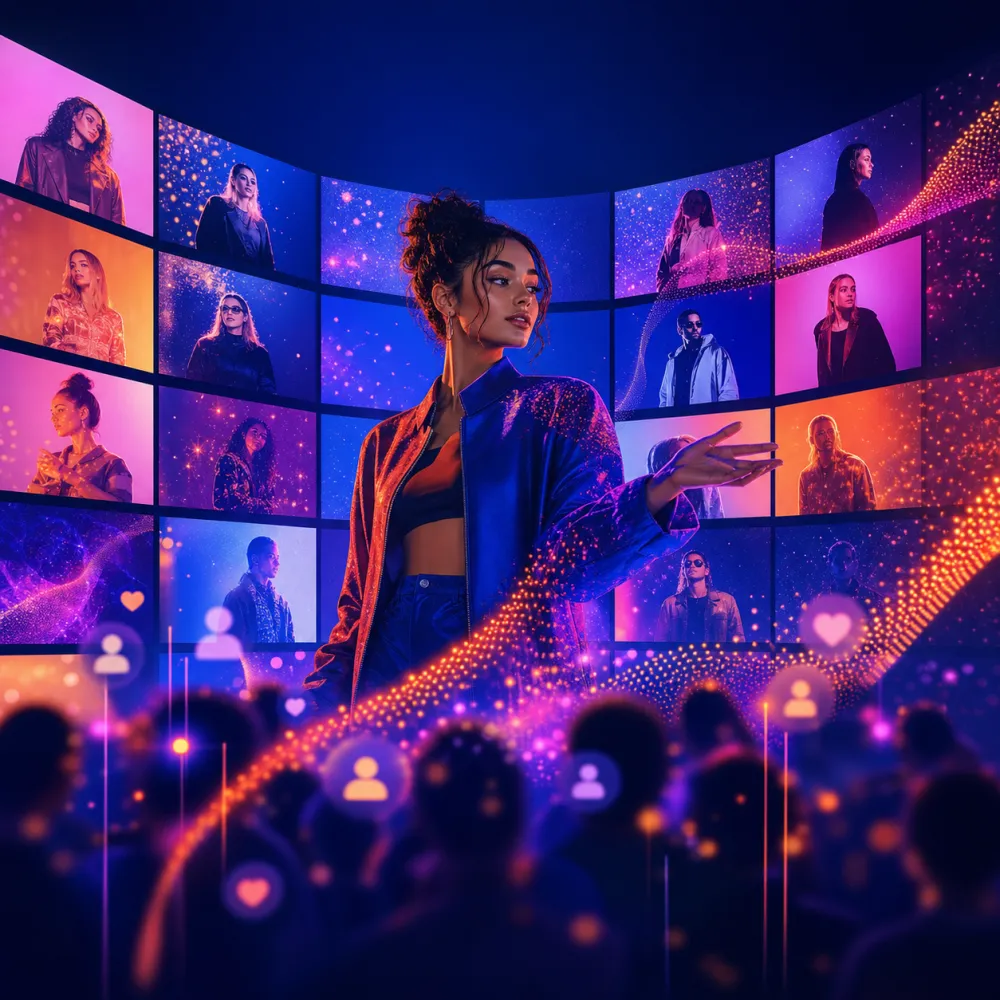
模板能让团队更快发布,因为结构稳定,只需要替换主题和内容。
Create a reusable square social media template background for a brand content system. Use modular content blocks, abstract AI image previews, a soft studio scene, and clean open space for a headline and CTA added later. Consistent, modern, brand-safe look. No readable text, no logos, no watermark.
更快完成社媒配图的工作流
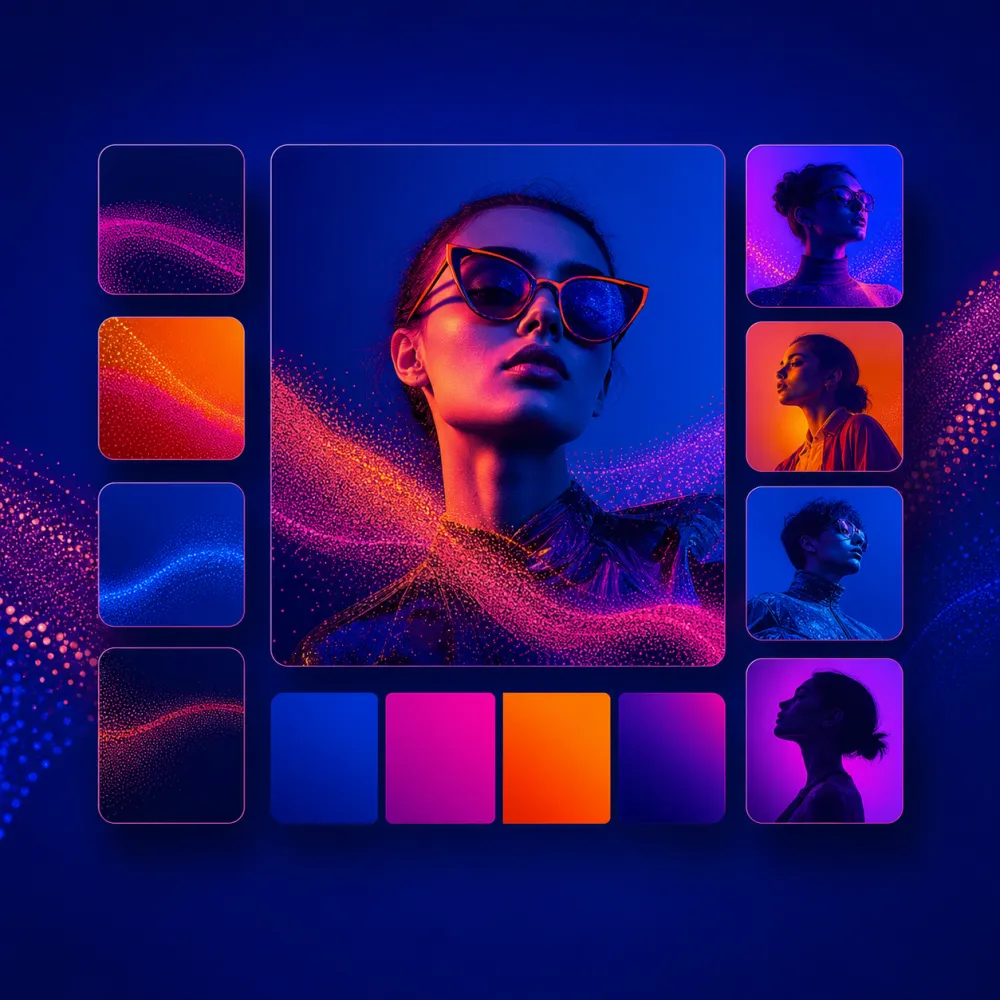
先确定平台尺寸:1:1 适合通用帖子,4:5 在移动端信息流里更醒目,9:16 适合 Story、Reels 和短视频封面。然后判断图片是否需要给标题留白,还是可以不加文字直接发布。
在 iMini 里先生成不带文字的底图,再裁剪、去背景、换模型测试,并手动添加最终标题。这样更容易控制质量,也更方便做多语言版本。
About iMini
iMini 是一个把图片、视频和文本生成编辑放在同一流程里的 AI 创作平台。围绕“社媒配图”这个关键词,iMini 可以帮助创作者把一个粗略选题快速变成可用底图,再继续调整成轮播封面、Story、广告图或活动模板。对读者最有帮助的一点,是它能在提升出图速度的同时,保留文案、品牌语气和版式的后期控制权。
常见问题
社媒图片里的文字要让 AI 直接生成吗?
通常不建议。先生成无文字画面,再用设计工具加文案,拼写、语气和排版都会更稳。
社媒配图应该从什么尺寸开始?
先看发布渠道。方图更通用,4:5 更适合移动端信息流,9:16 适合 Story 和短视频封面。
怎样避免 AI 社媒图看起来很模板化?
在提示词里加入平台、受众、情绪、主体、灯光和构图,再对最好的结果继续编辑,而不是直接使用第一张图。