
Seedream 4.5: Everything You Need to Know About the New Update
December 6, 2025
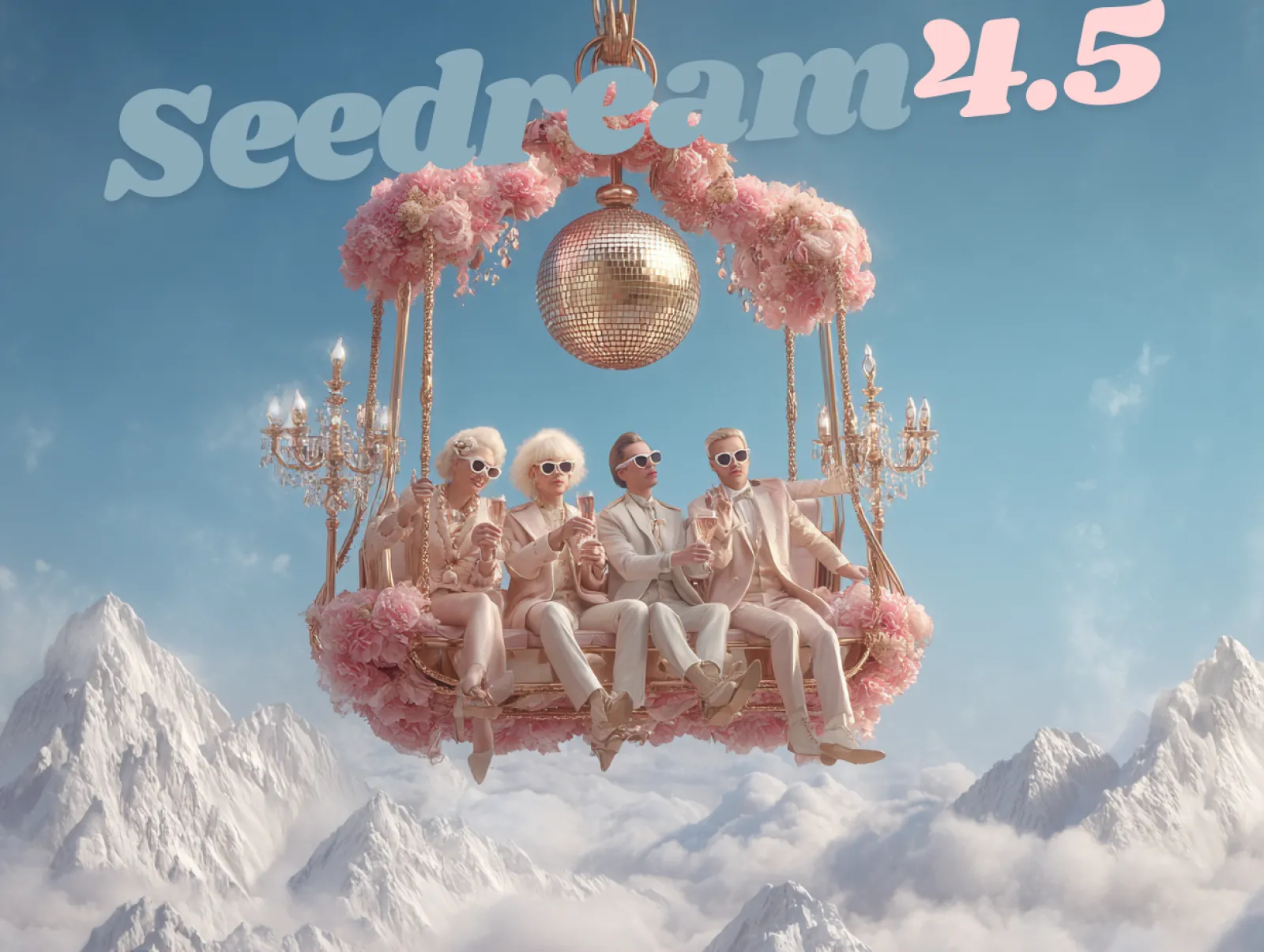
Officially released on December 3rd, Seedream 4.5 is the latest upgrade to the Seedream visual generation engine. While Seedream 4.0 impressed users with its powerful image creation capabilities, Seedream 4.5 raises the bar even higher - delivering stronger realism, higher consistency, and improved multi-image fusion accuracy.
Seedream 4.5 is now fully available on iMini AI, and in this article, we’ll take a deep dive into its standout features, core upgrades, and powerful prompts.
What is Seedream 4.5?
Seedream 4.5 is ByteDance’s latest high-end AI image generation and editing model. It is designed to support text-to-image, image-to-image, and multi-image workflows with professional precision. This update brings major improvements, including stronger reference-image. Seedream 4.5 aims at professional use cases like advertising visuals, product renders, posters, cinematic frames, and character sets that need both realism and repeatability.
Key New Features of Seedream 4.5
Let’s explore the new features and improvements introduced in Seedream 4.5.
Cinematic Visuals With Stronger Realism
Seedream 4.5 is designed for highly cinematic, 4K imagery. It can produce images with more accurate lighting, richer shadows, and more convincing materials, allowing creator to create realistic skin, fine fabric, metal, and glass. These improvements help create complex scenes with multiple characters and dynamic actions under close inspection. Seedream 4.5 can also handle complex lighting setups like backlighting and layered shadows, creating images look like actual film rather than “AI Art”.
Designer-level Composition and Typography
Seedream 4.5 improves compositional intelligence so framing, balance, and subject placement feel better. In addition, Seedream 4.5 also offers robust typography, maintaining more stable text blocks and better alignment. These improvements are ideal for posters, packaging, brand visuals, and other creative projects.
Accurate Multi-image Fusion and Editing
An impressive upgrade in Seedream 4.5 is its ability to combine and edit multiple reference images while preserving identity and key details. The model can intelligently combine several reference inputs - such as sketch+photo, color palette+scene, or multiple character angles while maintaining identity, structure, and fine detail.
Thanks to its strengthened cross-frame and cross-subject coherence, Seedream 4.5 delivers stable, distortion-free results even in complex compositions. This means no more unexpected facial glitches, awkward poses, or mismatched elements.
Fast Generation
Seedream 4.5 also delivers faster generation speeds and more stable performance, whether you’re fine-tuning prompts or producing complex, multi-layered visuals. These enhancements are especially valuable for designers, creators, art directors, and marketers who need to explore multiple visual directions quickly and iterate without interruption.
Seedream 4.5 vs. Seedream 4.0 Comparison
| Area | Seedream 4.0 | Seedream 4.5 |
| Image fidelity | Good quality. | Significantly sharper, more detailed, and more photorealistic. |
| Resolution | Solid for web and concept work. | Higher resolution, 4K oriented outputs for print grade assets. |
| Prompt adherence | Generally good. | Much stronger semantic and spatial understanding in complex prompts. |
| Consistency | Decent identity and style stability. | Multi angle stable identity and better series level coherence. |
| Text rendering | Basic; small text often distorted. | Clearer typography and dense text rendering suitable for real layouts. |
| Editing quality | Good edits but visible seams at times. | More natural blending, lighting match, and seamless transformations. |
| Multi image | Basic. | Accurate multi image editing. |
| Style Control | Medium. | Strong adherence. |
How to Use Seedream 4.5 on iMini AI?
Generating your AI images using Seedream 4.5 on iMini AI. Here is the step-by-step guide.
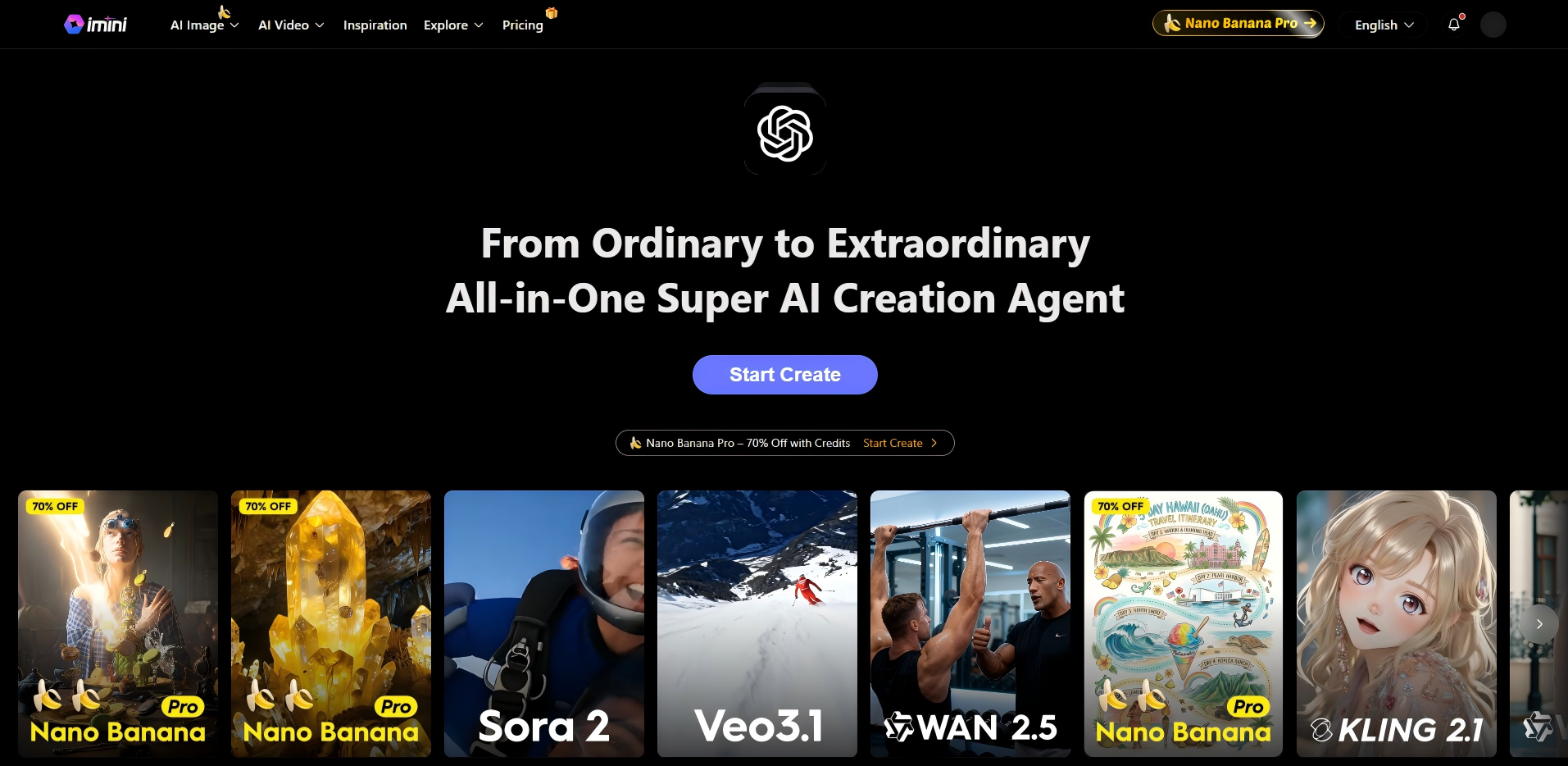
1. Open the iMini AI Image and Video Generator to begin creating your content.
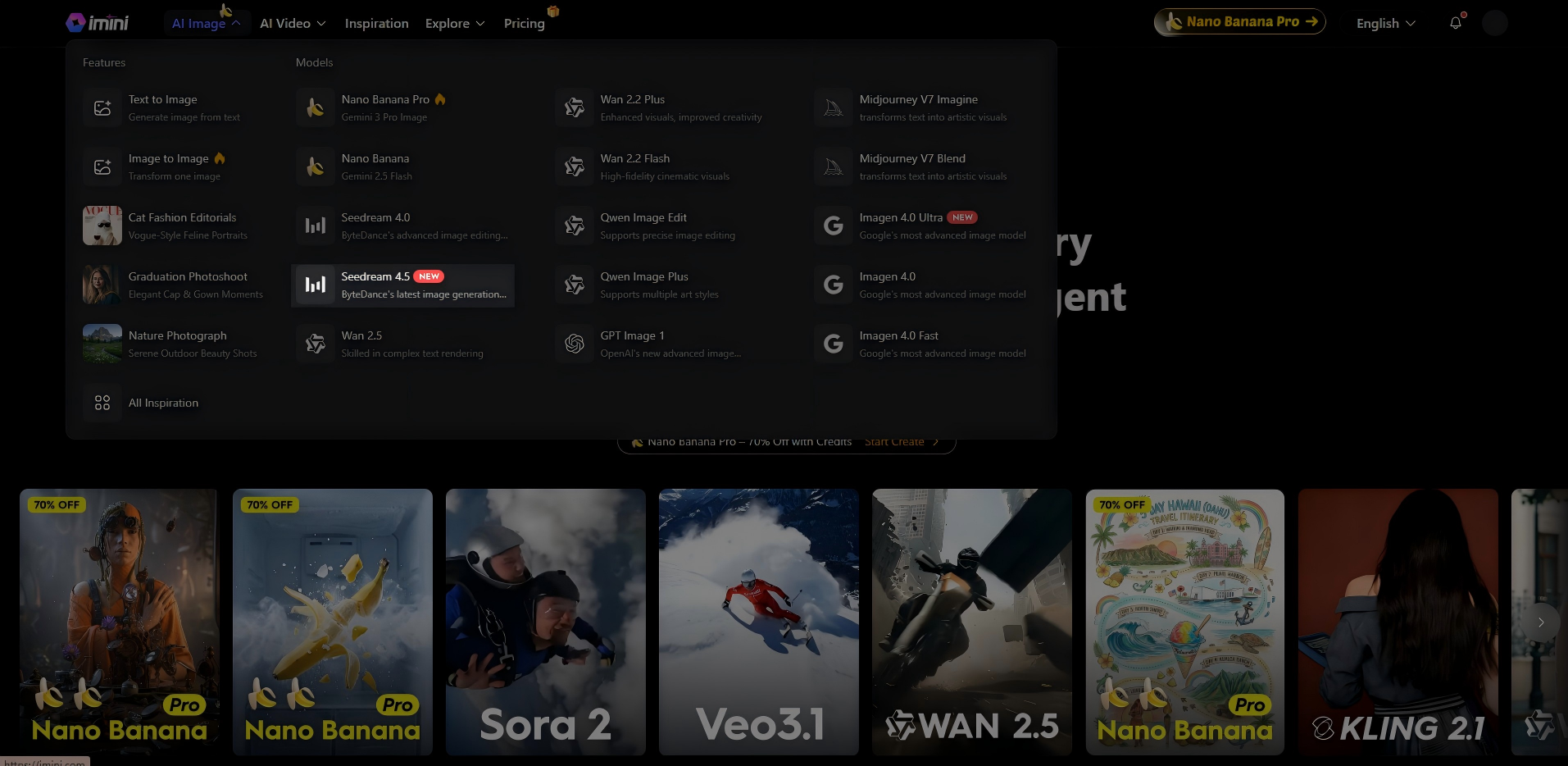
2. Navigate to “AI Image” and choose the Seedream 4.5 model to begin generating your visuals.
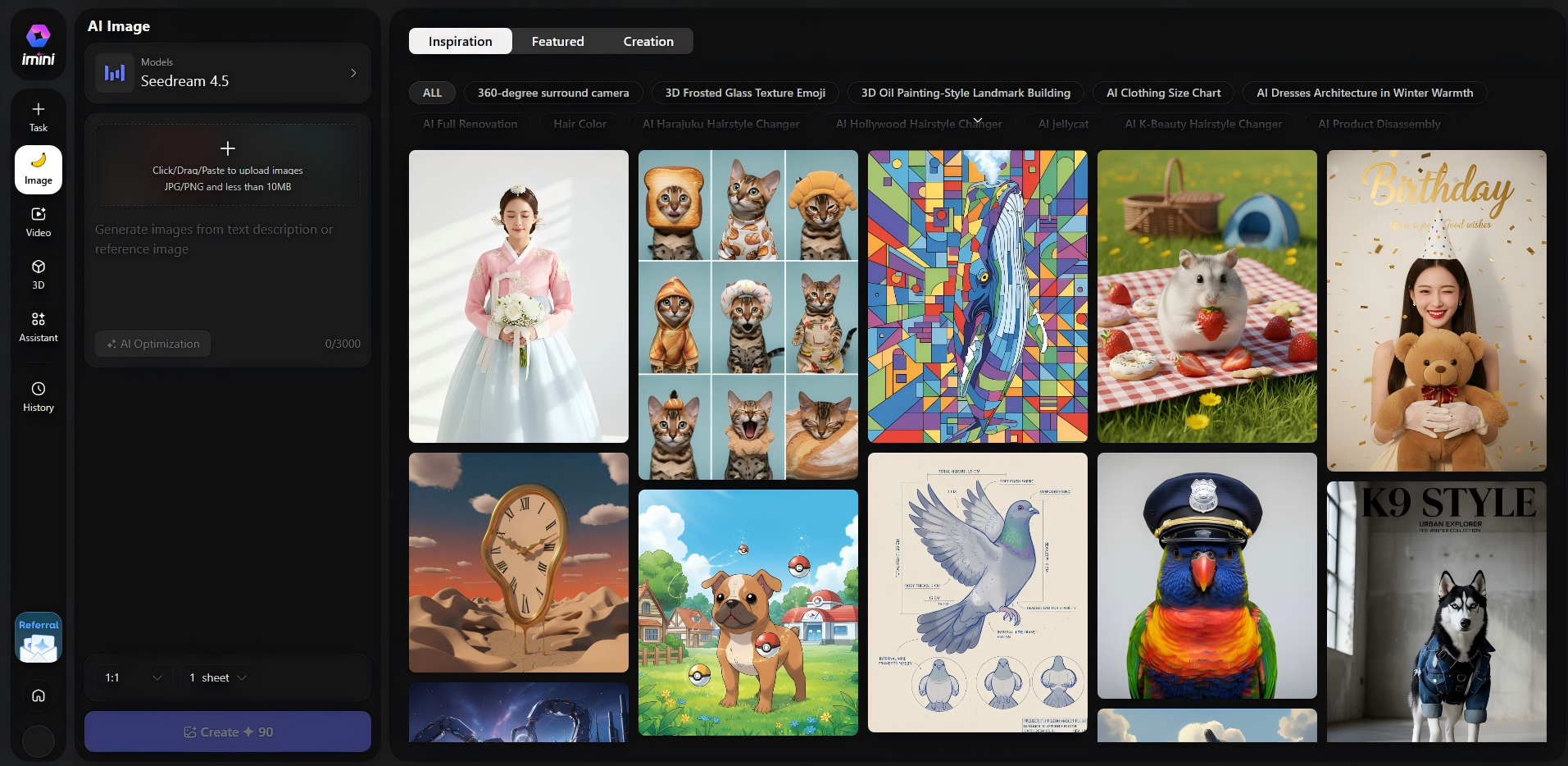
3. Enter your prompt, and if you want the model to follow a reference, upload your image. Select your preferred aspect ratio (1:1, 3:4, 4:3, 16:9, or 9:16) and the number of outputs you’d like to generate (1–4). When everything is set, simply click “Generate”.
Prompt Examples for Seedream 4.5
Prompt 1: A lone figure standing on a cliff at sunrise, wide-angle shot, golden hour lighting, epic atmosphere.

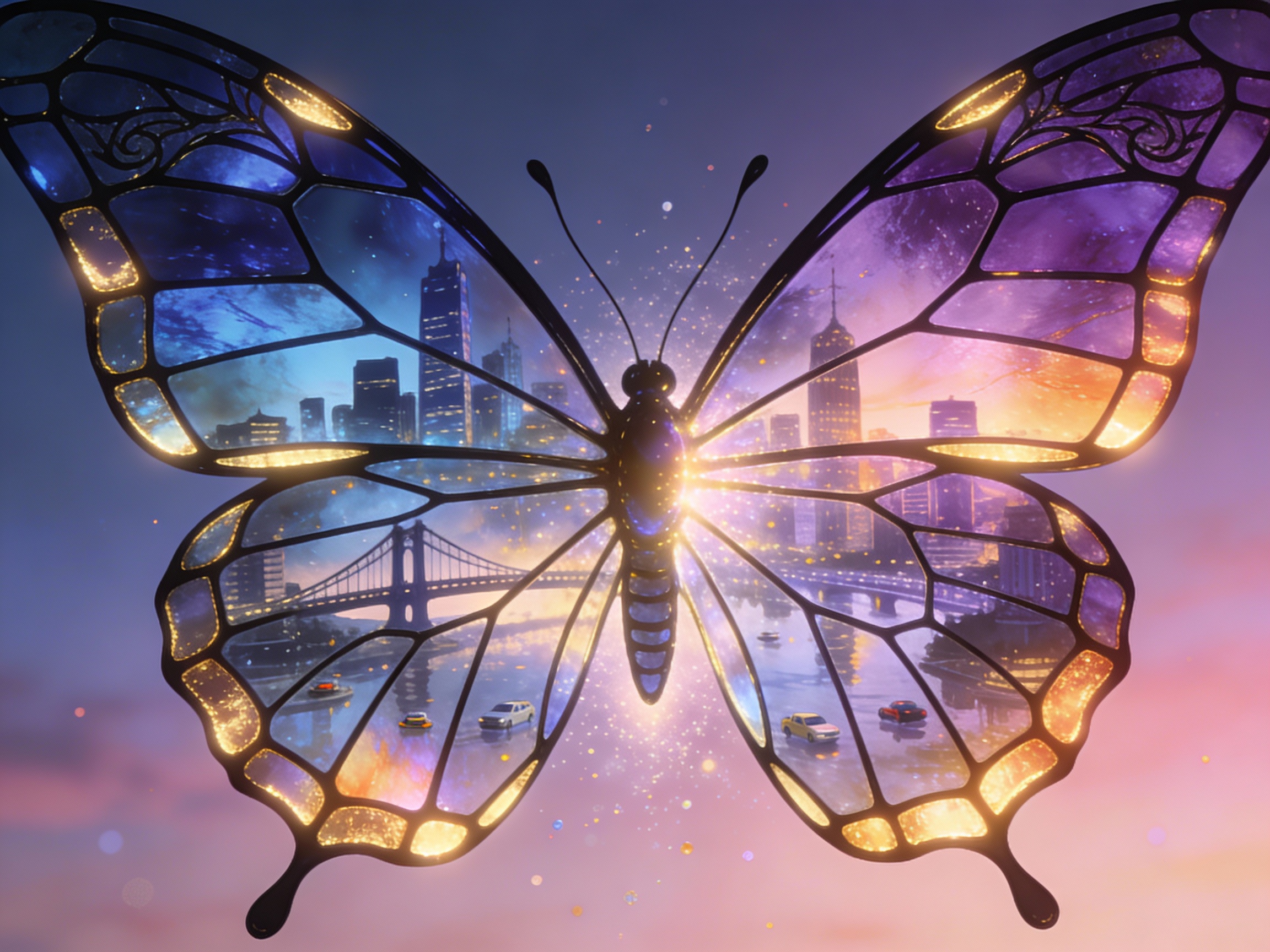
Prompt 2: A butterfly with stained-glass wings reflecting miniature cityscapes, glowing edges, intricate linework, symbolic transformation.
Prompt 3: 3D render, tiny carnival at night, glowing tents and rides, deep blue sky, reflections on puddles, whimsical cozy mood.

Final Thoughts
Seedream 4.5 has proven itself as a powerful tool for creating visual stories and cinematic scenes. With enhanced continuity, heightened realism, and more intuitive prompt control, it allows creators to seamlessly move from concept sketches to fully polished visuals. Acting as a true creative partner, Seedream 4.5 empowers designers, artists, and storytellers to bring their ideas to life like never before. Experience the full potential of Seedream 4.5 on iMini AI today.