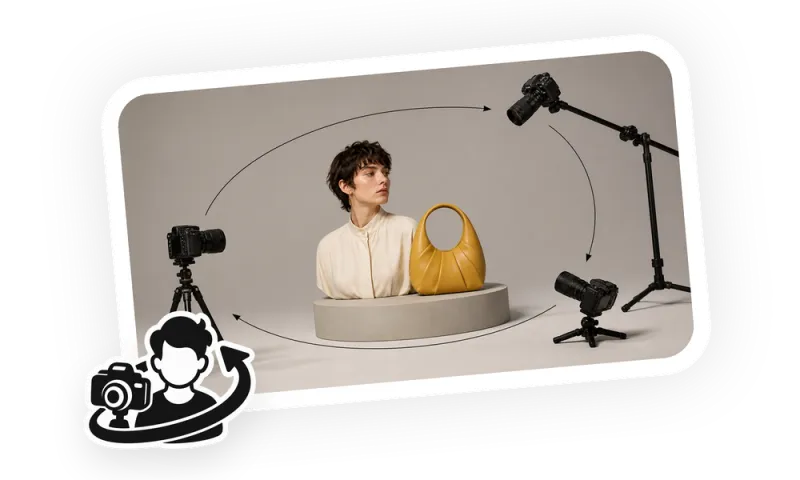
Camera View Rotation
Rotate the camera around the same person or product to generate new horizontal, tilt, or combined dual-axis views while keeping the subject and scene consistent.
4.9(68 ratings)@iMiniv0.1.0680+ downloads
Recommended skills
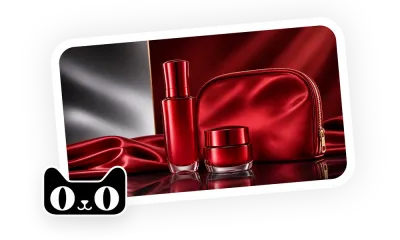
Tmall CN Design & OperationsBrand-store creative and listing operations. Create platform-ready product visuals, listing copy, manual handoff files, QA reports, and insights from user-provided exports.
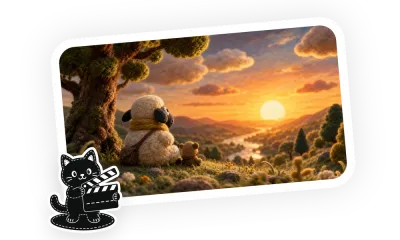
Felt Stop-Motion AnimationTell a tender handmade fable through fiber texture and stop-motion movement.
Stakeholder UpdateOrganize progress, metrics, decisions, risks, asks, and next steps into a ready-to-send update for the intended audience and cadence.
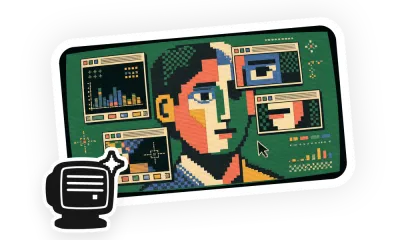
CRT Retro InterfaceRebuild portraits, objects, and ideas as pixel-art CRT interface illustrations with retro windows and curved-screen texture.