Introduction
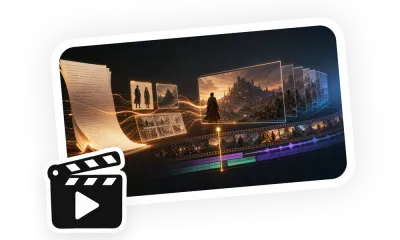
Music Video from an Uploaded Track uses the user's final audio file as its only music source. Planning begins with BPM, beat grid, sections, timestamps, and lyrics. The workflow organizes characters, locations, looks, and props into references, creates a keyframe for each shot, and separates narrative scenes from singing or rap performance. Chorus and focal lyric sections can use precisely cut uploaded audio for lip sync, while instrumental passages carry story and visual change.
Use Cases
Use it for original songs, rap tracks, band releases, solo singles, or narrative videos built around existing music. Shot boundaries avoid splitting lyric phrases and can include small buffers before and after a line. Performance, turns, blocking, and cuts follow downbeats and phrase boundaries while faces, wardrobe, and related keyframes remain consistent.
Template
Upload the final track and provide lyrics, title, performer or character references, visual theme, aspect ratio, and desired coverage. Identify lip-synced sections, narrative sections, wardrobe, locations, visible text, and props. If the track is still provisional, wait for the final file before precise timing and lip-sync planning.