Introduction
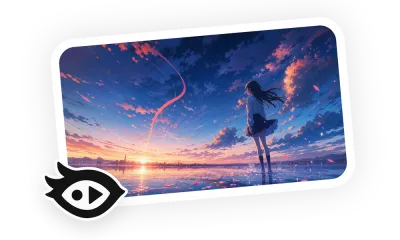
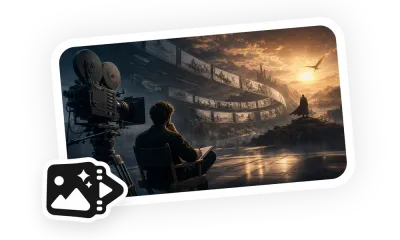
This Skill begins with one uploaded image, analyzing subject structure, color allocation, lighting, materials, and possible motion before extending it into a connected film sequence. The original image remains the only visual reference; no additional character or scene assets are created. Each fifteen-second segment uses seven to twelve shots with planned emphasis and a visual peak while keeping motion continuous.
Use Cases
It works for turning a product image, concept illustration, photograph, or poster into CG animation, a commercial, or a playful short. The workflow offers three story directions and then prepares a detailed storyboard for approval, making it useful when the source image's visual DNA must remain recognizable while gaining narrative tension and professional camera changes.
Template
Upload one reference image. Describe the preferred direction, parts of the subject that cannot change, target story, aspect ratio, total duration, dialogue preference, and allowed sound. Example: expand a still image of a floating perfume bottle into fifteen seconds as droplets rise along the glass, the room turns with the light, and the final frame returns to the original composition.